Drivers establish efficient communication between Windows and hardware, letting all components work properly. You can leave driver alone in most times, but outdated or corrupt drivers may be the trouble that introduces performance issues. When you are experience unexpected hardware problems, for example printer/keyboard not working normally, the first thing you should do is to update the driver.
Alternative to manual update with Device Manager, a reliable free driver updater greatly simplifies the process to get the latest drivers installed on your PC. Here, we've picked and ranked the following 5 tools as the best free driver updaters for Windows 11/10. Explore their powers and choose one that perfectly fits your needs.
Top 5 Tools to Update Drivers Free [Quick Guide]
First of all, let’s take a quick glimpse of the 5 leading free driver updater software. While all tools can scan and update drivers, each has unique merits.
|
Rating |
Ease of Use |
Best-Known Strength |
Best For |
Driver Booster Free |
4.8/5 |
★★★★★ |
1-click automated updates and gaming optimization |
Everyday users and gamers |
Snappy Driver Installer |
4.5/5 |
★★★★ |
Completely free, open-source and excellent offline updates |
Skilled users and IT professionals |
DriverMax |
4.3/5 |
★★★★☆ |
Driver backup and roll back |
Advanced Windows users |
Driver Easy |
4/5 |
★★★★★ |
Beginner-friendly workflow and system information tool |
Less experienced users |
Avast Driver Updater |
4/5 |
★★★★★ |
1-click driver scan and update, auto driver backup |
Users who prioritize stability |
Driver Booster Free - Best Overall Driver Updater Free
Platforms: Windows 11/10, ARM64 devices
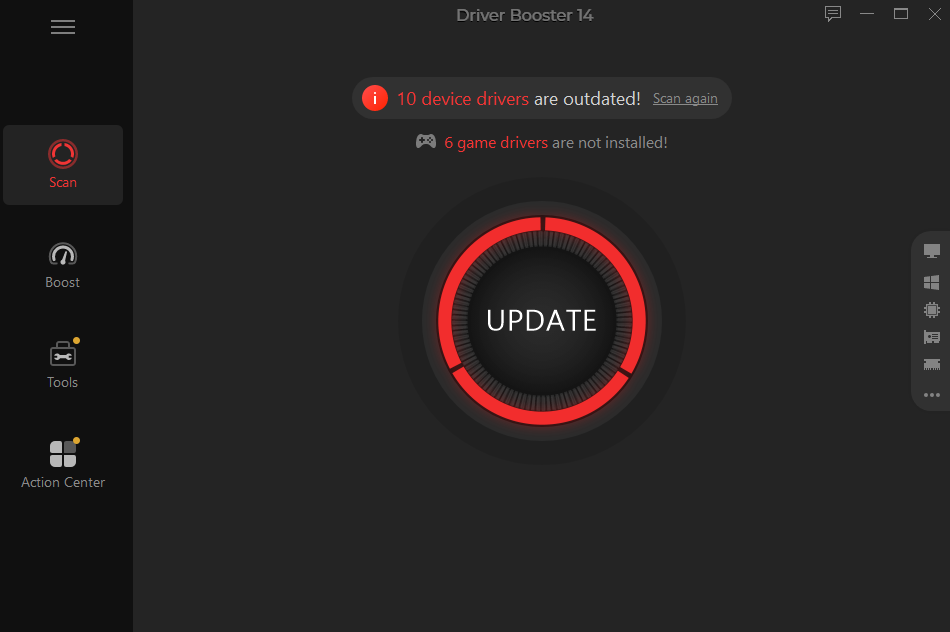
Driver Booster Free designs a straightforward solution to update drivers on Windows. It automatically scans and detects drivers available for update. Its database, which collects verified drivers from 1,200+ manufacturer bands, makes the update for all hardware drivers - incl. GPU, CPU, USB, audio card, network adapter, etc., - a reality. You don’t need to search, download and install a correct driver version that fully matches your device model manually. This free driver updater ensures safe and accurate driver updates. Just in a single click, you can get drivers updated and keep your system stable.
Driver Booster Free
- Automatically scan and update drivers.
- Update game ready drivers for peak gaming performance.
- Identify and fix various common of hardware issues.
- Boost 30% of system performance for fast & smooth running.
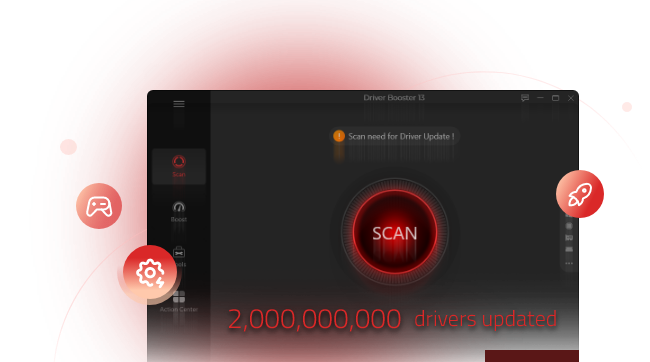
Driver Booster Free also offers customization options that allow you to uninstall, back up and roll back drivers in case incompatibility issue happens after update. Additional troubleshoot tools work for fixing device errors, from no audio, network failure to invalid and incompatible drivers.
More an automatic driver updater, it integrates a game booster that lets you close background apps and optimize RAM to maximize PC performance for gaming.
What’s Good:
Simple and modern interface
One-click driver update
Fix faulty drivers
Office driver update
Driver backup and restore
What’s Not Good:
Only 1 free update daily
Multiple updates available in Driver Booster Pro
Verdict: Driver Booster Free delivers a simple, quick, automated driver update and management workflow, making it one of the best free driver updaters for Windows 11 and 10.
Snappy Driver Installer - Open-Source, Unlimited Free Driver Updater
Platforms: Windows 2000, XP, Vista, 7, 8, 8.1, 10, 11
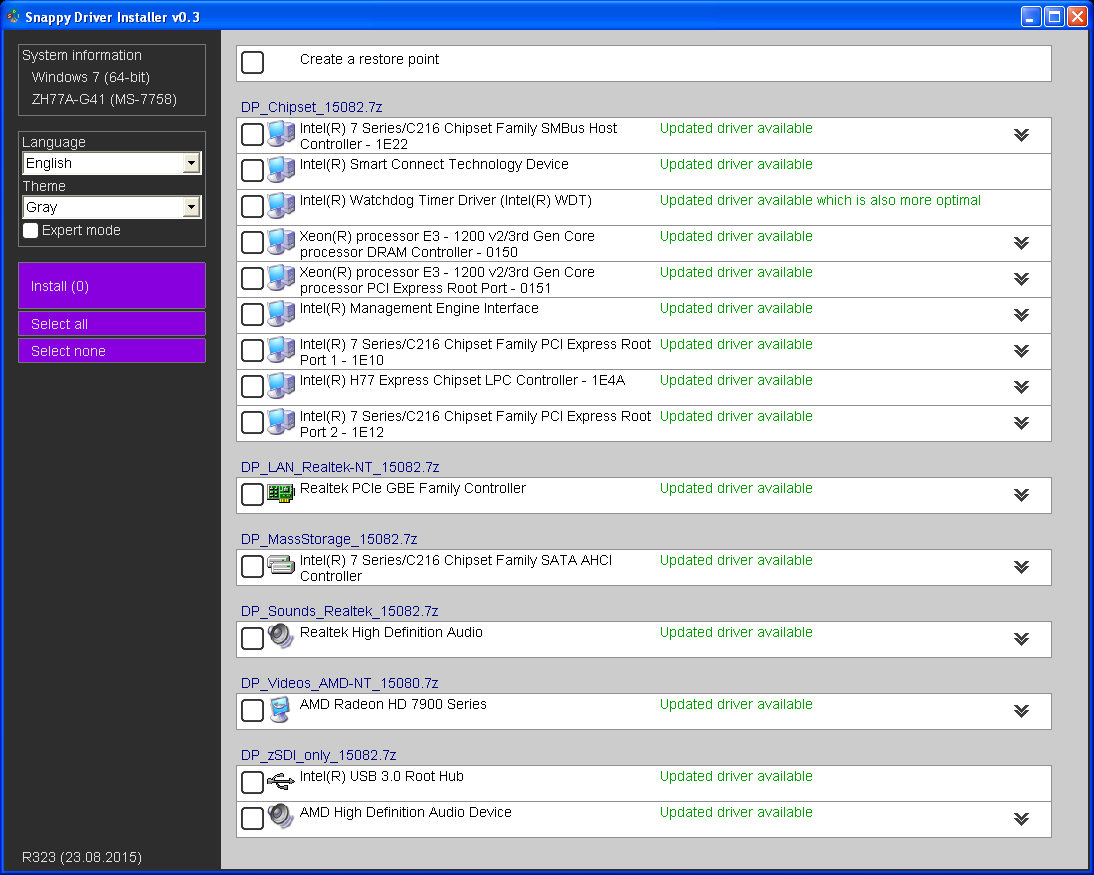
If you need a completely free driver updater with no subscription, Snappy Driver Installer is definitely a preferred choice. It is designed to scan, download, install and update device drivers quickly. The best open-source driver updater leverages advanced algorithms to find the best matching drivers for your devices that reduces the risk of installing unstable or sub-optimal drivers.
Snappy Driver Installer has 2 versions. SDI Lite downloads indexes and fetches driver over the internet as needed. SDI Full offers a whole offline driver package that allows you to install and update chipset drivers, graphics drivers, audio drivers and more on your PC without internet connection. You can save SDI Full in a USB or external driver and perform driver updates on the go.
What’s Good: 100% free driver updater, no premium features
No bundle software or advertisements
Automatic detected of outdated, missing or incompatible drivers
Office and portable driver updates, no installation
What’s Not Good:
Cost-effective: Affordable for most users
Massive download size of offline drive pack (about 50-60 GB)
Steep learning curve for casual users
Verdict: Snappy Driver Installer stands out for IT professionals and power users thanks to its portability and comprehensive offline driver library. But the advanced options may be overwhelming for beginners.
DriverMax - Free Driver Updater with Maximum Security
Platforms: Windows 11, 10, 8, 7, Vista, XP and all Windows Server editions
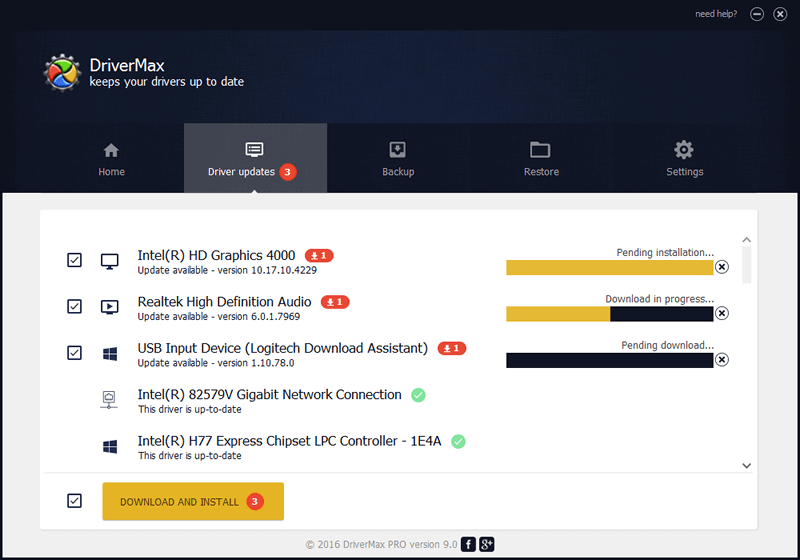
DriverMax is another easy free driver updater that delivers automated workflow to manage device drivers. It offers quick driver updates, full driver backups and scheduled scans to keep your PC running stably and smoothly. Using an intelligent online self-learning technology, DriverMax analyzes your system and provides recent yet matched versions for installations and updates.
DriverMax also puts a focus on security for your updates. It builds in backup and restore features, allowing you to make a copy of current drivers and create a system restore point for a quick rollback if needed.
What’s Good:
Easy-to-use interface
Strong driver backup and rollback capabilities
Scheduled scans to regularly check for new driver updates
Large database to get access to a wide range of device drivers
What’s Not Good
2 free updates per day
Unable to download multiple drivers at the same time
Internet access is required to install and update drivers
Verdict: DriverMax delivers an effective way to find, install and update older or missing drivers. The helpful background and rollback options make it useful for users to easily recover from problematic driver updates. But some users complain that lacks transparent details like file source or digital signatures in the free tier.
Driver Easy - Easy Driver Updater Software with Free Trial
Platforms: Windows 11, 10, 8,1, 7
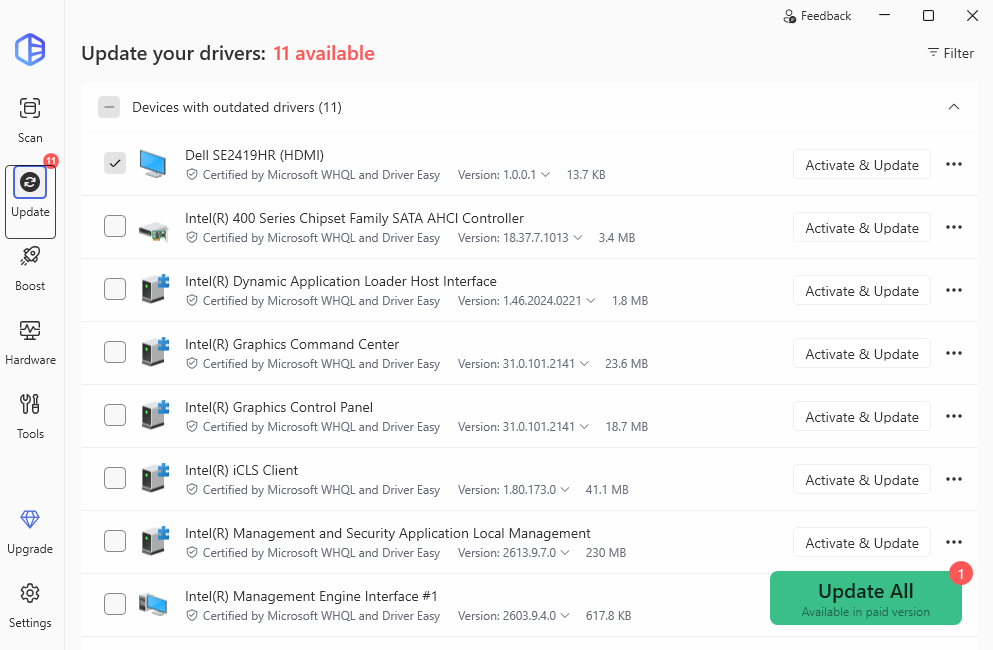
Driver Easy offers a free trial version that allows you to experience all functionalities at no cost during a 7-day period. If you encounter computer issues caused by hardware drivers, the tool can quickly detect all missing, aging or problem drivers, then update and fix drivers in one click. It covers millions of certified drivers from thousands of hardware manufacturer, supporting driver update for any PC components and external devices. Additionally, Driver Easy offers a set of tools to uninstall, back up and restore drivers.
What’s Good
Clean and intuitive interface
Quick and automatic driver update
Millions of drivers and direct from manufacturer
System info tool to display detailed hardware/driver information
What’s Not Good
The driver updater is free to download but no free update
Credit card is required for 7-day free trial
Verdict: Driver Easy is one of the easiest driver updater free for beginners. It greatly simplified driver management to eliminate driver issues and make your PC run well. However, it is not a really free driver updater but offers a free trial version. You should upgrade the paid version to unblock all features when the trial ends.
Avast Driver Updater - Trusted Free Driver Updater Integrated With Avast's Ecosystem
Platforms: Windows 11, 10, 8/8.1, 7
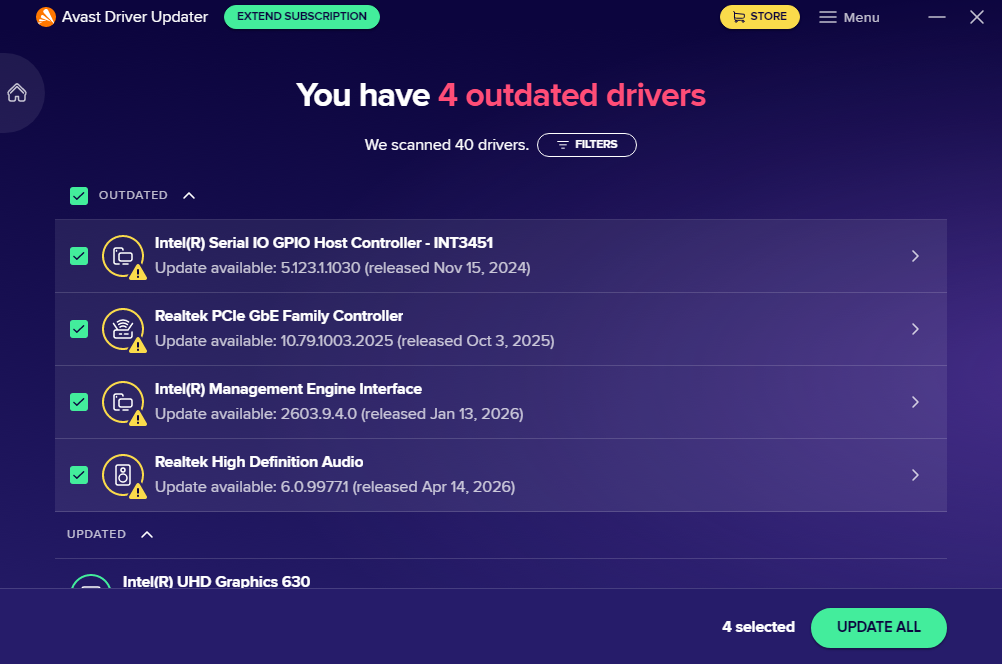
Similar to Driver Easy, Avast Driver Updater rolls out a free trial plan that encourages users to test its power before paying. It gives full focus on automatic driver updates. It uses on-click scan to detect and install drivers you need for printers, speakers, keyboard and other devices seamlessly. Before installation, it checks for malware and backs up current drivers, to ensure a safer update. With Avast Driver Updater, you can easily require old drivers and reduce driver-related security risks.
What's Good Simple and straightforward design
Quick scan and driver update
Fully automatic driver backup
No credit card required for free trial
What's Not Good No permanently free version
Lack of extra tools to uninstall or fix problematic drivers
Verdict: Avast Driver Updater provides a hands-off experience to update drivers. It emphasizes installing tested and verified drivers to minimize the risk of performance issues. Integrated with Avast’s ecosystem, it is trusted to deliver a more reliable solution than other free driver updater. But, it isn’t an actually free tool. You should extend subscription after the trial ends to unblock its potential.
Final Thoughts
Compared with Device Manager, free driver updater introduces a streamlined method to keep your drivers up to date. We have complied a list of 5 top free tools for PC driver update, some of which have a free version with update daily limit while some of which only provides a time-limit free trial. Driver Booster Free is recognized as the best free driver updater for most Windows users because of it balances ease of use and reliable driver update, plus gaming optimization option. Free download the tool you like best and start updating driver to achieve better PC performance.
Driver Booster Free
- Automatically scan and update drivers.
- Update game ready drivers for peak gaming performance.
- Identify and fix various common of hardware issues.
- Boost 30% of system performance for fast & smooth running.