

- Support Center
- Multiple Languages
- Language
- Help Us Translate
Expert in
PC Health Solution

All-in-one PC health solution: clean, optimize and secure

Comprehensive PC cleaning, optimization and protection

Keep drivers always up-to-date

More stable performance with less system crashes

Protect millions of computers against malware

Top computer security with full-round protection

Protect against viruses & boost PC performance
A combined view of the personal data found across all known breach records.
Prioritized for the exposed information found in this result.
Update the password on affected accounts and anywhere else you reused it. Use a unique password for each account.
Update the password on affected accounts and anywhere else you reused it. Use a unique password for each account.
Update the password on affected accounts and anywhere else you reused it. Use a unique password for each account.
Known breach records, ordered from most recent.

Reduce future account and device risk with a few consistent habits.

Help protect your PC from malware and privacy threats with real-time security.
Free Download NowChange Your Password
If you haven’t updated the password compromised in this breach, change it immediately across all accounts where it was used.
Enable Two-Factor Authentication
Enable two-factor authentication (2FA) on any account that supports it to add an extra layer of security.
IObit Malware Fighter
Comprehensive PC Protection with Powerful Anti-Malware Engine and the Strongest Privacy Solutions.
Free Download NowApart from Email leak check, here are the "red flags" that your data has been compromised:
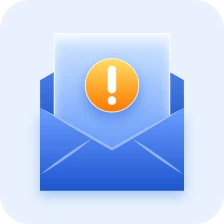
You receive emails for password changes you didn't request. This means someone likely has your email address and is trying to gain entry.
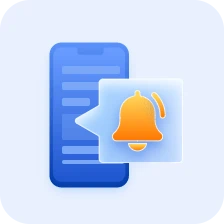
Most platforms (Google, Apple, Meta) send alerts about logins from unrecognized devices or locations.
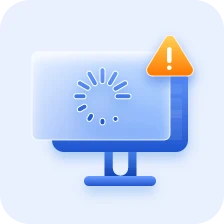
Malicious software often drains system resources, causing lag or frequent crashes. If your device slows down, run a full security scan and review your apps for any unfamiliar installations.

Hackers frequently hijack your browser’s homepage or search engine to redirect you to dangerous sites. If your settings shift without your input, inspect your browser extensions and perform a malware cleanup.
When your email address gets leaked, it’s a bit like someone finding the master key to your digital front door. It rarely stops at just the email itself.
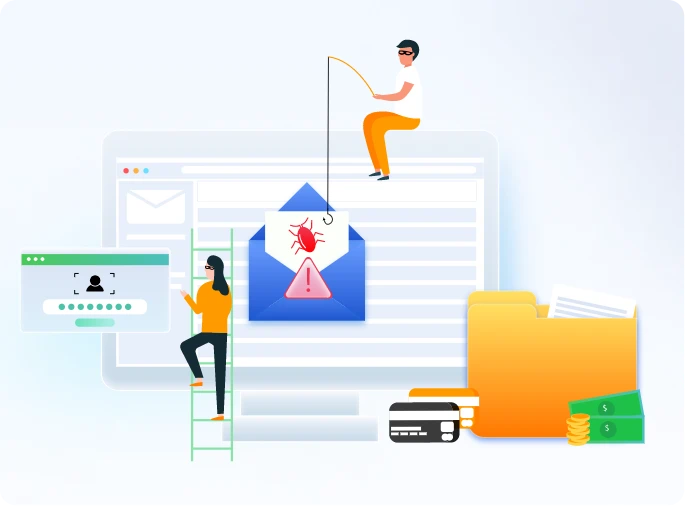
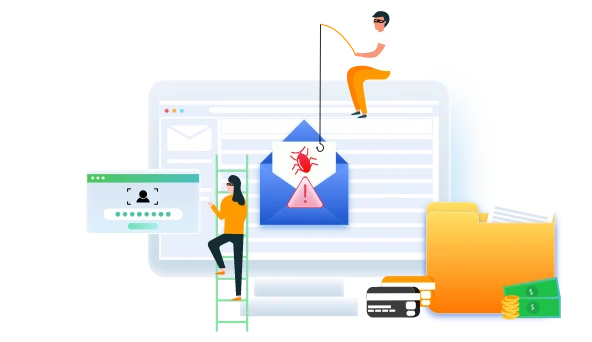
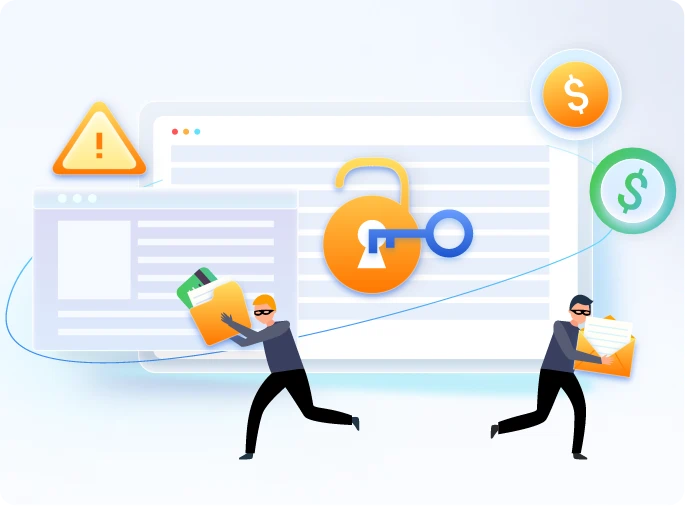
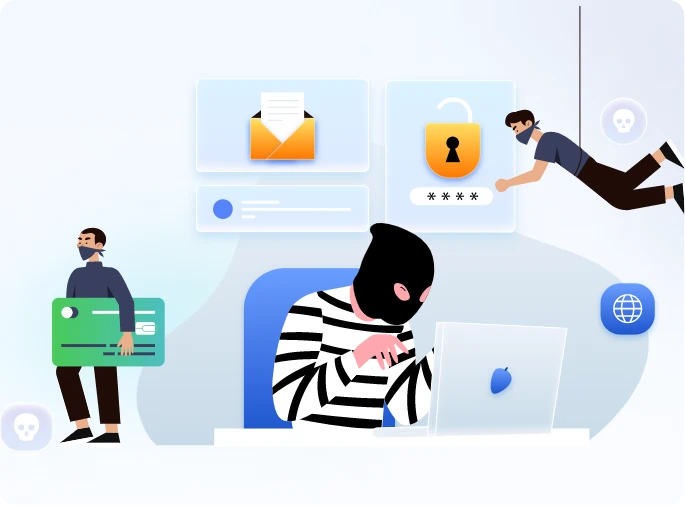
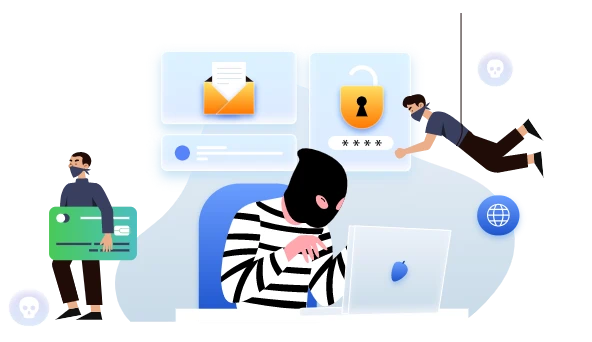
Here are 3 key steps to take following a data breach:
Find the leaked accounts and update your passwords immediately. If you act quickly, you can lock hackers out before they have a chance to log in.

Check your bank and credit card statements closely. If you see a charge you didn't make, report it and cancel the card right away.

Most banks can text or email you every time money is spent. This helps you catch scammers the moment they try to steal from you.

Find the leaked accounts and update your passwords immediately. If you act quickly, you can lock hackers out before they have a chance to log in.
Check your bank and credit card statements closely. If you see a charge you didn't make, report it and cancel the card right away.
Most banks can text or email you every time money is spent. This helps you catch scammers the moment they try to steal from you.


Besides the Email leak checker above, you need a professional assistant to help with data breach. Advanced SystemCare is the one and has been trusted by millions of users for years.
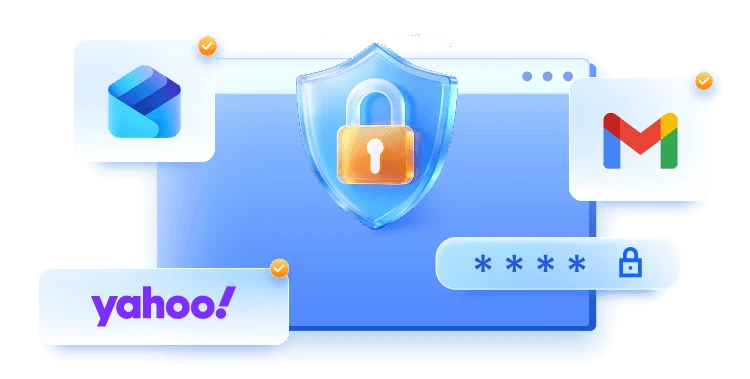
Advanced SystemCare adopts high-level security techniques to protect your web emails against spam, phishing scam, and other email-borne threats. Mainstream Email platforms like Gmail, Outlook, and Yahoo are supported.
Free Download Advanced SystemCare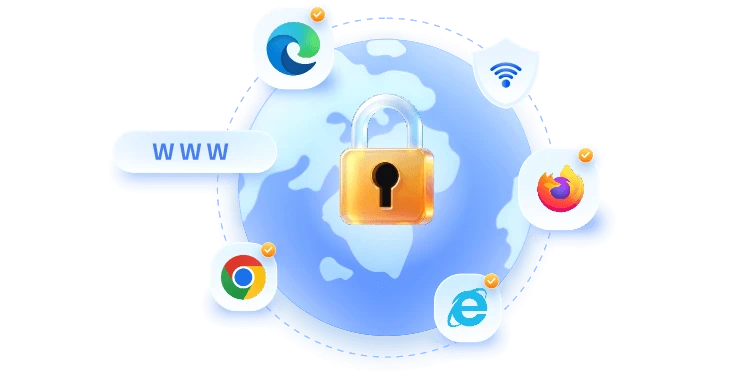

Say goodbye to the privacy leak with Advanced SystemCare. It can automatically clear your browsing data to avoid online tracking, targeted ads, and privacy leaks. Browsers like Microsoft Edge, Internet Explorer, Mozilla Firefox, and Google Chrome are all covered.
Free Download Advanced SystemCare

To achieve ultimate protection and privacy, Advanced SystemCare could automatically disguise your online identity to keep your true identity and online activities private. No one can see through you now!
Free Download Advanced SystemCareWhat to do if your email is hacked?
ust immediately change your password, enable two-factor authentication, and check your account settings for any unauthorized changes to keep hackers out. Then downloading Advanced SystemCare is also recommended for better security.
How to check your email password?
You cannot view your current password in plain text through your email provider for security reasons, but you can find it if it's saved in your browser's settings or your password manager.
How do I know if an email is a scam?
Look for "red flags" like urgent threats (e.g., "your account will be deleted"), poor grammar, and sender addresses that don't match the official company website.
Is it safe to use the same password for different accounts?
No, because if one site is hacked, attackers will try that same password to unlock your email, bank, and social media accounts.
What is the safest way to store passwords?
Use a dedicated password manager, which encrypts your login details and allows you to use unique, complex passwords for every site without having to memorize them.
Download Advanced SystemCare to Keep Your PC Safe & Clean
Free Download Advanced SystemCare