Expert in

PC Health Solution

IObit Gamepad Tester - Check Controllers Online

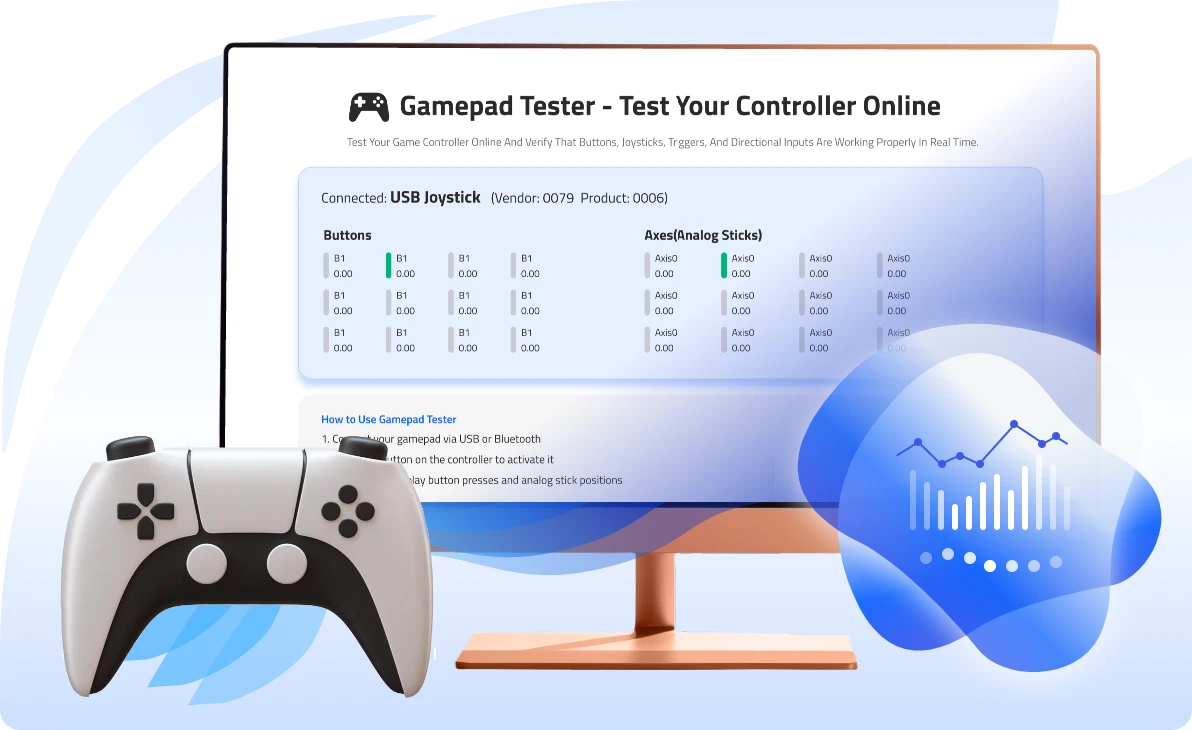
Test your game controller online. Identify if buttons and joysticks are working properly at the moment.

Connect your gamepad and press buttons to begin.

Connected:

Buttons

B0

0.00

B1

0.00

B2

0.00

B3

0.00

B4

0.00

B5

0.00

B6

0.00

B7

0.00

B8

0.00

B9

0.00

B10

0.00

B11

0.00

Axes (Analog Sticks)

Axis0

0.00

Axis1

0.00

Axis2

0.00

Axis3

0.00

Axis4

0.00

Axis5

0.00

Axis6

0.00

Axis7

0.00

Axis8

0.00

Axis9

0.00

How to Use Gamepad Tester?

Note: The Gamepad API works best in Chrome and Edge. Other browsers may have limited support.

How to Test Your Controller?

Update Game Drivers & Improve Gaming Performance

Keep your drivers up to date for smoother gameplay, better controller compatibility, and improved system performance.

Free Download Driver Booster

Detailed Guide for Gamepad Testing Online

1
Connect
Connect your controller to your computer or phone via USB or bluetooth.
2
Detect
Press any button to activate Gamepad API so the tool can detect your controller.
3
Test
Start game controller testing by pressing buttons or operating joysticks.
4
Diagnose
Identify if your buttons or joysticks are functioning correctly based on the displayed values.

Why Choose IObit Gamepad Tester?

Free Online Controller Tester

IObit Gamepad Tester is a free game controller tester that is web-based. It offers an instant and download-free way to troubleshoot controller issues directly by utilizing web browsers' HTML5 Gamepad API. Popular platforms, Chrome, Edge, Safari, Firefox, Opera, are supported. Just connect your controller and test it instantly.
Free Online Controller Tester

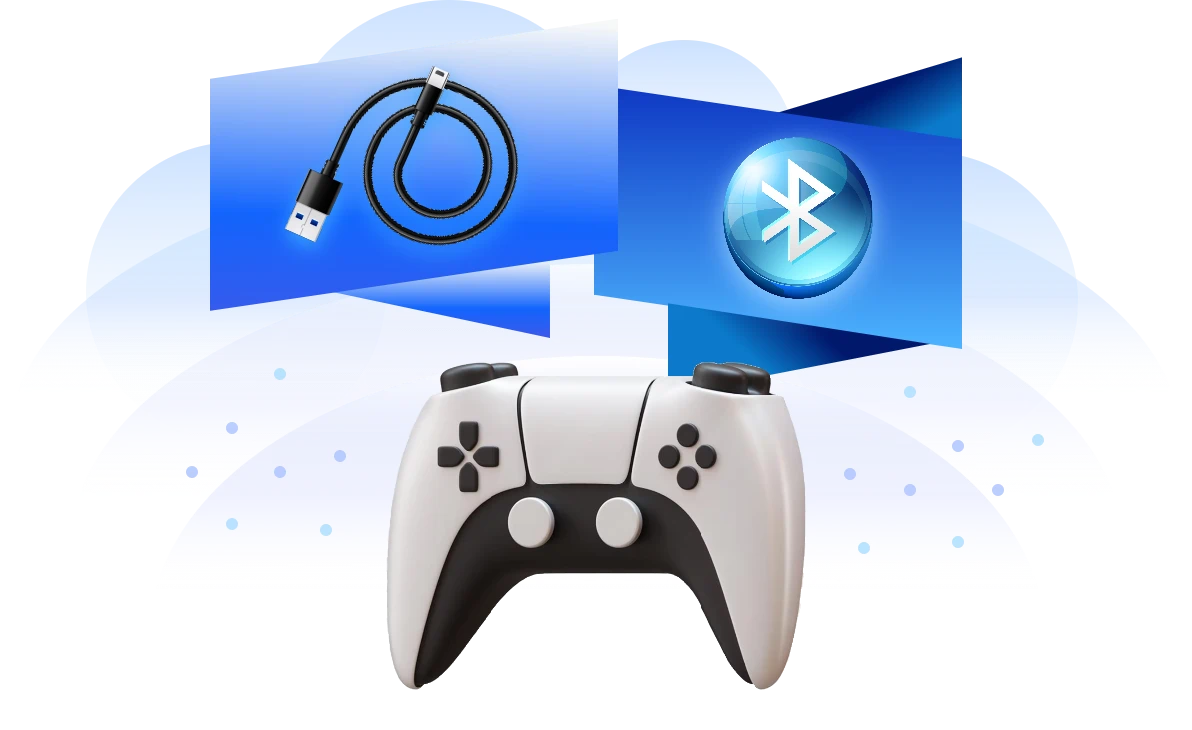
Easy Test via USB or Bluetooth Connection

To test a gamepad on IObit, USB and Bluetooth connection are both working. Wired USB connection is best for isolating mechanical hardware defects while Bluetooth connection is best for replicating the actual gaming environment for uncovering latent input lag, dropped button presses and the like.
Easy Test via USB or Bluetooth Connection

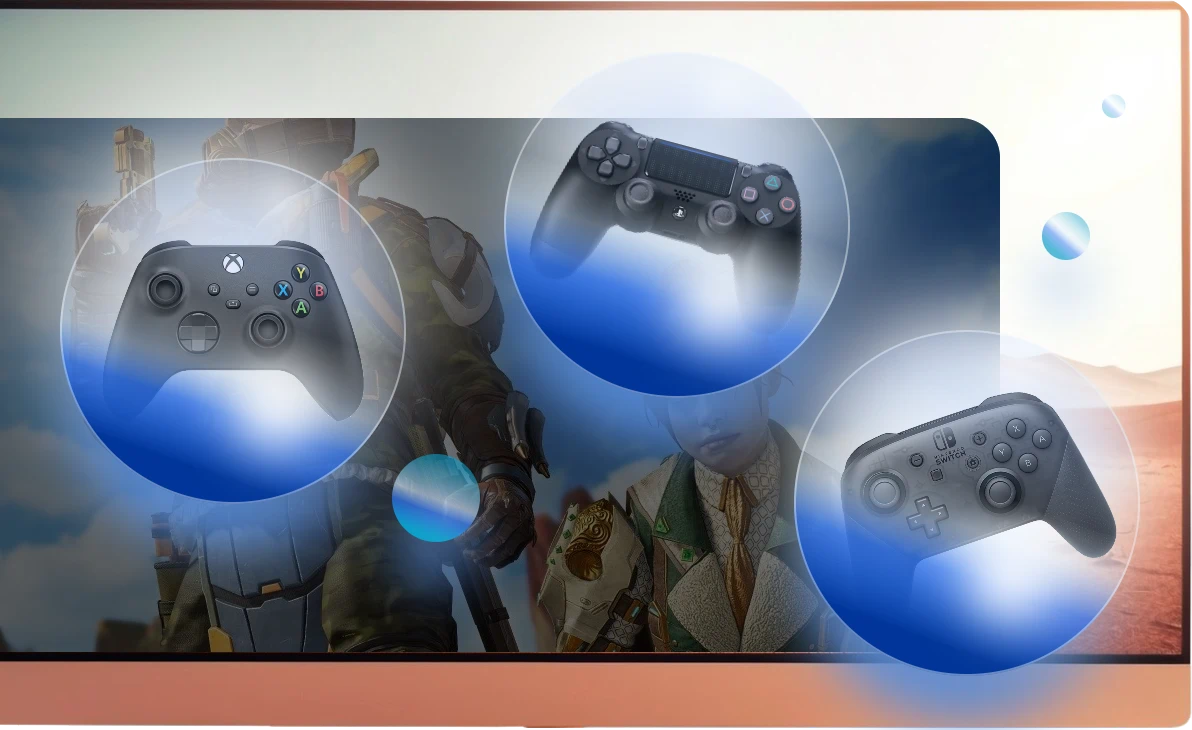
Popular Game Controller Supported

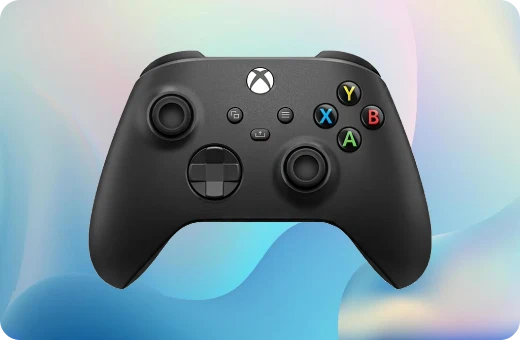
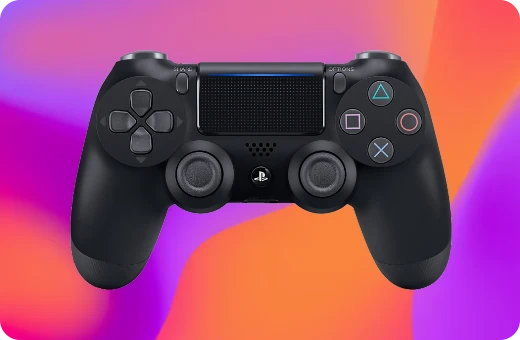
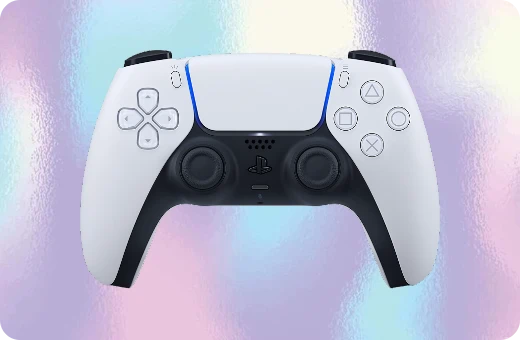
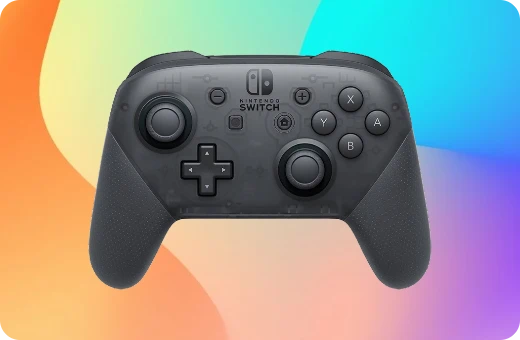
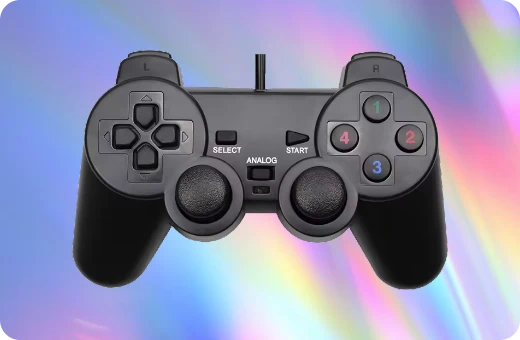
Controllers made by Xbox, PlayStation, Nintendo Switch, big brands in the game controller industry, are supported to test if their buttons and joysticks are working properly. Xbox Wireless series, Elite series, PS DualSense series, Switch Pro can all be detected. Besides, the tool tests other generic PC controllers.
Popular Game Controller Supported

Button Test

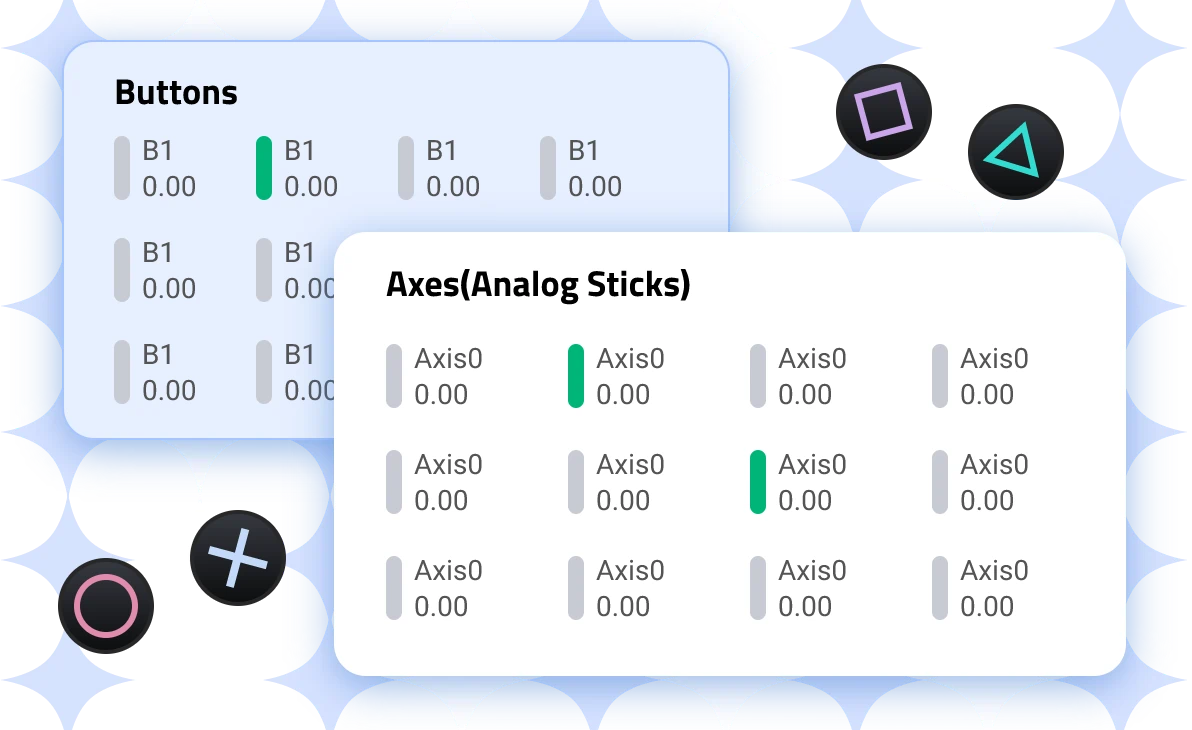
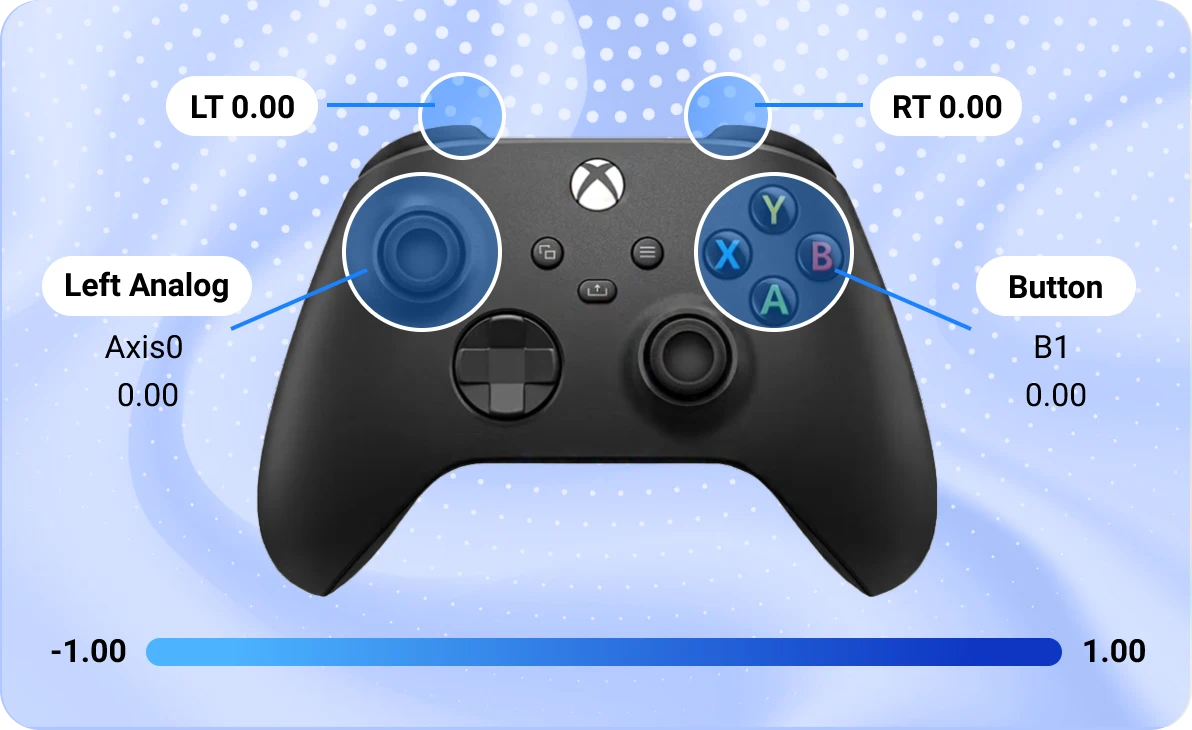
The online gamepad tester accurately tests every button on your controller. For a default situation, the value is 0.00. When you press a button, you can see the value jumping to 1.00 as well as highlights. When you unpress the button, the value returns to 0.00. This real-time visual feedback allows you to pinpoint structural defects.
Gamepad Test for Button

Analog Stick Test

Test the precision, responsiveness and physical health of your controller’s joysticks with IObit Gamepad Tester. It helps to figure out common hardware flaws like stick drift or axis degradation. The game controller test tool translates micro-movement into Axis X ranging from -1.00 to 1.00.
Gamepad Test for Analog Stick

Improve Your PC Game Performance with Driver Booster

Install Driver Booster today to update your latest drivers and maximize your FPS.
Detect and install recent game drivers
Fix incompatible drivers and other issues
Enable game mode for better gaming experience

Test Game Controllers Online - Xbox, PlayStation, Nintendo

Test your controllers now, whether it be Xbox series, PS series, Nintendo series, or generic PC controllers.

Supported Browsers of IObit Gamepad Tester

The free Gamepad Tester supports mainstream platforms, while Chrome is the best option.
Chrome
Best support
Safari
Good support
Edge
Support
Firefox
Support
Opera
Support

My Controller is Not Detected? Common Solutions

How to Fix Controller Not Detected
Fresh the page
Fresh the current page, reload it and reconnect your controller to PC or mobile.
Check your USB cable
Make sure your USB cable is data cables rather than power (charge-only) cables. Then plug it directly into the motherboard.
Charge your controller
A low-power controller with wireless connection may weaken the controller’s internal Bluetooth transmitter. Charge your controller then.
Verify browser permissions
If a site requires WebHID permissions by asking “Gampad Tester wants to connect to a HID device”, choose Connect for some advanced testing.
Close exclusive-mode apps
Close Steam or other launchers that often hide the controller from web browsers. Exit these programs completely and then fresh the page.
Switch to Chrome browsers
Chrome nearly has no restrictions on the Gamepad API and supports WebHID. So compared with Firefox and other browsers, Chrome is better.
Update controller drivers
If your controller drivers are outdated, or missing, the browser will receive incorrect data or no data at all. Try Game Booster to update it.

My Controller is Not Detected? Common Solutions

Fresh the page
Fresh the current page, reload it and reconnect your controller to PC or mobile.
Check your USB cable
Make sure your USB cable is data cables rather than power (charge-only) cables. Then plug it directly into the motherboard.
Charge your controller
A low-power controller with wireless connection may weaken the controller’s internal Bluetooth transmitter. Charge your controller then.
Verify browser permissions
If a site requires WebHID permissions by asking “Gampad Tester wants to connect to a HID device”, choose Connect for some advanced testing.
Close exclusive-mode apps
Close Steam or other launchers that often hide the controller from web browsers. Exit these programs completely and then fresh the page.
Switch to Chrome browsers
Chrome nearly has no restrictions on the Gamepad API and supports WebHID. So compared with Firefox and other browsers, Chrome is better.
Update controller drivers
If your controller drivers are outdated, or missing, the browser will receive incorrect data or no data at all. Try Game Booster to update it.

FAQs about IObit Gamepad Tester

Is IObit Gamepad Tester safe to use?
Yes. IObit Gamepad Tester is safe to use. It is an online gamepad tester, requiring no download. The site contains no ads and no malicious links.
Does the gamepad tester work on Android & iOS?
Yes. The gamepad tester tool is an online version, so you can test controllers on Android and iOS with Chrome or other browsers.
Will the controller data be sent to a server?
The data processing happens on your local machine to show real-time visual movements. The controller data will not be uploaded to any cloud server.
What are the best gamepad testers online?
IObit Gamepad Tester, along with Hardware Gamepad Tester, Gpadtester, Gamepad Test com, Controller Test, are best gamepad testers online. They test your controller and find issues instantly.

Check Any Controller Now with IObit Gamepad Tester

IObit uses cookies to improve content and ensure you get the best experience on our website.
Continue to browse our website agreeing to our privacy policy.

I Accept