Expert in

PC Health Solution

Driver Max Review

  • Learn what Driver Max actually offers
  • Discover the strengths and limitations after testing
  • Compare Driver Max vs. Driver Booster side by side
Driver Max Review
What is Driver Max

What Is Driver Max

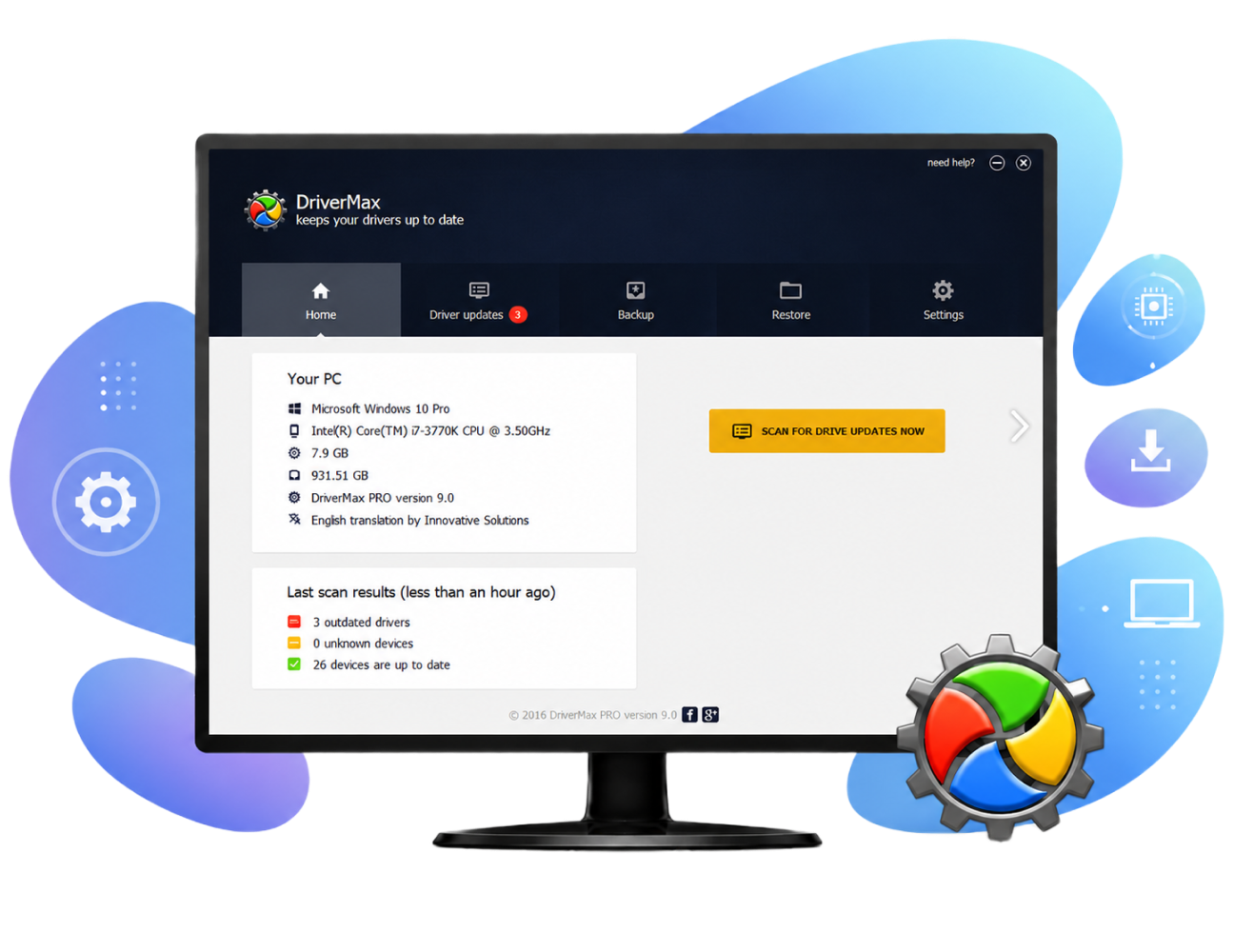
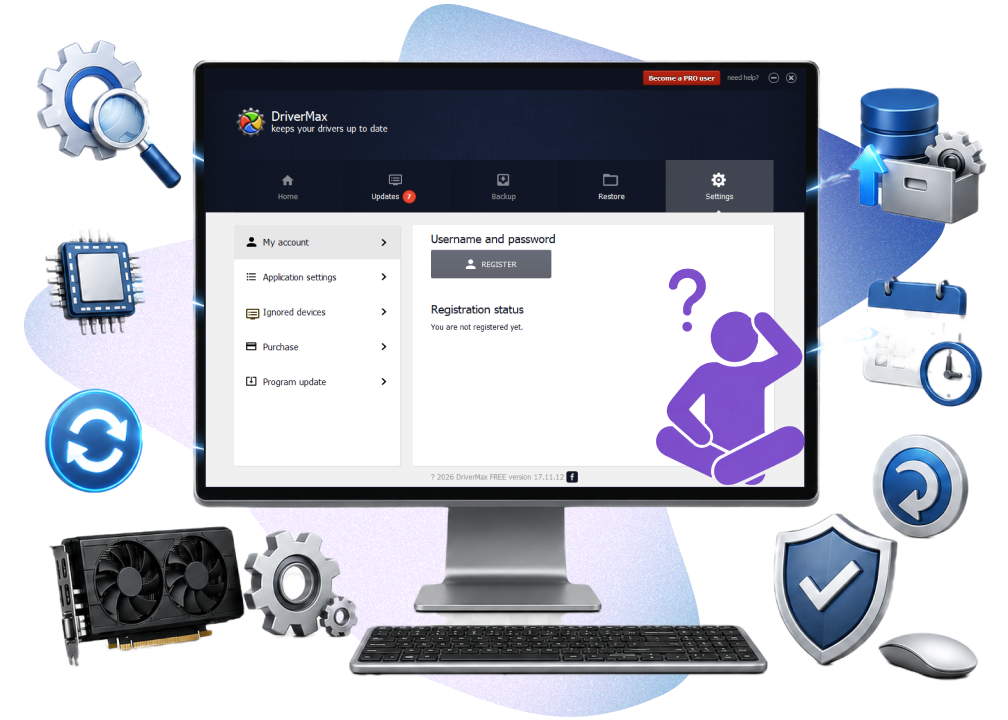
Driver Max is a Windows driver updater that scans for outdated or missing drivers, downloads updates, and offers backup and restore tools to simplify driver management and reduce hardware-related issues.

Key Features Tested in Driver Max

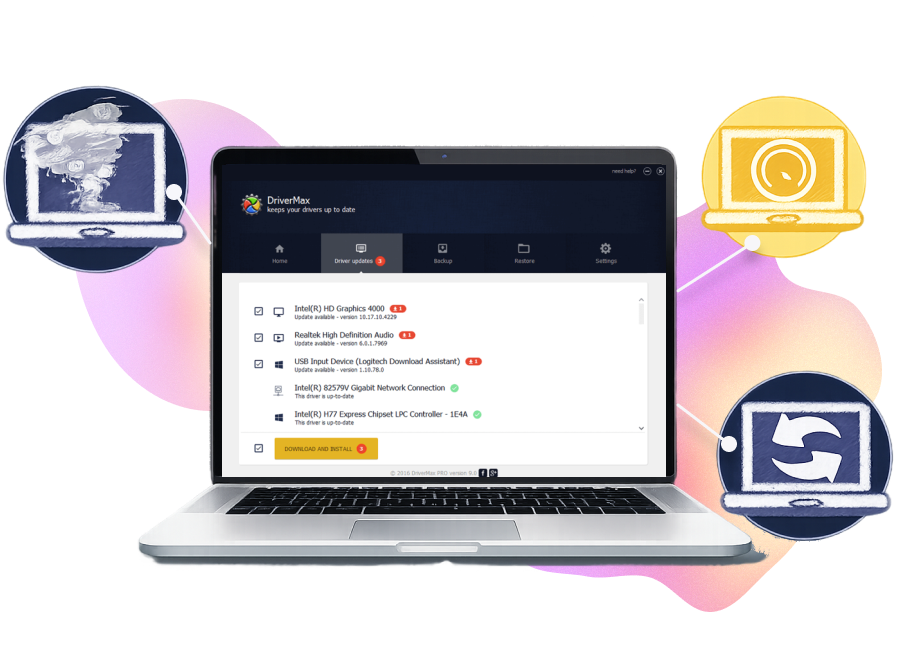
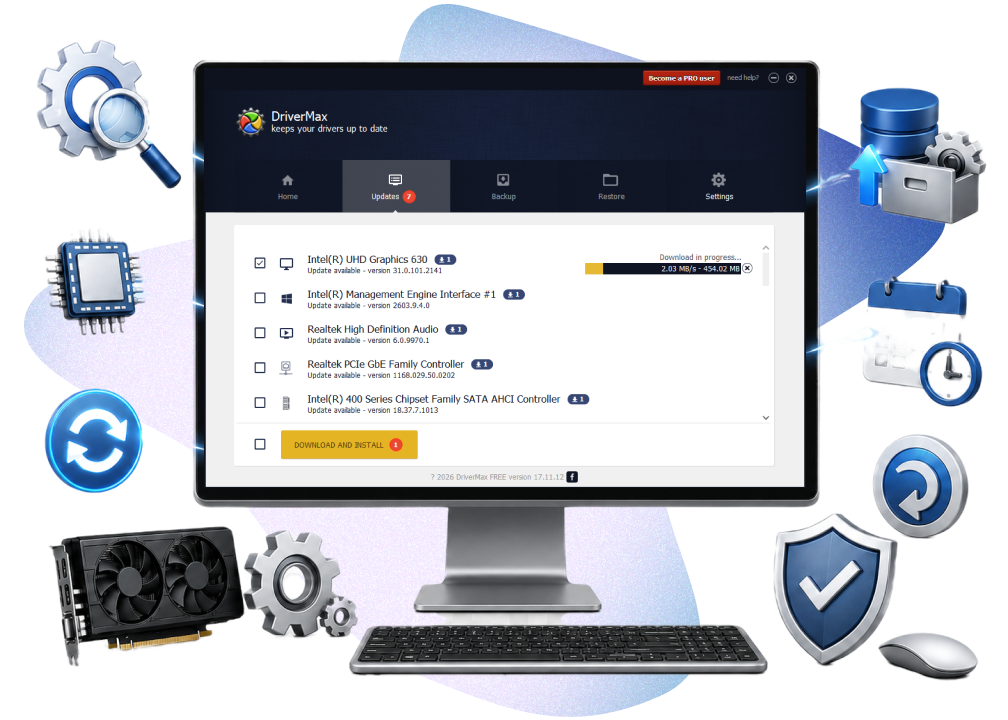
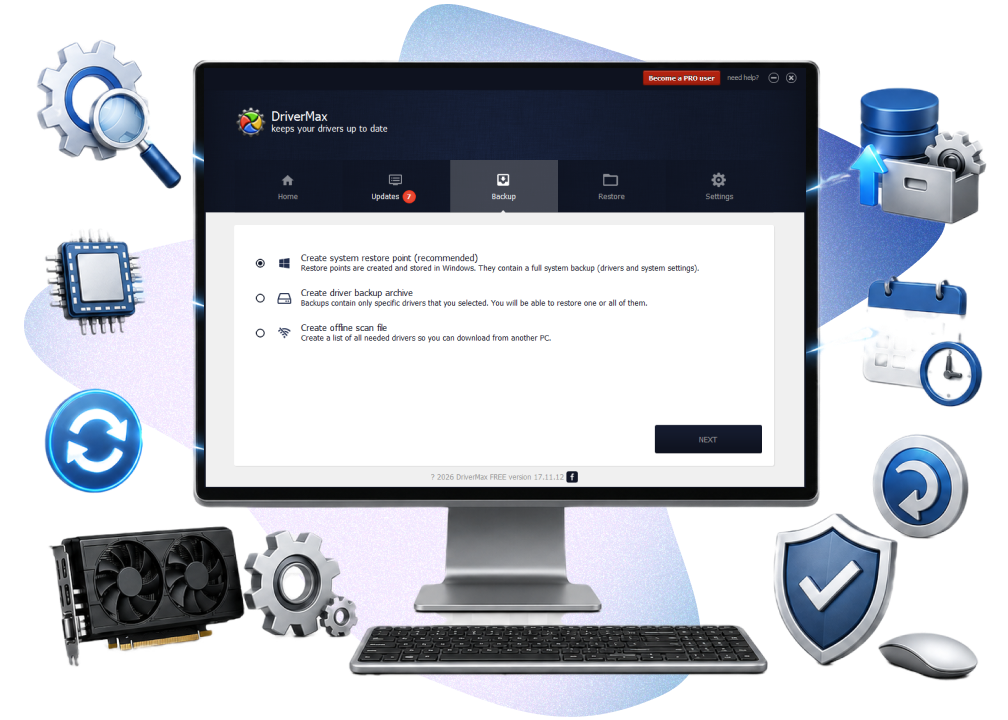
During testing, Driver Max showed stable driver scanning and update performance. It can automatically detect outdated drivers, create backups before installation, and schedule update checks. The software also provides restore options, helping users recover previous drivers if compatibility problems appear after updates.
Key Features Tested in Driver Max

Additional Highlights of Driver Max

Driver Max also includes several supporting tools that improve the overall experience. It can export driver reports, identify unknown hardware devices, and roll back problematic drivers when needed. The software remains lightweight during operation, although free users may occasionally encounter update limitations and upgrade prompts.
Additional Highlights of Driver Max

Is Driver Max Good

Driver Max is a solid choice for Windows users who need a simple, lightweight driver updater with mostly automatic functions. Its interface is straightforward, while the backup tools provide added protection before updates. However, the free version has daily download limits and fewer automation options than the paid plan. The design may also feel outdated. Overall, it is better suited for basic driver maintenance than advanced system optimization.
Is Driver Max Good
Driver Booster
- Best Alternative to Driver Max
Update outdated drivers safely, improve gaming performance, and fix common hardware problems with a more automated experience.

What Are the Pros & Cons of Driver Max

Driver Max offers several practical driver management features, but there are still some limitations users should consider before upgrading to the Pro version.
What Editor Dislikes
  • Free version limits driver downloads per day
  • Frequent upgrade reminders appear during use
  • Interface design feels slightly outdated
  • Some automation tools require the paid version
  • Driver download speed may fluctuate
  • Fewer advanced repair features than competitors

Is Driver Max Worth Paying For

Driver Max Free and Driver Max Pro target different types of users. Whether the paid version is worthwhile largely depends on how often you update drivers.
Driver Max Free
  • Scan outdated drivers
  • Download limited driver updates daily
  • Backup and restore drivers
  • Basic hardware detection
  • Create restore points
Driver Max Pro
$8.66/Year for 1 PC
  • Unlimited driver downloads
  • Faster download speeds
  • Automatic driver installation
  • Scheduled scans and updates
  • Priority support
  • More advanced automation features
Editor Says: Driver Max Free is suitable for users who only need occasional driver updates. If you frequently update drivers or maintain multiple devices, the Pro version provides a smoother experience with fewer restrictions.

What People Say About Driver Max

Easy Driver Updates with a User-Friendly Interface
"The software scans all drivers, checks for the latest updates, and makes the whole process incredibly easy to manage. The interface is simple enough for anyone to use, although some upgrade notifications can occasionally feel intrusive."
Profile One
From CNET, Posted by NightFalconHD
Great Free Driver Updater for Everyday Use
"DriverMax offers a generous free plan with two driver updates per day, making it a practical choice for everyday users. The software works well for keeping drivers up to date, although the occasional discount pop-ups can be a little distracting."
Profile Two
From CNET, Posted by YaroslavZ
Fast Driver Detection with Some Free Version Limits
"The software quickly detected and downloaded the correct driver for a generic USB wireless adapter, which was very helpful. However, the free version is limited to two driver updates per day and includes frequent upgrade pop-ups that may feel intrusive for some users."
Profile Three
From CNET, Posted by RogerCary
Helpful for Finding Hard-to-Locate Drivers
"The software is useful for detecting and updating drivers that other programs may fail to find. While the free version has some update restrictions and downloads can occasionally be slow, it still performs reliably for essential driver management."
Profile Four
From CNET, Posted by Lapitski-Tsimoshyn Anton

Driver Max vs. Driver Booster

Driver Max and Driver Booster are both popular driver updater tools for Windows, but their overall experiences are slightly different. Driver Max focuses on core driver management, while Driver Booster emphasizes automation and ease of use.
Features Driver Max Driver Booster
Interface Traditional Modern
Ease of use Good Better
Driver database Good Better
Automatic updates Limited Better
Driver backup Yes Yes
Restore points Yes Yes
Game optimization Not Supported Supported
Offline driver update Limited Better
Fix device errors Basic Better
More About Driver Max Free Download Buy Pro
Editor Says: Driver Max is a reliable option for users who mainly want standard driver updating and backup tools. Driver Booster offers a more polished interface, broader driver database, and additional repair features, making it more suitable for beginners and users looking for a more automated maintenance experience.

More Things You May Want to Know About Driver Max

Is Driver Max safe?
Yes. Driver Max is generally considered safe when downloaded from the official website. It also creates restore points before updates, which helps reduce driver-related risks.
Is Driver Max legit?
Yes. Driver Max has been available for many years and is widely used for driver updating on Windows PCs.
Does Driver Max work on Windows 11?
Yes. Driver Max supports Windows XP through Windows 11, including both 32-bit and 64-bit systems.
Is Driver Max Free enough for normal users?
For light use, yes. Casual users who only update drivers occasionally may find the free version sufficient. Heavy users may quickly encounter the daily update limitations.
Why do some users prefer Driver Booster over Driver Max?
Some users prefer Driver Booster because of its cleaner interface, faster update process, and extra repair tools. Features like automatic updates, game component support, and hardware issue fixes make it a more feature-rich alternative for everyday maintenance.
Driver Booster - Top Alternative to Driver Max
Free download the powerful driver updater for Windows to update drivers, improve stability, and reduce hardware issues more efficiently.