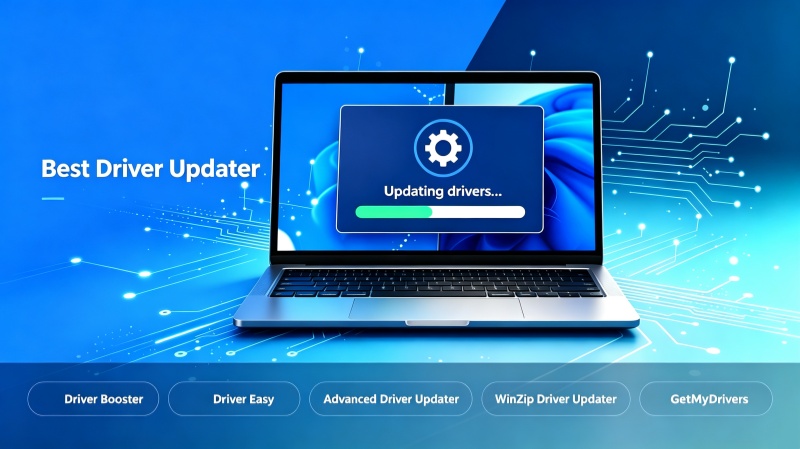
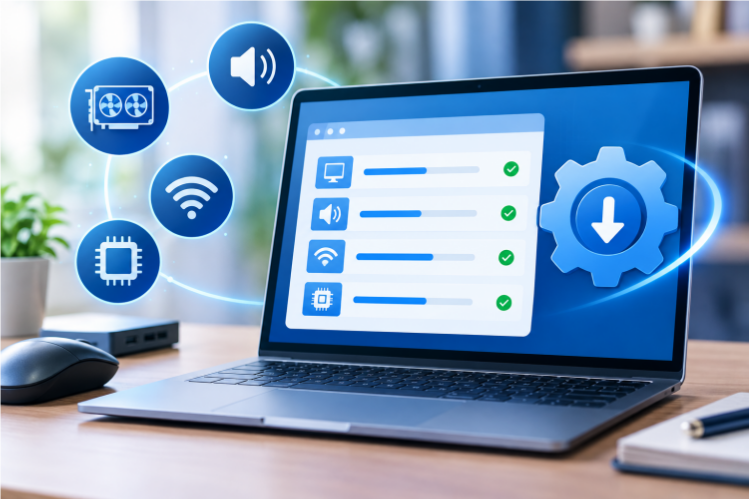
It's essential to keep your PC drivers updated, which helps contribute to your system stability and overall performance. Outdated drivers can cause crashes, slowdowns, and sometimes even device failures. Instead of manually searching manufacturer sites for the latest driver updates, a driver checker and updater can detect outdated drivers automatically and update them instantly. Still don't know which one to use? This guide provides a list of top-ranked driver check and update tools for PC.
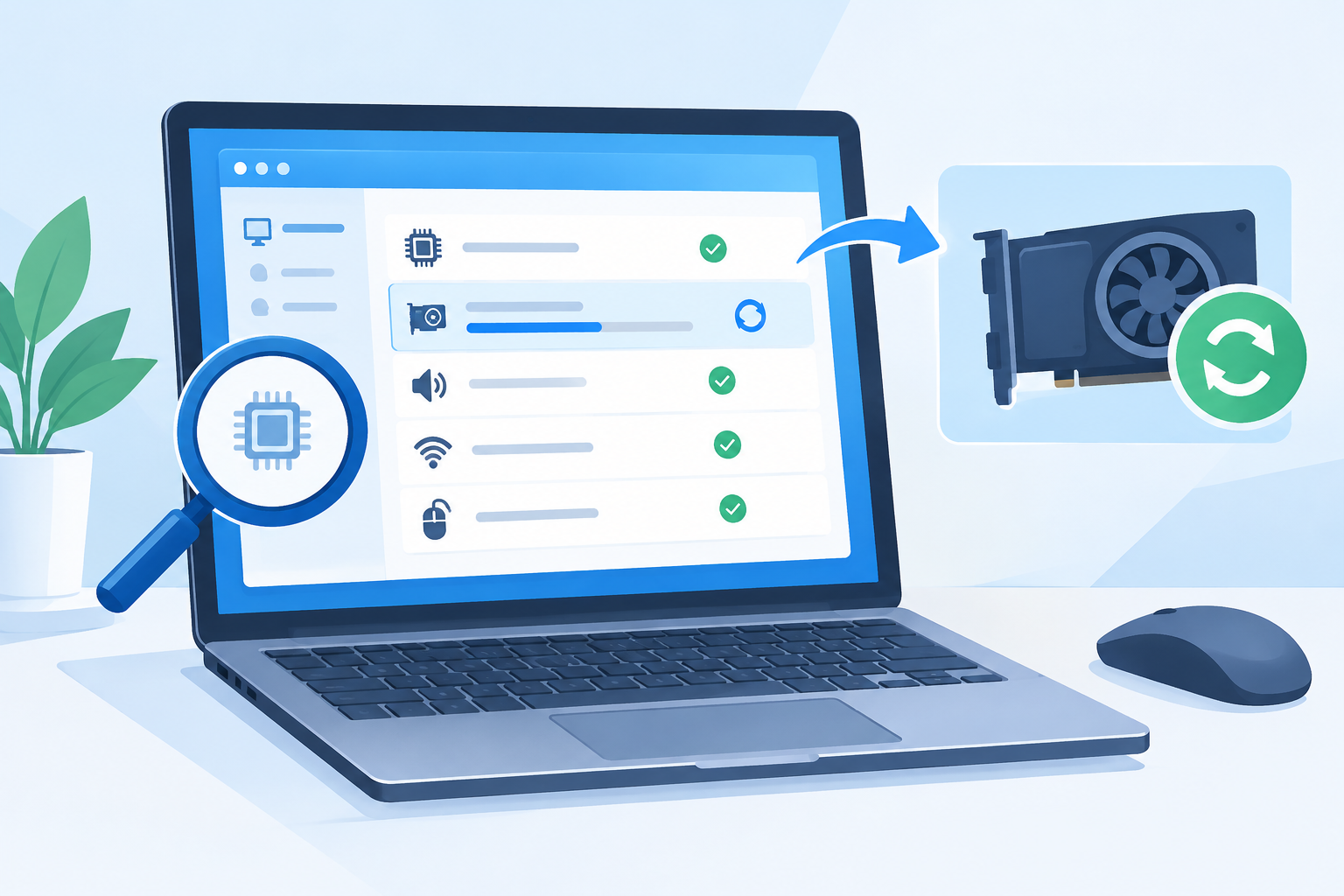
Why Some Prefer Driver Checker and Updater
Commonly, the Device Manager on Windows is the go-to tool that allows you to check drivers for updates manually. But with a dedicated driver checker and updater, you can enjoy a lot more benefits like:
High Efficiency: It automatically scans for outdated/missing drivers, saving you much time and effort.
Ease of Use: Most tools offer a simple one-click scan and update process with little technical knowledge required.
Automated Workflow: Some also provide scheduled scans, bulk updates, and automatic backups for hassle-free maintenance.
Full-Range Device Drivers: These tools cover graphics, audio, network, chipset, printers, and other peripherals from a large online database.
Driver Checker and Updater for Windows - Top 7 Picks
With these key benefits in mind, we have selected 7 popular driver checker and updater tools that meet our criteria. You can choose the right one based on your needs.
1. Driver Booster - Free driver and updater with modern design
Reasons to Use: It stands out for the ultra-fast scanning process and convenient one-click updates. It can quickly identify outdated, missing, or broken drivers and allows users to update multiple drivers with minimal effort.
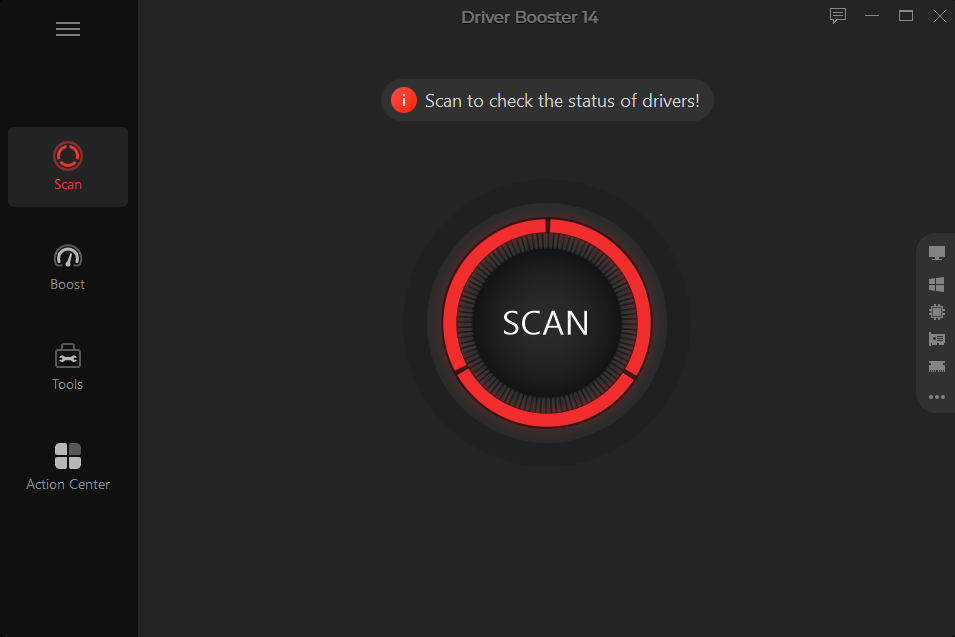
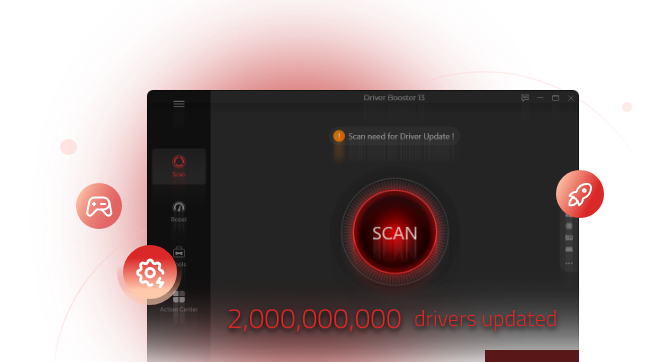
Driver Booster is a popular driver checker and updater that offers easy driver maintenance for Windows users. It offers 23 million drivers covering 1,200+ major brands, including INTEL, AMD, and NVIDIA. The free driver updater supports one-click scanning and bulk updates, with WHQL-tested drivers to help ensure reliability. Its automatic driver backups and rollback options provide extra protection, and the Game Boost feature optimizes system performance for gaming. Plus a suite of troubleshooting tools that help resolve common issues, the software is the best driver update checker for everyday users.
ProsOne-click convenience
Automatic driver check and update
Massive driver database
Device and driver issue fix
ConsSome advanced features require the Pro version
Driver Booster Free
- Automatically scan and update drivers.
- Update game ready drivers for peak gaming performance.
- Identify and fix various common of hardware issues.
- Boost 30% of system performance for fast & smooth running.
2. Driver Easy - Beginner-friendly driver checker and updater
Reasons to Use: Driver Easy is designed for simplicity, which automatically scans, downloads, and installs outdated or missing Windows drivers.
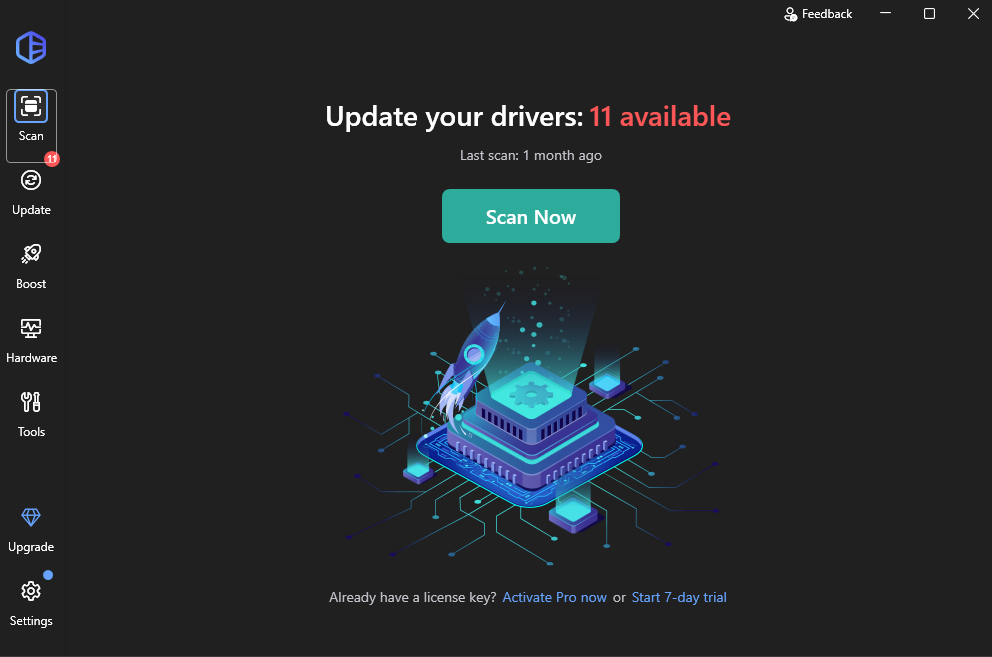
With a database of over 30 million manufacturer-certified drivers, Driver Easy delivers straightforward management. Its free version allows users to scan for available updates and download individual drivers, and the Pro version adds bulk updates, automatic backups, rollback options, and offline network-driver support. Its large driver database and clear interface make it suitable for users who prefer a simple driver checker and updater.
ProsVery easy interface
Excellent backup/rollback tools
Offline support & large database
ConsLimited free driver check and update
Can be slow sometimes
Also Read: Top 10 Driver Easy Alternatives of 2026 [Free & Premium] >>
3. DriverMax - Lightweight driver checker and updater for PC
Reasons to Use: DriverMax is a lightweight option that identifies available driver updates, with reliability records and safe updates guaranteed.
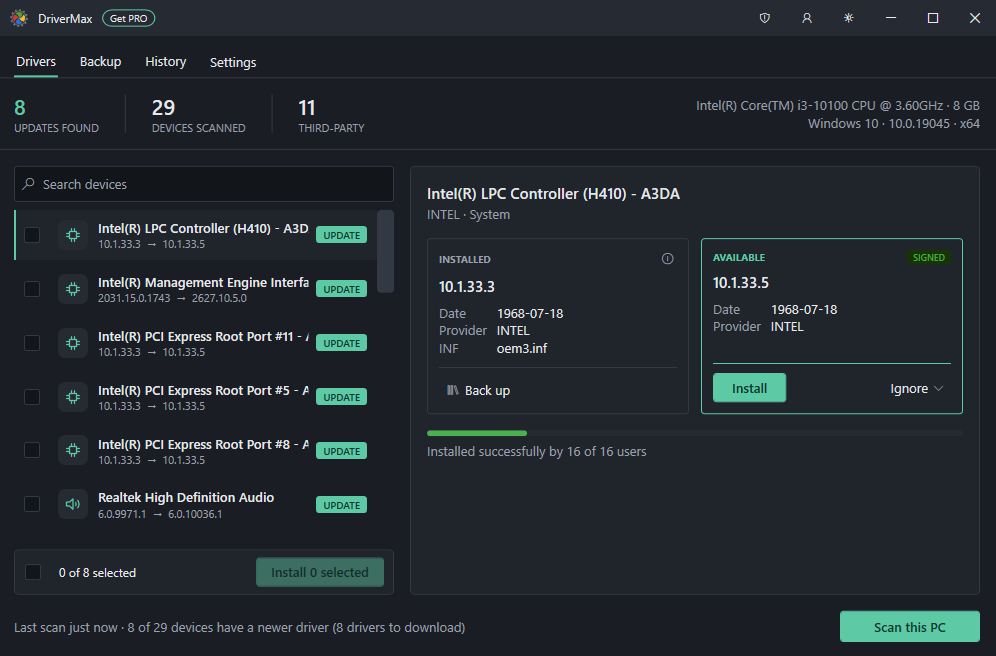
DriverMax provides information about driver reliability and supports backup and restore functions. Its free version places limits on the number of driver installs, with automatic installation, scheduled checks, restore points, etc. provided. If you simply want a lightweight tool to check drivers for updates, DriverMax is worth considering.
ProsEasy installation and seamless workflow
Information for driver reliability
14 languages support
ConsAggressive paid upgrades
2 driver installs per day for free only
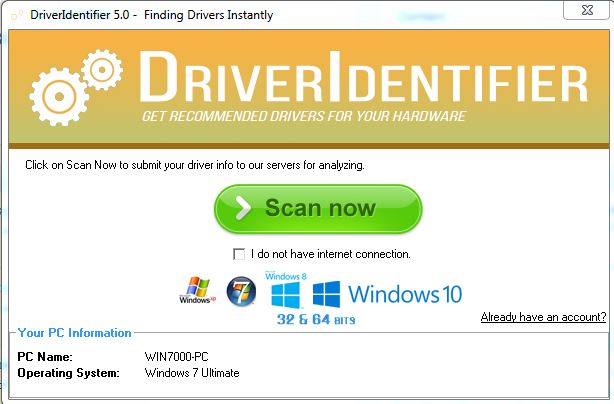
4. DriverIdentifier - Automatically checks drivers for updates
Reasons to Use: A straightforward option that automatically scans for outdated/missing drivers, and it can be quite useful when working with PCs that have no Internet access.
DriverIdentifier performs a system scan and provides a list of drivers that may need attention. It provides an offline scan option for computers that can not connect to the Internet. Users can review available drivers and choose which updates to install. Its simple interface and relatively lightweight design make it suitable for users who prefer a driver-scanning experience without extensive features.
ProsOffline scan support
Useful driver information
Portable version available
ConsRequires manual download
No scheduled check for outdated drivers
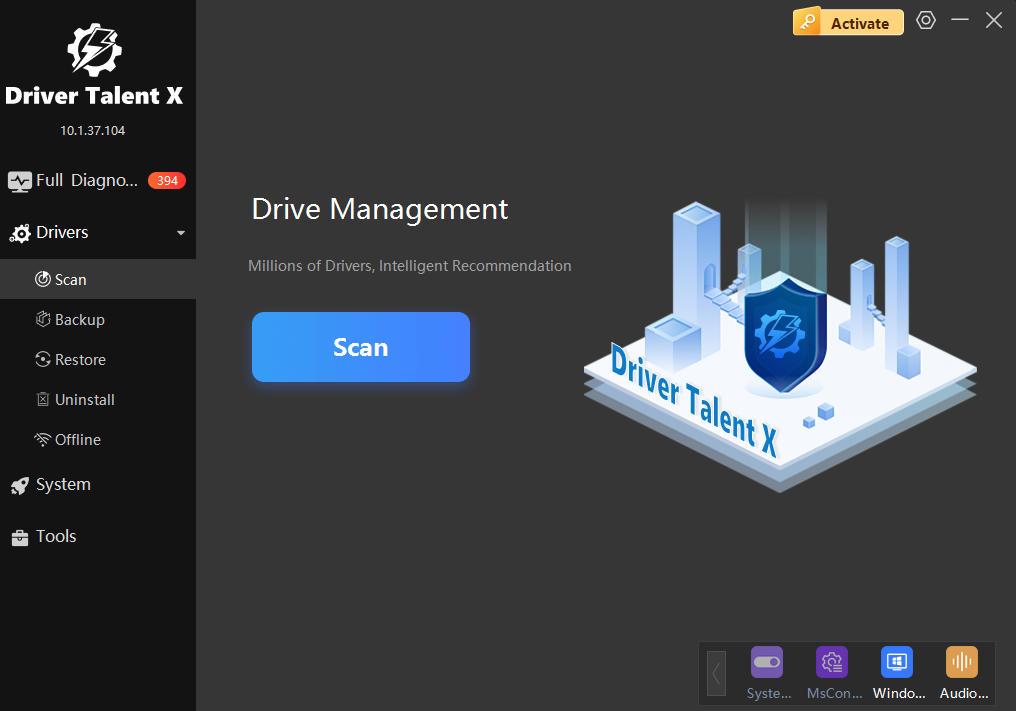
5. Driver Talent - Performs driver checks and updates faster
Reasons to Use: It delivers rapid automated scans, one-click driver repairs, and offline pre-downloads to save necessary system drivers before reinstalling Windows.
Driver Talent quickly detects, downloads, and updates Windows drivers to keep hardware running smoothly. It can also repair corrupted drivers, back up existing packages, and pre-download drivers for your PCs. Overall, it offers a focused driver check and update experience for users who want to manage driver maintenance from a single interface.
ProsFast scanning speed with one-click fix
Useful pre-download feature for offline network
Driver backup, restore, and uninstall utilities
ConsNo bulk downloading
Can not customize scanning schedule
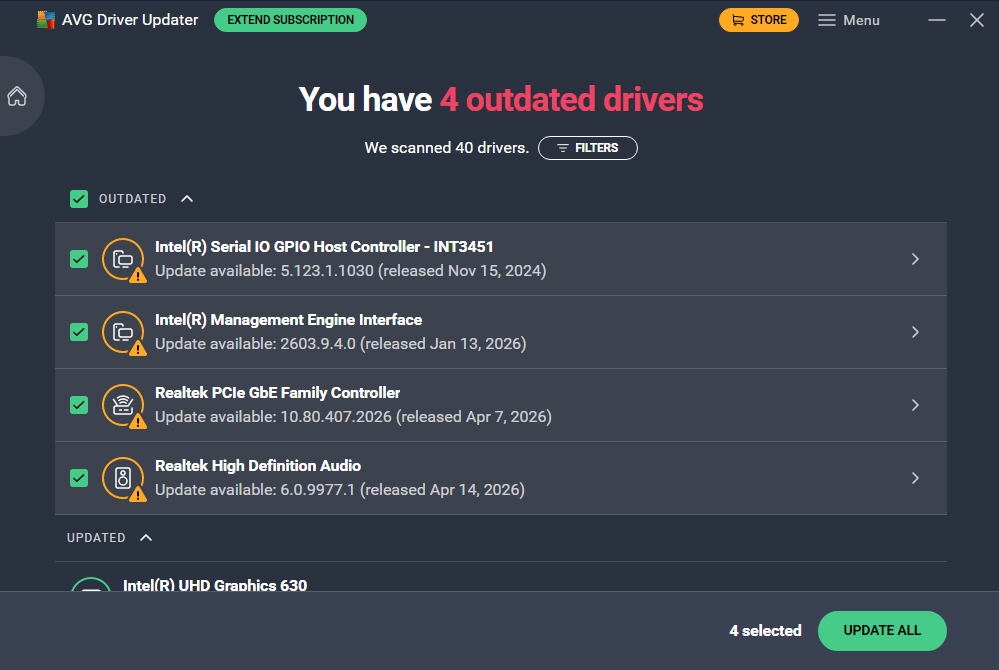
6. AVG Driver Updater - Driver checker and updater with a large database
Reasons to Use: Featuring a sleek interface and 50+ million tested drivers, the updater provides a safe way to scan for outdated drivers and keep your PC hardware up to date.
AVG Driver Updater provides real-time scanning that can keep system hardware performing optimally. It checks audio, graphics, network, USB, and printer drivers across 1,300+ major brands. By automatically creating system restore points before installing updates, it ensures safe deployment and effortless rollbacks to avoid potential issues.
ProsClean, highly intuitive user interface
Automatic backup and full rollback capabilities
Large driver database with real-time scan scheduling
ConsFree trial only allows scanning
Annual subscription cost is relatively high
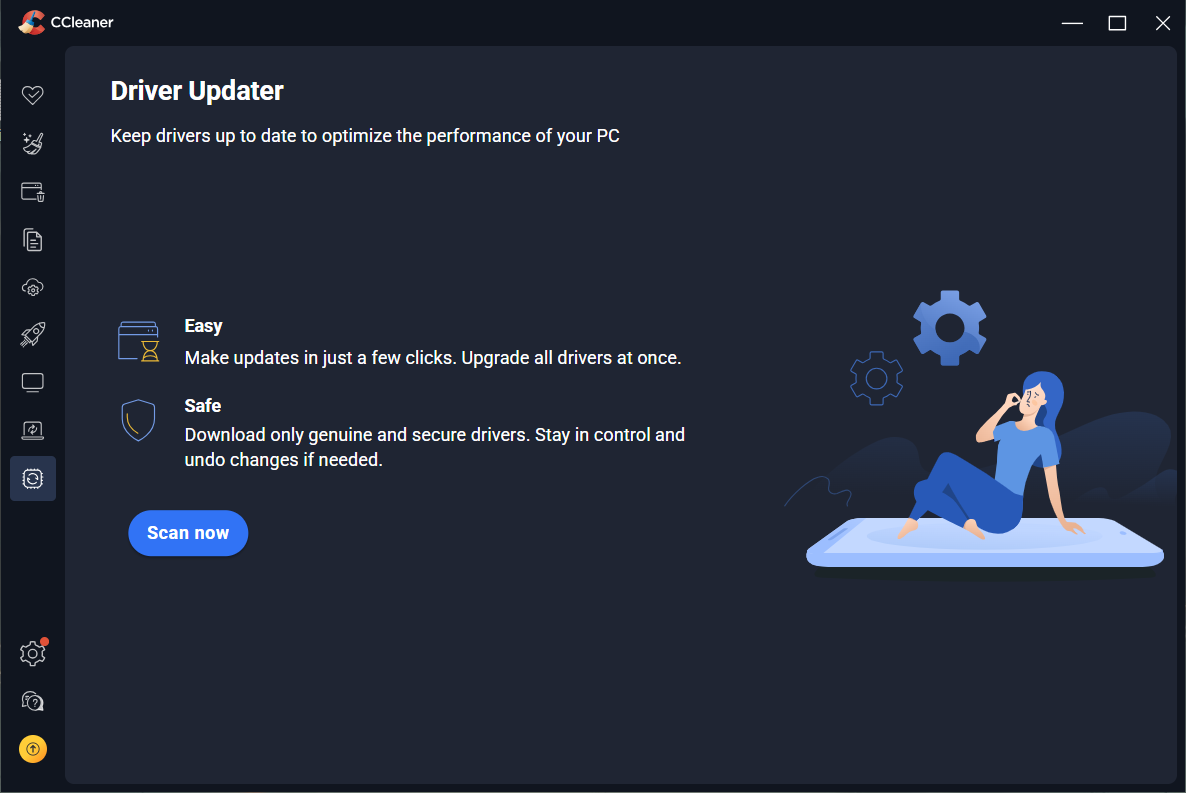
7. CCleaner - Premium driver checker and updater with optimization tools
Reasons to Use: Combining driver updating with PC optimization tools, it lets you manage updates, clear junk files, and boost performance in one place.
CCleaner includes a dedicated Driver Updater module within its PC optimization suite. It scans system hardware through millions of official drivers and installs safe updates in the background. Additionally, CCleaner frees up disk space, removes temporary junk, and manages startup programs for system care. It’s great for users who want driver maintenance along with CCleaner's other tools to optimize PC.
ProsCombine driver updates with system cleaning
OEM-focused driver matching
Easy scheduled maintenance and background updates
ConsFrequent upgrade pop-up in the free version
Bundle with security application
How to Check and Update Drivers on Windows 11/10
For each driver checker and updater, the basic workflow is similar: scan your PC, review the detected drivers, and install the updates you need. Here, we will use Driver Booster as an example. Just check out the steps.
Step 1. Download and install Driver Booster from the official website, then launch the program.
Step 2. On the main interface, click Scan. The program will scan your system and check for outdated/missing drivers.
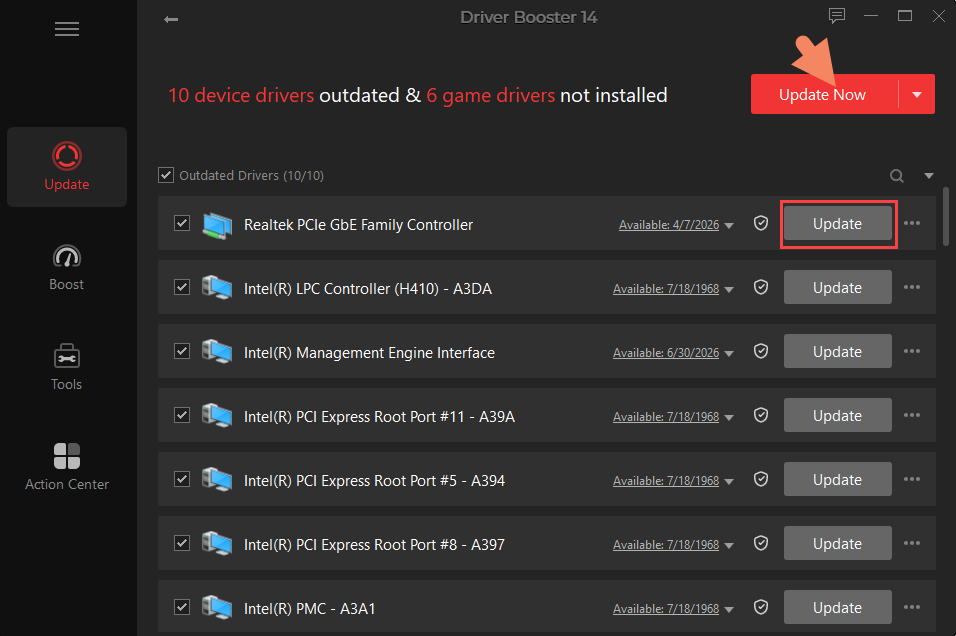
Step 3. Review the results and select the drivers you want to update. You can update individual drivers or update multiple drivers at once.
Step 4. Click Update Now and let Driver Booster install the selected driver updates.
Driver Checker and Updater FAQs
Is a driver checker and updater safe to use?
Yes. A reputable driver checker and updater is generally safe to use. It’s also recommended to choose a trusted tool and create a restore point or backup before making major driver changes.
What is the right driver checker and updater for you?
It depends on your needs. You may consider various factors like driver database coverage, scan/update speed, ease of use, backup options, etc. before committing.
Can a manufacturer's app check and update drivers?
Yes. Many PC and hardware manufacturers provide their own drivers for updates. These can be rather useful because you don’t have to search yourself.
How often should I check and update drivers?
You don't need to update drivers constantly. Check them when you experience hardware problems, after a major Windows update, or periodically if you want to keep your system maintained.
The Bottom Line
What is a driver checker and updater? It simplifies your driver maintenance, helping you update them with less effort. Among the 7 recommended options, Driver Booster is the best free driver checker and updater. It offers an intuitive and user-friendly way to check and update Windows drivers, which makes it especially suitable for both beginners and experienced users. Useful tools to back up and fix drivers additionally helps stabilize your system. Just get it to scan your PC and keep your drivers up to date with just a few clicks!
Driver Booster Free
- Automatically scan and update drivers.
- Update game ready drivers for peak gaming performance.
- Identify and fix various common of hardware issues.
- Boost 30% of system performance for fast & smooth running.