Finding and installing the right drivers can be frustrating. Windows may fail to recognize a device, a driver may become outdated, or you may need to reinstall several drivers after a clean Windows installation.
That's where a driver installer comes in. A good driver installer for Windows can detect your hardware, locate compatible drivers, and simplify the installation process.
But which Windows driver installer should you use? Below, we review 5 popular options, compare their key features, and explain which type of user each one suits. Let’s check them now.
Quick View: Best Driver Installer Programs for Windows Compared
What do you look for in a Windows driver installer? Which features matter most to you - automatic updates, the ability to roll back updates, or perhaps cost and verified official drivers? Here are a few popular driver installers compared. See which one best meets your needs.
Driver Installer |
Automatic Updates |
Rollback |
Verified Drivers |
Offline Install |
Free Version |
Ease of Use |
Driver Booster |
Yes |
Yes |
Yes |
Yes |
Free/Paid |
Excellent |
Snappy Driver Installer |
Limited |
Limited |
Yes |
Yes |
Only Free |
Moderate |
Windows Update |
Yes |
Yes |
Microsoft-delivered |
No |
Free |
Excellent |
Driver Easy |
Yes |
Yes |
Yes |
Limited |
Free/Paid |
Good
|
Driver Talent |
Yes |
Yes |
Yes |
Yes |
Free/Paid |
Good |
Still unsure how to choose? A simple comparison might not reveal their respective strengths and features. Why not continue reading to discover the unique aspects of each driver installer?
1. Driver Booster - Automated Verified Driver Installer for Windows
Speaking of the best driver installer program, Driver Booster is a dedicated Windows tool that makes driver detection, downloading, and installation easier. Instead of identifying every device manually and searching manufacturer websites one by one, Driver Booster scans the computer, identifies outdated or missing drivers, and provides compatible driver updates. Its Pro edition can automatically download and install driver updates for you.
Driver Booster Free
- Automatically scan and update drivers.
- Update game ready drivers for peak gaming performance.
- Identify and fix various common of hardware issues.
- Boost 30% of system performance for fast & smooth running.
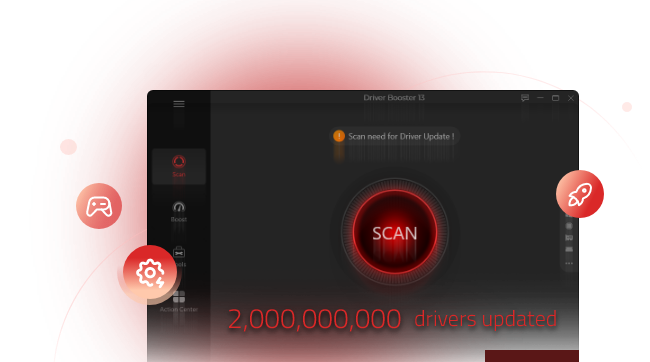
Why is Driver Booster the best Windows driver installer?
Automatic driver installation: Driver Booster can automatically download and install available driver updates on your PC, reducing repetitive manual steps.
Large driver database: This driver updater supports drivers for a wide range of hardware from major manufacturers. You don’t need to worry about safety.
Driver backup and restore: Back up existing drivers before updating. If any part is wrong, you can restore them when necessary.
Hardware-based detection: The program scans your PC to identify devices and find applicable drivers.
Game-related driver support: Driver Booster also provides driver and game-component features aimed at helping maintain PCs used for gaming, such as updating CPU drivers.
This combination makes Driver Booster particularly useful when you want a Windows driver installer that does more than simply provide a place to manually select an installation package.
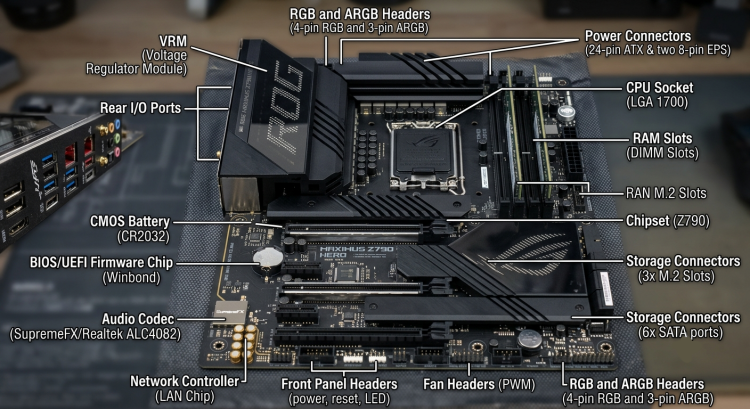
Learn More: Complete Introduction to Motherboard Components and Their Functions >>
2. Snappy Driver Installer - Free Driver Installer for Offline Use
Snappy Driver Installer Origin (SDIO) is a driver installer free option designed around downloadable driver packs and offline installation.
It can be useful after reinstalling Windows, especially when the computer does not have a working internet connection. You can prepare driver packages beforehand and use them later to install the required drivers.
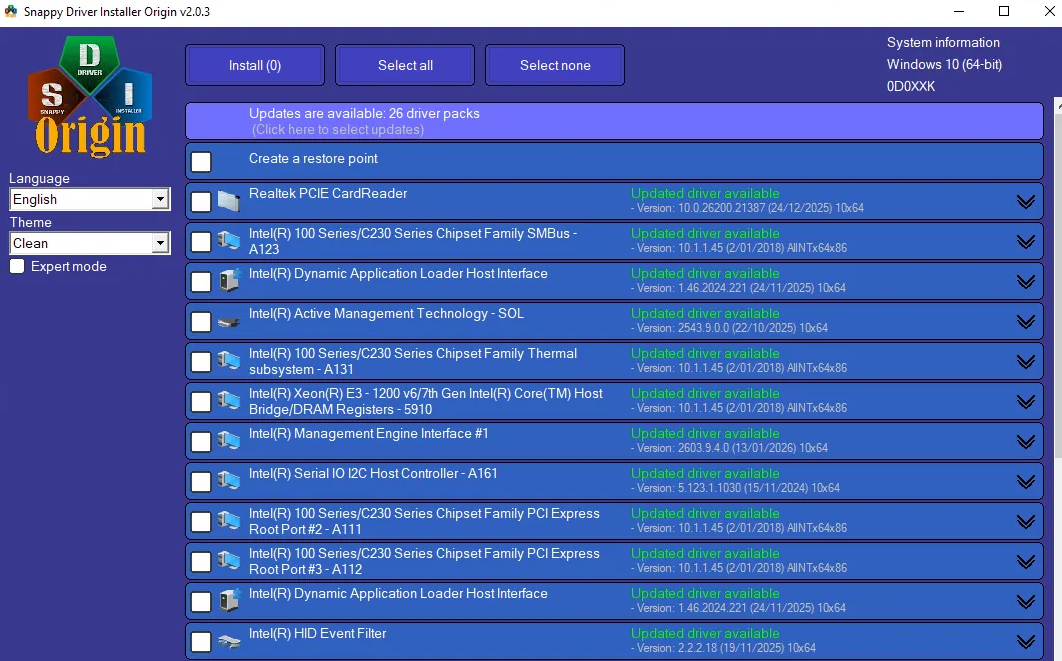
Why Use This Free Driver Installer?
Completely free, no premium features.
Offline driver installation.
Portable, no installation is needed.
Large driver-pack library.
More control over driver selection.
The main trade-off is convenience. Its interface and driver-pack approach may be better suited to technically experienced users than beginners.
3. Windows Update - Built-in Windows Driver Installer
Windows already includes a basic Windows driver installer through Windows Update. Microsoft can deliver applicable hardware drivers through Windows Update, while some optional driver updates can be reviewed manually.
This is a convenient choice if you don't want to install another driver installer program.
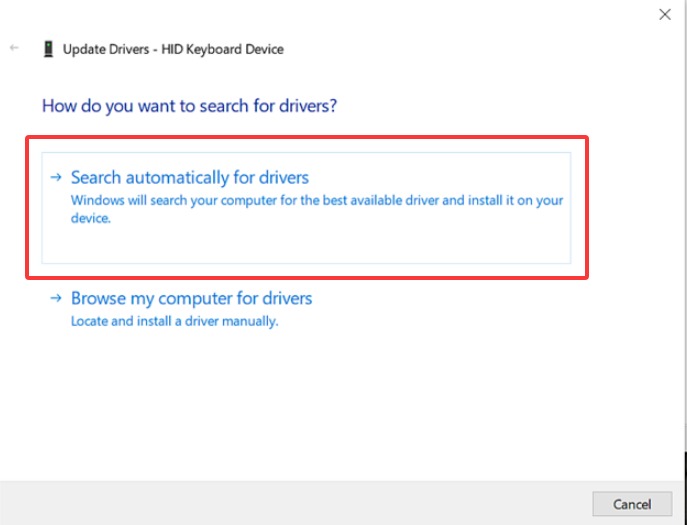
What Can Windows Update Do?
Automatically deliver applicable drivers.
Install common hardware drivers.
Provide optional driver updates.
Work directly within Windows Settings.
However, Windows Update does not necessarily provide every driver version available from a hardware manufacturer. If a specific driver is missing or unavailable, a dedicated driver installer may provide another way to find it.
4. Driver Easy - Simple Windows Driver Installer
Driver Easy is another driver installer for Windows that scans the computer for outdated or missing drivers and helps users download and install them. Its interface focuses on simplifying driver management, making it suitable for users who prefer a guided process instead of manually searching for hardware drivers.
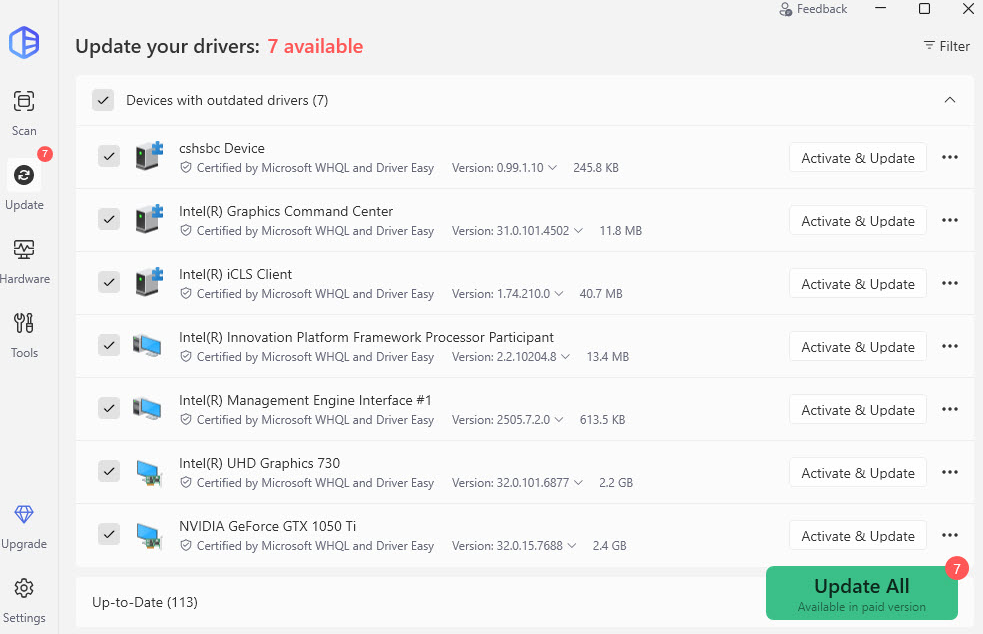 Driver Easy Highlights:
Scan for outdated or missing drivers
Download and install drivers
Back up existing drivers
Restore previous drivers
Display hardware and driver information
5. Driver Talent - Driver Installer Program for Recovery
Driver Talent combines driver detection, downloading, installation, backup, and recovery functions in one driver installer program.
One useful scenario is preparing drivers before reinstalling Windows. You can download required drivers in advance and use them later when network connectivity or other hardware support is unavailable.
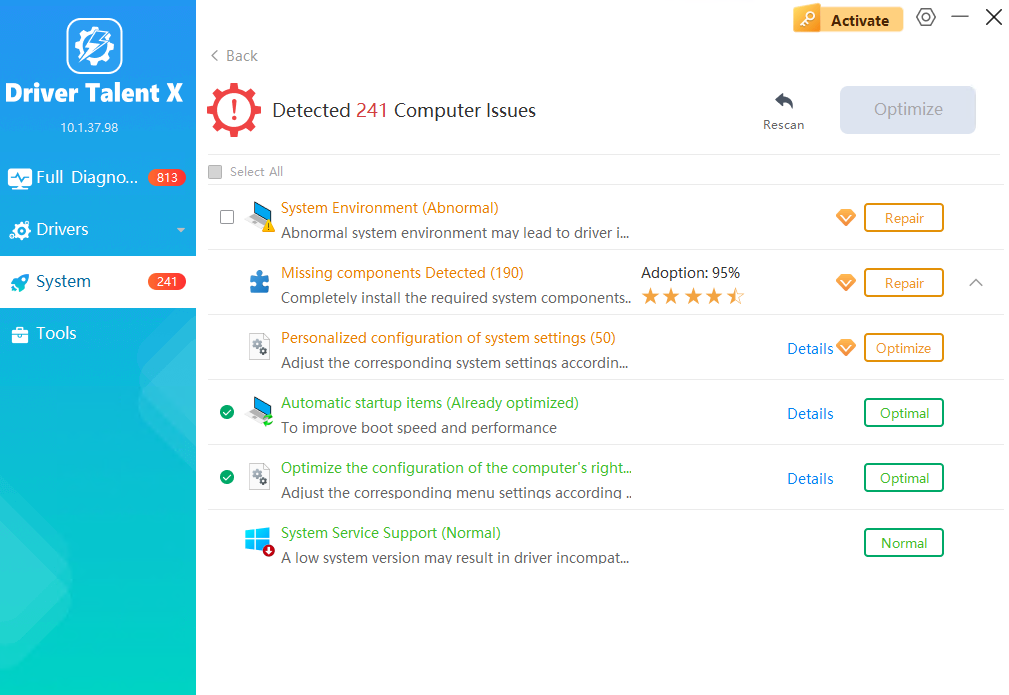
Driver Talent Features:
Detect missing and outdated drivers.
Download and install drivers.
Back up drivers and restore drivers.
Prepare drivers for offline use.
This makes it particularly relevant for users who need a Windows driver installer with recovery and preparation capabilities.
How to Update and Install a Driver for Windows Easily and for Free
Choosing the best driver updater for Windows is only the first step. Now check your PC drivers and learn how to install the drivers your PC needs. Using Driver Booster as an example, the process can be completed in just a few steps.
Step 1. Download and Launch Driver Booster
Download and install Driver Booster on your Windows PC, then launch the program.
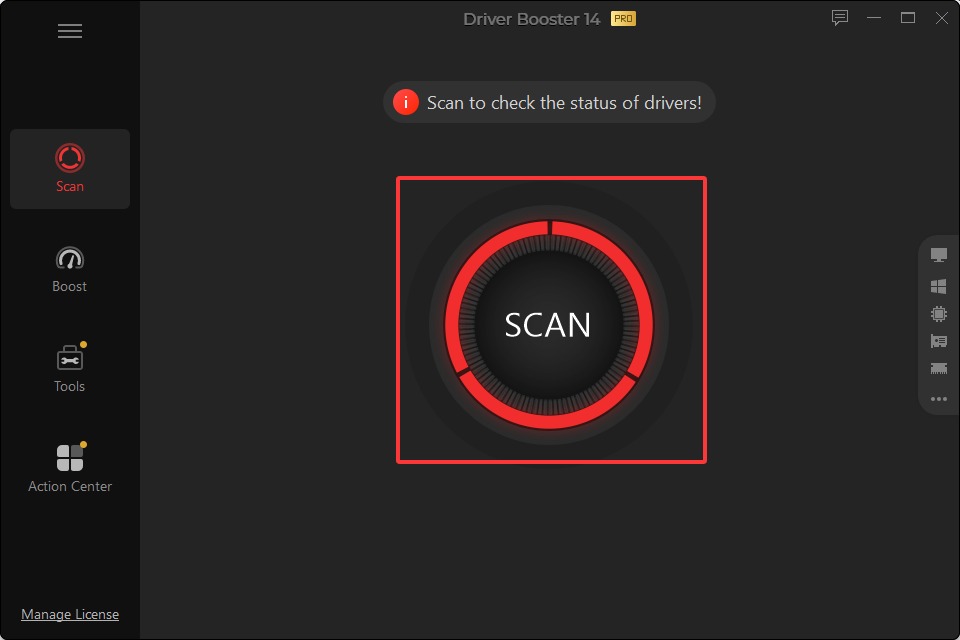
Step 2. Scan for Outdated Drivers
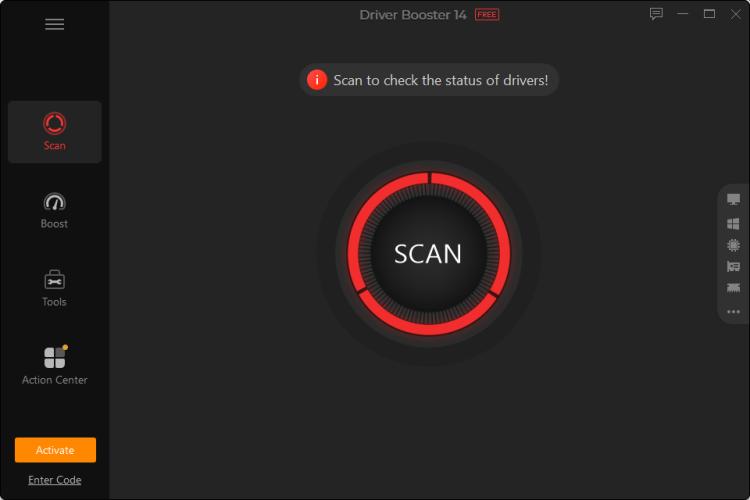
Click Scan and let Driver Booster check your installed hardware and drivers. It identifies drivers that are outdated, missing, or require an update.
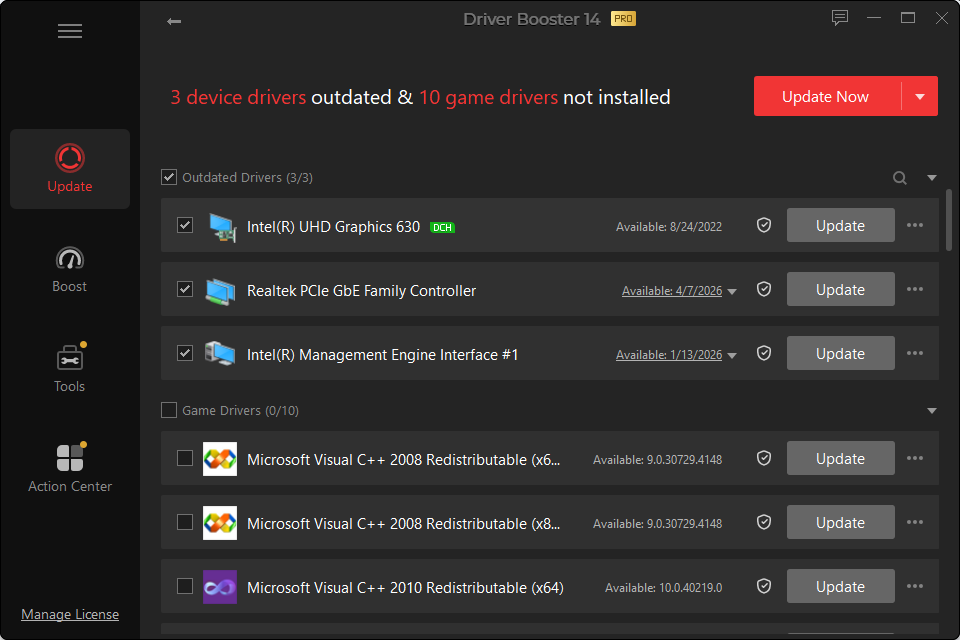 Step 3. Download and Install Drivers
Review the detected drivers and click Update to install the available updates. With Driver Booster Pro, the program can automatically download and install driver updates, so you don't have to search for each driver package or install them manually.
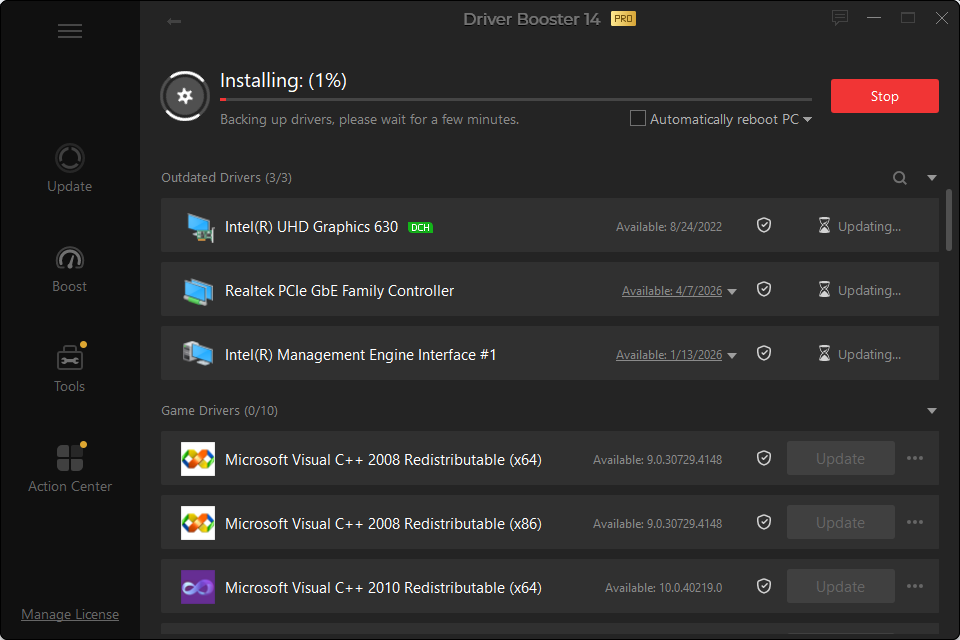 After the installation is complete, restart your PC if required. This simple workflow shows how a dedicated driver installer program can reduce the time and manual work involved in keeping Windows drivers up to date.
FAQs About Driver Installer Programs
What is a Driver Installer?
A driver installer is a tool that helps install or update hardware drivers on Windows. Depending on the program, it may detect hardware, download compatible drivers, install them automatically, and provide backup or recovery options.
What is the Best Free Driver Installer?
There isn't one solution for every situation. Windows Update is built into Windows, while tools such as Snappy Driver Installer Origin focus on free and offline driver installation. Driver Booster is deemed the best and comprehensive driver scanning and updating tool.
Can a Driver Installer Automatically Install Drivers?
Some can. For example, Driver Booster Pro can automatically download and install driver updates after detecting applicable drivers. Other tools may require you to select or confirm individual drivers.
Do I Need a Driver Installer Program After Reinstalling Windows?
It can be useful, particularly if multiple drivers are missing after installation. An offline-capable Windows driver installer can also help when the network driver is not yet available.
Final Thoughts
A driver installer can make Windows driver management much easier, especially when multiple devices need attention. Windows Update works well for basic driver delivery, while offline-focused tools provide more control over manual installation.
For users who want a dedicated driver installer program with hardware scanning, automatic downloading and installation, backup driver and uninstall driver, Driver Booster provides a convenient approach to managing Windows drivers.