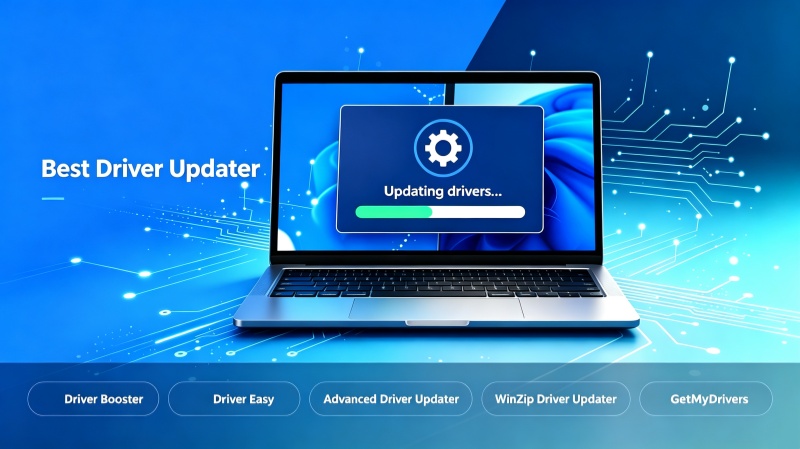
Driver updaters revolutionize the traditional update process, eliminating the need for users to manually check official websites for the latest driver versions. With just a single click, you can scan your computer to identify which drivers require updates. The best driver updater is simply the one that best meets your specific needs. This article tests and recommends five driver updaters, ranging from free options to fully paid services. Choose the one that suits you best, download and install it, and enable automatic driver updates.
Driver Booster: Free Driver Updater with Large Database
When it comes to the best free driver updater for Windows, Driver Booster is undoubtedly a top contender. Thanks to its massive driver database, speed, and deep gaming optimization, users enjoy a near-flawless driver update experience.
Driver Booster Free
- Automatically scan and update drivers.
- Update game ready drivers for peak gaming performance.
- Identify and fix various common of hardware issues.
- Boost 30% of system performance for fast & smooth running.
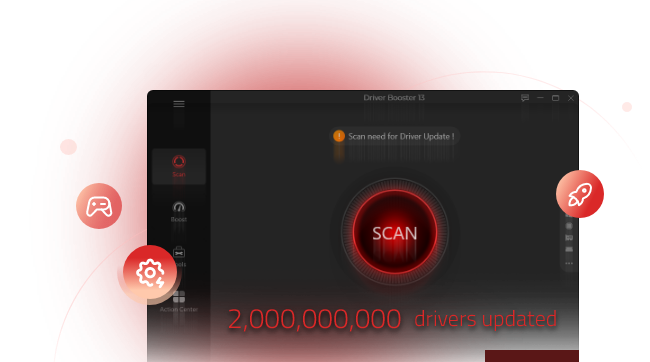
It offers a library of over 18 million drivers, all certified by Microsoft’s strict WHQL standards, eliminating the need for users to manually check manufacturer websites for updates. Its backup and restore features allow users to instantly roll back to a previous version if issues arise after an update, helping to verify whether the update was the cause.
Beyond standard PC hardware updates, it scans for and repairs missing game components, such as Visual C++ Redistributables, OpenAL, and DirectX, and prioritizes Game Ready graphics drivers to ensure optimal frame rates.
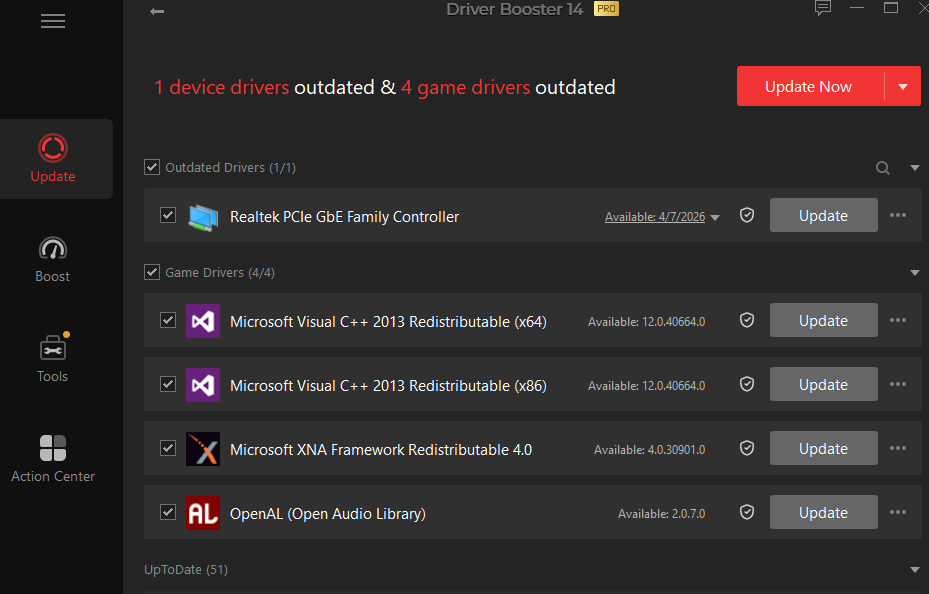
It also includes troubleshooting tools that fix common issues, including no sound, network failure, and bad resolution, with just a single click.
Driver Easy: Paid Driver Updater with System Cleaning
Driver Easy is a popular Windows driver updater developed by Easeware Technology. It automatically scans and identifies outdated, missing, or corrupted hardware drivers after subscription.
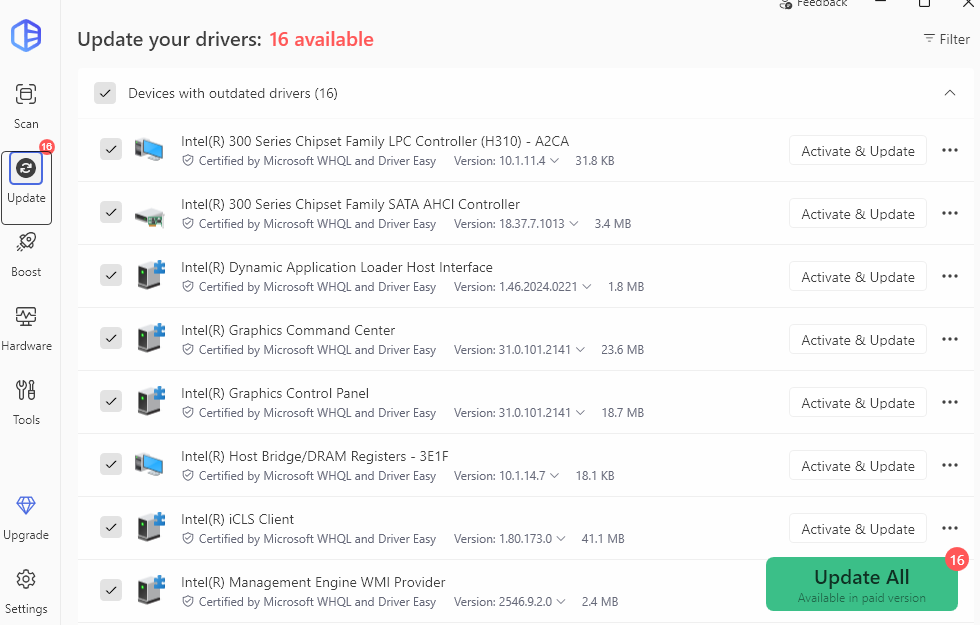
The application accesses over 8 million certified drivers. They are directly from original equipment manufacturers (OEMs) with official Microsoft WHQL (Windows Hardware Quality Lab) certification. It shows all available versions and you can choose any proper one.
Besides, you can update all drivers in one click. Automatically scan your PC, download the packages at full speed and install drivers in the background. Back up installed drivers before updating and restore if there is any issue to roll back changes.
Built-in hardware diagnostics shows detailed information about PC specifications, CPU, motherboard, RAM, or more.
Advanced Driver Updater: Best with Simple Interface
Advanced Driver Updater is a free driver updater featuring a simple, user-friendly interface. It scans your computer for all drivers with a single click. While the free version allows you to update only one driver at a time, the paid version offers a larger driver database and the ability to update all outdated drivers simultaneously.
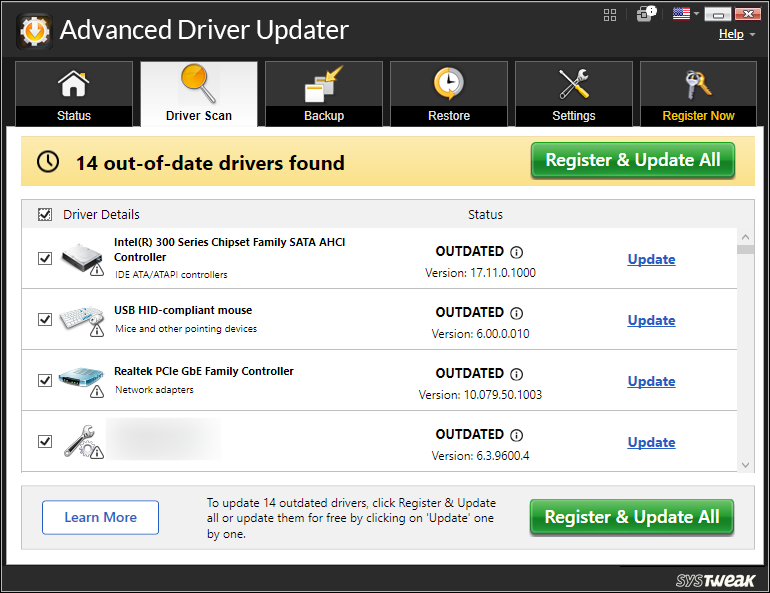
In addition to its core driver update function, it includes features for backup, restore, and scheduled scanning. You can choose to back up specific drivers or create a full backup of all drivers, ensuring you can roll back to a previous version should any issues arise after an update.
Winzip Driver Updater: Easy to Update All Drivers
WinZip Driver Updater and Advanced Driver Booster share similar interfaces and identical functionality; however, the latter features a more dated design, whereas WinZip Driver Updater boasts a modern look.
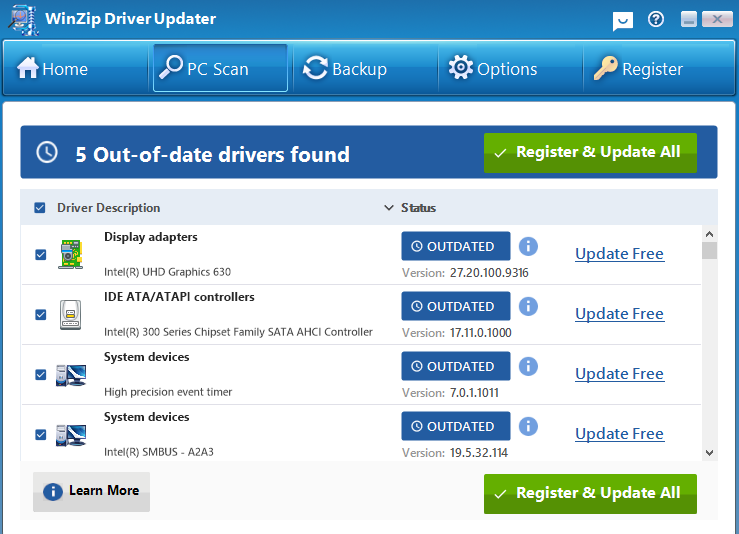
The software quickly scans your computer to identify which drivers are up to date and which have suitable, compatible updates available. While the free version requires you to update drivers individually, the paid version allows for one-click updates for all drivers. Additionally, you can back up drivers before updating, making it easy to roll back to a previous version if necessary.
GetMyDrivers: Best for Standard PC Users
GetMyDrivers is one of the best free driver updaters to streamline the process of scanning, downloading, and updating device drivers. The application targets standard PC users for avoiding the tedious process of manually searching manufacturer websites for updated audio, graphics, network, and peripheral drivers.
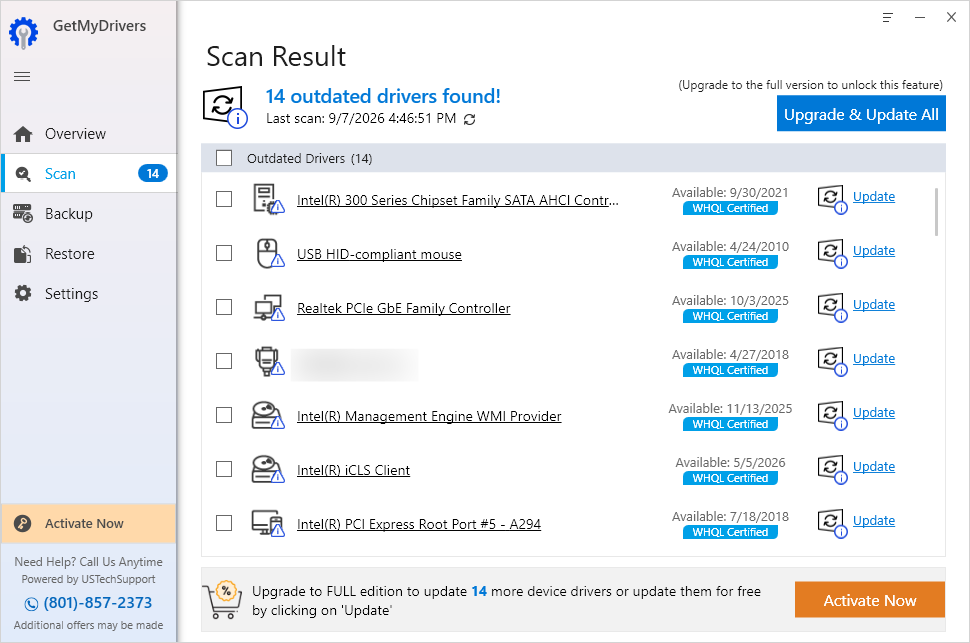
Users can initiate a diagnostic scan to identify outdated, missing, or corrupted drivers, getting a list of drivers that need to update. Convenience features include automated restore points, and driver backup tools designed to roll back changes if a newly installed driver causes system instability.
Key Criteria for Choosing the Best Driver Updater
When selecting the best driver update software, you should look beyond the basic update function and consider the following key aspects—all of which are features offered by the five top-rated driver updaters recommended above.
Database Size
An extensive database enables the software to locate matching drivers for obscure, legacy, or highly specialized hardware, while also identifying precise, compatible drivers for common hardware components.
Safety & WHQL Certification
Drivers that have passed Windows Hardware Quality Labs (WHQL) testing ensure compatibility and stable performance across various versions of the Windows operating system. This significantly reduces the risk of Blue Screen of Death (BSOD) errors, system freezes, or hardware failures caused by driver conflicts.
Backup and Restore Options
A reliable driver updater allows users to create system restore points or back up existing drivers before installing new ones. If an update causes a problem, it can be immediately rolled back to the previous working state.
Scheduled Scan & Update
When selecting driver updater software, evaluate the granularity of its scheduling setting. Set scans during off-peak hours which can prevent high CPU or network bandwidth usage while gaming, streaming, or working.
Best Free or Paid Driver Updater: Which One to Choose?
All free PC driver updater software allows you to download and update drivers one by one manually only. For general users, a free driver updater is enough. For gamers or high-end users, a paid driver updater is necessary to get frequent automatic updates to make game drivers always up to date. Read the table below to quickly learn the differences between free version and paid version of driver updater.
Driver updater |
Free version |
Paid version |
Download Speeds |
Capped speed limits |
High-speed |
Workflow |
Manual, one-by-one update |
One-click bulk driver installation |
Scheduling |
Manual scans only |
Scheduled idle-state or background updates |
Backup & Restore |
Not available |
Backup and restore specific or all drivers |
Database |
Basic database |
Larger database |
Something You Need to Know When Updating Drivers
Before updating driver
Create a System Restore point first
Exclude your GPU from third-party driver updaters to avoid conflicting driver overwrites, especially for high-end games
After updating drivers (potential issues and how to fix)
Common potential issues after updating drivers:
Blue screens (BSOD) or system crashing
Black screen or display flicker
No audio or network failure
Micro-shutters & performance drops
Unresponding keyboards, mice, webcams
How to fix post-driver update issues:
Roll back the driver if your system boosts into Windows normally using third-party driver updater or Device Manager
Boot into Safe Mode if your screen is black
Revert using System Restore
Clean install GPU drivers
Conclusion
While built-in Device Manager manages basic driver updates for free, specialized third-party driver updater software solutions offer the speed, automation, and safety guardrails required for peak PC health and system stability. IObit Driver Booster is one of the best Windows driver updater software for its fast scanning, bulk updating, and background installing. Besides, it offers game boost to stop unnecessary services and troubleshooting tools for minor issues.
Driver Booster Free
- Automatically scan and update drivers.
- Update game ready drivers for peak gaming performance.
- Identify and fix various common of hardware issues.
- Boost 30% of system performance for fast & smooth running.