Drivers are the essential link between your PC hardware and operating system. Whether you are enjoying a AAA 3D game, interacting with AI, handling demanding office tasks, or simply getting through your daily work, having the right drivers is key to keeping your PC running smoothly and reliably.
Outdated, unstable, or untrusted drivers can lead to blue screen (BSOD) errors, system freezes, and even hardware damage. With so many drivers available from different sources, one key question arises: Are the drivers I download and install safe and stable? As a globally leading driver update tool, Driver Booster prioritizes user safety and stability above all else. Every driver delivered to your devices must meet two strict standards:
✅️ Official Microsoft WHQL Certification
✅️ IObit’s rigorous internal multi-layer testing
Below, we’ll walk you through the details.
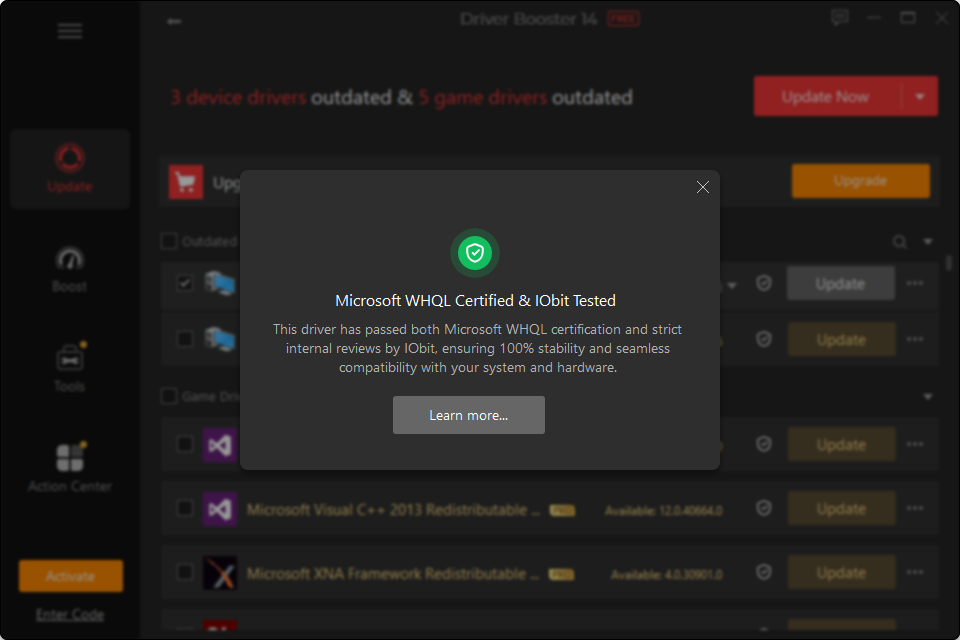
I. First Layer of Protection: Official Microsoft WHQL Certification
To ensure drivers are deeply compatible with the Windows operating system, the hardware quality standards set by Microsoft serve as an essential first line of defense:
What is WHQL Certification? WHQL stands for Windows Hardware Quality Labs. It is a rigorous testing and certification system Microsoft established to ensure third-party hardware and drivers work reliably and seamlessly with Windows.
Deep OS-Level Compatibility: Passing WHQL testing means that a driver has undergone compatibility and interoperability testing at the Windows system level. This helps minimize issues caused by driver conflicts, including BSOD errors, system freezes, and reduced hardware performance.
Secure Digital Signature: Certified drivers carry a valid official Microsoft digital signature. This meets Windows’ stringent security requirements and helps the system verify the driver’s authenticity and integrity, reducing potential security risks during installation and updates.
II. IObit’s Rigorous Internal Testing Process: End-to-End Quality Control from Source to Delivery
If WHQL driver certification is the official passport, IObit’s internal testing pipeline serves as a meticulous second line of defense.
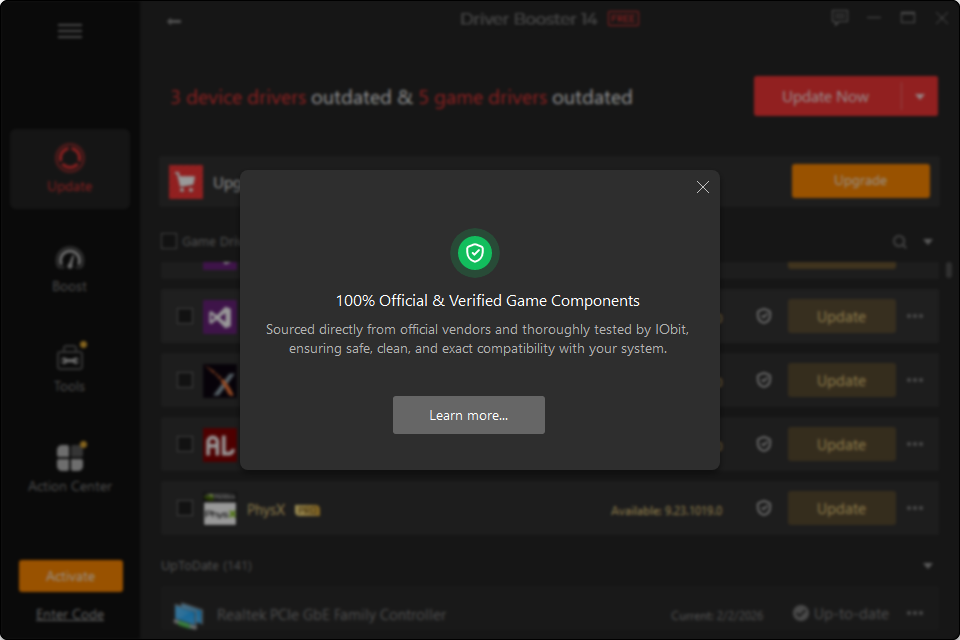
1. Massive, Legitimate Driver Sources (2,600+ Providers / 23,000,000+ Drivers)
Data as of September 2026, with continuous updates going forward
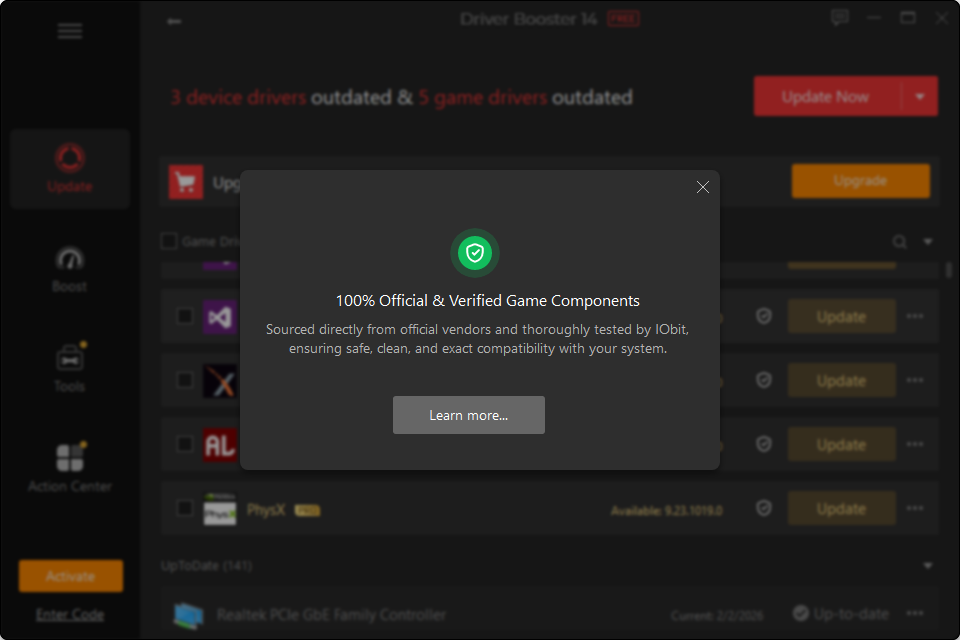
Every driver in Driver Booster comes from official sources, ensuring absolute security in driver provenance. Sources include:
Major Hardware Manufacturers: Driver Booster stays closely synchronized with the latest releases from major hardware and chipset manufacturers, including Nvidia, Intel, AMD, Realtek, and Broadcom.
Leading PC Brands: Comprehensive coverage of official driver support from leading PC manufacturers, including HP, Dell, Lenovo, Asus, Acer, etc.
Peripherals and Specialized Devices: Support for major peripheral brands such as Razer and Logitech, plus niche and legacy hardware drivers supplemented through feedback from users worldwide.
Official Source Supplement: Driver Booster also integrates drivers from the official Microsoft Update Catalog, helping build a vast and trusted driver ecosystem.
2. Multi-Layer Automated Testing and Expert Review
Before drivers are added to the database, they must pass a rigorous multi-stage screening process designed to identify and block potential risks before they reach your PC:
Standardized Preprocessing: Driver packages are automatically collected, unpacked, and analyzed at the file level, transforming large volumes of driver data into structured information for further screening.
WHQL Verification: Drivers undergo strict WHQL compatibility checks. Any driver that hasn't passed official Microsoft certification is excluded from the database.
Antivirus Scanning: Every driver undergoes rigorous security and antivirus scans to detect potential threats, including viruses, Trojans, and cryptomining malware.
Manual Review: Beyond automated algorithms, a team of engineers with years of system optimization experience manually reviews and removes "ineffective drivers" that may cause system conflicts, BSODs, or provide limited practical value.
Dynamic Feedback: Driver Booster combines global user feedback with a network anomaly monitoring system. When it detects that a driver fails to install or has compatibility issues in a specific environment, it removes the driver from the database immediately and optimizes it.
Multi-Environment Real-World Testing: Drivers undergo repeated scanning, installation, and stability stress testing across a wide range of real-world hardware configurations and Windows versions.
3. Ultimate Safety Net: One-Click Backup and Rollback
Rigorous testing does not guarantee zero risk. Given how much local user environments can vary, Driver Booster provides users with an additional safety net to restore the system if necessary:
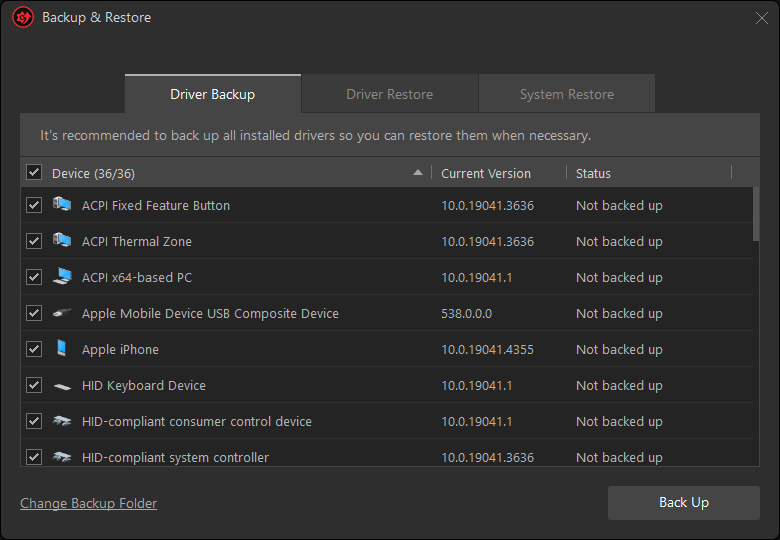
Automatic Backup: Before performing any driver update, the system automatically creates a restore point and fully backs up your current drivers.
One-Click Lossless Rollback: In the rare event that a new driver causes compatibility issues, you can use the one-click rollback feature to return to the stable state from before the update.
III. Ultimate User Value from Dual-Layer Protection
Drivers that pass both Microsoft WHQL certification and IObit's rigorous internal testing deliver a tangible leap in experience for users worldwide:
Full Performance Unleashed: From smoother gaming and improved frame rates with optimized graphics drivers to more responsive AI interactions and enhanced stability for audio and network devices, the right drivers help your hardware perform at its best.
Save Time and Effort: Say goodbye to manually searching multiple manufacturer websites or verifying drivers from unfamiliar sources. Driver Booster intelligently matches your hardware with the optimal, trusted driver versions in just one click.
Clean, Safe, and Worry-Free: With strict controls throughout the driver sourcing and delivery process, Driver Booster helps protect you from counterfeit drivers, bundled software, and malicious tampering.
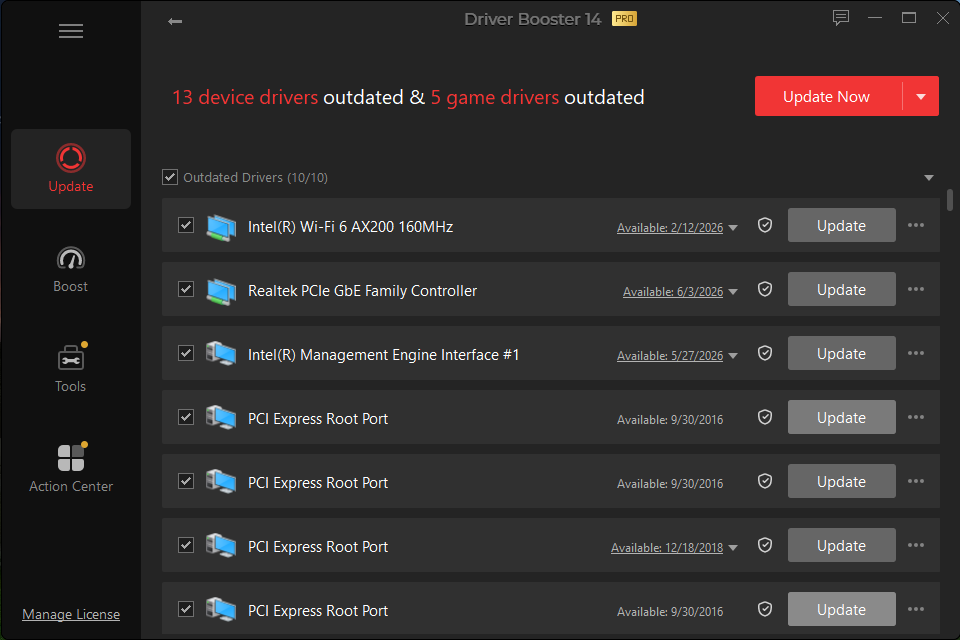
Unlock a Safer, Smoother Hardware Experience
Choosing Driver Booster means choosing a dual professional commitment backed by official Microsoft certification and IObit’s rigorous testing. Update your drivers now and keep your PC running smoothly, reliably, and at its best.