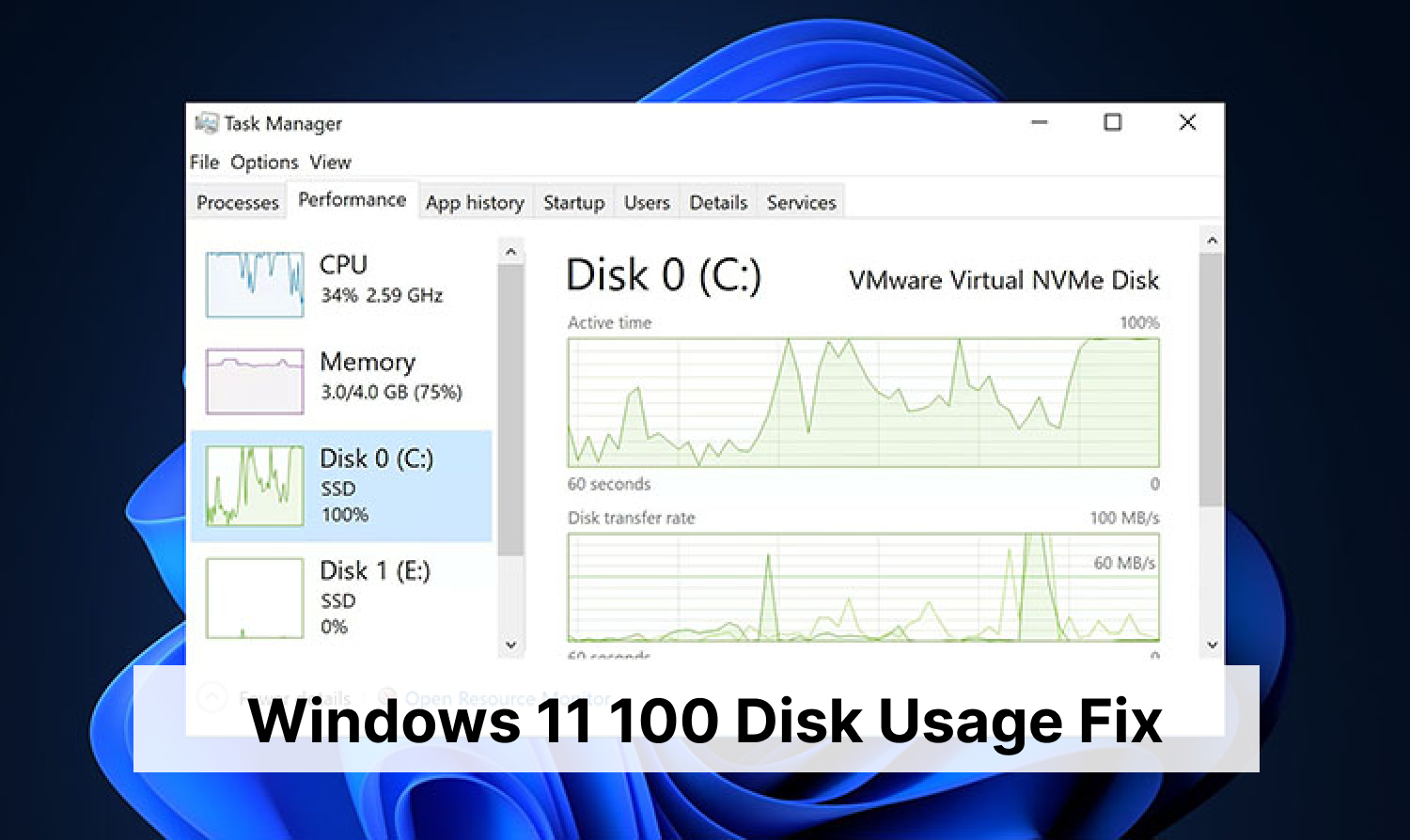
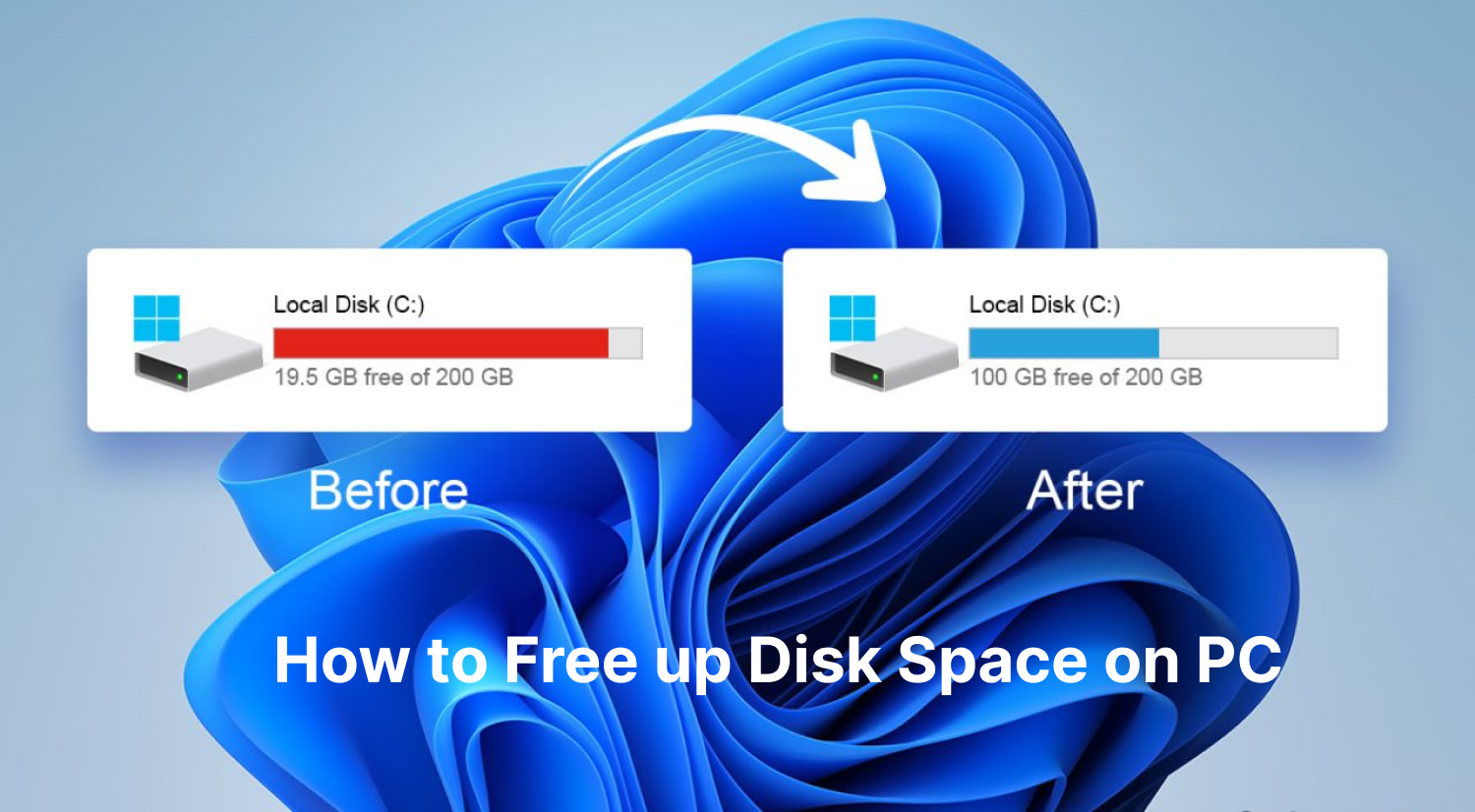
Regular users who neglect to clean and maintain their computers will find that their computer’s system slows down gradually and overall performance declines. For users who lack technical expertise, manually locating and deleting residual registry entries left behind after uninstalling software can be an impossible task. In such cases, installing a Windows optimizer effectively resolves most of the issues faced by the average user. But which optimizers are available for free, and which ones best suit your specific needs? In this article, we introduce several best Windows optimizer tools for our readers' consideration.
Comparison Table of the Best Windows Performance Optimizers 2026
PC Optimizer Tools |
Clean Files |
Clean Registry |
Manage Startup |
Optimize System |
Ease of Use |
Advanced SystemCare |
Free |
Free |
Free |
Free |
★★★★★ |
PC Services Optimizer |
x |
x |
x |
Paid |
★★★★✩ |
CCleaner |
Free |
Free |
Free |
Paid |
★★★✩✩ |
Ashampoo WinOptimizer |
Paid |
Paid |
Free |
Free |
★★✩✩✩ |
Winhance |
x |
x |
x |
Free |
★★✩✩✩ |
5 Best Free Windows Optimizers for PC and Laptop
Advanced SystemCare - Best Overall All-in-One PC Health Solution
Advanced SystemCare is a popular all-in-one optimization tool for Windows PCs developed by IObit. It is designed to clean junk files, boost system performance, enhance privacy, and protect your computer from various issues that can slow it down. Focus on its main features that include the following aspects.
Advanced SystemCare Free
- Clean: 420 billion traces removed & 85 EB junk files cleaned
- Protect: 80 million unauthorized access blocked & 20 million bugs fixed
- Speed Up: 6 million hours of startup time saved & Turbo boost
- Optimize: Auto clean and auto care your PC with AI mode
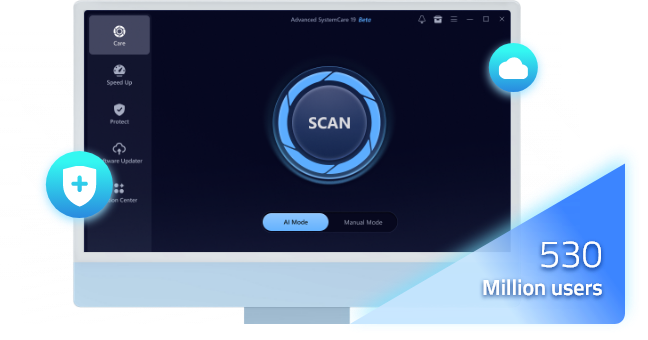
One-click Cleanup
Advanced SystemCare's computer cleanup function is highly professional, from cleaning up junk files such as temporary files, cache, and log files, to clearing system logs and internet traces (browsing history, cookies, cache, etc.). It frees up computer space while protecting your internet privacy.
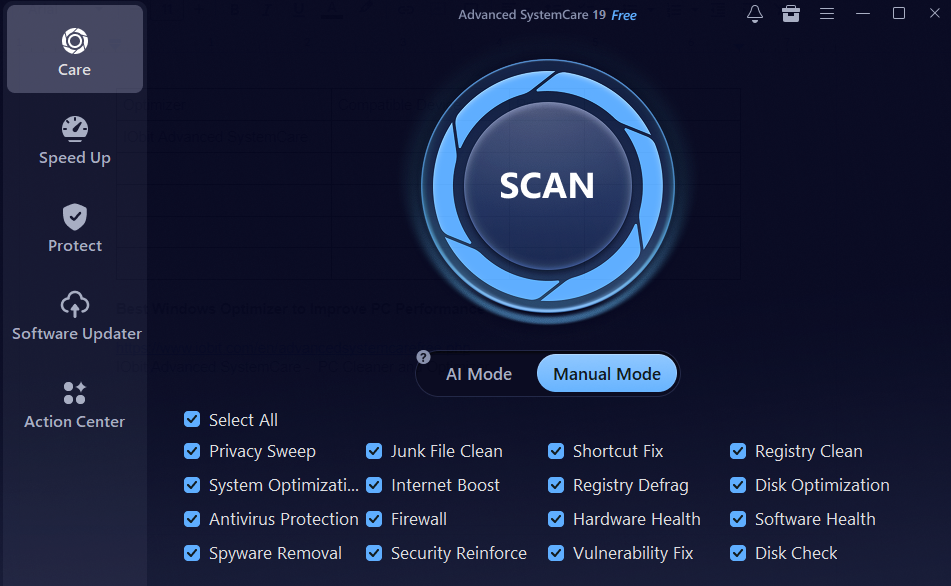
Registry Fix
Advanced SystemCare helps optimize and maintain your PC's performance by dealing with the Windows registry. It begins by scanning for issues such as invalid or broken registry entries and corrupted registry keys that may arise from software uninstallation, crashes, or incorrect settings. After that, it offers options to fix them by removing obsolete entries, restoring correct file associations, and cleaning up redundant registry entries. Besides, it also fine-tunes the registry to reduce access times.
Turbo Boost
The Turbo Boost feature instantly disables non-essential background programs and services according to the mode (work mode, game mode, and economy mode) you choose, giving your PC a performance boost.
Startup management, auto RAM clean, real-time performance monitor, anti-spyware, folder protection, and more features are developed in the free Windows optimizer software. IObit does more! It has developed a series of free apps and tools to help you manage your Windows easily, including IObit Uninstaller, Driver Booster, Smart Defrag, and more.
Pros
AI-powered one click automation
Easy for beginners
Comprehensive all-in-one suite
Free version available
Cons
Some advanced features require upgrading to the Pro version
/
/
/
PC Services Optimizer - Best for Disabling Unnecessary Windows Services
PC Services Optimizer optimizes and improves the performance of your PC by tweaking various system services. It primarily focuses on managing Windows services.
PC Service Optimizer allows you to create a user profile which records your usage customization. For example, you can choose yes or no when it shows "I use a local or network printer". If you choose no, printer service would be disabled. Hence, your system uses fewer resources for better overall performance.
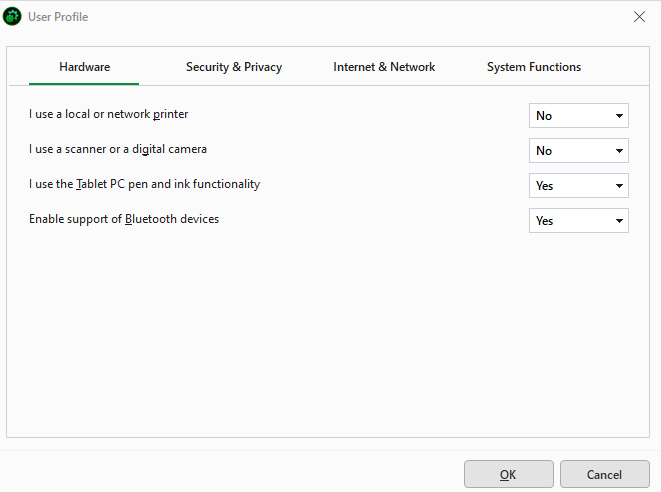
Meanwhile, it optimizes services related to security by disabling unneeded services that could be exploited by malware to reduce risks.
Pros
Safely disable unneeded services
Directly reduces active background service count
One-click option to revert service configurations back to defaults
Cons
Single-function focus without junk file cleaning
Interface feels dated
Paid paywall for automatic tuning
CCleaner: Windows 11/10 Optimizer
CCleaner is an overall Windows optimizer that includes main features of cleaning, driver updating, software updating, and uninstalling, though some of them are paid services.
Clean Junk Files & Registry
Remove junk files by automatic scanning. Or custom clean junk files and registry files. Cleaner optimizes your Windows system by removing temporary files, such as browser cache, system logs, and installation leftovers. It also cleans up unused files and clears browser history, cookies, and cached data. Additionally, CCleaner’s registry cleaner reduces errors and enhances system stability.
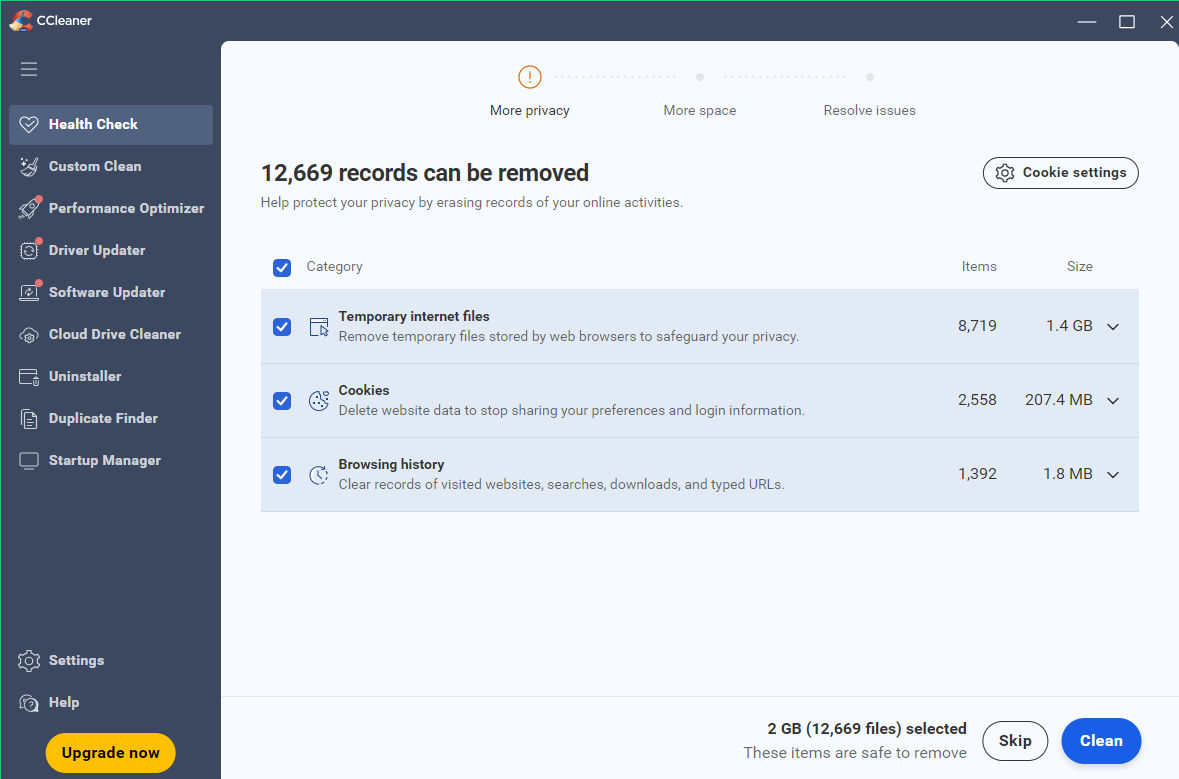
Performance Optimizer
This feature puts non-essential apps to sleep to boost your PC’s performance. It gives a list of active apps, which you can choose to sleep to enhance PC performance.
Driver Updater
It scans the drivers on your PC and divides them into outdated and up-to-date ones. Automatically update selected drivers to keep them up-to-date.
Uninstaller
Uninstall an app completely. Another paid service, temporarily uninstalling is unique as it allows you to temporarily disable or uninstall a program from your system and restore it later.
Pros
Targeted browser cleaning
Customizable scans with manual checks
Cons
Limited free features
History of privacy concerns
Ashampoo WinOptimizer
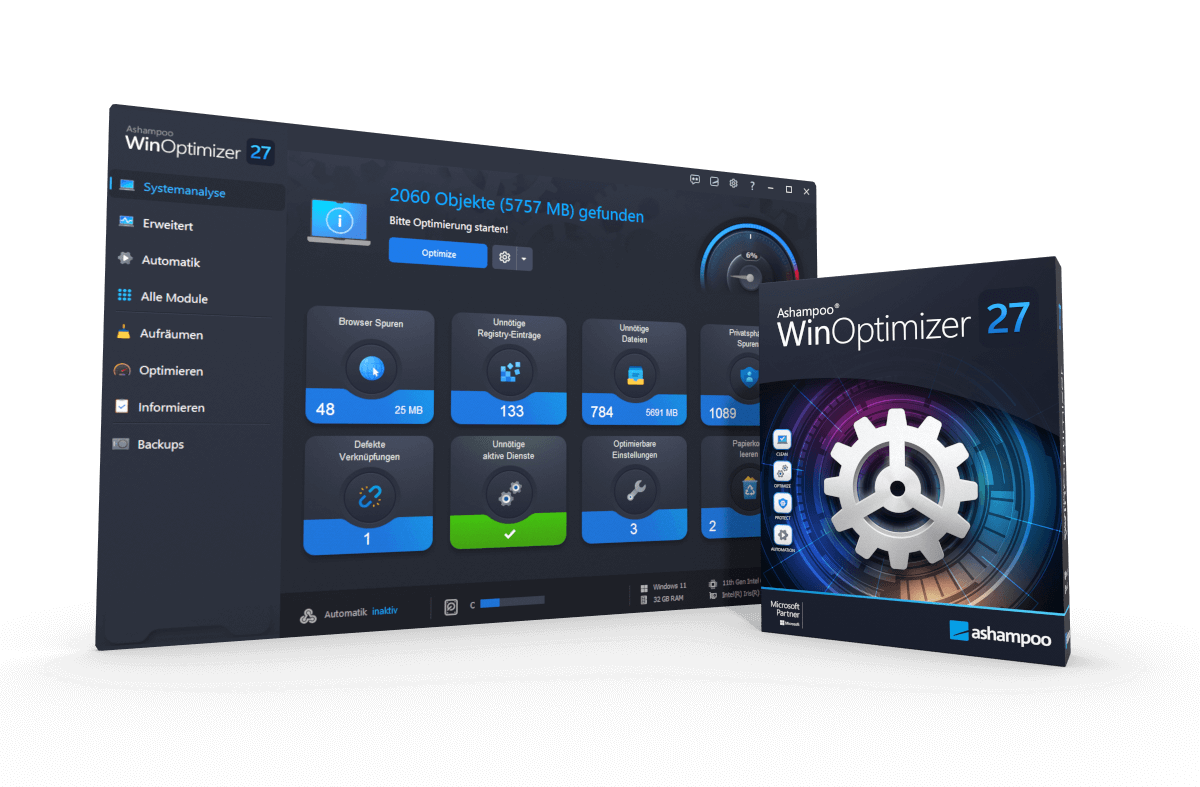
Ashampoo WinOptimizer is a comprehensive PC/laptop optimizer. It improves the performance, speed, and stability of Windows computers, including a variety of features of system cleaning, registry fixing, privacy protection, and performance optimization.
System Clean and Optimize
It scans your system to remove unnecessary files, clean registry, and remove browser traces. Disable unnecessary programs to improve boot times.
File Shredder
You can completely remove sensitive and private files from the disk without preventing data recovery.
Disk Optimization
It defrags disk by rearranging fragmented data to accelerate file access times. It also optimizes SSD to ensure it works at its peak performance.
Application Uninstall
Ashampoo WinOptimizer provides a list of programs and updates installed on your system. Remove any program by uninstalling it completely.
Privacy Reset
One click to disable “Error Reporting” service, remote access on this PC, telemetry reports to Microsoft, and Wi-Fi Sense to improve privacy further.
Pros
Strong privacy controls with "Privacy Reset" module
Integrated maintenance extras like file shredder
Cons
Restricted free cleaners
Complex user interface
Winhance: Free Windows Performance Optimizer
The biggest difference between the Winhance app and the other four laptop optimizer software mentioned above is that it's open-source software. Therefore, you can download it from the Winhance website or from GitHub. Furthermore, all features within the app are currently free.
Batch Uninstall Apps
Winhance has divided your apps into two categories: Windows apps & features and external software. So you can uninstall any of them or several apps once.
System Performance Optimization
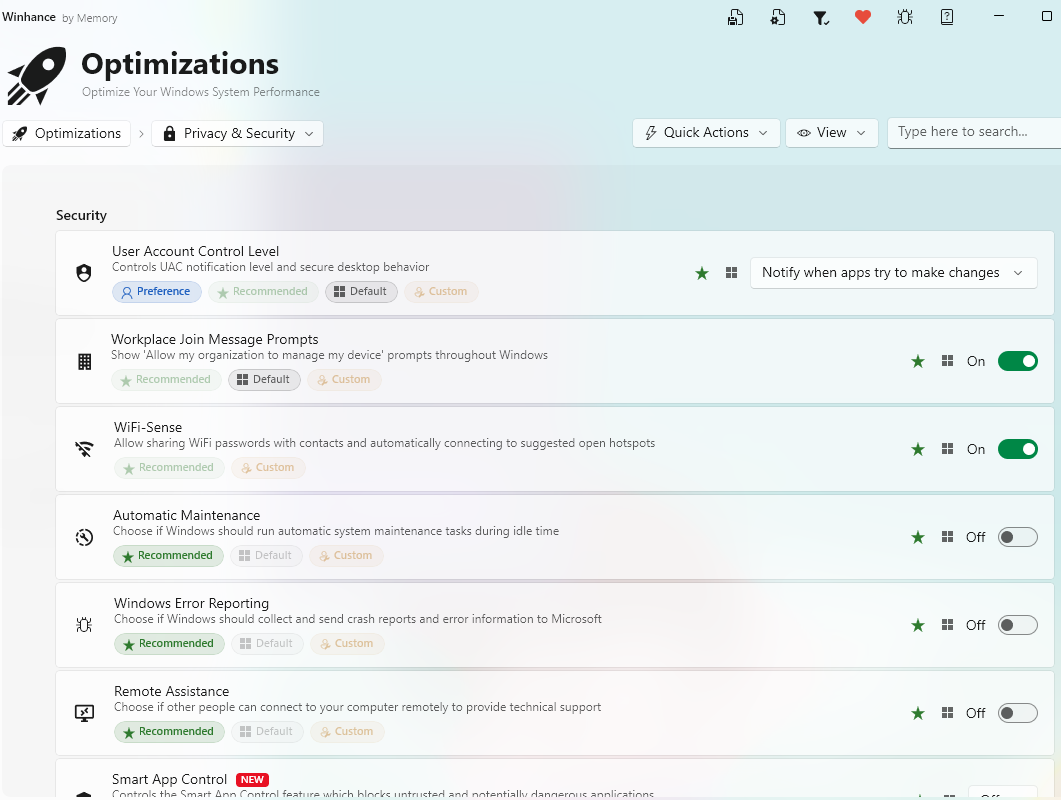
It centralizes many Windows settings that can affect computer system performance, allowing you to enable or disable features with a single click. These include Privacy & Security settings, game settings, power settings, update settings, sound settings, and notification settings.
Advanced Tools
WIMUtil (Windows Installation Media Utility) is designed for managing and modifying Windows Image files (.wim or .esd). It avoids fixing a Windows installation after it’s already on your computer. Autounattend.xml generator generates the autounattend.xml file based on your current Winhance selections to customize Windows during installation.
Pros
100% free & open-source, no ads, no upsells
Centralizes obscure Windows settings
Include Autounattend.xml generator for custom Windows installations
Cons
Lacks traditional automatic junk file, browser cache
Not so easy for users without technical background
No background RAM cleaning
FAQs about Windows Optimizer
What exactly does a Windows optimizer do?
Most Windows optimizers focus on the following main areas:
Disk cleanup: delete junk files, including temporary files, registry files, browser caches to free up space.
Startup management: disable unnecessary apps in batches that launch automatically when you turn on your PC.
System tweaks: adjust visual effects and power plans to favor speed over aesthetics or battery life.
Registry cleaning: delete "obsoleted" entries in the Windows Registry.
Does Windows have a built-in optimizer?
Yes. Microsoft PC Manager is an official Windows optimizer in 2026 to clear temporary files and reclaim memory. Cleanup, startup app management, and task management are its main features.
Why Windows optimizer is necessary?
A Windows optimizer systematically streamlines resources, disables unnecessary startup programs and purges system junk. Ensure your hardware's power is directed toward your active tasks rather than being wasted on invisible overhead.
Conclusion
What’s the best free Windows 10 and Windows 11 optimizer? It depends on your needs. Advanced SystemCare is best for automated maintenance for PC and laptop; PC Services Optimizer is best for service management; CCleaner is best for general cleaning; Ashampoo WinOptimizer is the best all-in-one suite; Winhance is best for deep system customization. Choose one you like best, free download Windows optimizer and use it to improve your PC performance now!