Keeping your graphics drivers updated is essential. Outdated display drivers are the causes behind sudden game crashes, stuttering framerates, and failed game launches. For major game releases, AMD coordinates with developers to roll out specialized "day-zero" driver updates for optimized performance. Then how to update AMD drivers automatically or manually? How to batch update AMD drivers at once? Read the blog to know how to update AMD drivers with detailed steps.
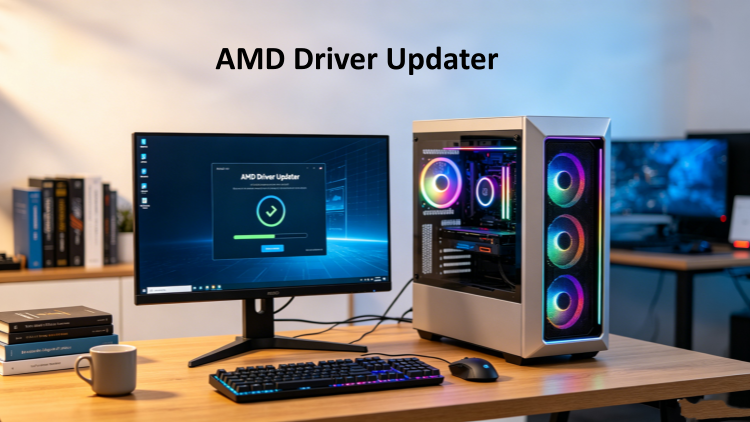
How to Update AMD Drivers Manually from Official Site
To download AMD drivers manually from AMD’s official site, follow the steps below.
Step 1. Go to its official download page for drivers.
Step 2. Find drivers that suit your device after choosing your product (graphics, processors, accelerators, chipsets, cloud graphics, and Ethernet adapters) and their models.
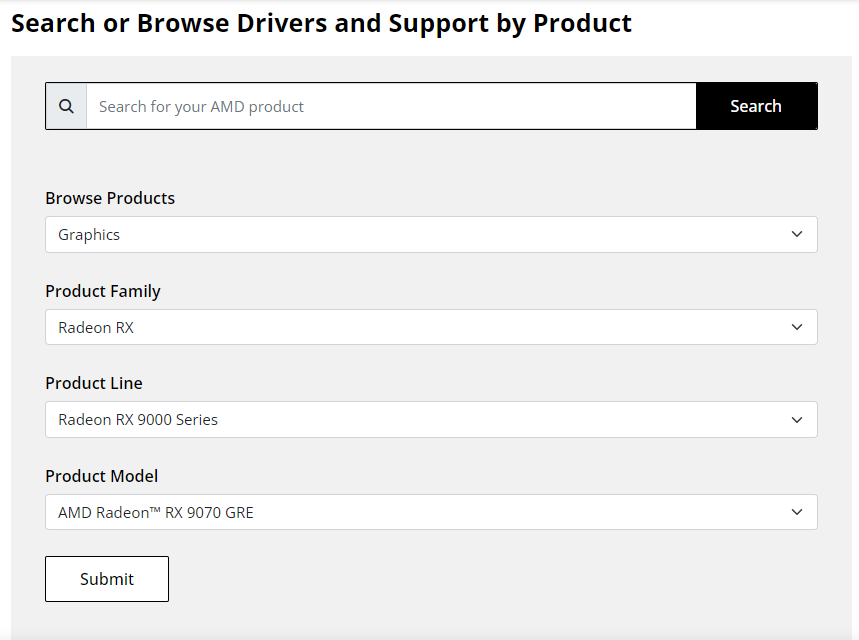
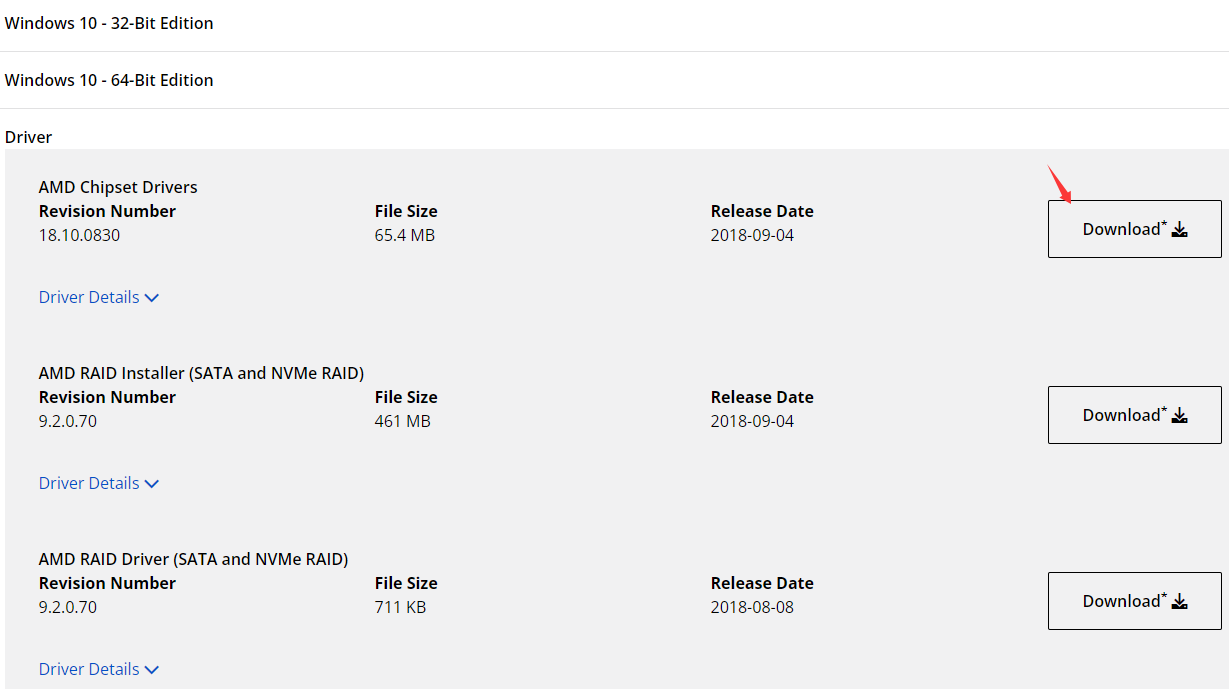
Step 3. Choose your operating system, download new drivers, and install it on your computer.
How to Update AMD Drivers Automatically with Official App
AMD Software: Adrenalin Edition is the official driver updater for AMD to keep your drivers up to date automatically (updating graphics card drivers, audio drivers and CPU chipset drivers ), improve game performance, and patch bugs. It also works as a unified hub designed to optimize gaming performance, customize visual settings, record gameplay, and tune system hardware.
It is only available on systems running compatible AMD Radeon Series Graphics and operating systems (Windows 11 version 21H2 and later, Windows 10 64-bit version 1809 and later).
Step 1. Download and install AMD Software: Adrenalin Edition on your device (Full Install is recommended for it provides all features; Minimal Install only provides basic controls, no recording and other advanced features; Driver Only loads only the core display and hardware drivers).
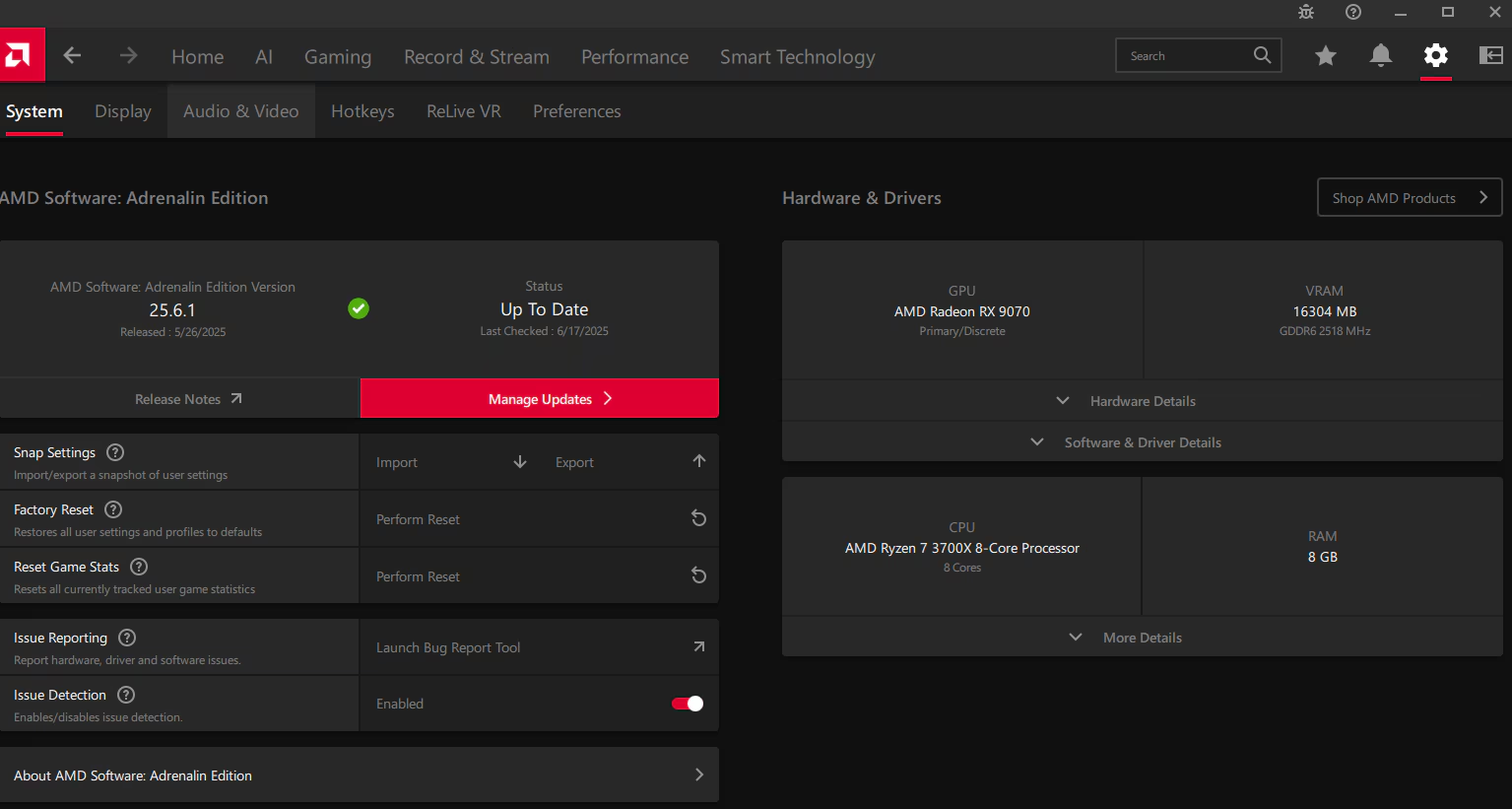
Step 2. Go to Settings (gear icon) > System > Check for Updates.
Step 3. When there are new drivers, download and install it on your device.
Note: AMD's Adrenalin 26.5.1 Driver Bug after Update
It has been reported that the newest version released on May 6th has caused some problems with the Zero RPM mode, causing high temps in games. It’s recommended to roll back to the previous version. So take a second consideration to choose to install the latest version or not. To restore AMD Software to a previous state, go to its official page for detailed steps.
Update AMD Drivers with AMD Auto-Detect and Install Tool
AMD Auto-Detect and Install Tool is a lightweight web installer that automatically checks your Windows for compatible AMD Radeon Series graphics, AMD Ryzen chipsets and downloads the appropriate drivers. It will lead you to install AMD Software: Adrenalin Edition finally. There is a problem with some users who say that they cannot find the tool. For detailed information about it, and ways to fix AMD Auto-Detect and Install Tool not found, read the article AMD Auto-detect and Install Tool and not found issue fix.
Automatic AMD Driver Updater: Driver Booster
Driver Booster, compatible with Windows 10 & 11, is a dedicated driver updater to scan, update, and fix your outdated, missing, or broken drivers. When it comes to updating AMD Radeon graphics cards and Ryzen chipsets, Driver Booster serves as an automated alternative.
Driver Booster Free
- Automatically scan and update drivers.
- Update game ready drivers for peak gaming performance.
- Identify and fix various common of hardware issues.
- Boost 30% of system performance for fast & smooth running.
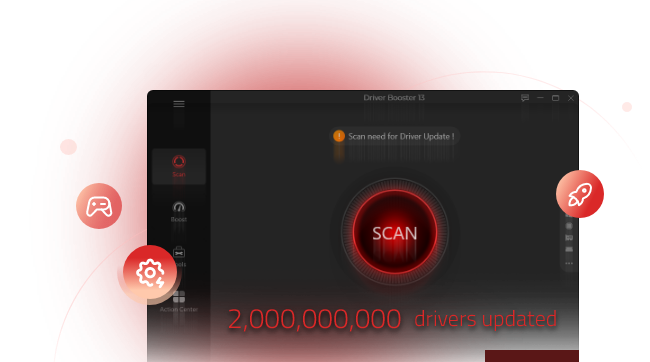
It’s simple to update AMD drivers with Driver Booter:
Step 1. Download and install Driver Booster on your Windows system.
Step 2. Open the software, click the Scan button, which scans all your drivers that are outdated.
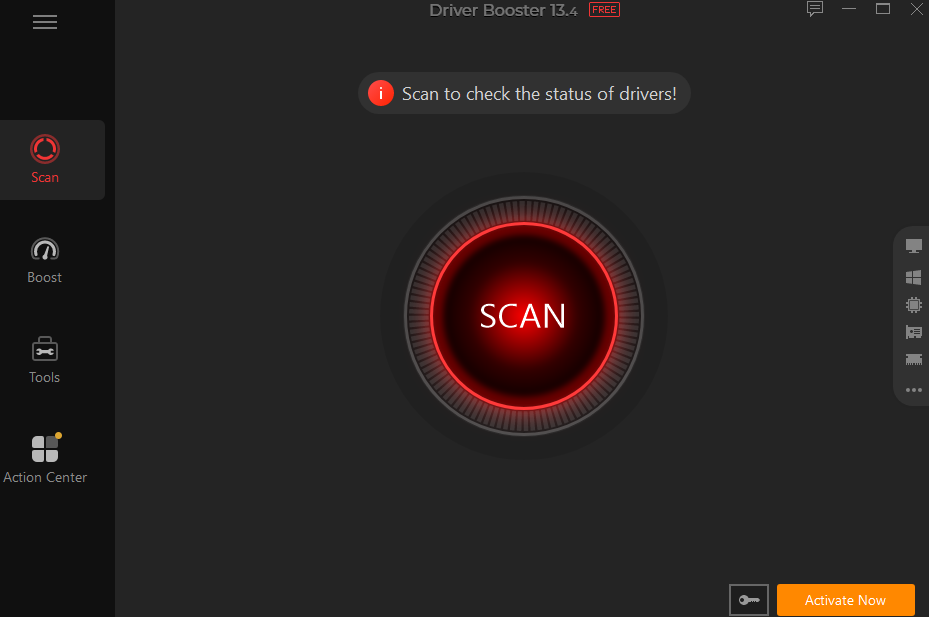
Step 3. Click “Update Now” on the top for automatic all driver updates at once. Or click the Update button next to a specific driver to update a driver only.
Step 4. Restart your PC to make the driver updates effective.
Advantages of Updating AMD drivers with Driver Booster
Huge driver database certified by Microsoft WHQ
Driver Booster has a huge database of millions of drivers for Intel, AMD, NVIDIA, and more, which enables it to quickly identify outdated AMD display drivers, audio drivers, and chipset components simultaneously. It prioritizes Microsoft WHQL (Windows Hardware Quality Labs) certified drivers to ensure system stability after updates.
Auto AMD driver updates when the system is idle
In the Settings of Driver Booster, you could choose to automatically update drivers when the system is idle if you’ve upgraded to a Pro version. Then your outdated drivers can be updated automatically, without interrupting your work.
Fix device issues
Some common problems can be fixed by Driver Booster, including no sound, device error, network failure, and bad resolution.
Driver backup & restore
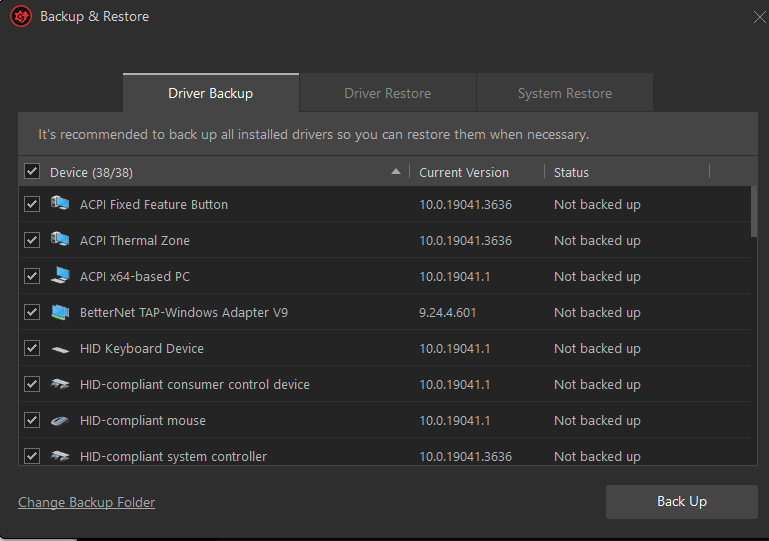
Back up drivers before updating automatically. If there are issues after updating, you can roll back to the previous version to prevent further issues.
How to Update AMD CPU & GPU Drivers Manually with Windows Updates
It’s a kind of outdated way to update AMD drivers with Windows Updates for you have to check for updates manually. Even though, it is suitable for some users who require normal performance and prefer to update AMD drivers without third-party apps.
Step 1. Open Settings > click Windows Updates >Advanced options.
Step 2. Scroll down to Additional options and click Optional updates.
Step 3. If an AMD update is available, download and install it.
Can I Backup AMD Drivers Before Updating Automatically?
Yes with Driver Booster in an automatic way, no with AMD Software. Backup drivers and then update them with Drive Booster, and restore them instantly if there is any issue.
How to auto backup AMD drivers with Driver Booster?
Why Need Update AMD Drivers?
Better game experience
AMD frequently releases new graphic drivers when major games are released for better game experience.
Fix bugs
Fixing memory leaks, hardware timeouts or conflicts caused by OS updating to make sure your PC works as normal.
Get new features
Update your drivers for the newest cutting-edge technology, enhanced control panels and more improvements for PC performance.
Conclusion
Updating AMD drivers is necessary, whether for new games and PC performance improvement. As for how to update AMD drivers, you have several choices. Install AMD Software from its official site to update drivers. For automatic backup and restore, download Driver Booster that could update all your drivers at once.