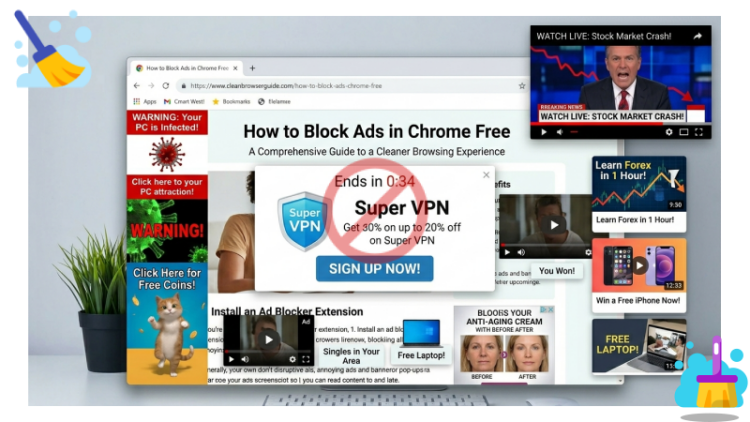
Let’s be honest - nothing kills a browsing vibe quite like a screeching auto-play video or a pop-up that covers the entire article you’re trying to read. You’re just trying to check the news, watch a quick tutorial, or maybe find a recipe, and suddenly your screen is a mess of flashing banners and video ads.
If you’re tired of this digital chaos, you’re probably wondering how to block ads in Chrome free. Follow this guide, and I’ll walk you through the best ways to block ads Chrome free and reclaim your browser - quickly, safely, and without spending a dime.
Why You Need the Best Pop up Blocker for Chrome (Beyond Just Annoyance)
Why block pop up ads on Google Chrome important? Ads are annoying, but they have a lot more impact behind the scenes.
Slowing down your browsing speed: Ads consume bandwidth. A page loaded with numerous banner ads and trackers can take twice as long to load as a clean page.
Security risks: This is crucial. Cybercriminals sometimes secretly implant malicious code into ad networks – a tactic known as malicious advertising. Even a seemingly harmless banner ad might attempt to install malware on your device.
Privacy violations: Every ad you see is often associated with a tracker that monitors your browsing habits. Thinking about it, that's actually a bit creepy.
Therefore, this is not only to improve the browsing experience, but also for security reasons to block pop-up ads with the best free ad blocker for Google Chrome.
4 Top Ranked Best Free Ad Blocker for Chrome - Stop Pop up Easily
There are dozens of good free ad blocker for Chrome out there, but these 4 are the standout choices for 2026. Each has its own strengths, let’s break down the best free tools you can start using today.
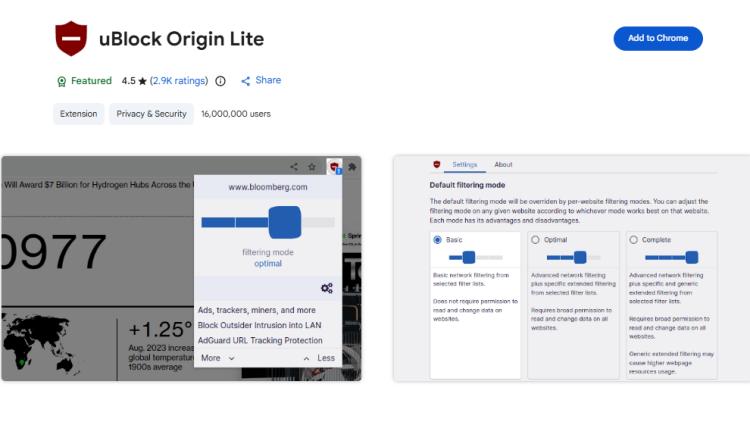
1. uBlock Origin - The Gold Standard
If you’re looking for a free, lightweight best free ad blocker Chrome, uBlock Origin Lite is still a smart pick. Even though Google Chrome has introduced Manifest V3 - tightening extension permissions and limiting how deeply ad blockers can filter content - uBlock Origin Lite is built specifically to work within these new rules.
That’s exactly why it remains worth recommending. Instead of trying to bypass Chrome’s restrictions, it takes a more optimized approach: using efficient filtering rules to block most common ads and trackers while keeping performance fast and stable.
2. AdBlock - The Popular Choice
If you prefer a simple, beginner-friendly way to block ads Google Chrome free, AdBlock is a great place to start. It’s one of the most widely used adblock Chrome extension free, known for its easy setup and reliable performance right out of the box. You don’t need to tweak complex settings - just install it, and it immediately starts blocking pop-ups, banners, and video ads. However, a quick tip: by default, it allows “acceptable ads” (non-intrusive ones) through. If you want a completely clean experience, just go into its settings and turn that feature off.
3. AdGuard AdBlocker
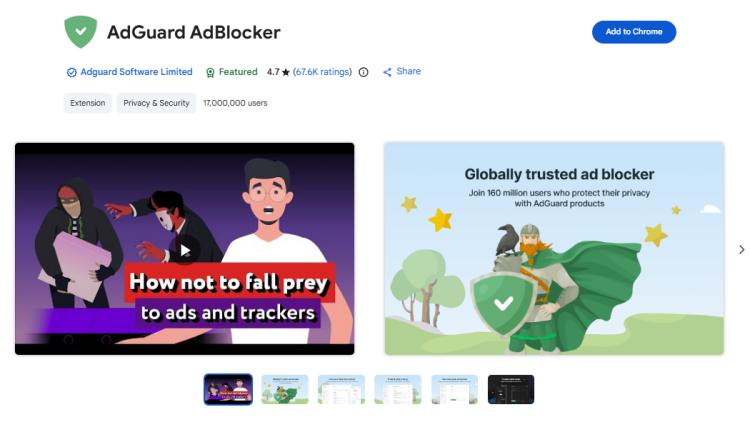
If you care more about a clean-looking browsing experience and advanced filtering, AdGuard AdBlocker stands out. This one of the best free ad blocker for Google Chrome not only block ads Google Chrome free but also removes leftover placeholders and page clutter through its strong “cosmetic filtering” capabilities, making websites look smoother and more polished. Plus, it offers solid privacy protection features, making it a good choice if you want both ad blocking and enhanced browsing aesthetics in one tool.
4. IObit Malware Fighter - The Best Pop up Blocker for Chrome
If you’re looking for something that does more than just block ads Chrome, IObit Malware Fighter is a brilliant choice. This is a system-level tool that combines antivirus protection with best free ad blocker for Chrome. It focuses more on blocking malicious ads and unsafe websites rather than removing all standard ads like a traditional adblocker Chrome free.
Using IObit to block ads in Chrome free can help you detect malicious website ads and pop-ups and issue alerts to prevent you from opening them. This allows you to browse with peace of mind, giving you a safer, ad-free online experience.
IObit Malware Fighter Free
- Quick and deep system scanning throughout PC system.
- Smart defense against all malicious infestations.
- High-level security and privacy protection in real time.
- Leading anti-malware and anti-virus engines.

Key features of the best free ad blocker extension for Chrome:
Block ads for Google Chrome free: It actively blocks intrusive ads across Chrome, Firefox, and Edge for free.
Surfing protection: This feature prevents you from accidentally clicking on malicious links.
Plugin cleaner: Sometimes, adware hides in your browser extensions. IObit Malware Fighter cleans out the bad ones for you.
Advanced privacy features: It offers Anti-Tracking, which clears tracking cookies when you close your browser, and Homepage Advisor, which locks your homepage so malware can’t change it.
How to Block Ads Chrome for Free Easily
Ready to get started? Here’s how to install your chosen tool. I’ll take IObit Malware Fighter as the example.
Step 1. Download this antivirus and browser protection software on your PC, install and launch it.
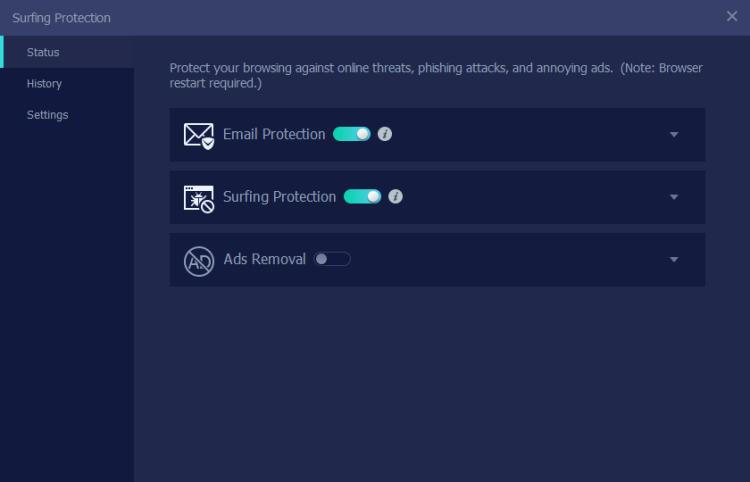
Step 2. Switch to Browser Protect tab. Hover your mouse over Surfing Protection, and when the Settings button appears in the upper right corner, click it.
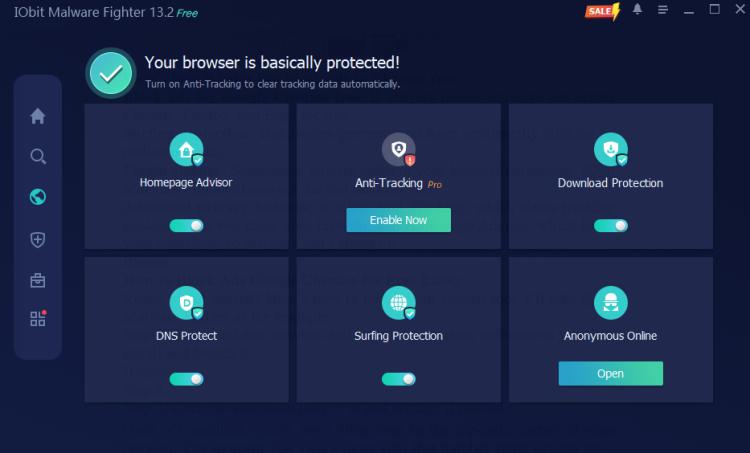
Step 3. Slide the Ads Removal button to enable it. Click Add Extension.
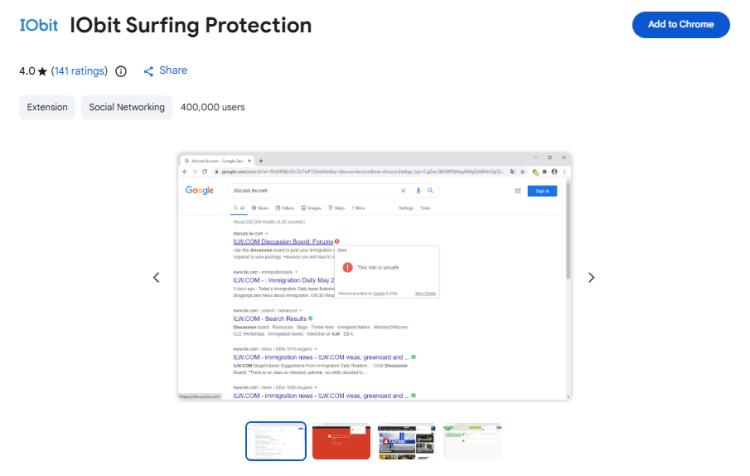
Step 4. Add this best free pop up ad blocker for Chrome on your PC.
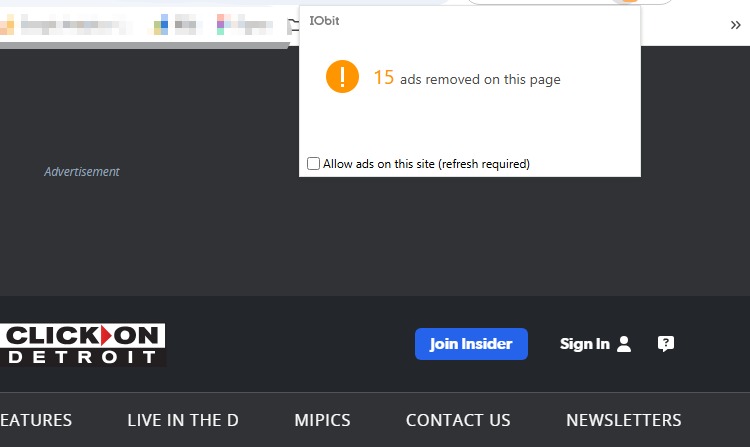
Once it’s installed, you’ll see a little icon in the top-right corner of your browser. The moment you visit a news site, that number starts ticking up - that’s the count of ads it just saved you from.
FAQs about Block Ads for Google Chrome
Are best free ad blocker Chrome extension really safe?
Yes, the vast majority of reputable, free ad blockers are completely safe to use. However, because these extensions have the power to interact with every website you visit, it's crucial to only install trusted ones.
Why am I still getting ads in Chrome after blocking them?
If ads are still showing up, it’s usually due to one of these common reasons:
Ad blockers don’t block everything.
Notifications are enabled.
Multiple extensions conflicting.
Your system may have adware or unwanted software installed.
YouTube and similar platforms are harder to block due to platform restrictions.
Does Chrome have a built-in ad blocker?
Yes. Google Chrome includes a basic built-in ad filter, but it’s limited.
It can: block intrusive ads (like pop-ups, auto-redirects).
It cannot: remove all banner ads, block most video ads, fully clean ad-heavy websites.
Can I block video ads on YouTube?
Partially - but not perfectly. YouTube serves ads directly from its own domain, making them harder to block compared to third-party ads.
Learn More: How to Watch YouTube Without Ads No Premium? PC/Smart TV/iPhone >>
Final Words
Browsing without ads isn’t just a luxury; it’s a massive upgrade to your daily internet experience. You’ll get faster load times, better privacy, and a much cleaner interface. If you want a simple, lightweight best free ad blocker for Chrome to block ads in Chrome free, go with uBlock Origin. It’s efficient and open-source. But if you’re looking for a comprehensive security suite that blocks ads and protects your system from malware at the same time, IObit Malware Fighter is an excellent choice.