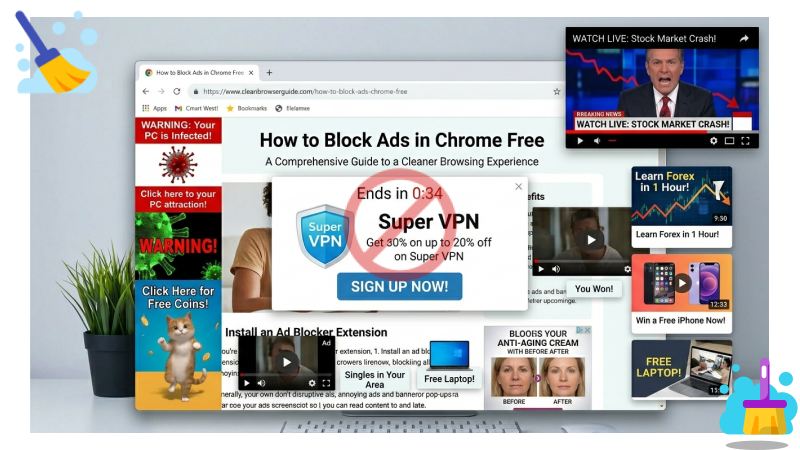
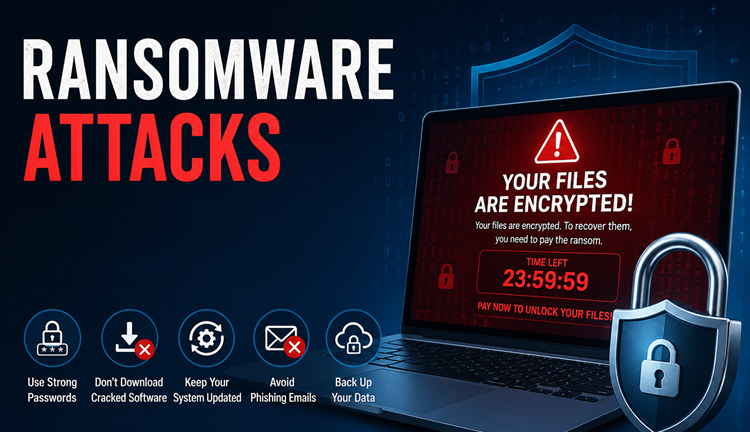
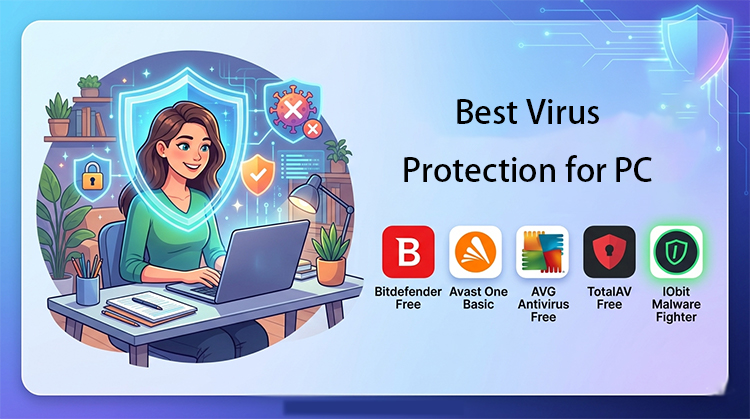
Malware is one of the most serious threats facing Windows users today. From ransomware that locks your files to spyware that silently steals your data, a single infection can cause lasting damage to your PC and your privacy. Unlike a slow internet connection or a software glitch, malware often operates invisibly in the background, draining performance, compromising your accounts, and putting your personal data at risk.
The good news is that you do not need to be a tech expert to fight back. The right malware removal tool can detect, quarantine, and eliminate threats automatically, often in minutes. In this guide, we have tested and compared the 6 best malware removal tools for Windows in 2026, covering both free and paid options, so you can choose the one that fits your needs and protect your PC starting today.

How to Choose the Best Malware Removal Tool for a PC?
Not all malware removal tools are created equal. Choosing the wrong one can leave serious threats undetected or slow your PC to a crawl. Before you download anything, here are the six key criteria that separate a reliable tool from an unreliable one:
Detection Rate: A tool with a low detection rate will miss active threats on your system. Always look for independent lab results from organizations like AV-TEST or AV-Comparatives; these show how many real-world malware samples the tool can identify and block.
Real-Time Background Protection: Malware does not wait for you to run a scan. A tool that monitors your system continuously in the background catches threats the moment they try to execute, before any damage is done.
Lightweight Performance: Heavy security software can make your PC feel sluggish. A well-designed tool should protect your system without consuming excessive CPU or RAM, especially during background scanning.
Proactive Threat Prevention: Removing existing malware is only half the job. A strong tool also blocks malicious websites, suspicious downloads, and phishing links before they reach your system, reducing the chance of re-infection.
Ease of Use: Security software should not require technical expertise. An intuitive interface means you can run scans, review threats, and configure settings without confusion, making protection accessible to every type of user.
Free Version Availability: A free tier lets you test the tool's core capabilities before committing to a paid subscription. This is important because it shows the developer's confidence in their product and gives you a risk-free way to evaluate whether it meets your needs.
Quick Overview: Find The Best Malware Removal Tool for You
Now that you know what to look for in a malware removal tool, here are the 6 top-rated options for 2026; each suited to a different type of user and budget:
IObit Malware Fighter Free: It’s the best completely free tool for Windows. No downloads and no sign-ups required to run.
Malwarebytes Free: If your concern is rounding up undetected threats, this one is good to go.
Bitdefender Antivirus Plus/Total Security: According to lab data from Germany, this performs best in detection rates.
Avast One Basic: With a basic VPN service, this underpins your free firewall and antivirus.
Norton 360 Deluxe: this tool is a complete virus scanner, VPN provider, and cloud backup service
Microsoft Defender: This comes with your Windows without cost and is easy to explore.
If you want to keep your system clear on a regular basis, just keep on running one of the best malware scanners.
6 Best Malware Removal Tools for PC in 2026 - Free and Paid
Now that you have understood the malware removal software for PC, let's discuss them in detail one by one.
1. IObit Malware Fighter Free
IObit Malware Fighter Free
- Quick and deep system scanning throughout PC system.
- Smart defense against all malicious infestations.
- High-level security and privacy protection in real time.
- Leading anti-malware and anti-virus engines.

IObit Malware Fighter Free is one of the most capable no-cost security tools available for Windows. Unlike many free antivirus programs, it requires absolutely no account registration or email sign-up; simply download, install, and start scanning. It runs alongside your existing antivirus without conflicts, making it an excellent secondary layer of protection. Its lightweight design means even older or low-spec PCs will not feel the burden during background scans.
Core Features of IObit Malware Fighter Free
Fast, Deep Scanning: IObit Malware Fighter performs rapid yet thorough scans of your startup entries, running processes, and core system files. This means threats hiding in the most common infection points, the areas malware uses to survive reboots, are caught and removed quickly, without making you wait through a lengthy scan.
Wide-Spectrum Anti-Malware Engine: Powered by IObit's proprietary anti-malware engine, the tool detects and removes a broad range of threats, including adware, spyware, trojans, worms, and browser hijackers. This wide coverage means you are protected against the full spectrum of common malware, not just basic viruses.
Multilayered Network Protection: IObit Malware Fighter Free comes with multilayered network protection that could lock your browser homepage and DNS settings. Hence, any hijacking attempts on your PC cannot be successful.
Lightweight Background Operation: The software is engineered to have a minimal footprint on your system resources. It runs quietly in the background without slowing down your PC, so you can continue working, browsing, or gaming while staying protected at all times.
Zero Sign-Up Required: Most free security tools require an email address or account creation before you can use them. IObit Malware Fighter Free skips this entirely; just download the installer, run it, and your first scan can begin within minutes. There is no registration barrier between you and a cleaner PC.
What You Get by Upgrading to Pro
Triple-Engine Scanning: Lays the Bitdefender engine on top of IObit's own for deeper, more thorough detection with a dedicated anti-ransomware engine too.
Proactive Hardware Protection: Monitors USB drives and external storage devices and prevents all malware from entering through physical pathways.
There are over 200 million known threats in the Million-Level Malware and Virus Database, which is updated often, so detection also adapts to new variants.
SafeBox for Sensitive Data: A password-protected vault that locks away your most important files 100% from ransomware and other unauthorized programs.
ProsTotally free and no account registration needed
Compatible with existing antivirus software; runs alongside without conflicts
Resources are very light; it runs smoothly even on older, low-specification PCs
ConsScan protection is less robust than the Pro version
For protection using the advanced Bitdefender engine and ransomware protection, you will need to pay for an upgrade
2. Bitdefender Antivirus Plus / Total Security
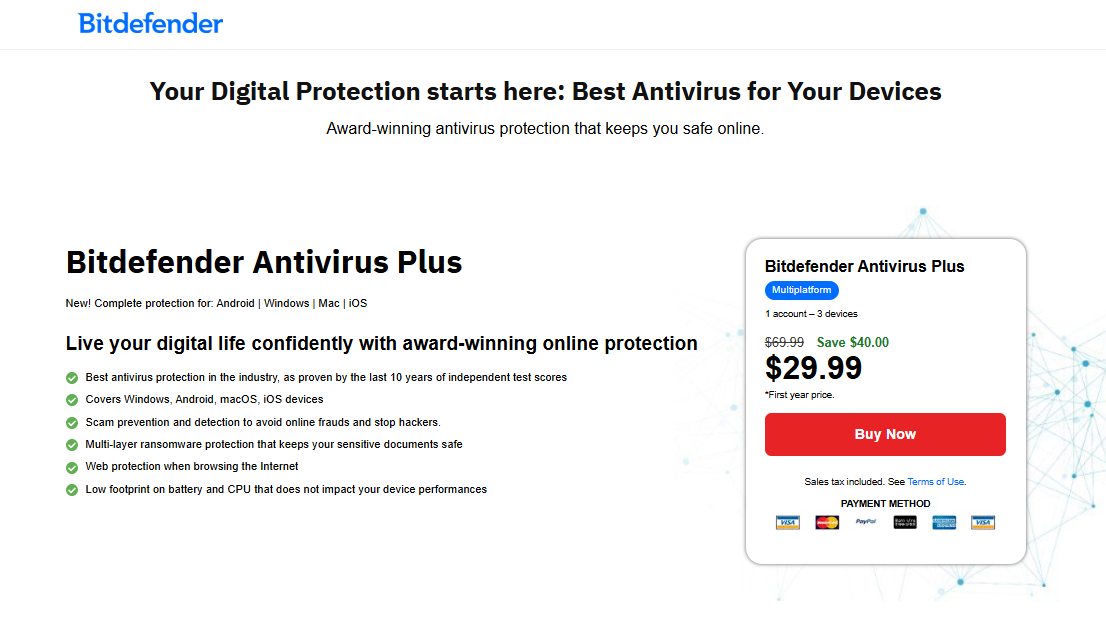
In rigorous independent testing by AV-TEST, Bitdefender achieved a near-perfect detection rate across nearly 1,200 real-world malware samples, one of the highest scores recorded in recent lab evaluations. Its AI-based real-time detection engine continuously monitors your PC, analyzing files, memory usage, and network behavior to catch threats the moment they appear, before they can cause damage.
What makes Bitdefender especially practical is how little you notice it running. The majority of its scanning work is offloaded to a cloud-based engine, which means your CPU is barely affected even during a full system scan. Antivirus Plus covers up to three Windows PCs under one subscription, making it an efficient choice for households or small offices.
Key Features:
Independent lab test results show a 100% detection rate of malware.
Answer File, Memory, and Network Behavior Monitoring Powered by AI in Real Time.
Cloud-based scanning engine — near-zero CPU impact.
ProsRanked first repeatedly in independent security lab tests worldwide.
Nearly no slowdown during full system scans.
Robust feature set on all paid tiers, even lower ones, including anti-phishing tools.
ConsNo Free version is provided; only a 30-day trial was offered at the start.
The renewal price jumps up after the first year of the promotional rate.
3. Malwarebytes Free
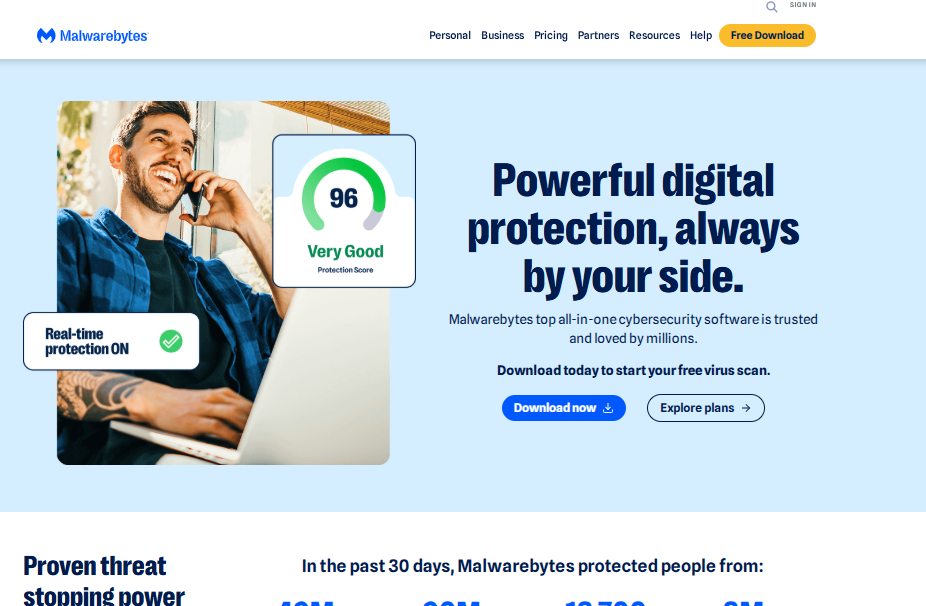
Malwarebytes Free is purpose-built for one job: hunting down and removing malware that other tools have already failed to catch. Its standout strength is its ability to eliminate deeply embedded, stubborn infections, the kind that survive standard antivirus scans and resist removal through normal means. If your PC has been behaving strangely despite running another security tool, Malwarebytes is designed exactly for that situation.
The free version works as an on-demand scanner; it runs when you launch it, not continuously in the background. This makes it an ideal companion tool to run alongside your existing antivirus, rather than a replacement for it. Real-time protection is reserved for the paid version.
Key Features:
Targeted malware scanning on demand, as well as adware and PUP (potentially unwanted programs).
No Conflict with Existing Antivirus (if any).
Platform availability: Windows, Mac, Android, and iOS.
ProsCleans up persistent infections that some other tools can miss.
Compatible with Several Different Platforms, Not Just Windows.
No sign-up required, free to use.
ConsNo live protection for the free version.
No extra tools, such as a firewall or password manager.
4. Avast One Basic
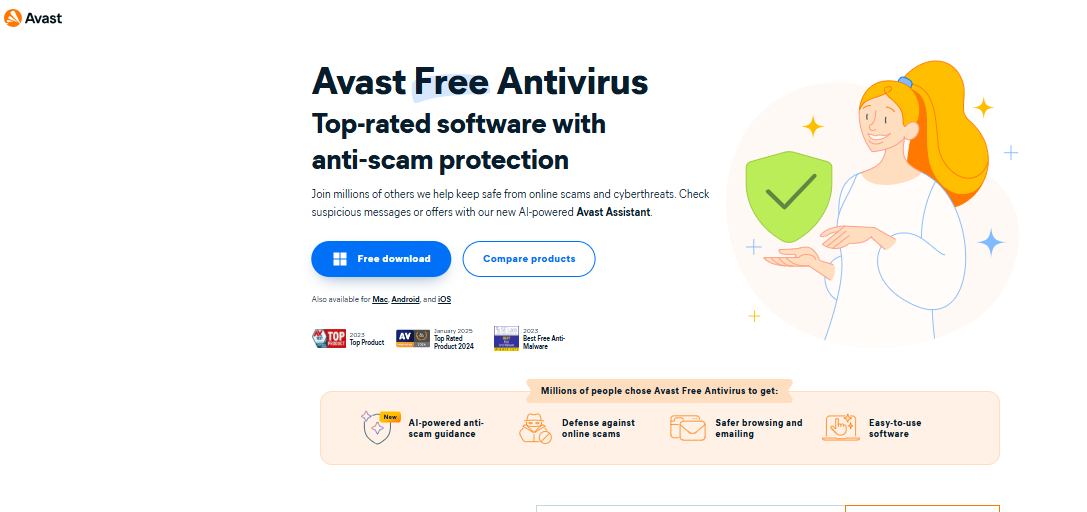
Avast One Basic stands out in the free antivirus space by offering genuine real-time protection, not just on-demand scanning. Its core antivirus engine continuously monitors your PC for threats, leveraging a massive global threat database to identify and block malware before it can execute. This is what earned it a perfect 6/6 score across all three AV-TEST categories: protection, performance, and usability. The protection score reflects its ability to block 100% of test threats; the performance score confirms it achieves this without noticeably slowing your system; and the usability score shows it produces minimal false positives that could disrupt your normal workflow.
Beyond antivirus protection, Avast One Basic includes a built-in firewall that monitors incoming and outgoing network traffic, and a Wi-Fi inspector that alerts you to vulnerabilities in your network connection, two features rarely found in free security tools. A limited VPN (5 GB per week) is also bundled in as a bonus, adding a basic layer of privacy when browsing on public networks. The free version is ad-supported, which occasionally means prompts to upgrade, and full scans can be heavier on system resources than lighter tools like IObit.
Key Features:
A reputable antivirus with real-time protection and close to perfect independent detection rates.
Free built-in basic firewall and Wi-Fi inspector.
(5 GB per week), Free limited VPN bundled in.
ProsEven in the free version, real-time protection is offered.
Flawless independent security lab evaluations.
Multi-platform support: Windows, Mac, Android, and iOS.
ConsThe ad-supported free version occasionally prompts upsells.
Heavy on system resources during full scans than lighter tools.
5. Norton 360 Deluxe
Norton 360 Deluxe is built for users who want complete digital protection under a single subscription. At its core is a powerful malware and virus scanner with near-perfect detection rates, but what sets Norton apart is everything built around it. Dark web monitoring alerts you if your personal data appears in a breach, a full-featured VPN keeps your browsing private, and a dedicated password manager secures your credentials across all accounts. For anyone who wants comprehensive malware removal combined with identity protection and privacy tools in one place, it is a solid all-in-one solution. There is no permanent free version; only a limited trial to get started.
Pros:
Pros
Bundles malware removal, VPN, cloud backup, and identity protection in one plan.
50 GB cloud backup storage; particularly valuable for ransomware recovery, as encrypted files can be restored from a clean backup
Includes advanced scan protection capabilities, such as behavioral monitoring and exploit prevention, that most competing security suites lack.
Cons
No permanent free version, only a short free trial to get started.
Renewal cost is noticeably higher than most alternatives on this list.
6. Microsoft Defender
Microsoft Defender is already running on your machine the moment you start a Windows 10 or 11 PC. It provides real-time protection against basic malware and virus threats and updates its definitions automatically in the background.
Pros:
Pros
Already built into Windows, free with no download required.
Automatic real-time scanning and definition updates with no setup.
Very low resource footprint at idle with native Windows integration.
Cons
Less effective against advanced or deeply embedded malware threats.
No extras and limited to Windows only, no cross-platform support.
Comparison of The 6 Best Malware Removal Tools for PC
Choosing the right malware software removal tool really comes down to matching what you need with what each option actually offers. This table will help you choose the best.
| Tool |
Detection Rate |
Real-Time Protection |
System Impact |
Extra Features |
Platforms |
Price |
| IObit Malware Fighter Free |
High |
Basic (real-time) |
Very Low |
Browser & DNS Protection, SafeBox (Pro) |
Windows |
Free / Pro $19.99/yr
|
| Malwarebytes Free |
High (on-demand) |
No (paid only) |
Low |
PUP removal, adware cleanup |
Win, Mac, Android, iOS |
Free / $44.99/yr |
| Bitdefender Plus / Total Security |
100% (lab-tested) |
Yes |
Very Low |
SafePay, anti-phishing, ransomware shield |
Win, Mac, Android, iOS |
From $12.99/yr |
| Avast One Basic |
Near 100% |
Yes |
Low-Moderate |
VPN (5 GB/wk), Wi-Fi Inspector, optimizer |
Win, Mac, Android, iOS |
Free / $31.20/yr |
| Norton 360 Deluxe |
Near 100% |
Yes |
Moderate |
VPN, 50 GB Cloud Backup, Dark Web Monitor |
Win, Mac, Android, iOS |
From $29.99/yr |
| Microsoft Defender |
Good (basic) |
Yes (built-in) |
Very Low |
Basic Windows Security tools only |
Windows Only |
Free (built-in) |
How to Remove Malware from Your PC
This is one of the most straightforward ways to approach how to remove malware from a Windows PC without needing any technical skills at all.
Step 1: Download IObit Malware Fighter
Go to the official IObit website at iobit.com. On the homepage, look for the green "Free Download" button displayed prominently in the center of the screen. Click it to start the download; no account or email address is required.
IObit Malware Fighter Free
- Quick and deep system scanning throughout PC system.
- Smart defense against all malicious infestations.
- High-level security and privacy protection in real time.
- Leading anti-malware and anti-virus engines.
Step 2: Install IObit Malware Fighter
Open the program and click Run on the main screen. Click the install button.
Step 3: Launch the Program
Once installation is complete, click "Run Now" to launch IObit Malware Fighter. The program will open directly to the main dashboard, where you can immediately begin your first scan.
Step 4: Fix the Issues
The tool will find issues and show a screen with the “Fix All” option. Click on it, and it will perform the smart scan; you get a full list of everything it found. Click “Ok” to clear it in one go.
Step 5: Enable Browser Privacy Protection
After the scan is complete, IObit Malware Fighter will offer to enable Browser Privacy Protection. This feature locks your browser homepage and DNS settings, preventing malicious websites or software from redirecting your browser without your permission, a common tactic used by adware and browser hijackers. We recommend enabling it for ongoing protection. If you prefer to set it up later, you can skip this step for now and enable it from the settings at any time.
Step 6: Set a Weekly Scan Schedule
Your PC is now protected, but malware threats evolve constantly. New variants emerge daily, and a single visit to a compromised website or download of an infected file can re-expose your system. Setting up a weekly automatic scan ensures IObit checks your PC on a regular basis, catching anything that may have slipped through since your last scan. To set this up, go to Settings > Scan Schedule and select your preferred day and time. We recommend choosing a time when your PC is on but you are not actively using it, such as overnight.
Conclusion
Protecting your Windows PC from malware does not have to be complicated or expensive. In this guide, we covered the 6 best malware removal tools for 2026. When choosing the right tool, remember the key criteria: detection rate, real-time protection, system impact, ease of use, and whether a free version is available to test first.
For most Windows users, IObit Malware Fighter Free is the best malware removal and the most practical place to start. Download it today and run your first malware removal for PC scan at no cost.
IObit Malware Fighter Free
- Quick and deep system scanning throughout PC system.
- Smart defense against all malicious infestations.
- High-level security and privacy protection in real time.
- Leading anti-malware and anti-virus engines.