- Support Center
- Multiple Languages
- Language
- Help Us Translate
Expert in
PC Health Solution

All-in-one PC health solution: clean, optimize and secure

Comprehensive PC cleaning, optimization and protection

Keep drivers always up-to-date

More stable performance with less system crashes

Protect millions of computers against malware

Top computer security with full-round protection

Protect against viruses & boost PC performance
Clean: 420 billion traces removed & 85 EB junk files cleaned
Protect: 80 million unauthorized access blocked & 20 million bugs fixed
Speed Up: 6 million hours of startup time saved & Turbo boost
Optimize: Auto clean and auto care your PC with AI mode

How fast is my PC speed? Start a PC speed test now with online tools or apps, checking your PC speed in real time.



Here we give a table to help you understand what a PC speed tester can test. Download speed and upload speed are the basics.
Speedtest
Speedtest is an online tool for PC speed tests. It also offers a Windows version that allows you to download on your computer. Click a button and seconds later, you can see speed data about download speed, upload speed, idle latency, download latency and upload latency.
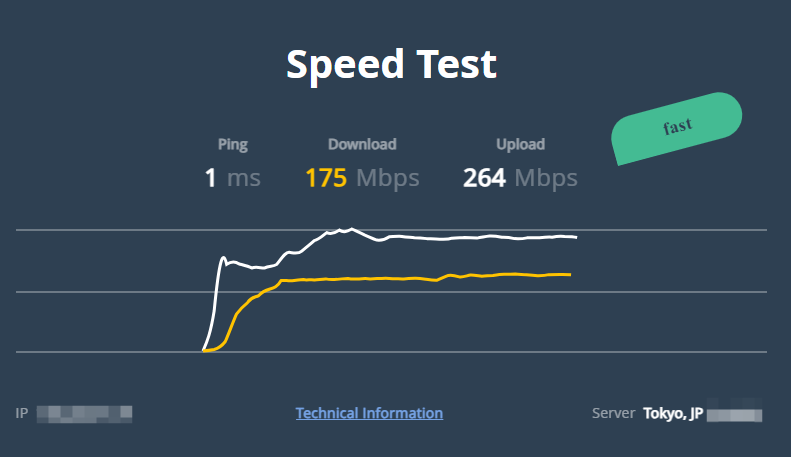
Open Speed Test
Open Speed Test is a free online speed test tool with ads on its site. Click a button and it gives download speed, upload speed, ping and jitter. After that, it gives network performance analysis that clearly shows what you can do with the current speed (file download, online gaming, video call, and the like).
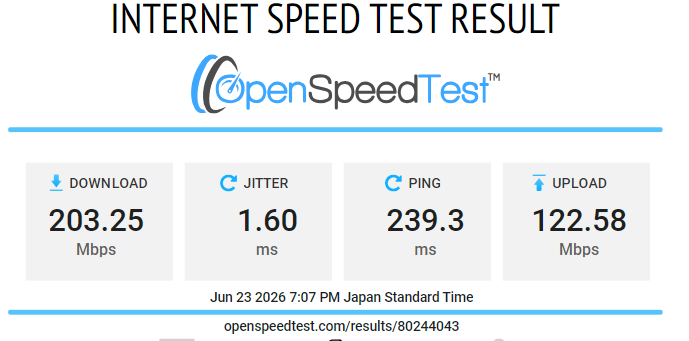
Speedtest Custom
Speed Test Custom is an online speed test tool made by PCmag. Its page is clean, no ads. Same with the tool above, it tests your download speed, upload speed, ping and jitter. The page contains nothing other than information about your internet speed.
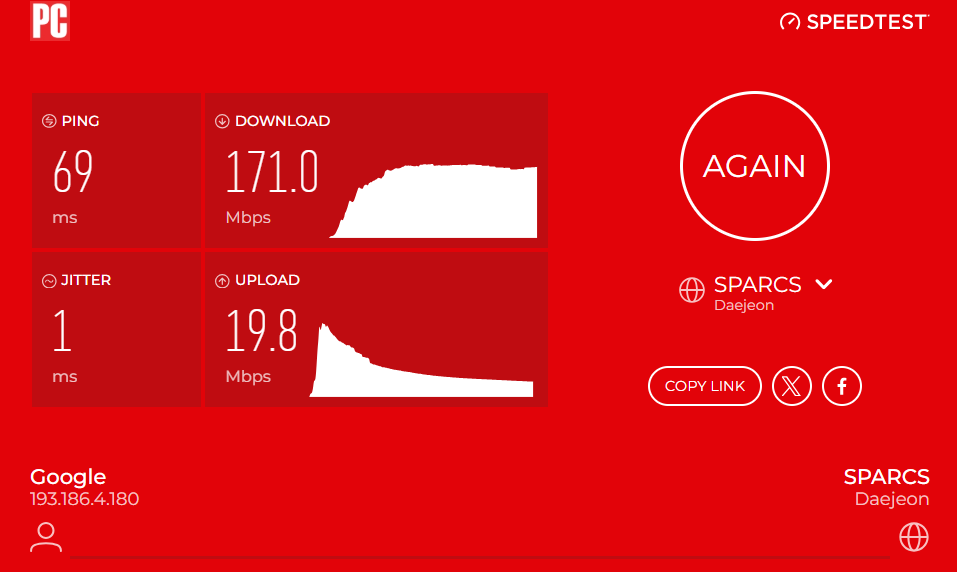
Speed Check
Speed Check allows you to check internet speed online without download. It tests your download speed, upload speed and latency. Except for on-page ads, it has a strong intention to make a sale for its product VPN.
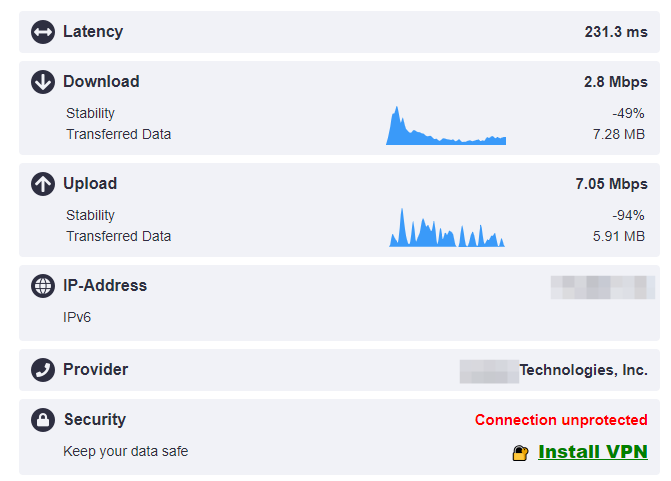
Bandwidth Test
As a clean speed test online tool, it tests your download speed, upload speed and ping instantly to identify if your PC can be run fast or slow.
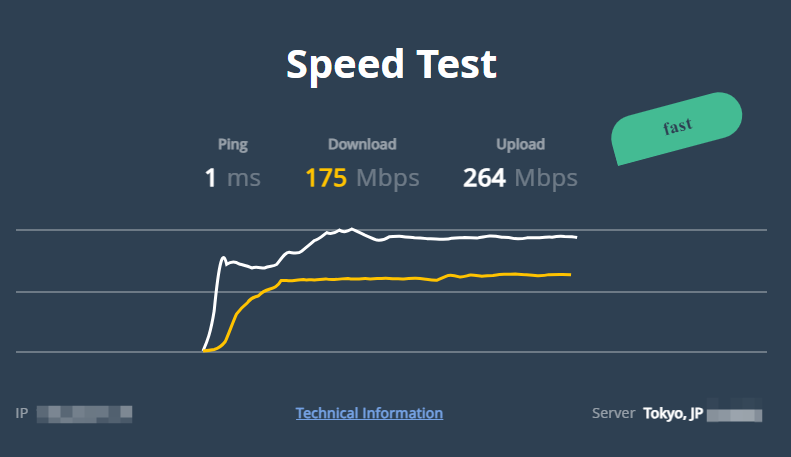
Choose an online tool you prefer and open it.
Click the Start button on the page to start testing.
Then in seconds, you’ll get results about download speed, upload speed and more.
Download speed
Test: how fast data travels from the internet to your device
Essential for: streaming, browsing and downloading files
Upload speed
Test: how fast data travels from your device to internet
Essential for: send emails, video calls, and video uploading
Ping/latency
Test: the reaction time of your connection
Essential for: gaming and real-time communication
Tips:
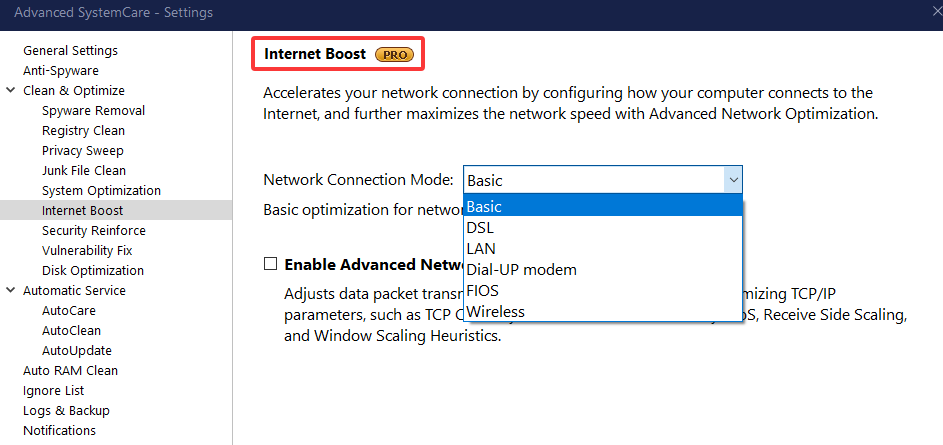
Download Advanced SystemCare and choose the Internet Booster feature to speed up your internet. It optimizes TCP/IP settings, adjusts network bandwidth allocation and clears browser junks.
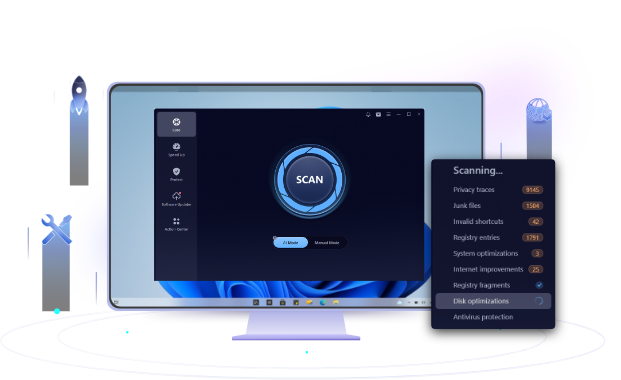
Moveover, it automatically cleans junk files, temp files, and registry, fixes shortcuts, and does more to optimize your PC.
 People Also Ask
Why is Google Chrome using so much memory? Check the possible reasons and learn how to diagnose and fix Chrome uses too much RAM issue.
High CPU usage can slow down your PC or affect gaming performance. Learn what 100% CPU usage means, its causes, and how to safely reduce it.
Stuck with the “This app can’t run on your PC” error? Learn quick fixes, compatibility settings, and advanced ways to make programs run smoothly on Windows.