

- Support Center
- Multiple Languages
- Language
- Help Us Translate
Expert in
PC Health Solution

All-in-one PC health solution: clean, optimize and secure

Comprehensive PC cleaning, optimization and protection

Keep drivers always up-to-date

More stable performance with less system crashes

Protect millions of computers against malware

Top computer security with full-round protection

Protect against viruses & boost PC performance
Automatically scan and update drivers.
Update game ready drivers for peak gaming performance.
Identify and fix various common of hardware issues.
Boost 30% of system performance for fast & smooth running.

What are the hardware and software components of a PC? Discover their functions, main parts, and key differences with clear examples. Complete guide in 2026.



Have you ever wondered what's really going on under the hood of your computer? Although we often think of them as a single unit, hardware and software components are two different but interdependent layers that need to work together seamlessly. In this guide, we break down their differences and essential functions to help you better understand how to unlock the full potential of your machine.
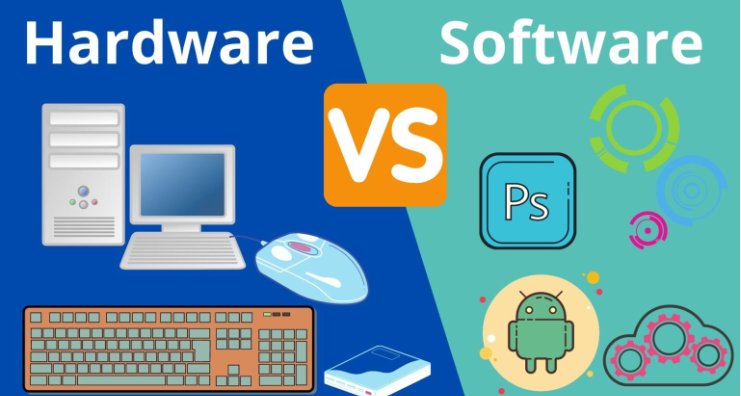
Hardware components are the various physical parts that make up a computer or electronic device. These work together to enable the system to function and perform operations. Some of the main types of computer hardware include:
Internal hardware components
Processor (CPU): The CPU is the brain of the computer and is responsible for executing calculations and instructions, managing data, and coordinating all system activities.
Motherboard: The motherboard connects all other hardware components and provides the electrical and logical connections between them.
RAM Memory: RAM (Random Access Memory) is used to temporarily store data and running programs, allowing the processor to access them quickly.
Graphics card (GPU): The graphics card manages the graphics and rendering of images on the screen. It is essential for games, graphics, and operations that require high graphics performance.
Hard drive or solid state drive (SSD): The hard drive or SSD is the computer's permanent storage memory, where data, files, and the operating system are stored.
Power supply: The power supply provides the electrical energy needed to operate all hardware components.
Case or cabinet: The case is the enclosure that houses all the computer hardware components and ensures their protection.
Sound card: The sound card manages audio output and may include advanced audio features such as sound recording and processing.
Fans and heat sinks: Fans and heat sinks keep hardware components at a safe temperature, preventing overheating.
External components
Peripherals: Peripherals include the keyboard, mouse, monitor, printer, and other devices used to interact with the computer.
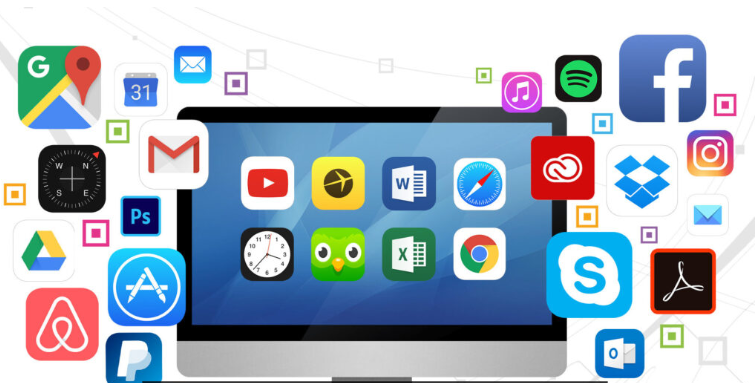
A PC's software is composed of different software components, that is, programs and applications that allow the computer to perform various specific activities and functions. These software components can be classified into several categories according to their functions. Some of the main PC software programs include:
System Software
Operating system (Windows, macOS, Linux): Manages hardware resources and provides a user interface.
Drivers: They allow communication between the operating system and the hardware components.
Application Software
Web browsers (Chrome, Firefox, Edge): They facilitate internet browsing.
Office suites (Microsoft Office, LibreOffice): These include word processing, spreadsheet, and presentation programs.
Graphics editing (Photoshop, GIMP, CorelDRAW): Tools for image design and editing.
Multimedia players (VLC, Windows Media Player): Allow the playback of audio and video files.
Games and entertainment software: Programs designed for leisure and digital entertainment.
Security Software and Utilities
Antivirus and antimalware: Protect against digital threats.
System optimizers: Applications like Advanced SystemCare that improve PC performance.
Backup software: Programs to safeguard important data.
Definition: Hardware components are the physical and tangible parts of a computer or electronic device, including all physical elements such as the processor, motherboard, RAM, video card, hard drive, screen, keyboard, mouse, and others. Software is the set of instructions, programs, and data that control the computer's operation; it is the intangible part of the equipment, not physically present but existing as code written on hard drives or memory.
Function: Hardware components perform the computer's physical and mechanical operations, enabling instruction execution, data processing, and user interaction. Software, on the other hand, manages the computer's logical and mathematical operations, allowing the hardware components to perform their intended actions. Programs and applications, such as operating systems, web browsers, games, and productivity suites, are examples of software.
Modifications: To make changes to hardware components, it is generally necessary to replace or add physical components, such as upgrading a video card or installing more RAM. To make changes to software, it is usually enough to update or replace programs, without needing to physically modify the computer's components.
Feature |
Hardware |
Software |
Nature |
Physical and tangible |
Intangible and code-based |
Function |
It performs mechanical operations and data processing |
It directs the execution of processes and tasks |
Examples |
CPU, RAM, GPU, hard drive |
Operating system, applications, antivirus |
Modification |
It is physically replaced or updated |
It updates or re-installs without needing to change components |
We've covered the software and hardware components of a PC in detail. Now, if you want to learn more about your PC's specific specifications, we recommend an essential tool: IObit's Driver Booster.
Driver Booster not only stands out for its ability to update hardware drivers, but it also has a unique feature that reveals detailed information about your PC's health. This feature gives you a complete overview of vital PC components such as CPU and GPU temperatures, hard drive capacity, and RAM usage.
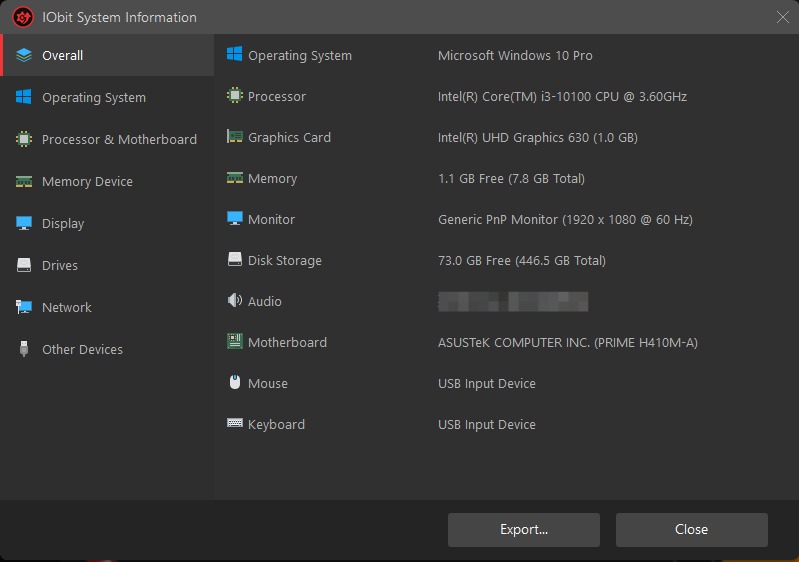
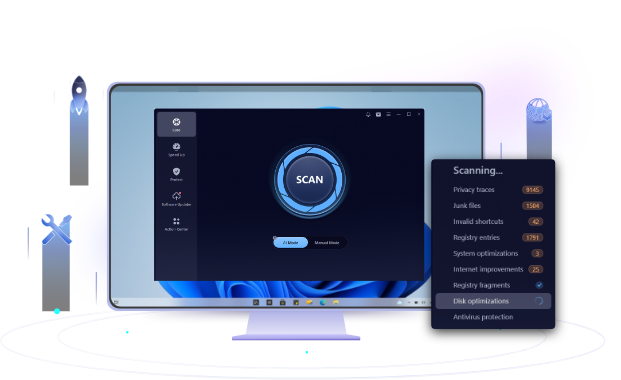
Now that you know about the software and hardware components , do you know how to keep them in good working order? To maintain the health of your PC, we recommend considering using IObit's Advanced SystemCare tool .
This application can help you optimize your PC's performance and perform maintenance tasks, such as system cleaning. Keeping your PC in good condition is essential to ensure smooth operation and to take full advantage of its capabilities.
Conclusion
Understanding hardware and software components is fundamental to the efficient use of any computer. The various hardware and software components of a computer work together to ensure its proper functioning: while the hardware enables the execution of processes, the software provides the necessary tools to perform specific tasks. Keeping both in optimal condition is key to improving performance, extending the system's lifespan, and maximizing its capabilities.
 People Also Ask
Yes. You can try 3 ways on how to uninstall the Realtek audio driver and reinstall it to solve the problem that PC sound is not working generally.
Why is Warzone so laggy on PC? How do you fix lag and stuttering in Warzone? Find out main reasons and get available fixes that help improve gaming performance.
PC stuck on boot screen? Learn how to fix pc stuck on boot screen with proven methods like Safe Mode, SFC scan, and driver updates.