

- Support Center
- Multiple Languages
- Language
- Help Us Translate
Expert in
PC Health Solution

All-in-one PC health solution: clean, optimize and secure

Comprehensive PC cleaning, optimization and protection

Keep drivers always up-to-date

More stable performance with less system crashes

Protect millions of computers against malware

Top computer security with full-round protection

Protect against viruses & boost PC performance
Use this free bottleneck calculator to instantly detect CPU and GPU performance issues. Just enter your specs to get fast & accurate results. No signup.
Select CPU
Select GPU
Resolution
RAM
Storage Type
Primary Use
CPU
CPU Usage
GPU Usage
Speed up and boost your PC with Advanced Systemcare. Enhance overall performance, reduce lag, and enjoy a smoother, faster system experience.
Free Download Advanced SystemcareSelected Configuration
Performance Bottleneck Details
CPU Performance
GPU Performance
A bottleneck calculator is a free online tool designed to estimate whether a PC’s component limits overall performance. It smartly analyzes your hardware - especially CPU (processor), GPU (graphic cards) - and calculates the percentage of performance balance. Using it, you can quickly learn the primary causes of PC bottlenecks.
Bottleneck calculator acts as a quick guideline tool helping balance PC components. Whether you need to build a PC or upgrade hardware for particular uses, a trusted bottleneck calculator can assist you to make the right decision.
Balance performance - Pair CPU with GPU to avoid one holding the other back too much.
Diagnose system issues - Find out whether a CPU or GPU bottleneck causes “My PC is running slow”
Save money for upgrade - Check if it is actually worth buying a more powerful GPU/CPU.
Enhance performance for best CPU & GPU balance
Optimize RAM to achieve faster running speed
Remove junk and temp files to free up your storage
Either insufficient RAM memory or slow speed can result in the bottleneck.
A set of issues arrive when the RAM is fully used, from frequent lags/freeze to long load times and poor responsiveness especially during heavy tasks.
The processor is not fast enough to handle tasks as GPU requires, leading to 90%-100% CPU usage while underused GPU.
CPU bottleneck often causes stutters, frame drops in games or CPU-intensive tasks like video rendering.
GPU bottleneck happens when the weak graphics card cannot keep up with CPU.
GPU is working at its absolute limit (near 100%) but delivers lower frame rates, especially when playing games at high resolutions or ultra-settings.
Storage bottleneck occurs when an old drive (traditional HDD) limits data access speed.
The outdated storage device produces a very slow system performance, like longer boot times, slower file transfers and delayed loading screens.
Understand your system with our PC bottleneck calculator. Find out the weaknesses and achieve an optimized PC.
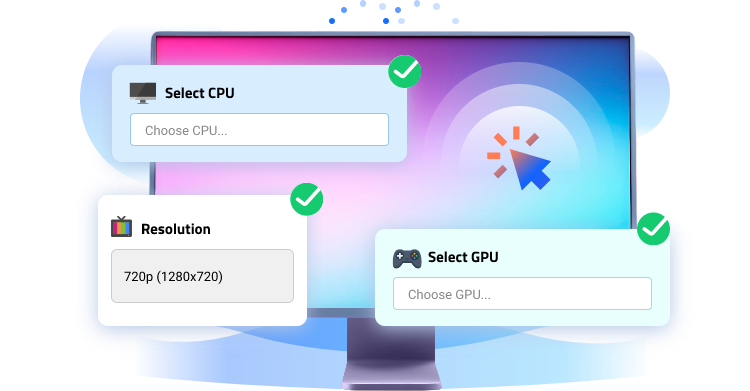
Analyze your PC and calculate bottlenecks with simple clicks. The intuitive interface navigates you to check performance balance with no guesswork and no technical skills needed. Just give information of your PC components and our bottleneck calculator will instantly perform the calculation.
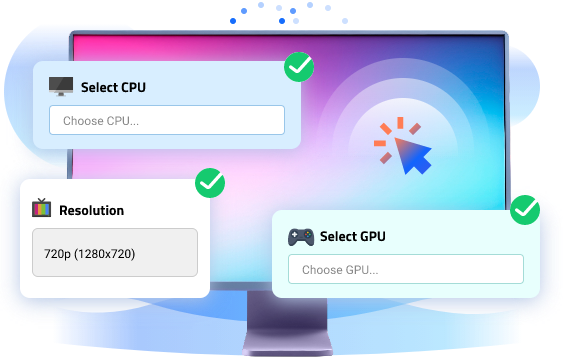
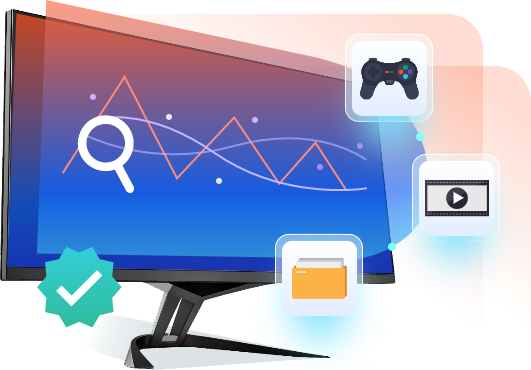
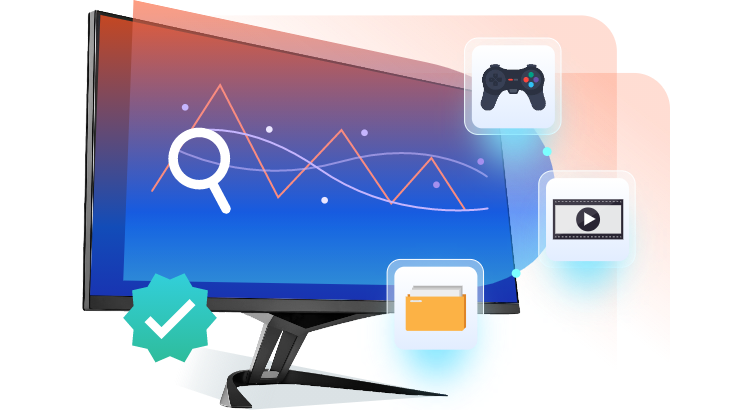
Understand how well your CPU and GPU work together with our bottleneck calculator. It uses large datasets and performance benchmarks to deliver fairly accurate and practical estimates for various uses, gaming, streaming, working, etc.
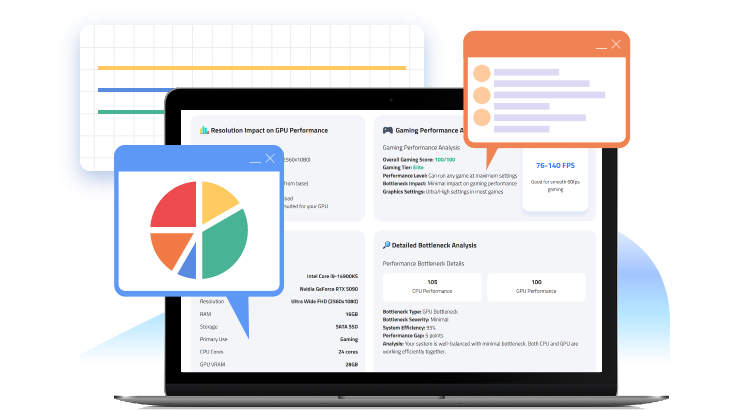
More than a percentage score assigned to each component, the PC bottleneck calculator offers a thorough report that gives an insight into your hardware’s synergy. Learn how CPU and GPU interact, identify which component limits performance and build a more balanced configuration.
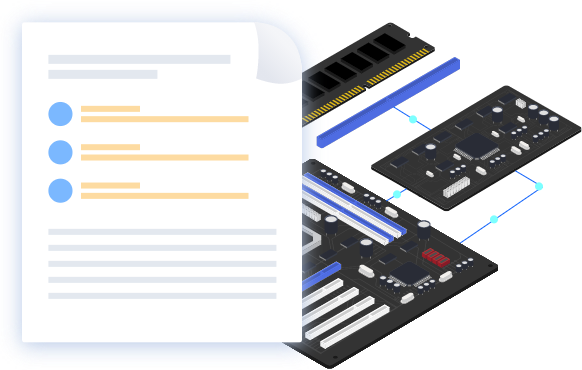
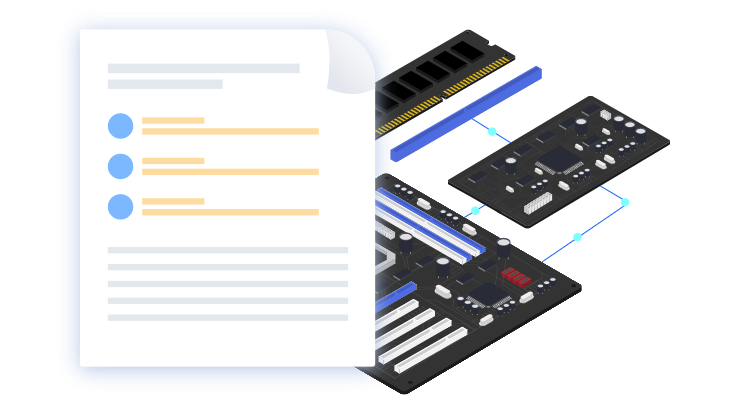
Our bottleneck calculator can be your personal hardware consultant. It offers intelligent recommendations that suit different scenarios. It analyzes your current configuration - CPU, GPU, RAM, storage compatibility - and suggests best upgrades for performance balance, avoiding unnecessary costs.
Advanced SystemCare helps detect CPU and GPU performance issues, optimize and speed up your PC instantly.
Free Download NowGet useful tips to fix and prevent bottlenecks on your PC.
Disable unnecessary startup programs and close background apps to release CPU/RAM resources. Switch to a high-performance power plan allowing CPU and GPU to operate at maximum capability.

Clean junk files, temporary data, caches and other useless items from your computer. Ensure enough disk storage and improve the efficiency to read/write data.

The latest drivers often contain optimizations, bug fixes and new features. Updating drivers can enhance performance and maintain your system stable.

Lower GPU settings (like shadows, anti-aliasing, texture quality, etc.) to improve frame rates and reduce GPU strain, especially for gaming.

Follow recommendations given by our bottleneck calculator to upgrade components that limit PC performance. Rather than buying the most expensive part, look for the component that provides the best balance with your current setup.
A PC bottleneck occurs when one part of your computer can’t keep up with other components. The system cannot operate at its full potential. For example, a powerful graphics card paired with an older or weaker processor may create a CPU bottleneck.
Bottleneck calculator is the straightforward and easiest way to identify PC bottlenecks. There are some signs that indicate that your PC may be bottlenecking, such as random FPS drops, 100% CPU usage, frequent lags/crashes, long loading time etc.
The main difference lies in which component is waiting for the other to finish its job. CPU bottleneck happens when the processor can’t keep up with the graphics card demands, while a GPU bottleneck occurs when the graphics card can’t process graphics fast enough for the CPU or game requirements.
A healthy balance between CPU and GPU allows your PC to run efficiently and ensures a smooth system for gaming, streaming and productivity tasks.
Our bottleneck calculator provides reliable estimate data, reaching 90-95% accuracy. However, the real-word performance varies on several factors, like software, background applications, driver versions etc.
A good bottleneck percentage is regarded as below 10%, which means that your components are highly compatible and optimized for performance. 10-20% is also an acceptable score for good balance but minor bottleneck.