- Support Center
- Multiple Languages
- Language
- Help Us Translate
Expert in
PC Health Solution

All-in-one PC health solution: clean, optimize and secure

Comprehensive PC cleaning, optimization and protection

Keep drivers always up-to-date

More stable performance with less system crashes

Protect millions of computers against malware

Top computer security with full-round protection

Protect against viruses & boost PC performance
Improve your videos to the highest quality right from your browser. Transform any blurry videos into HD with our free AI Video Enhancer easily. Try now.


Add the video you want to enhance
Supported formats: M4V, MP4, MOV, WebM; Max duration: 20 mins; Max file size: 200MB.


Bring blurry, noisy, or low-resolution videos back to life with the smart 4K video enhancer online free that delivers sharper, clearer, and more natural-looking results.
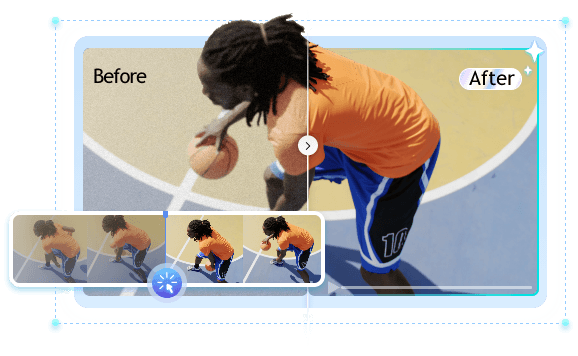
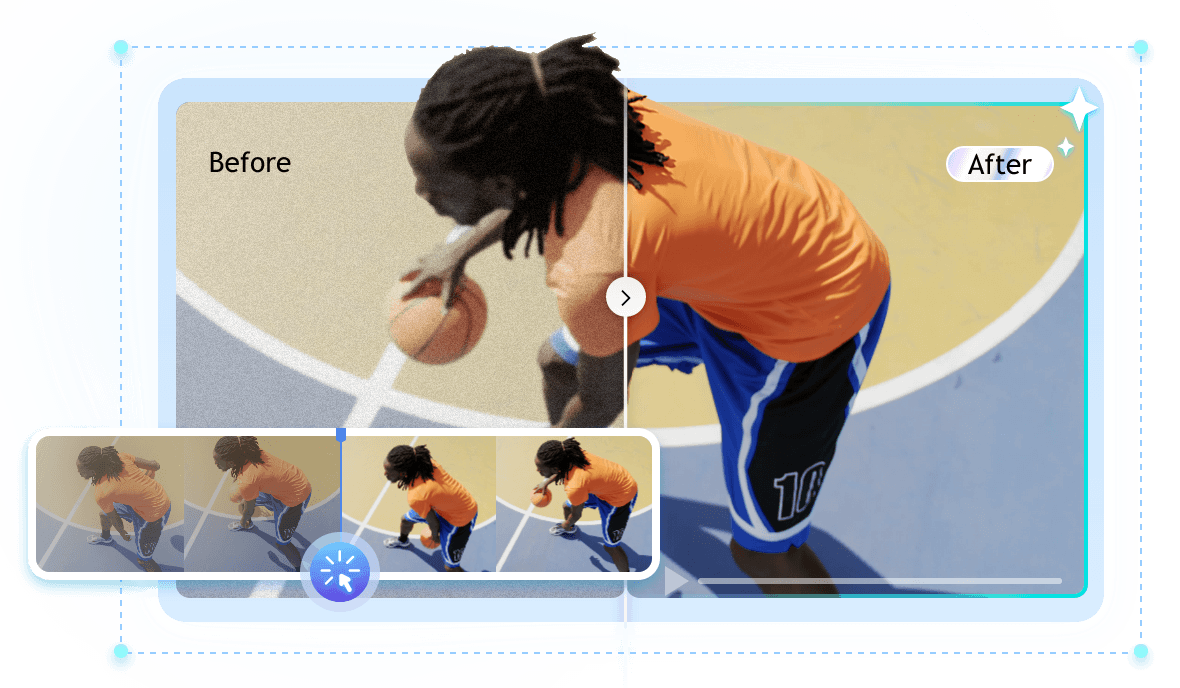
No editing skills? No problem. IObit AI free video enhancer is designed to simplify video enhancement for everyone. With just one click, the free AI video upscaler automatically analyzes your footage and intelligently improves clarity, sharpness, brightness, and overall visual quality. You can achieve engaging results in seconds without complicated settings.
Transform blurry, low-resolution videos into crisp, high-definition visuals. Powered by advanced AI upscaling technology, this AI video quality enhancer can enhance videos to 4K and even higher resolutions while preserving natural textures and fine details. From old home videos to compressed online clips, every frame becomes cleaner, sharper, and more immersive.
Grainy footage, motion blur, and visual noise can ruin an otherwise great video. IObit AI Video Enhancer free uses smart denoising and sharpening algorithms to remove unwanted artifacts while restoring important details. The AI balances smoothness and clarity automatically, making faces, objects, and backgrounds appear more refined without over-processing the image.
Faded colors and dull lighting can make videos feel lifeless. IObit AI Video Enhancer free intelligently restores color balance, enhances contrast, and adjusts brightness to bring footage back to life. The AI detects scene conditions automatically, helping old memories, dark recordings, or washed-out videos regain vibrant and realistic color tones.
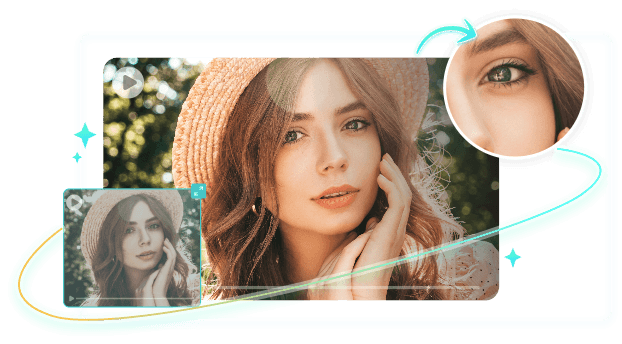
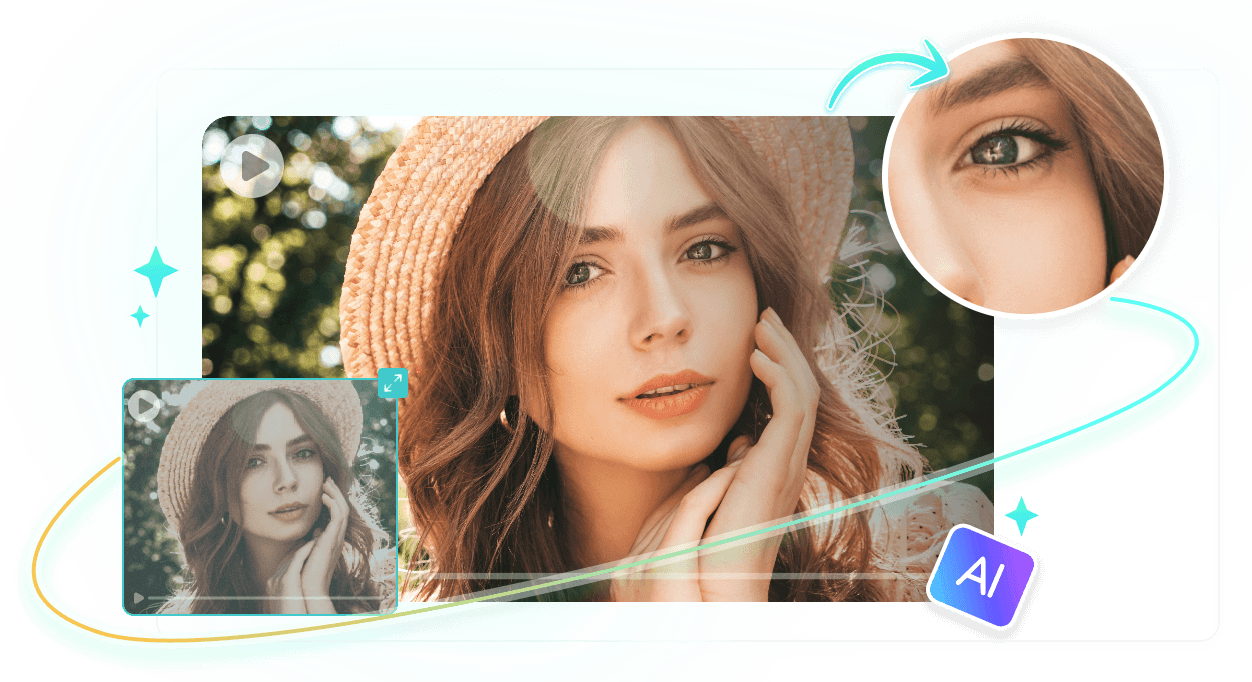
Unlike some video upscaler free tools that create over-sharpened or artificial-looking results, IObit free AI video enhancer focuses on natural enhancement. Every improvement is designed to preserve the original feel of the video while making it visibly cleaner and smoother. The result is enhanced footage that looks authentic, cinematic, and comfortable to watch.
Discover powerful AI features designed to make AI video enhancement faster, easier, and more professional for every type of creator.
Enhance video quality online without expensive editing software or complicated installations.
4K video enhancer online free improves clarity and details while maintaining realistic textures, colors, and facial features.
Upload, enhance, and export videos quickly with optimized AI acceleration technology.
Your uploaded videos are protected with secure processing, with no risk of video leakage.
Compatible with popular video formats, including M4V, MP4, MOV, and WebM.
AI detects noise, blur, low resolution, and poor lighting automatically for balanced optimization.
Improve video quality in just a few simple steps - no editing experience required.
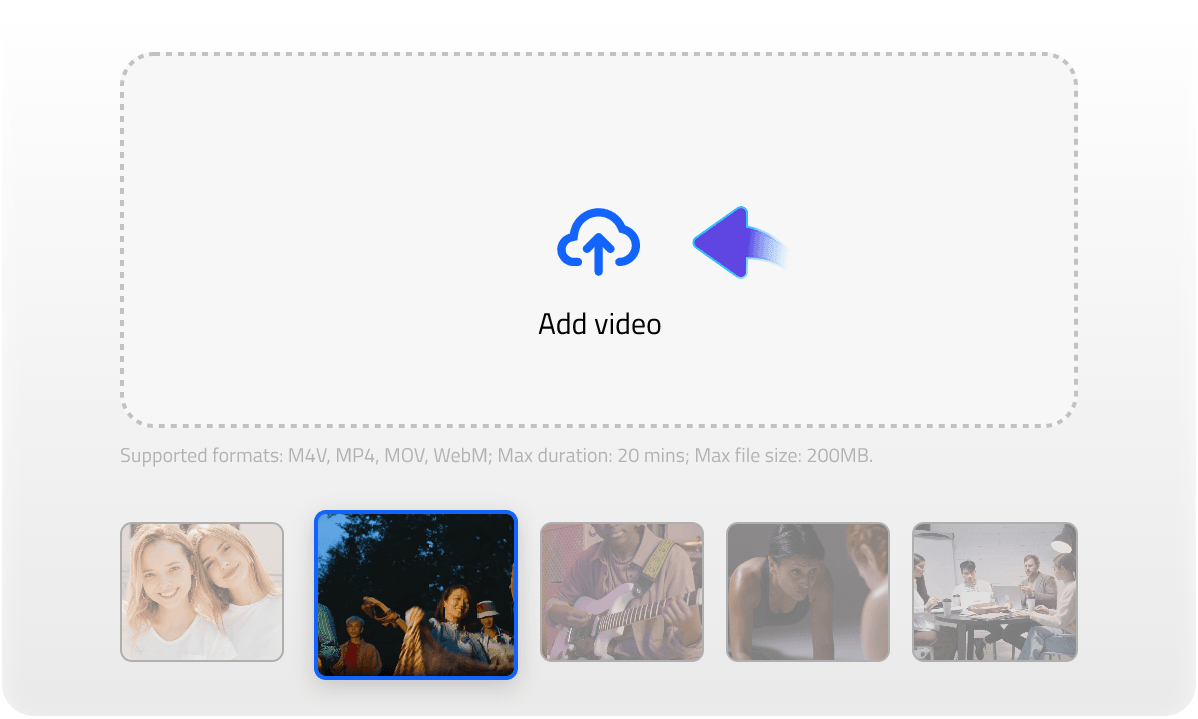
Import the video you want to improve. This free video enhancer supports various file formats and works with low-resolution, blurry, noisy, or old videos.
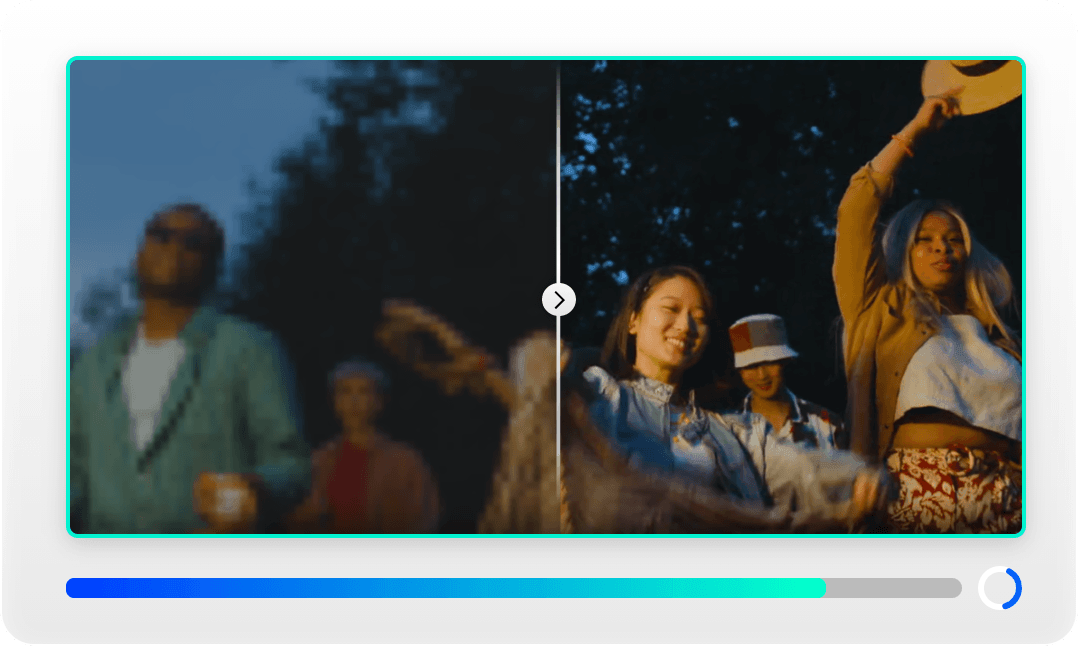
The AI automatically detects issues like blur, noise, faded colors, and low quality, then applies the best enhancement settings for your footage.
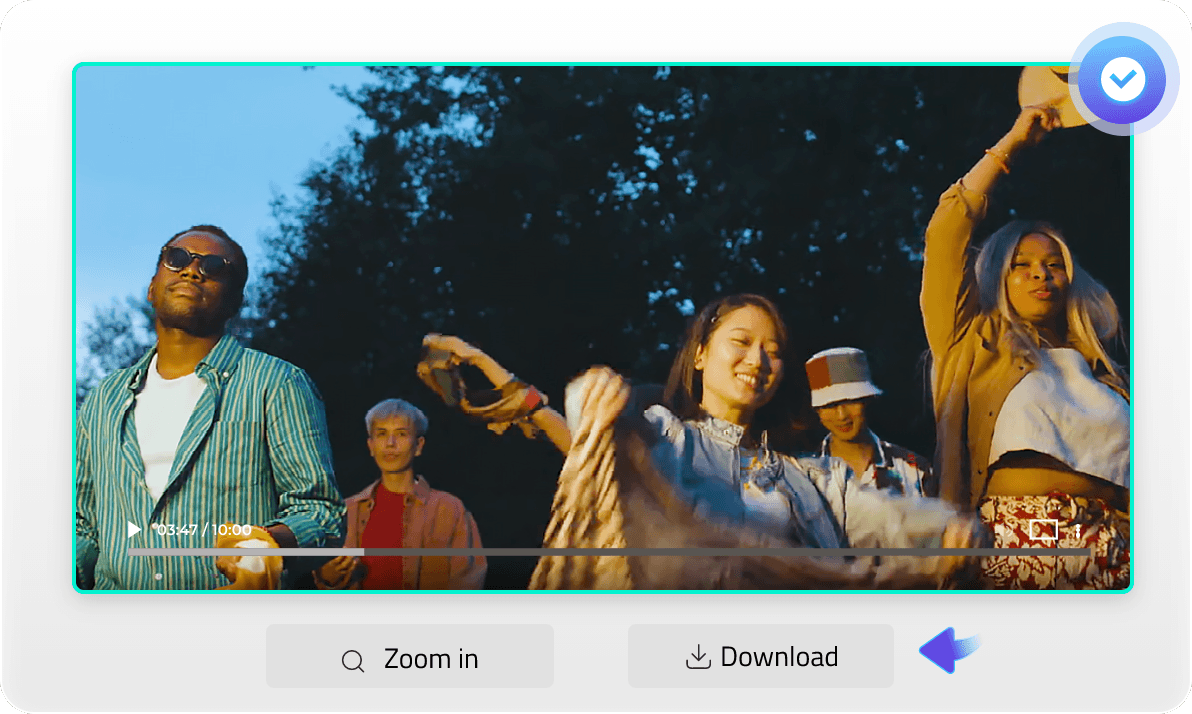
Preview the enhanced result in real time and export your upgraded video in high quality for sharing, editing, or publishing.
Import the video you want to improve. This free video enhancer supports various file formats and works with low-resolution, blurry, noisy, or old videos.
The AI automatically detects issues like blur, noise, faded colors, and low quality, then applies the best enhancement settings for your footage.
Preview the enhanced result in real time and export your upgraded video in high quality for sharing, editing, or publishing.
From personal memories to professional projects, AI video enhancement helps videos look clearer, sharper, and more engaging.
See how creators, businesses, and everyday users improve their videos with IObit free AI video enhancer.
I run a small vintage footage restoration channel. IObit AI Video Enhancer free brought back details in a 1987 camcorder tape that I thought were lost forever. The denoise filter is magic - it removes grain without melting faces.
— Eddie R., Historical Archivist

As a social media manager, I have to repurpose old client videos constantly. This tool upscales 720p clips to 4K so cleanly that no one ever guesses they weren’t shot in HD. Huge time saver.
— Marcus T., Digital Content Creator
I was skeptical about free video enhancers. But IObit’s local processing and natural output won me over. My real estate walkthroughs look much more inviting after color restoration and sharpening.
— Jay C., Real Estate Videographer
The batch mode is a lifesaver. I enhanced 50 gaming clips overnight, and every single one came out sharper with no artifacts. Best of all, my uploads now look crisp on YouTube’s compressed player.
— Linda K., Gaming Streamer
Finally, a free AI video enhancer that doesn’t turn people into wax figures. The subtlety is real. I’ve used it to clean up old wedding footage, and my family thought we had a hidden professional camera back then.
— Priya S., Hobbyist Editor





Is IObit AI Video Enhancer really free to use?
Yes. IObit AI Video Enhancer offers free online video enhancement features, allowing users to improve video quality quickly and conveniently.
How can I improve video quality?
You can upload your video to the IObit video quality enhancer, and the AI will automatically enhance resolution, reduce noise, sharpen details, and optimize colors for better visual quality.
What video formats are supported?
IObit AI video quality enhancer supports common video formats such as M4V, MP4, MOV, WebM, and more.
Can I fix a low-resolution video?
Yes. The AI video upscaler can improve low-resolution videos by enhancing clarity, restoring details, and increasing output resolution up to 4K and beyond.
Will the enhanced videos look fake or overly AI-generated?
No. IObit AI video upscaler is designed to deliver natural-looking improvements while preserving the original appearance and atmosphere of the video.
Is my uploaded video secure?
Yes. Uploaded videos are processed securely, and user privacy is protected during the enhancement process.