Expert in

PC Health Solution

Rate My PC - Check How Many Games Your PC Can Run

This spec checker will rate your PC or laptop performance against popular games and our user configuration database. Let's see how good your computer is.
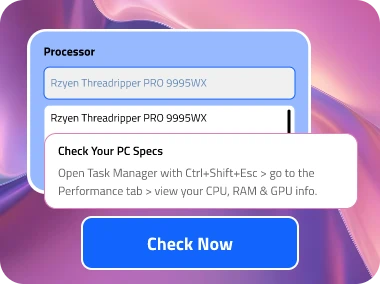
Processor
    Graphics card
      RAM/GB
      • 1GB
      • 2GB
      • 3GB
      • 4GB
      • 6GB
      • 8GB
      • 12GB
      • 16GB
      • 24GB
      • 32GB
      • 48GB
      • 64GB
      • 96GB
      • 128GB
      • 192GB
      • 256GB

      Check Your PC Specs
      Open Task Manager with Ctrl+Shift+Esc > go to the Performance tab > view your CPU, RAM & GPU info.
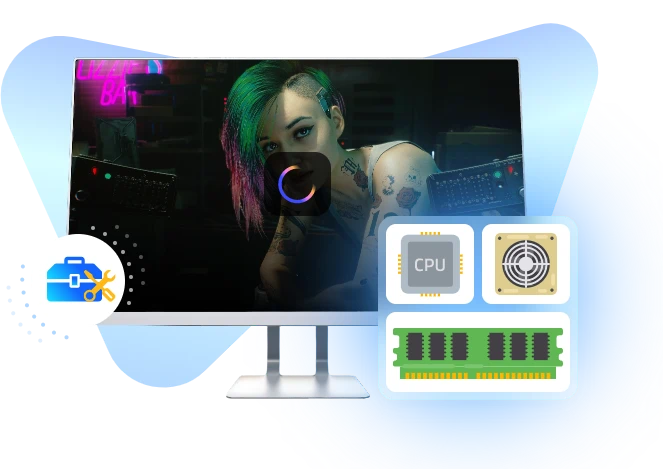
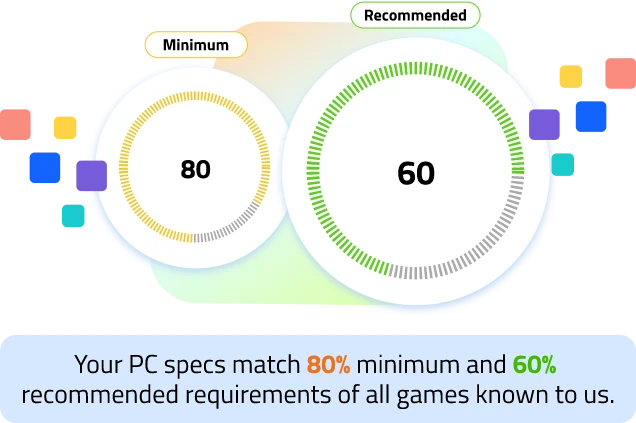
      How It Works: We analyze your CPU, GPU, and RAM against a database of thousands of games to calculate compatibility scores.

      Results may vary based on game updates, driver versions, and other system factors.

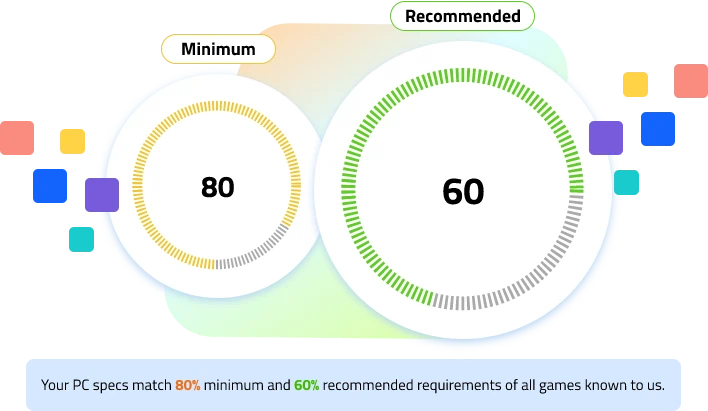
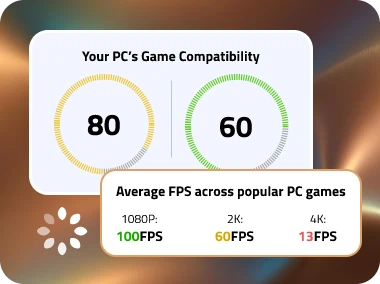
      Your PC's Game Compatibility

      0
      Minimum
      system requirment
      0
      Recommended
      system requirment

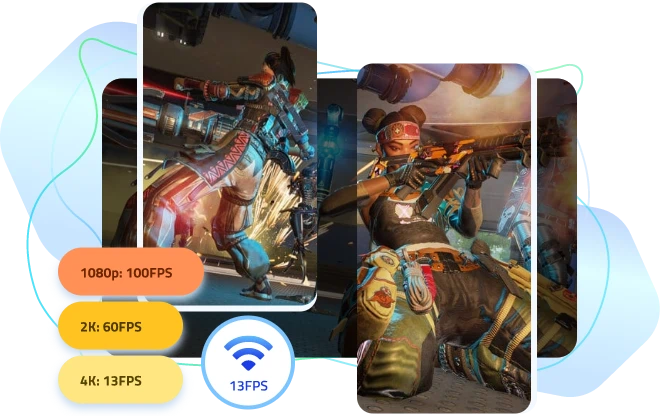
      Average FPS across popular PC games

      Configuration:
      1080p:
      FPS
      2k:
      FPS
      4k:
      FPS
      Boost Your FPS.
      Optimize Your Gaming Experience.
      Improve performance and reduce lag with IObit Driver Booster. Enjoy smoother, faster, and more stable gameplay instantly.
      • Boost FPS in games
      • Reduce lag & stuttering
      • Optimize your system for gaming
      Free Download Driver Booster

      Low Score? Boost Your PC Performance with Advanced SystemCare

      Struggle with demanding games? Maximize your gaming setup with the professional PC performance optimizer.
      • Smoother Gameplay: Auto maintenance for optimized game environment.
      • Reduce Lag: Manage resources to minimize background slowdowns.
      • Stable FPS: Optimize CPU and RAM for stable frame rates.
      Free Download Advanced SystemCare

      What Can IObit Rate My PC Actually Do

      How good is your gaming PC? Instantly check your game compatibility score and estimated FPS with flexible and accurate PC performance testing.
      Rate My PC Game Compatibility Online

      Rate My PC Game Compatibility Online

      Rate My PC Game Compatibility Online
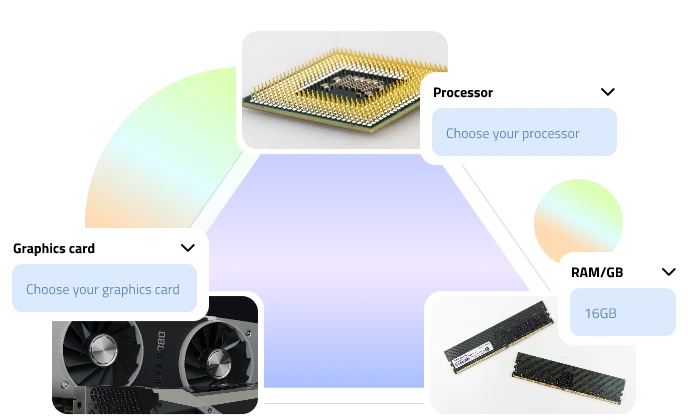
      Want to “rate my gaming setup”? IObit Rate My PC, your ideal PC specs rater online tool, compares your device’s CPU, GPU, and RAM against a massive game configuration database to calculate an accurate game compatibility score, so you know how many game titles you can run.
      Rate My PC Now

      See How Many Games Can Run with Score System

      See How Many Games Can Run with Score System
      IObit Rate My PC build online app uses an intuitive score system to evaluate your gaming PC performance, ranking your setup from S-Tier to lower tiers based on hardware capability and overall game compatibility. Each score range also includes estimated performance across different games and resolutions, helping you quickly understand what types of games your PC can handle.
      Rate My PC Now
      See How Many Games Can Run with Score System
      FPS Assessment Across Different Games

      FPS Assessment Across Different Games

      FPS Assessment Across Different Games
      Apart from overall score grading, this PC performance test tool also estimates average FPS across popular games, resolutions, and graphics presets.With detailed FPS assessments, users can better understand how their PCs may perform under different gaming settings before actually launching a game.
      Rate My PC Now

      Customize Your PC Build Check Before Upgrade

      Customize Your PC Build Check Before Upgrade
      Grading your current gaming specs is just the start. The IObit Rate My PC Specs online tool allows you to customize the PC specs, and you can also simulate upgraded PC builds before purchasing new components.Test different CPU, GPU, and RAM combinations in advance and see how hardware upgrades may affect your gaming score and FPS performance.
      Rate My PC Now
      Customize Your PC Build Check Before Upgrade

      Why Gamers Like IObit Rate My PC Specs Tool

      See what makes the IObit Rate My PC Build tool stand out from the other PC performance testers.
      Rate My PC Now
      Rate My PC for Gaming with Scores

      Simple Scores,
      Easy to Understand

      With a clean interface and intuitive rating system, this game compatibility test tool makes it easy to operate, analyze, and comprehend their gaming device levels and potentials at ease, even for beginners.
      Rate My Gaming Setup with Database

      Huge Database,
      Wider Game Support

      The massive and constantly upgrading game dataset and user gaming configuration data underpin the accurate rating for your CPU, GPU, RAM, and overall PC gaming capability.
      Rate My Gaming Computer Free

      100% Free,
      No Paywall

      Customize your game PC specs, analyze performance, and rate my gaming computer completely free. No purchase, no subscriptions, and no hidden fees.
      Test My PC Specs Online

      100% Online,
      No Download Needed

      Simply rate my PC for gaming with this browser-based, lightweight PC rater tool. All operations are processed online. No need to download any extra software or extension, no installation, no risk.
      Test PC Performance Free with Privacy

      Safe Testing,
      No Personal Data Collected

      Your privacy comes first. This PC game compatibility test tool does not collect personal data or sensitive information. Simply “rate my laptop & PC builds” and estimate performance securely online.

      How to Rate My PC Build for Gaming Online

      Check how to test pc performance free across games with the detailed instructions below.
      Rate My PC Now
      1
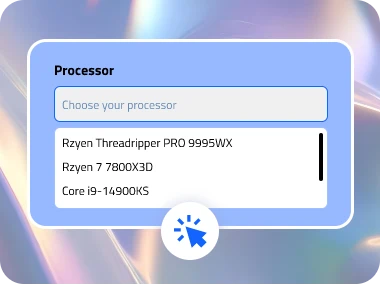
      Input Specs to Rate My PC Build

      Step 1. Input

      Enter your CPU, GPU, and RAM specs. Check them via Task Manager > Performance. Or right-click on the Windows Start menu > System.
      2
      Check Now to Rate My Laptop

      Step 2. Check

      Click Check Now to test my pc specs online. Let IObit Rate My PC analyze and compare them against game requirements and gaming configuration data.
      3
      Get PC Performance Test Result

      Step 3. Result

      Get compatibility scores for minimum and recommended requirements, then view estimated FPS across games, resolutions, and graphics presets.

      What Does Your PC Score Really Mean

      Locate your PC’s level in the easy-to-understand tier list.
      Rate My PC Now
      ≥90
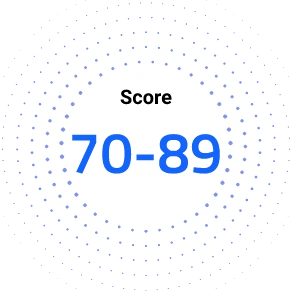
      70-89
      50-69
      < 50
      Performance Level
      AAA Gaming at High-End Settings
      Typical Games
      Modern AAA games at high settings, including demanding open-world and next-generation titles. E.g., Cyberpunk 2077, Crimson Desert, Alan Wake 2
      Performance Level
      AAA Gaming at High-End Settings
      Typical Games
      Modern AAA games at high settings, including demanding open-world and next-generation titles. E.g., Cyberpunk 2077, Crimson Desert, Alan Wake 2
      Performance Level
      Smooth 1080p Gaming
      Typical Games
      Popular AAA and multiplayer games run smoothly at 1080p with balanced settings. E.g., Grand Theft Auto V, Apex Legends, Elden Ring, Forza Horizon 5
      Performance Level
      Light Games Available
      Typical Games
      Esports titles, online multiplayer games, and less demanding releases are generally playable. E.g., Valorant, Minecraft, Roblox, League of Legends
      Performance Level
      May Struggle with Modern Titles
      Typical Games
      Indie games, browser games, or low-spec games at reduced settings/ resolution. E.g., Stardew Valley, Don't Starve, Hollow Knight

      Got a Low Score? Here’s How to Improve It

      If it delivers a low score or unideal FPS assessments, or your game isn’t running smoothly, check these tips to enhance it.
      Rate My PC Now
      Optimize GPU & More In-Game Tweaks Maximize Power Plans Auto Clean Now Upgrade to SSD
      Low FPS? Optimize GPU & More In-Game Tweaks
      To improve FPS, start by getting more out of your GPU. Enable Hardware-Accelerated GPU Scheduling (HAGS), switch your GPU power mode to Prefer Maximum Performance, and update drivers of your Graphics card.
      Plus, don’t forget to fine-tune your system-level and in-game settings: turn on Game Mode, lower demanding settings like Shadow Quality, Motion Blur, etc.
      Optimize GPU & More In-Game Tweaks
      CPU Bottleneck? Maximize Power Plans
      A CPU bottleneck can cause lower average FPS and noticeable stuttering as well. Switch your Windows Power Plan to High Performance.
      Besides, you might also optimize processor scheduling settings by selecting Adjust for best performance of Programs instead of Background services in Advanced System Settings.
      Maximize Power Plans
      Running Out of RAM? Auto Clean Now
      RAM holds active game assets like textures, maps, physics, etc. Modern games often require at least 16GB of RAM for stable performance. If you still use 8GB RAM, consider upgrading.
      You can also free up memory by closing background apps or using PC RAM optimization tools with RAM clean and startup management features.
      Auto Clean Now
      Long Loading Time? Upgrade to SSD
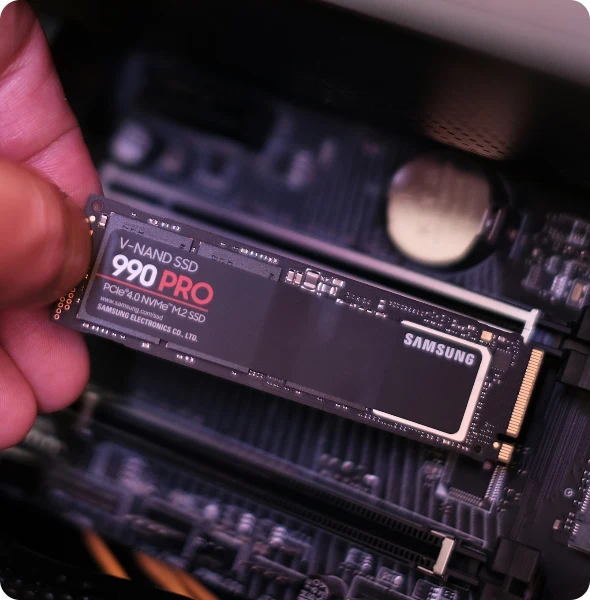
      Slow loading speeds are commonly caused by HDDs or background system congestion. Move games from HDD to an SSD, especially a PCIe NVMe SSD, for an ultimate gaming experience. For existing SSDs, defrag and optimize drives using a professional PC optimizer to improve file-reading speed.
      Upgrade to SSD

      Upgraded Your PC? Keep It Optimized with Advanced SystemCare

      Upgraded your device and enjoying games now? Don’t stop there. Let Advanced SystemCare get the most out of your setup.
      • Use Game Mode for a distraction-free gaming environment.
      • Activate Auto RAM Clean for smarter resource management.
      • Optimize startup apps for better FPS and stability.
      • Defrag HDDs to reduce loading times and stuttering.
      Free Download Advanced SystemCare

      IObit uses cookies to improve content and ensure you get the best experience on our website.
      Continue to browse our website agreeing to our privacy policy.

      I Accept