

- Support Center
- Multiple Languages
- Language
- Help Us Translate
Expert in
PC Health Solution

All-in-one PC health solution: clean, optimize and secure
Comprehensive PC cleaning, optimization and protection

Keep drivers always up-to-date
More stable performance with less system crashes

Completely uninstall programs with no leftovers
Advanced app removal, keeping your PC cleaner and faster

Protect millions of computers against malware
Top computer security with full-round protection

Protect against viruses & boost PC performance
Recover Lost Data from Hard Drive

Data loss can happen in an instant, but retrieving data from a hard drive is not difficult. Regardless of the cause of data loss, IObit Data Recovery Free can help you retrieve and restore recoverable files from supported storage devices.

Find files removed with the Delete key or after the Recycle Bin was emptied, as long as their data has not been overwritten.

Look for recoverable data on a drive that was accidentally quick-formatted or reformatted.

Search compatible storage for documents and media that became inaccessible after an unexpected shutdown or crash.

Check supported locations for files that appear to have disappeared following a system update or software change.

Scan compatible media that is recognized by the computer but cannot be opened normally. Avoid repeated repair attempts first.

Search for file versions or data that may remain on the storage device after an unintended operation.
IObit Data Recovery Free helps you locate and restore different types of files, from everyday Office documents to photos, videos, and audio, etc.

JPG/JPEG, PNG, GIF, RAW, TIFF/TIF, BMP, SWF, SVG, RAF, DNG, etc.

MP4, AVI, MOV, M4V, WMV, MKV, ASF, FLV, SWF, MPG, RM, MPEG, etc.

DOC/DOCX, XLS/XLSX, PPT/PPTX, PDF, HTML/HTM, etc.

MP3, WAV, M4A, AAC, AIFF, ALAC, FLAC, AFC, AIF, etc.

ZIP, RAR, 7Z, etc.

Whether your files disappeared from your computer's internal storage or a removable device, IObit Data Recovery Free helps you scan compatible storage media and find recoverable data in one place.
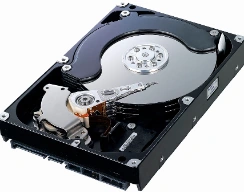
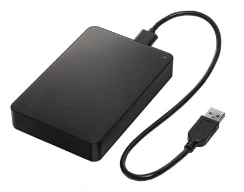
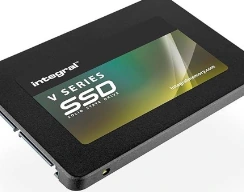
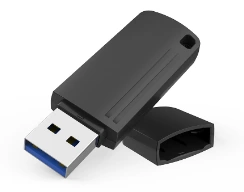
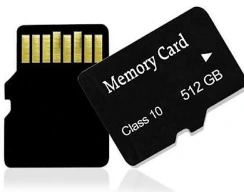
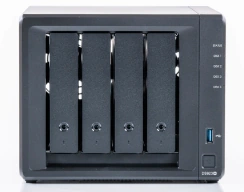
IObit Data Recovery Free brings many powerful features together to simplify the process of data recovery from a hard drive.

IObit Data Recovery Free uses deep scan to search your selected hard drive more thoroughly, helping locate files that are difficult to find after accidental deletion or formatting. It examines the storage device for recoverable data and displays the detected results for further review. This gives you another chance to find files that are no longer visible in their original folders.
Free Download
This best data recovery software for hard drives is designed to help you retrieve as much recoverable data as possible, with a recovery rate of up to 99% under specific test conditions. Whether files disappear due to accidental deletion, formatting, or other common data loss scenarios, you can scan the affected drive and check which items can be restored.
Free Download
From work documents to personal photos and videos, IObit Data Recovery Free helps you retrieve different types of files through a single program. This HDD data recovery free software supports multiple file formats, including documents, images, videos, audio files, and archives. You can scan your hard drive and locate various lost files in one place, which makes it easier to manage different data recovery needs.
Free Download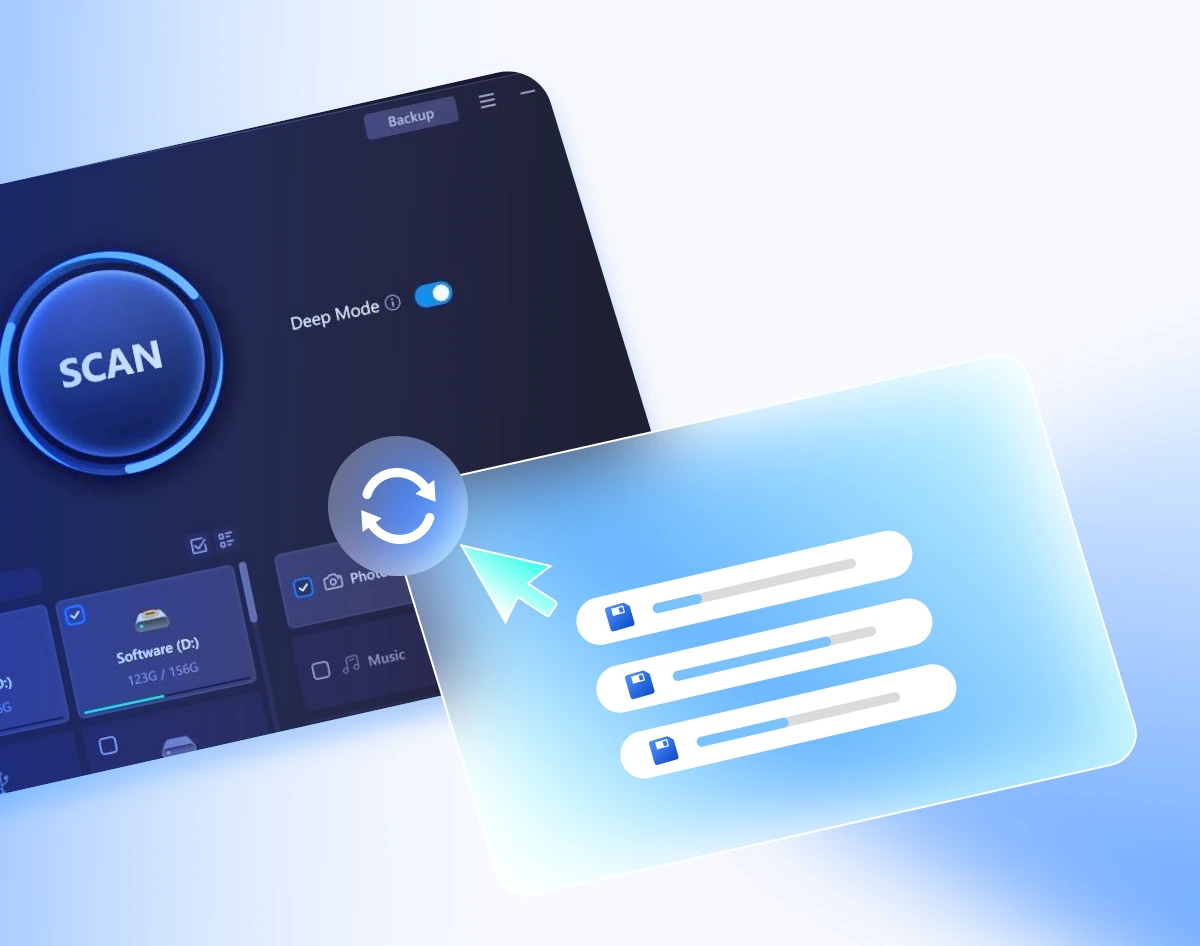
IObit Data Recovery Free makes recovering data from a hard drive easier than ever. Simply select the hard drive where your files were lost, start a scan, locate the files you need, and get them back. This straightforward and intuitive process allows even the average user to retrieve lost files without requiring any technical expertise.
Free Download
This hard drive recovery program lets you preview supported files before recovery, helping you check their contents and confirm whether they are the items you want. This is particularly useful when multiple files have similar names or when scan results are difficult to identify. You can then select the files you actually need instead of restoring unnecessary items.
Free Download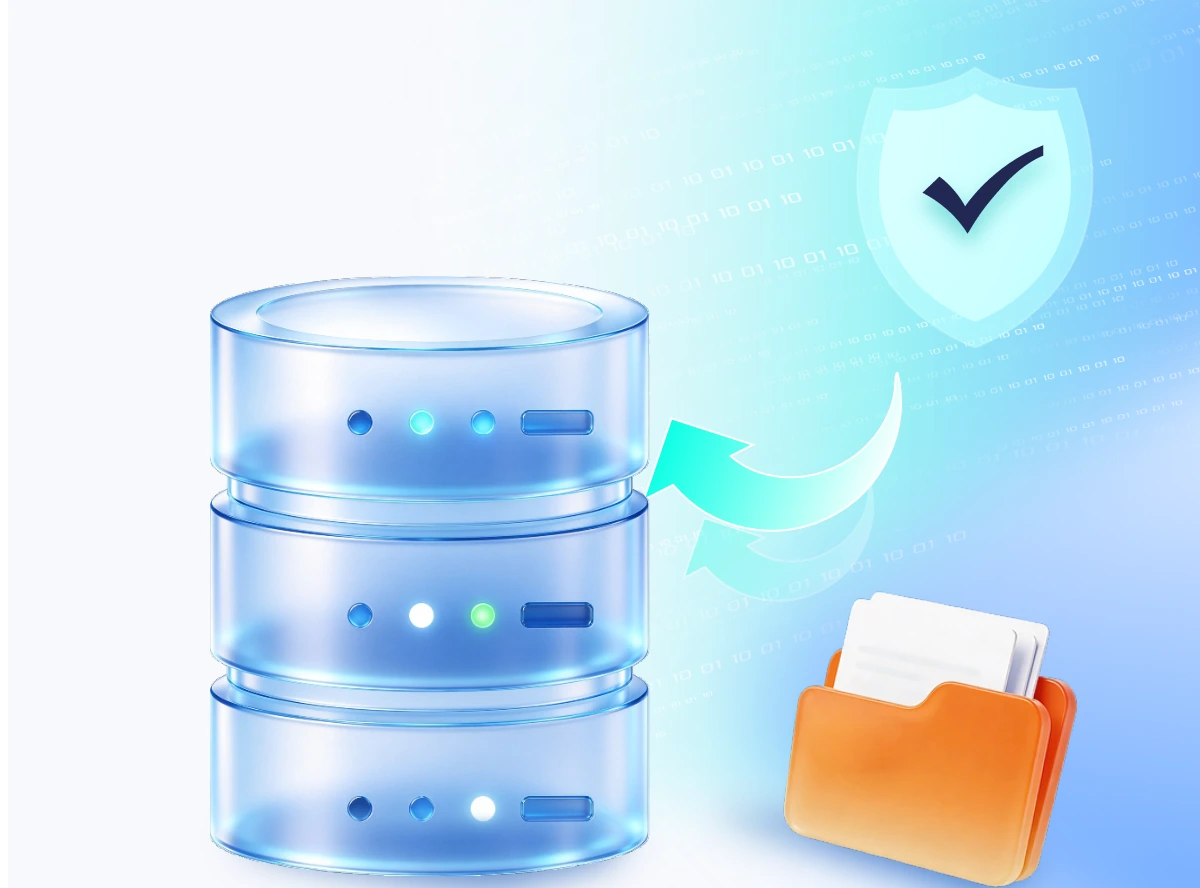
Don't wait until data loss happens to protect your important files. This hard disk drive data recovery tool allows you to create copies of important files and save them to a separate storage location. This gives you an extra layer of protection against accidental deletion, unexpected system issues, and other data loss risks. With backups in place, you can restore your files more easily when something goes wrong.
Free DownloadDownload and launch IObit Data Recovery Free and locate the affected drive where your files were originally stored.
Run a scan, browse the lost files, and preview the available files you want to recover.
Select the files you want to restore and click the recovery option. Save them to a separate drive - not the original affected device.
Download and launch IObit Data Recovery Free and locate the affected drive where your files were originally stored.

Run a scan, browse the lost files, and preview the available files you want to recover.

Select the files you want to restore and click the recovery option. Save them to a separate drive - not the original affected device.


The best program depends on your needs, budget, and the type of data loss. Look for software that supports your drive, offers deep scanning, previews recoverable files, and has a simple recovery process. IObit Data Recovery Free is one option for common data loss situations.