

- Support Center
- Multiple Languages
- Language
- Help Us Translate
Expert in
PC Health Solution

All-in-one PC health solution: clean, optimize and secure

Comprehensive PC cleaning, optimization and protection

Keep drivers always up-to-date

More stable performance with less system crashes

Protect millions of computers against malware

Top computer security with full-round protection

Protect against viruses & boost PC performance
Clean: 420 billion traces removed & 85 EB junk files cleaned
Protect: 80 million unauthorized access blocked & 20 million bugs fixed
Speed Up: 6 million hours of startup time saved & Turbo boost
Optimize: Auto clean and auto care your PC with AI mode

How should I know if I can shift to Windows 11 safe and sound, and can my old hardware and system make it through the transition? WIndows Secure Boot and PC Health Checker help you know the answers.



Check Windows 11 Requirements
Check the Minimal Hardware Requirements
Use PC Health Check to Know If the System Matches or Not
What to Do If Your System Does Not Match
Use Secure Boot
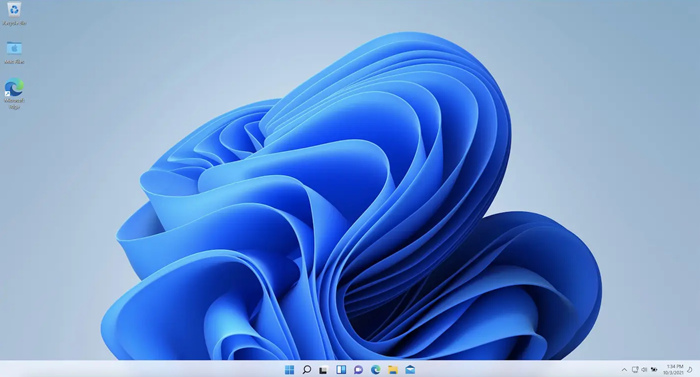
Is my computer compatible with Windows 11? Now Windows 10 is completely out of service. And all the computers are forced to upgrade to Windows 11. Some of you may be worried: how should I know if I can shift to Windows 11 safe and sound, and can my old hardware and system make it through the transition? Well, this short blog lets you know.
CPU: 1 GHz+, 2 cores, 64-bit
RAM: 4 GB or more
Storage: 64 GB+
Firmware: UEFI + Secure Boot
TPM: version 2.0 (very important)
Graphics: DirectX 12 compatible
Display: 720p or higher
Minimal requirements (statistics coming from Microsoft official):
Modern 64-bit CPU
4GB+ RAM
64GB+ storage
TPM 2.0
UEFI + Secure Boot
DirectX 12 GPU
720p resolution
9-inch screen or larger
You need to download a PC health checker, which tells you directly if your PC is compatible with the Windows 11 system or not.
Official tool for Windows 11 compatibility
Very easy (one-click check)
Quick results (seconds)
Shows major blockers (TPM, CPU, Secure Boot)
Safe & trustworthy
And there is the downside of this PC health checker:
Limited details (no deep explanation)
Doesn’t tell you how to fix issues
Can misreport TPM (disabled vs missing)
Too strict (no workaround options)
Not useful after initial check
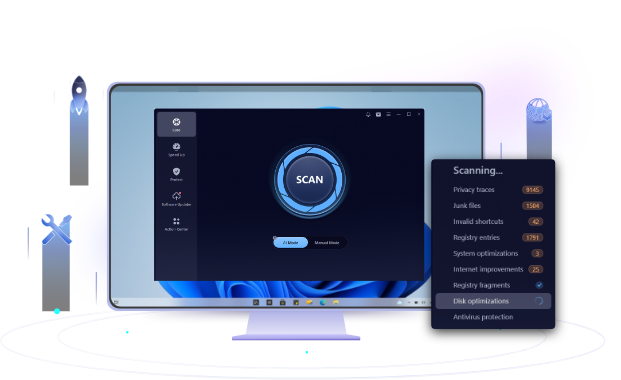
Use Advanced SystemCare to improve the performance, update drivers, and more. An all-in-one software to clean PC, improve PC performance, update drivers, protect secret documents, block ads, and fight against malware.
Secure Boot is a security feature built into your computer’s firmware (UEFI) that makes sure your PC only starts with trusted, safe software.
Think of Secure Boot like a security guard at the entrance: If your PC is compatible with Windows 11, then this boot goes on successfully, and vice versa.
 People Also Ask
Free up disk space by safe Windows Installer folder cleanup. This guide shows how to use Settings, Disk Cleanup, etc., to remove unwanted installer files.
Yes. You can try 3 ways on how to uninstall the Realtek audio driver and reinstall it to solve the problem that PC sound is not working generally.
How to defrag hard disk Windows 11/10? Check this step-by-step guide inside.