

- Support Center
- Multiple Languages
- Language
- Help Us Translate
Expert in
PC Health Solution

All-in-one PC health solution: clean, optimize and secure

Comprehensive PC cleaning, optimization and protection

Keep drivers always up-to-date

More stable performance with less system crashes

Protect millions of computers against malware

Top computer security with full-round protection

Protect against viruses & boost PC performance
Complete forced uninstallation for stubborn programs.
Uninstall a batch of programs at once.
Scan and remove leftover files, folders, and registry entries.
Support the management of Universal Windows Platform apps.

If you uninstall Steam, what happens to your games and saves? Learn whether your games are deleted, where files are stored, and how to keep your progress safe.



Uninstalling Steam does NOT automatically delete your games (in most cases)
Your installed game files may remain on your drive unless you manually remove them
Steam Cloud saves are safe and will sync again after reinstall
Local save files may remain, but not always guaranteed
Uninstalling individual games WILL remove game files, but saves often stay
You can reinstall Steam and re-detect existing games without re-downloading
If I uninstall Steam what happens to my games? Uninstalling Steam does not necessarily uninstall your games or delete your saves. However, it depends on how Steam was removed and whether you manually deleted game folders. Your game data and saves may still exist on your PC or in the cloud.
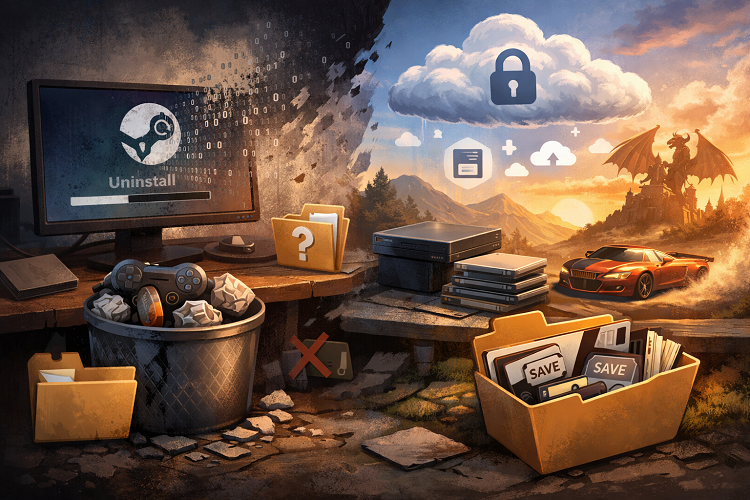
To fully understand what happens, it's important to distinguish between removing the Steam client itself and uninstalling individual games.
When you uninstall the Steam client:
Steam removes program files and core components
The default Steam folder (C:\Program Files (x86)\Steam) may remain intact
Your game library (steamapps folder) may still exist
Key folder to check:
C:\Program Files (x86)\Steam\steamapps\common
If this folder is not deleted, your games are still on your drive.
Now let’s look at what happens when you uninstall Steam game instead of the entire Steam platform.
When you uninstall a game via Steam:
Game files are deleted
Installed data is removed from steamapps/common
Save files may remain, depending on the game
Next, I’ll break down where your actual game files live and what happens to them during uninstall.
Stored in: steamapps/common
Usually NOT deleted when uninstalling Steam
Can be reused after reinstalling Steam
After reinstalling Steam:
You can re-link existing game files
Steam may verify files instead of re-downloading everything
Game progress is often the biggest concern, so let’s clarify how Steam handles save data.
Stored online via Steam Cloud
Safe even if you uninstall Steam
Automatically restored when you reinstall and log in
Stored in locations like:
- Documents\My Games
- AppData\Local or AppData\Roaming
Usually remain untouched
But some uninstall methods may remove them accidentally
I always recommend backing up saves manually before uninstalling.
In some cases, a simple uninstall isn’t enough - especially if you're troubleshooting errors or reinstalling Steam from scratch.
Sometimes, uninstalling Steam doesn't fully fix issues. Leftover files, cache, or registry entries can cause:
Steam not reinstalling properly
Game launch errors
Corrupted updates
This is where a professional uninstaller helps.

IObit Uninstaller is useful when you want to:
Remove Steam completely
Delete leftover files and registry entries
Fix stubborn uninstall issues
It performs a deep scan after uninstall, ensuring no junk files remain. I personally recommend this if you're reinstalling Steam to fix errors.
If you're worried about “if I uninstall Steam what happens to my games”, the short answer is:
Your games and saves are usually safe - but not 100 percent guaranteed without backups.
To stay safe, I always recommend:
Backing up your steamapps folder
Exporting local save files
Using a proper uninstaller if you're troubleshooting
This way, you can reinstall Steam with confidence and never lose your progress.
 People Also Ask
How to clean install Windows 11? Get detailed steps in this article.
Can’t uninstall Adobe Creative Cloud, why? Can I force uninstall it? Get the answer here and find solutions.
Why is Windows Defender not turning off? How to remove and uninstall Windows Defender on Windows 11? Can I disable Windows Defender permanently?