

- Support Center
- Multiple Languages
- Language
- Help Us Translate
Expert in
PC Health Solution

All-in-one PC health solution: clean, optimize and secure

Comprehensive PC cleaning, optimization and protection

Keep drivers always up-to-date

More stable performance with less system crashes

Protect millions of computers against malware

Top computer security with full-round protection

Protect against viruses & boost PC performance
Instantly remove PDF password online in one click. Just upload your files to this PDF unlocker. Safe, free, and fast. No sign-up required.


 This PDF file is strongly encrypted. Please input the password to unlock it.
 Unlock Completed
 Download File
 Your files stay private and are processed locally in your browser.
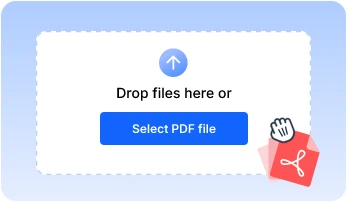
Step 1
Upload your PDF file.


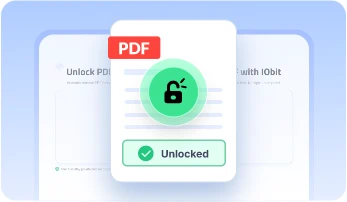
Step 2
The online PDF unlocker will automatically remove permission password in seconds.
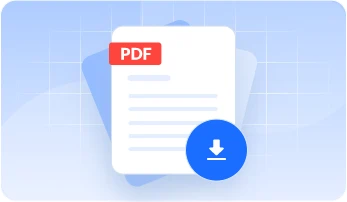
Step 3
Download the unlocked PDF and edit it freely.
The PDF unlocker from IObit stands out as an efficient solution to remove edit-protected PDF files.
Unlocking PDF online is a convenient way to make an edit-protected PDF easier to use. Our PDF unlocker allows users to remove restrictions on editing, copying, and printing. The cost is zero, which means you can unlock PDF free with unlimited times.
It’s fast to process edit-protected PDF files without password via IObit PDF Unlocker. Just upload your PDF file, and it only takes seconds to remove the password in PDF. Get access to modify PDF files by annotating, highlighting, and more.
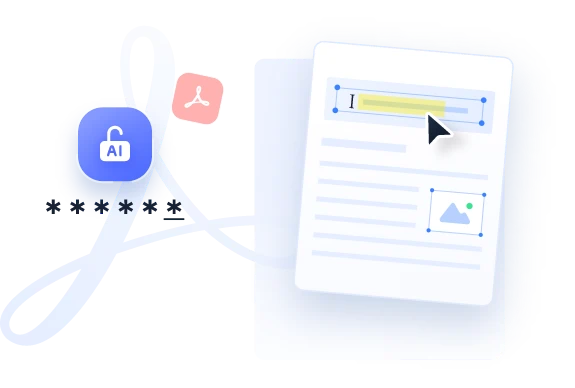
As a web-based PDF unlocker, IObit PDF Unlocker allows you to unlock protected PDFs on any devices, PC, mobile, laptop, without installing extra apps. Any permission restrictions, locked copying, editing, or printing can be bypassed.
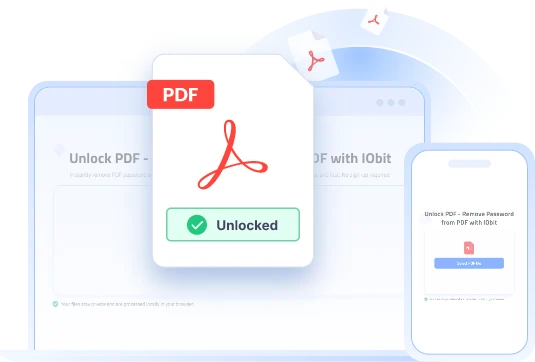
IObit PDF Unlocker provides end-to-end security for uploaded and unlocked files. It processes files locally within the web browser instead of cloud storage to keep your file data private. After downloading, you can manually delete files permanently from the web.
Compared with other PDF unlocker software, IObit PDF Unlocker has several advantages.
Device compatibility
Signup
Installation
Price
Disk storage
Update
 IObit
IObit
PDF Unlocker
For all devices
No
No
Free
Zero
Zero updates
PDF
Unlocker Software
Only for a specific device
Yes for paid version
Yes
Freemium
50 MB - 100+ MB
Manual updates
Understanding when you need to unlock a PDF helps you get unrestricted access to PDF files and edit easily.
Over time, it is easy to forget the passwords set for editing or other permissions. No need to resort to blindly guessing passwords to open the document. Upload your file and the PDF unlocker removes the permission password instantly so you can modify files.
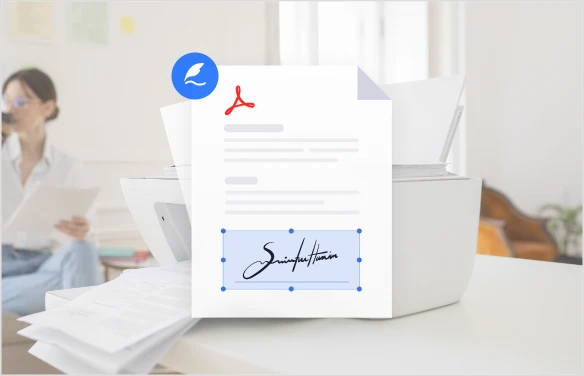
Some important files with security settings prevent users from printing hard copies or attaching digital signatures. Process the document with the PDF unlocker and eliminate administrative locks. Then sign formal contracts and print copies for offline review and filing.
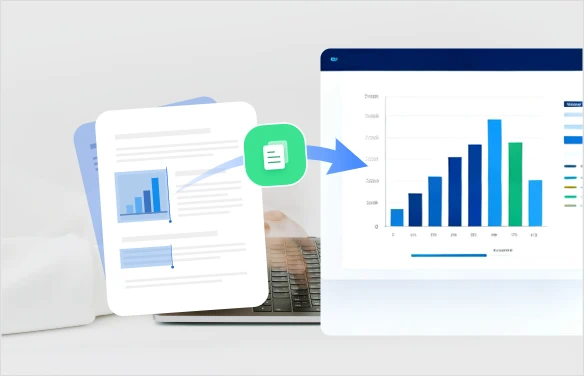
When selecting, copying or extracting text or tables from digital files, permission restrictions prevent this. The unlock PDF tool removes these barriers and seamlessly copies and pastes quotes, dataset figures directly into spreadsheets, presentations.
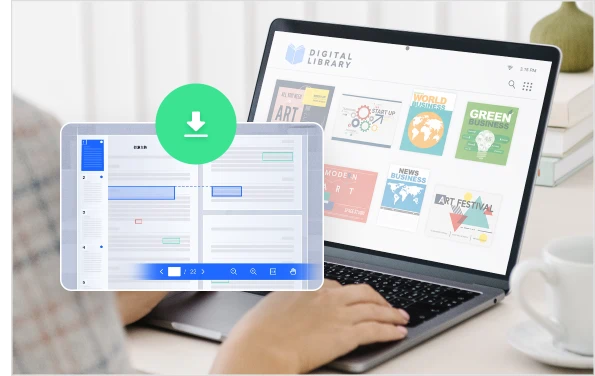
Some downloaded files from digital libraries are password-protected to prevent unauthorized plagiarism. Use the PDF unlocker to remove password from document and stop persistent password prompts. Manage your files and retain instant accessibility later.
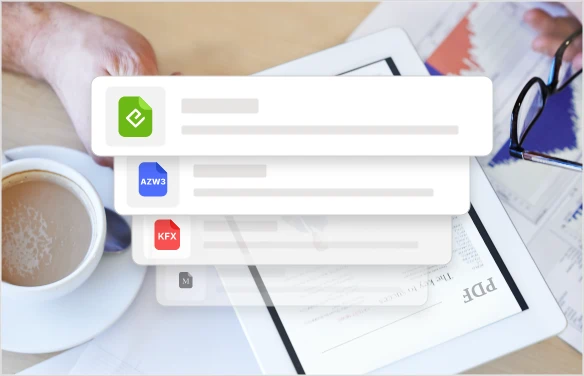
Protected PDF files limit the change of layout which prevents e-readers, Kindle devices or mobile tablet apps from reflowing text and rendering pages properly. Unlock the restrictions and fit for the e-readers and other apps easily with optimal viewing.
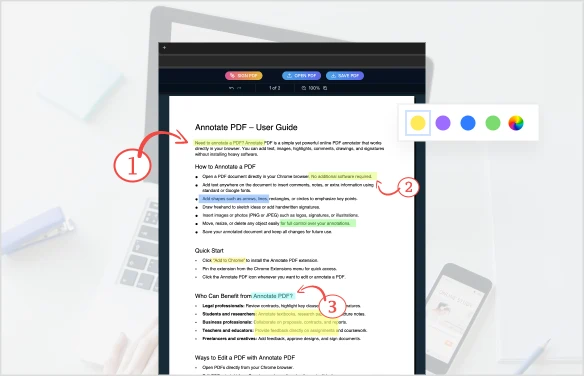
Markup features may be blocked in some protected digital textbooks. The unlock PDF online free tool gets rid of read-only access and enables you to get full access to annotation tools. Highlight key passages and insert notes onto your study materials instantly.
What does it mean to unlock a PDF?
Unlock PDF means you can get full access to read-only PDF files that are restricted by permission password. IObit PDF Unlocker helps to remove password and allows you to edit, copy, paste, annotate, highlight, and print.
Can I unlock a password-protected PDF?
No. Open-password PDF files cannot be unlocked by any online tool unless you know the password.
How long does it take to unlock a PDF?
It only takes seconds to unlock PDF password online. Of course, the larger the file is, the longer it takes.
What file formats are supported?
At present, the PDF unlocker only supports PDF files for permission password removal.
Will unlocking a PDF change the content?
No. Unlocking a PDF only removes its permission password. After unlocking, all your PDF content remains the same as the original version, keeping the same text content and layout.
AI Photo Editor
Edit photos with AI by enhancing photos, removing objects, changing background, and more.
AI Video Enhancer
Upscale low-resolution video with AI, remove denoise, and restore detail frame-by-frame.
Can I Run It
Test on your PC and determine if it meets the system requirements to run popular games.
Rate My PC
This spec checker will rate your PC performance against popular games.
