- Support Center
- Multiple Languages
- Language
- Help Us Translate
Expert in
PC Health Solution

All-in-one PC health solution: clean, optimize and secure

Comprehensive PC cleaning, optimization and protection

Keep drivers always up-to-date

More stable performance with less system crashes

Protect millions of computers against malware

Top computer security with full-round protection

Protect against viruses & boost PC performance
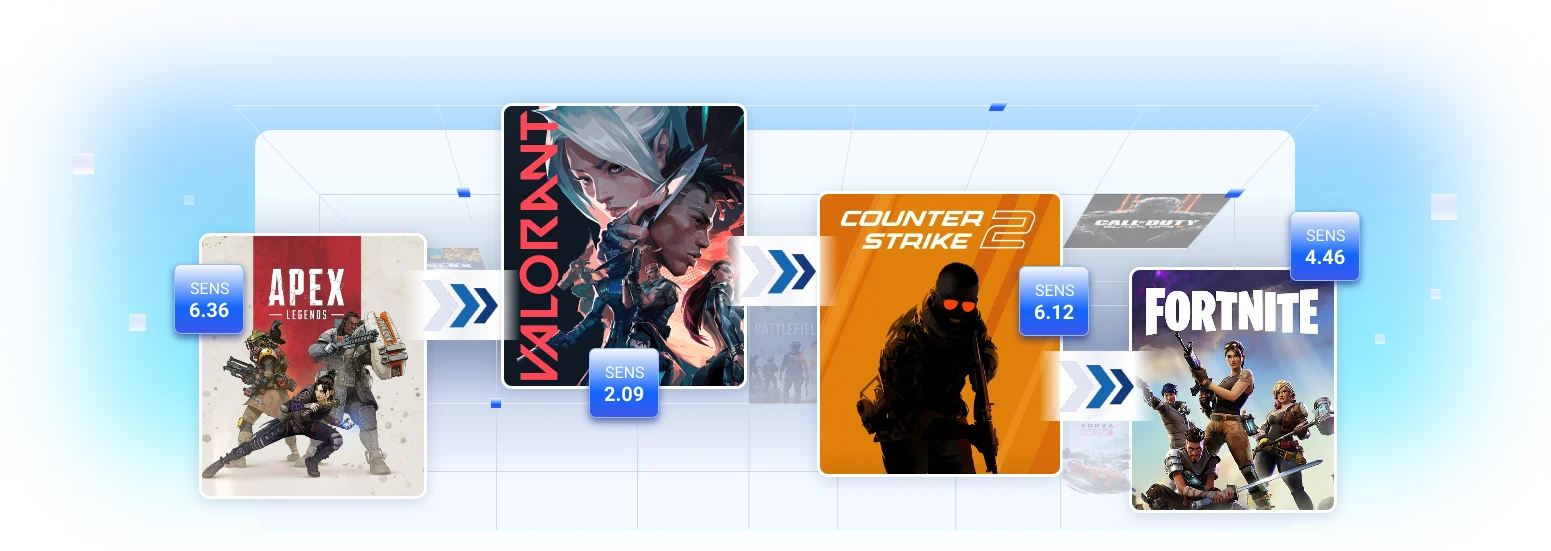
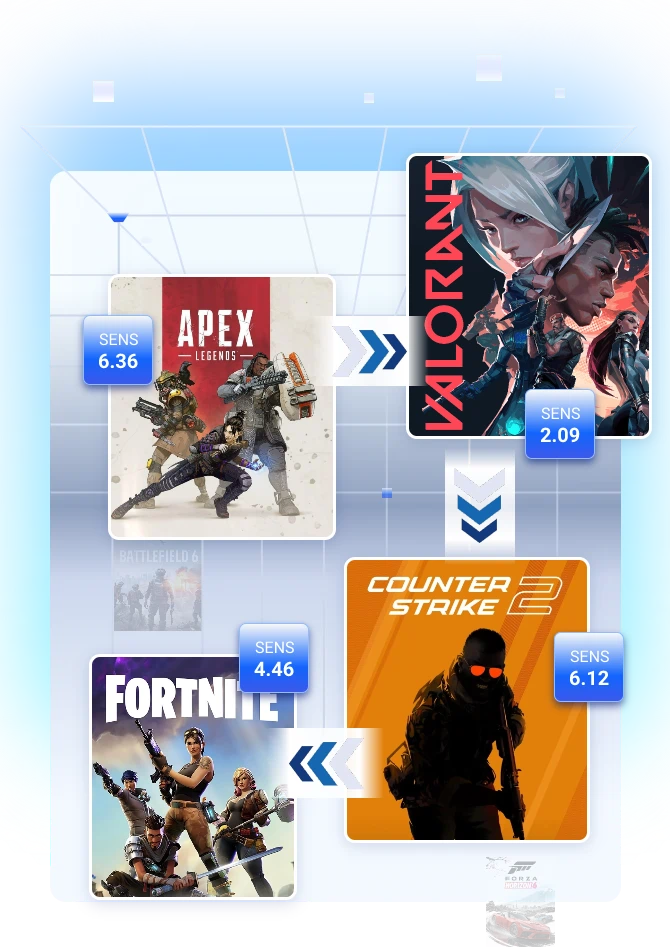
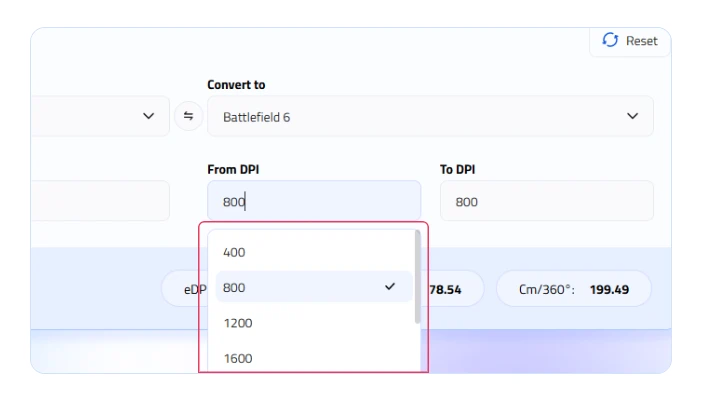
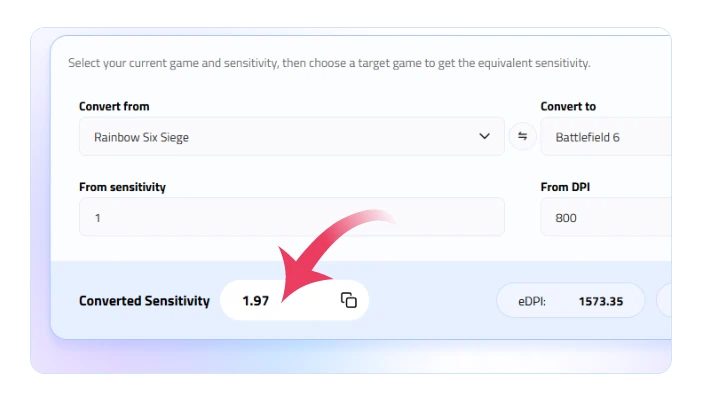







A sensitivity value of "2.0" in Valorant is not the same as "2.0" in Apex Legends or Counter-Strike. Each game engine uses its own math formula to convert mouse movement into camera rotation. This Valorant sens converter calculates the exact mathematical ratio between two games so your physical mouse movement moves the camera by the same number of degrees.
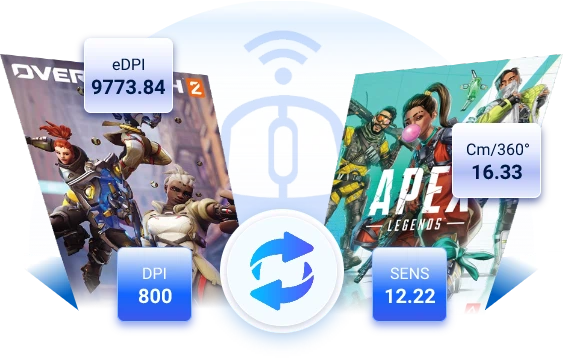
If your sensitivity varies across different first-person shooters, your muscle memory—specifically your "cm/360" (the physical distance on your mousepad required to turn 360 degrees)—gets disrupted. Matching your sensitivity ensures that flicks, micro-adjustments, and tracking feel identical regardless of which game you open.
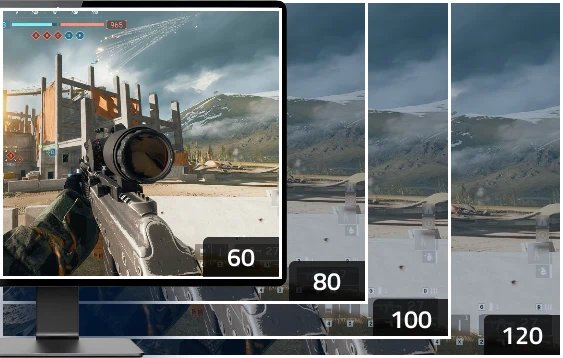
Even if your horizontal 360-degree rotation distance is identical, a wider or narrower Field of View (FOV) changes how fast the visual screen moves past your eyes, which can make your aim feel faster or slower. Advanced game sens converters factor in FOV and aspect ratio differences (using Focal Length or Monitor Distance Matching) so your aim feels natural across games with varying field-of-view limits.
Here are some other must-have free and online calculators for boosting your games.
How does the sens converter work?
It uses math formulas that map each game’s specific sensitivity scale to your physical mouse movement, calculating the exact value needed to keep your turning distance (cm/360°) identical across games.
Do I need to change my DPI?
No. Keep your DPI the same on your mouse; you only change the in-game sensitivity value. Only enter a different DPI in the converter if you deliberately plan to change your mouse's hardware DPI.
Why does my aim still feel slightly different?
Different Field of View (FOV) settings, screen aspect ratios, frame rates, and camera animations change how fast the screen moves visually—even if your physical mouse movement turns you the exact same distance.
How to convert Siege sens into Kovaaks?
1. Open IObit Mouse Sensitivity Converter.
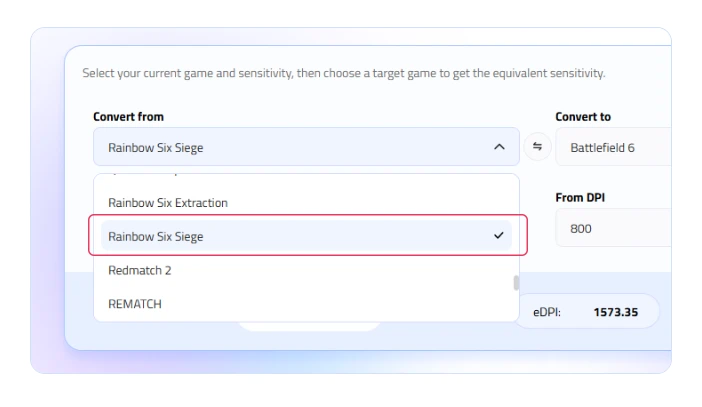
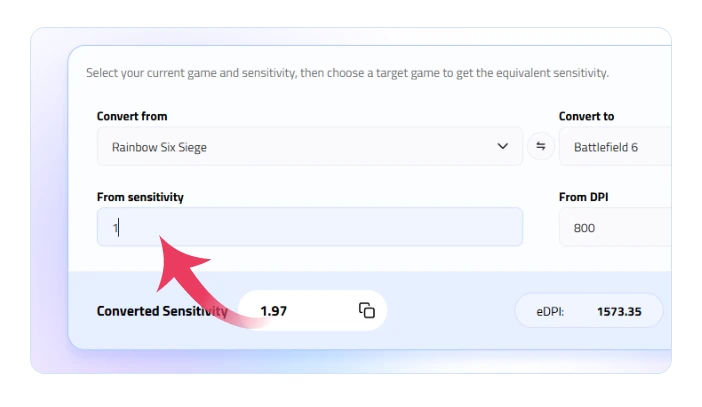
2. Select Rainbow Six Siege as your input game and enter your Siege sensitivity.
3. Select KovaaK's as your output game to get your converted sensitivity value.
What is eDPI and how is it different from normal sensitivity?
eDPI is your true overall sensitivity, calculated by multiplying your mouse's hardware DPI by your in-game sensitivity (DPI x In-Game Sens). It lets you easily compare your actual aim speed with other players regardless of their specific mouse hardware settings.
What is "Monitor Distance Matching" or "Focal Length" conversion?
It is an advanced conversion method that adjusts your sensitivity based on your screen's Field of View (FOV) rather than a physical 360-degree rotation. It ensures that flicking your mouse to an enemy at the edge of your screen requires the exact same physical hand distance, even when switching between games with different FOVs.


