


Expert in

PC Health Solution

IObit PC Tester

Free PC Performance Testing Tool

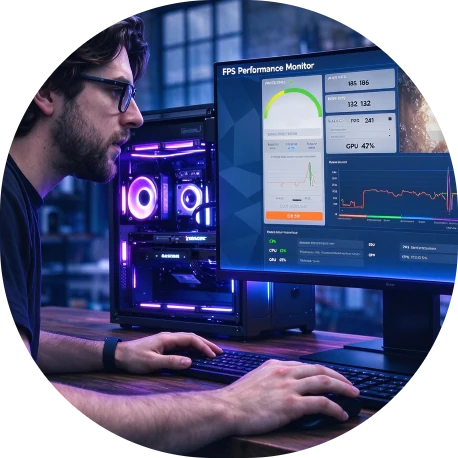
  • FPS test: estimate in-game frame rates
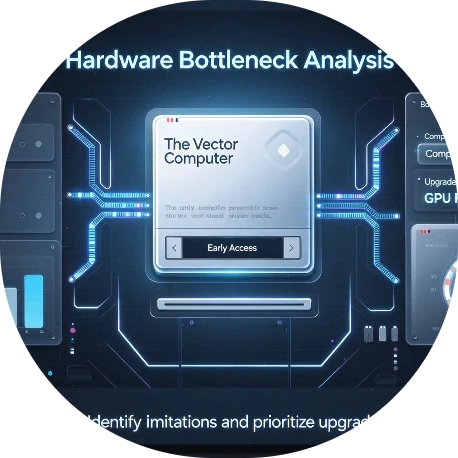
  • Bottleneck test: detect CPU and GPU performance issues
  • Rate my PC: Evaluate your CPU, GPU, and RAM
  • Can I run it: Check if your PC meets the system requirements of popular games.
Free Download
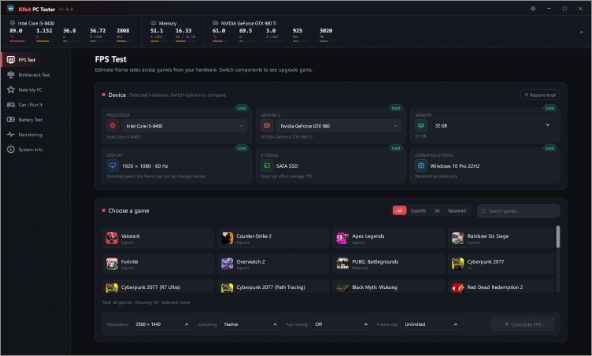
IObit PC Tester First Feature FPS Test
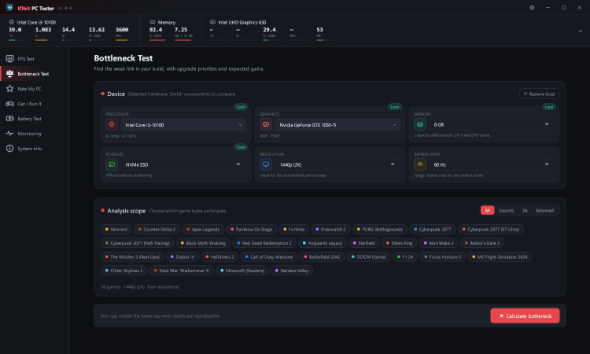
IObit PC Tester Second Feature Bottleneck Test
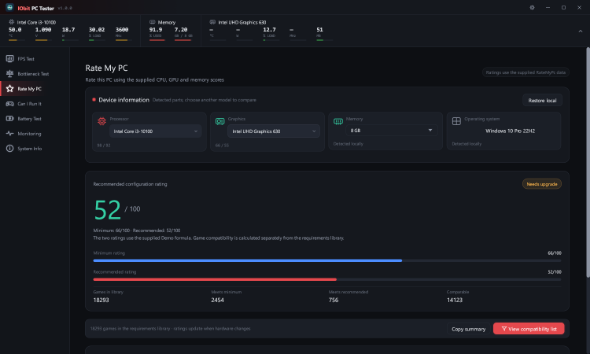
IObit PC Tester Third Feature Rate My PC
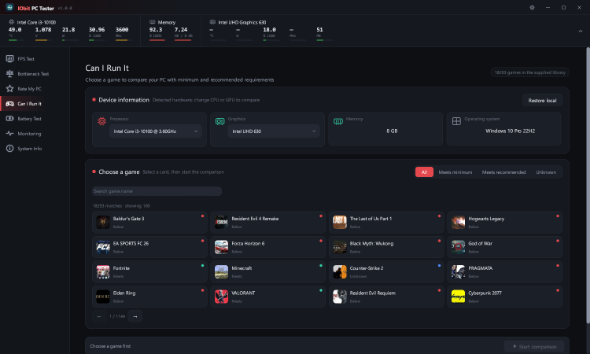
IObit PC Tester Fourth Feature Can I Run It
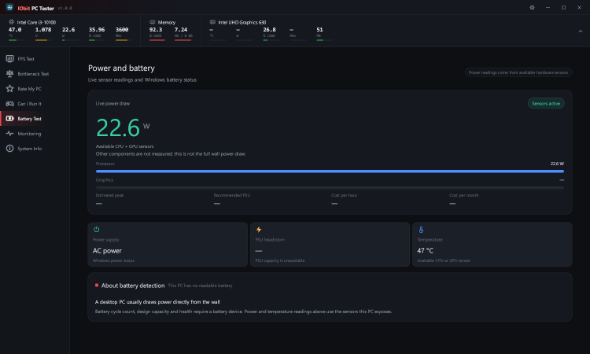
IObit PC Tester Fifth Feature Battery Test
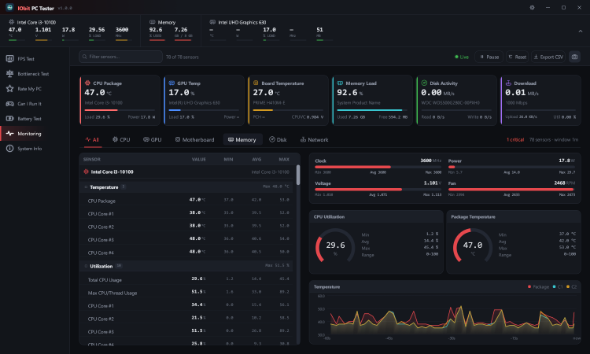
IObit PC Tester Sixth Feature Monitoring
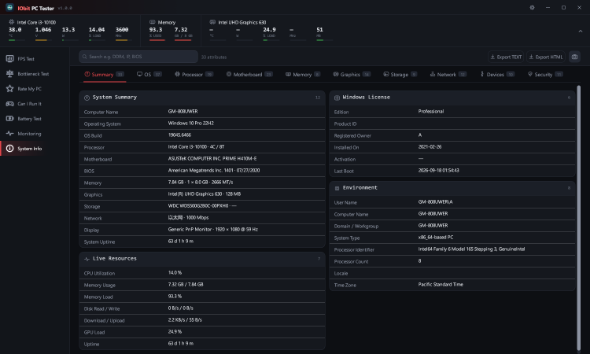
IObit PC Tester Seventh Feature System Info

All-in-One PC Benchmarking & Hardware Monitoring Tool

Enjoy free PC testing with quick results in just a few clicks. Get accurate insights into your FPS, CPU and GPU performance, hardware temperatures, and more.

Free Download
  • Free Software

    Enjoy essential PC testing and monitoring features without paying a fee. Check PC health, hardware performance, test game compatibility, and monitor system activity for free.

  • Quick Tests

    Run PC diagnostic tests and get instant scores and insights in just a few clicks. Check your hardware status, evaluate benchmark performance, and view detailed system information in seconds.

  • Accurate Results

    Run reliable PC stress tests and PC benchmark tests to evaluate CPU/GPU utilization, identify bottlenecks, and monitor CPU cores and temperatures. Check PSU capacity and get configuration ratings to make informed hardware upgrade decisions.

6 Powerful Features for Comprehensive PC Testing and Monitoring

Test your PC's performance, assess hardware capabilities, check game compatibility, and monitor system health with six essential tools.

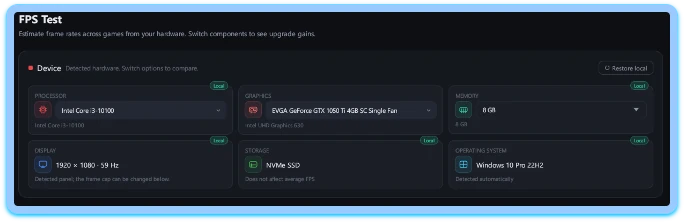
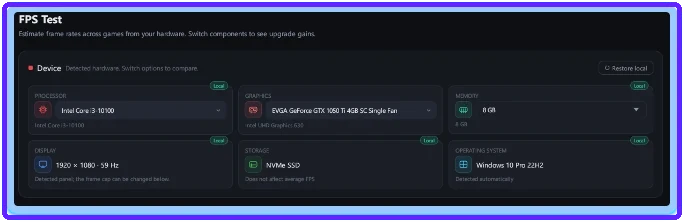
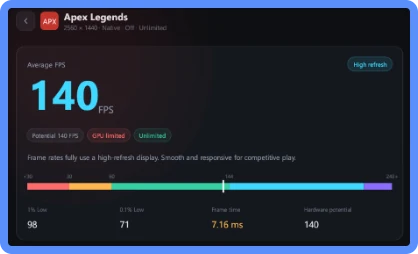
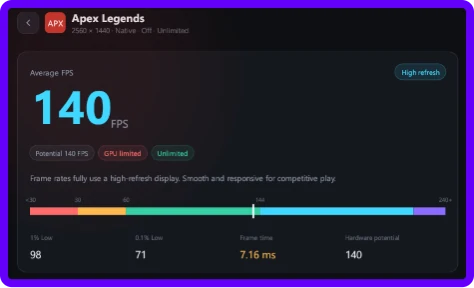
Estimate Game FPS Based on Your PC Specs

Feature 1: FPS Calculator

Estimate Game FPS Based on Your PC Specs

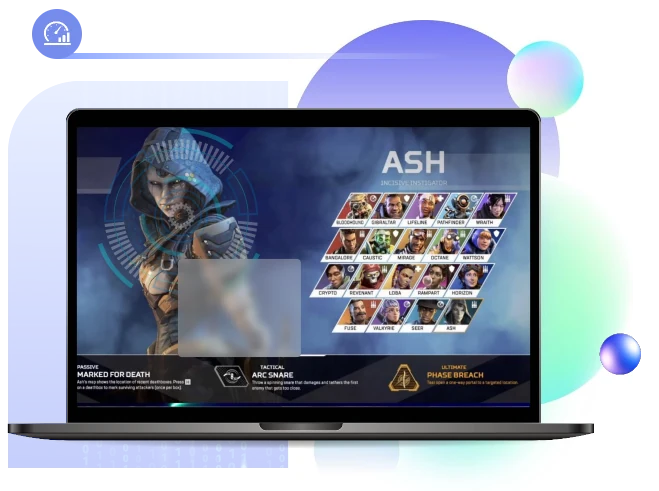
Measure your PC's FPS performance with a quick benchmark test. See how well your CPU and GPU handle gaming workloads and get a clearer picture of your system's gaming capabilities. Use the results to test PC performance for games and identify potential areas for improvement.

Free Download
Test CPU GPU Motherboard RAM Bottlenecks

Feature 2: Bottleneck Test

Find Out What's Holding Back Your PC

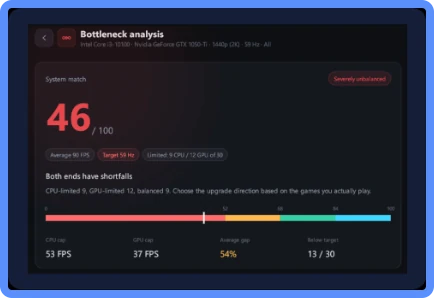
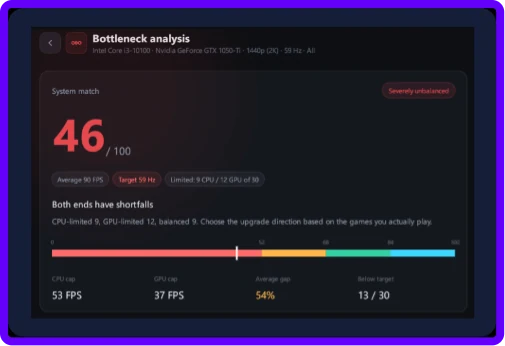
Identify potential hardware bottlenecks that may limit your PC's performance. This computer stress test analyzes CPU, GPU, and RAM utilization to reveal whether one component is holding back the others and provides reliable insights into your system's performance.

Free Download
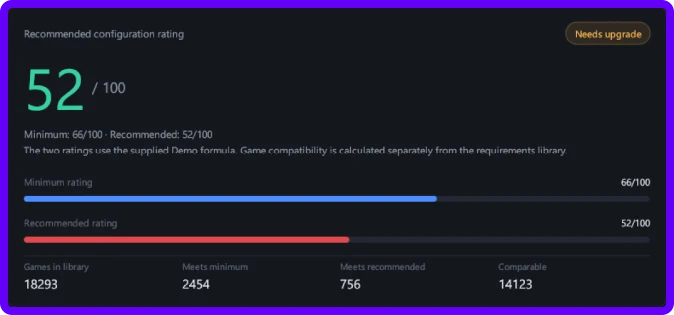
Get Scored Based on Your PC Specs

Feature 3: Rate My PC

Get an Overall Score for Your PC

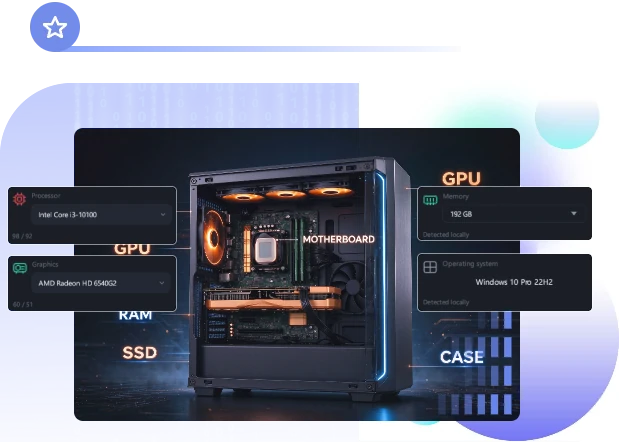
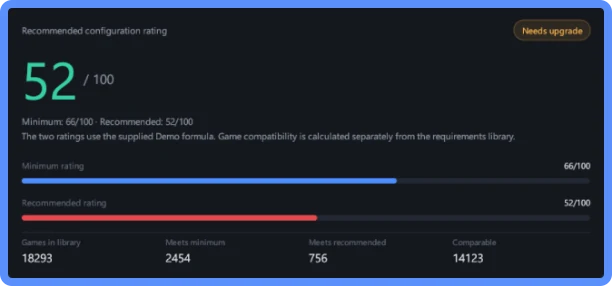
Run a comprehensive computer assessment test to check PC specs, evaluate hardware performance, and get an overall score. Whether you need a desktop or laptop performance test, quickly understand your system's capabilities and identify areas for improvement.

Free Download
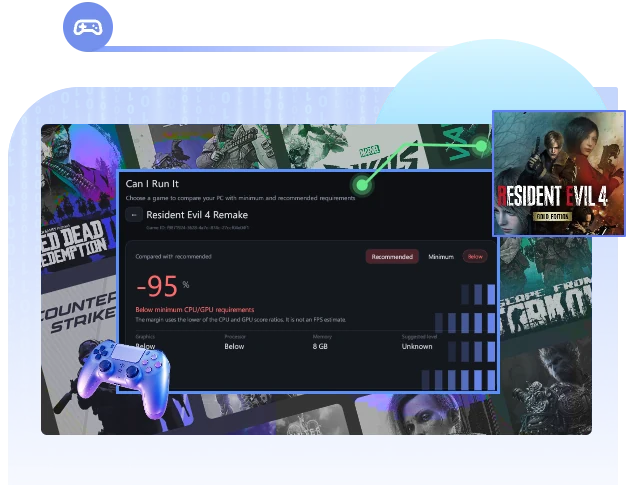
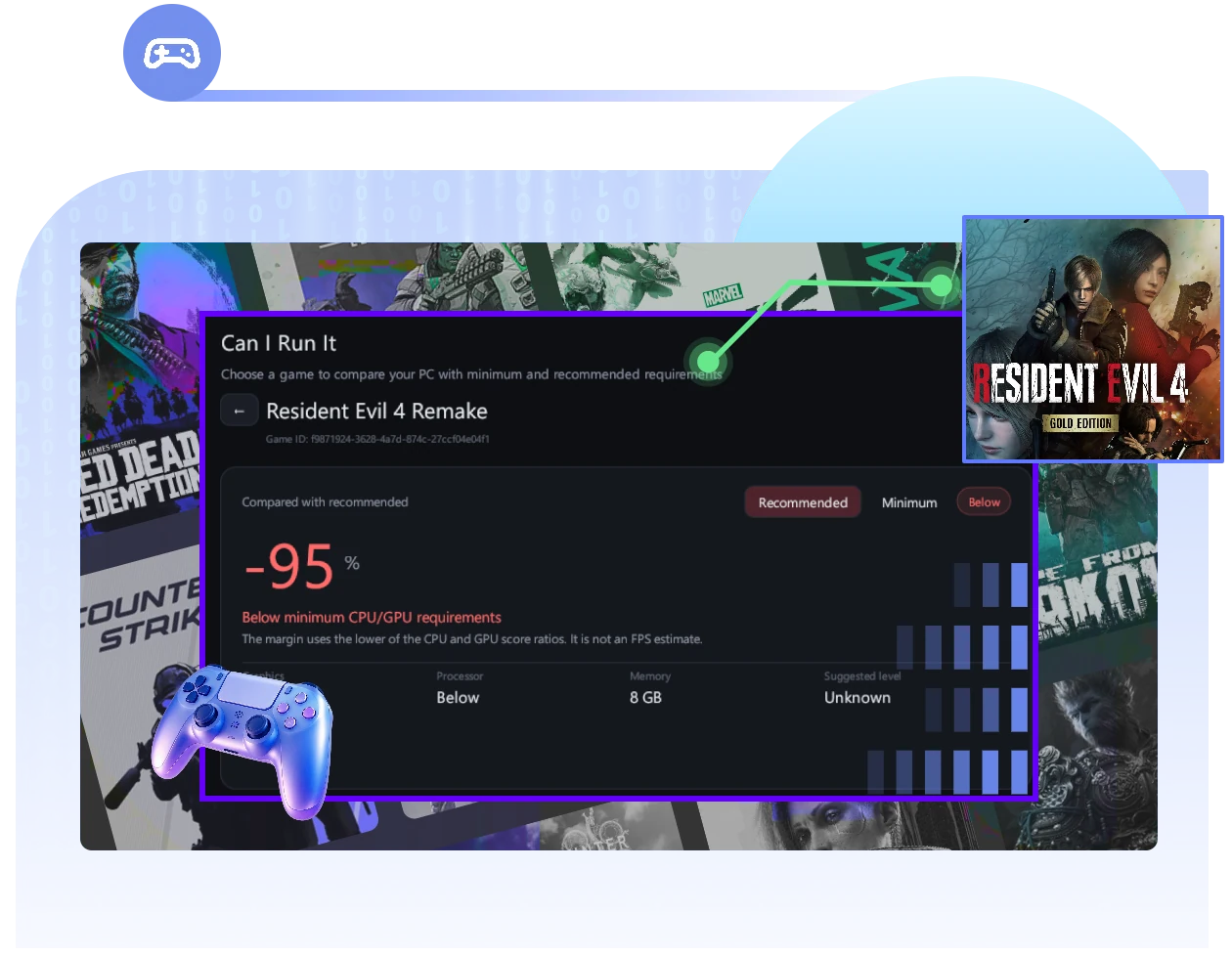
Test Whether You Can Run the Latest Games

Feature 4: Can I Run It

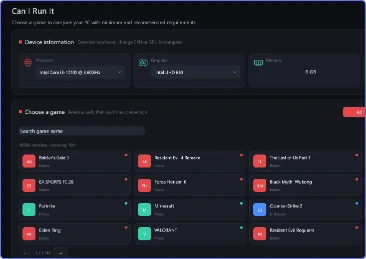
Check Whether Your PC Can Run Your Favorite Games

Not sure about ‘Can My Computer Run This Game’? Compare your hardware specs with the system requirements of popular PC games. Find out whether your computer meets the minimum or recommended requirements before downloading or purchasing a game.

Free Download
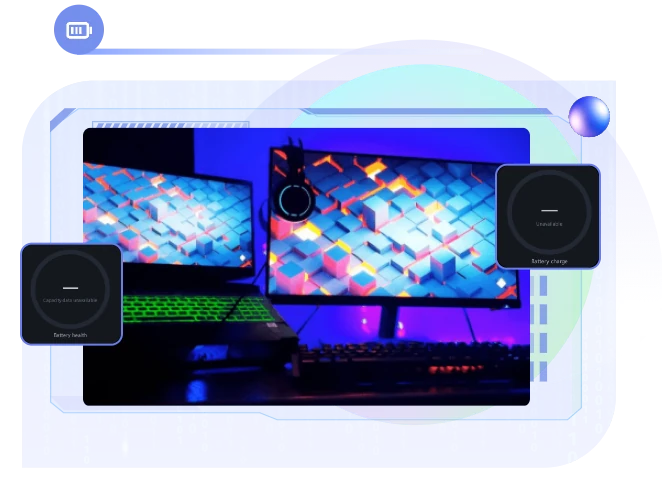
Benchmarking Test Battery Health

Feature 5: Battery Test for PC and Laptop

Check Your PC's Power and Battery Performance

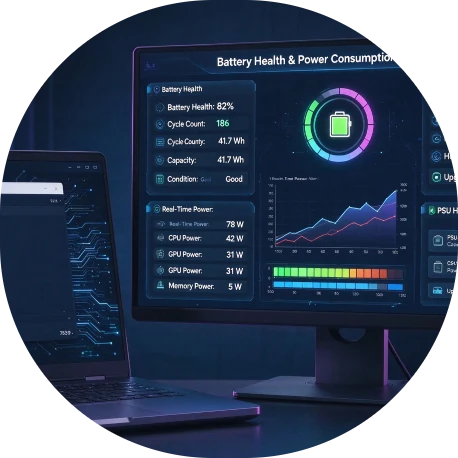
Monitor your laptop battery health, power drain, and full charge capacity while checking PSU supply, live power consumption, and temperature monitoring data. Track essential power-related metrics to better understand your battery's condition.

Free Download
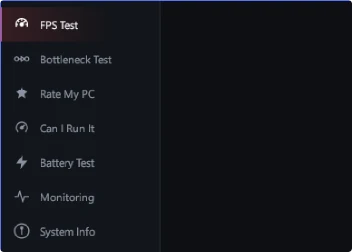
Monitor Your Hardware Temperature

Feature 6: CPU/GPU/Disk/Temperature Monitor

Monitor Your PC's Hardware in Real Time

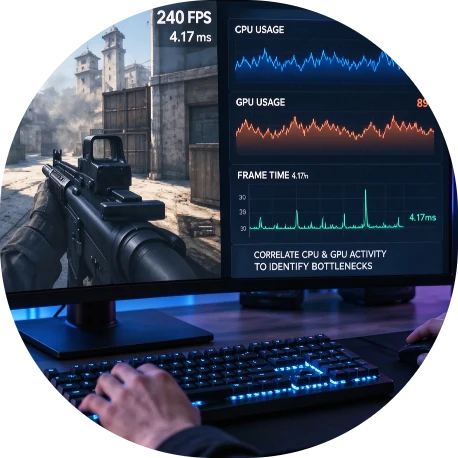
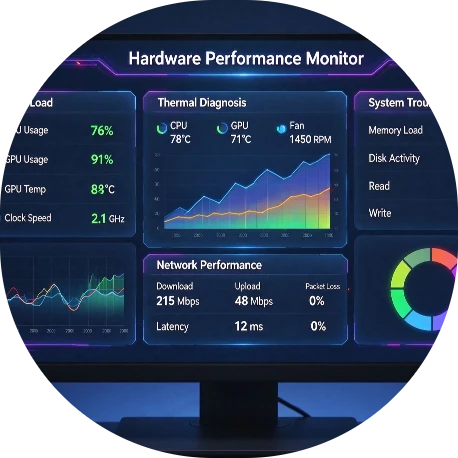
Use this all-in-one hardware monitoring software to track CPU and GPU usage, voltage, clock speeds, temperatures, VRM temperature in real time. Whether you're looking for the best hardware temperature monitoring software or wondering how to check computer hardware, get a clear overview of your PC's performance and system activity in one place.

Free Download
IObit PC Tester

Detect PC issues with the best
PC stress test software. Quickly identify and troubleshoot in one place.

6 Major Scenarios for PC Testing and Troubleshooting

Evaluate Gaming Performance and Identify FPS Issues

Evaluate Gaming Performance by Calculating FPS

Check If Your PC Can Run a New Game

Get direct FPS results based on your specs to know ‘Can my computer run this game?’.

Evaluate Upgraded Hardware Performance

Compare FPS performance before and after replacing your GPU or CPU.

Diagnose Low FPS Issues

Benchmark your system to get a clearer picture of its gaming performance.

Compare PC Builds Before Buying

Compare FPS results to see which hardware configuration performs better.

Identify Hardware Bottlenecks and Upgrade Needs

Test PC CPU and GPU Bottlenecks

Identify Hardware Limitations

Find out whether your CPU, GPU, or RAM may be limiting performance.

Diagnose Game Stuttering Issues

Check for potential hardware bottlenecks that could affect gameplay.

Check CPU and GPU Compatibility

Use CPU/GPU testers to evaluate whether your CPU and GPU are well-matched.

Prioritize Hardware Upgrades

Identify which component may deserve an upgrade first.

Assess Your PC's Overall Performance and Health

Get an Overall Score Based on Your PC Performance

Evaluate New PC's Performance

Get an overall score from this computer assessment test software.

Assess Used PC Performance Before Buying

Evaluate its hardware specifications and performance potential.

Compare PC Performance Scores

Compare scores to understand the performance differences between PCs.

Measure Performance After Upgrading

Check how much your PC's overall rating has changed.

Check Game Compatibility Before Downloading

Check Can You Run Games Before Downloading

‘Can This Game Run?’

Check whether your PC meets the game's minimum and recommended requirements.

Check Game Requirements

Avoid spending time downloading a game your PC may not run properly.

Find Games Compatible with Your PC

Find out which popular games are compatible with your hardware.

After Upgrading Your PC

Check whether your upgraded system can handle more demanding games.

Monitor Laptop Battery Health and Power Consumption

Monitor Battery Health for PC and Laptop

Check Battery Health

Check its battery condition before making a purchase.

When Battery Life Drops

Review battery information to understand its current condition.

Monitor Real-Time Power Consumption

Monitor live power draw to see how much power your PC uses.

Check PSU Capacity Before Upgrading

Review PSU information and power headroom to help assess whether your power supply can support new components.

Track Hardware Performance and Diagnose System Issues

Monitor Hardware Temperature

Monitor Hardware During Intensive Gaming

Track CPU/GPU usage, temperatures, and clock speeds while gaming.

Diagnose Overheating Issues

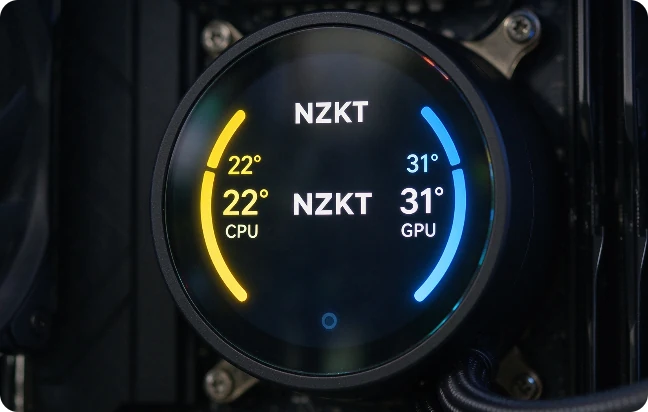
Check CPU, GPU, and VRM temperatures to identify potential thermal issues.

Troubleshoot Slow PC

Monitor memory load and disk activity to see whether system resources are under pressure.

Monitor Network Performance

Check download speed and network conditions to better understand connection performance.

How to Use This PC Test?

Learn how to use this PC test to check your PC performance, test hardware, identify potential issues, and optimize your computer with simple steps.

Step 1. Download and Install IObit PC Test

Download IObit PC Test from this page and install it on your computer to get started.

Download IObit PC Tester

Safety Tips Before Testing

1. Allow Your PC to Cool Down Between Tests

Let your PC return to a stable temperature before running another demanding test. This helps prevent thermal throttling from affecting subsequent benchmark results.

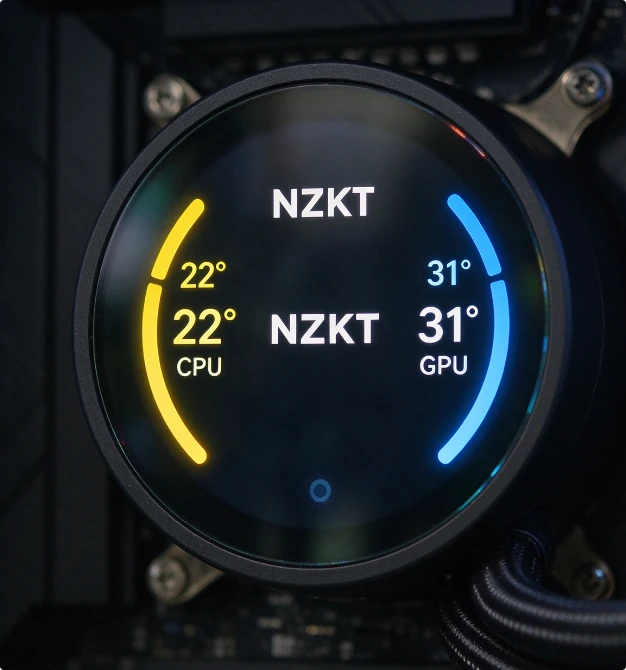
Make Sure Your PC Has a Good Cooling System

2. Monitor CPU and GPU Temperatures

Keep an eye on CPU and GPU temperatures during PC performance test to detect potential overheating. Stop the test if temperatures approach the hardware manufacturer's thermal limits.

Monitor Real Time Temperature to Prevent Overheating

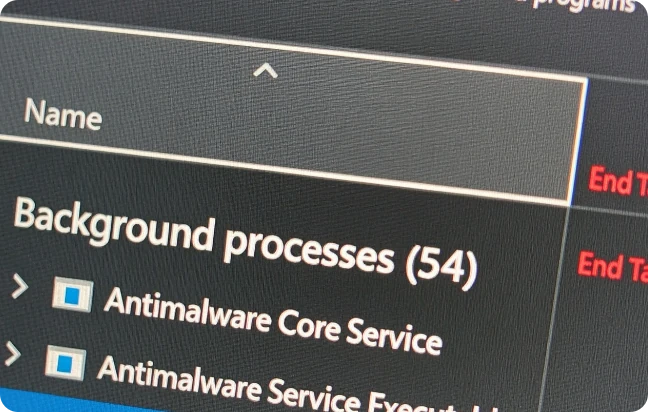
3. Close Unnecessary Background Applications

Close unnecessary programs, browser tabs, and background tasks before testing. This frees up system resources and helps ensure more accurate benchmark results.

Close Background Processes to Save System Resources

4. Use Default Clock Settings

Use default CPU and GPU clock speeds for a reliable performance baseline. Revert unstable overclocking or undervolting settings to avoid crashes and inconsistent results.

Avoid Using CPU GPU Overclocking Settings

5. Keep Your Drivers Up to Date

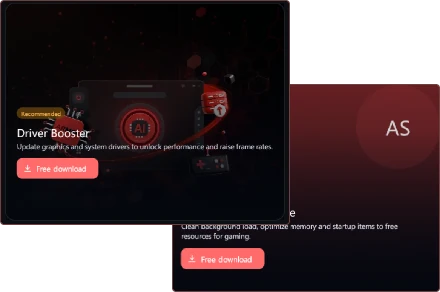
Make sure your graphics and chipset drivers are properly installed and compatible with your hardware. Outdated or corrupted drivers may affect benchmark performance and hardware detection.

Update Outdated Drivers
Make Sure Your PC Has a Good Cooling System Monitor Real Time Temperature to Prevent Overheating Close Background Processes to Save System Resources Avoid Using CPU GPU Overclocking Settings Update Outdated Drivers

FAQ About IObit PC Test

A system score is an overall rating of your PC's performance and health based on your PC specs, such as CPU, GPU, RAM, and storage performance. A higher score generally indicates better overall performance. You can use it to evaluate your PC's condition, identify potential weaknesses, and determine whether further optimization or hardware upgrades are needed.

After Testing, Optimize Your PC’s Performance with Advanced SystemCare

Free Download
Clean

Remove junk files and unnecessary system leftovers.

Speed Up

Optimize startup items and manage system resources.

Protect

Help safeguard your PC and online privacy.

IObit uses cookies to improve content and ensure you get the best experience on our website.
Continue to browse our website agreeing to our privacy policy.

I Accept