Expert in

PC Health Solution

eDPI Calculator - Calculate Your Effective DPI

Enter your mouse DPI and in-game sensitivity to calculate your effective DPI (eDPI). Find the best in-game sensitivity by fine-tuning your aiming for improved performance.

Enter your in-game sensitivity and mouse DPI to calculate your eDPI.

In-game sensitivity

Mouse DPI

  • 400
  • 800
  • 1200
  • 1600
  • 2400
  • 3200
  • 6400

Your eDPI

0.00

What is eDPI?

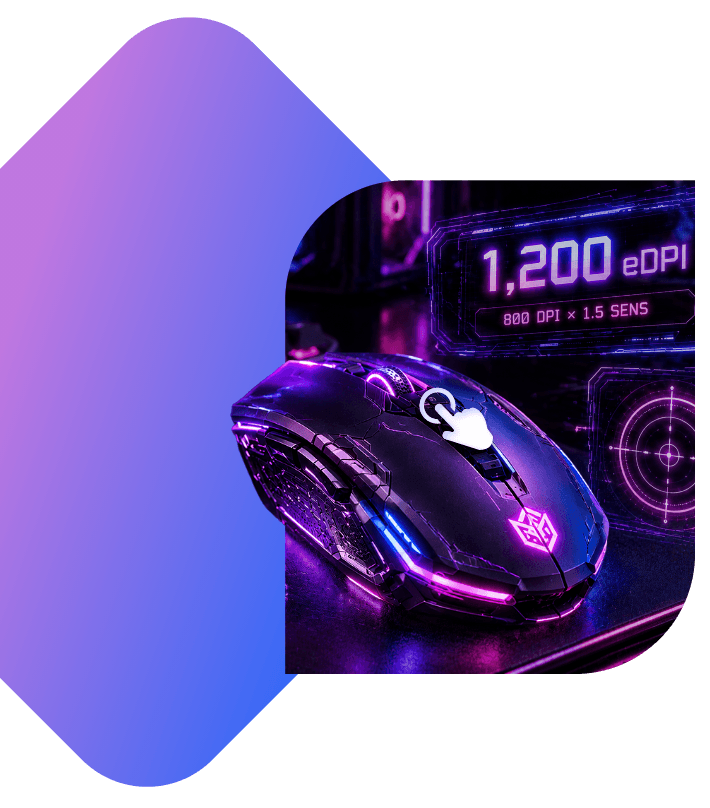
“Effective Dots per Inch”, or eDPI, describes the apparent sensitivity of your mouse movement, irrespective of hardware or software.

That simple formula is as follows:

eDPI = DPI x In-game Sensitivity

It’s useful for accurately sharing settings with your friends or for trying out settings used by the pros, especially when you’re using a mouse with different DPI settings.

Free Smart Game Booster – Maximize Your PC's FPS

Enjoy smoother gameplay, higher FPS, lower latency, and a more stable connection. Improve gaming performance now with just a few clicks.

Free Download

Smart Game Booster in partnership with IObit

What is DPI and Sensitivity? How to Check Them?

IObit eDPI Calculator is an online tool to calculate eDPI based on the DPI and in-game sensitivity. Learn their definition, where to check, and then calculate eDPI.

DPI

What is DPI?

DPI (Dots Per Inch) is a measurement of how many pixels your cursor moves on screen for every 1 inch you physically move your mouse on your desk. For example, if your DPI is 400, it means 1-inch mouse movement moves the cursor 400 pixels.

How to check it?

For a gaming mouse or a modern productivity mouse, DPI is directly managed in its official software companion app.


In-game Sensitivity

What is In-game Sensitivity?

In-game sensitivity is a software setting inside a video game menu that controls how fast your character’s view or crosshair moves when you move your mouse.

How to check it?

Launch the game and open Settings or Options menu. Navigate to the Controls, Mouse or Keyboard tab, and then see the General sensitivity.

DPI to eDPI: How to Calculate with IObit eDPI Calculator?

How to Calculate with IObit eDPI Calculator

According to your DPI and in-game sensitivity, calculate eDPI with the following formula:

eDPI=DPI × in-game sensitivity

With the free eDPI calculator online from IObit, just enter your DPI value and in-game sensitivity, and you’ll get the last eDPI value, which can be used to reset your in-game sensitivity or more. Use the eDPI calculator for Valorant, CS2, Fortnite and more games.

How to Calculate with IObit eDPI Calculator

Why Does eDPI Matter?

eDPI is the general value to measure your mouse cursor, eliminating the guesswork caused by different hardware DPI values and in-game sensitivity settings.

Universal Measurement

The DPI value will vary depending on the brand of the mouse used by the user. eDPI is the final value which determines the actual mouse movement precision. Without eDPI, comparing settings is confusing. For example, player A with 400-DPI and 0.2 sensitivity has the exact same camera turn speed as player B with 1600 DPI and 0.5 sensitivity. Try our eDPI calculator now.

Consistency across Setups

When switching between different gaming mice, the hardware settings (that is DPI) may not always match. By maintaining the same eDPI calculated by IObit eDPI Calculator, you can preserve nearly identical mouse movement behaviour by just changing in-game sensitivity. In this way, many gamers preserve muscle memory with simplified setup changes.

Optimize Performance

To improve your gaming performance, adjusting sensitivity or DPI is a quick way based on the eDPI value offered by professional players, who prefer to list eDPI for reference rather than just DPI or sensitivity. For different games, the optimal settings are different. Anyway, only if you get the proper eDPI, you can adjust the in-game slider without changing your mouse hardware settings.

Extra: Is a Higher eDPI Better?

The answer is no. There is no single “best” eDPI for all games and gamers. For gamers with different levels and mouse movement habits, they should choose the right eDPI to keep balance between speed and precision.

What is a Good eDPI for Famous Games?

For different games, the good eDPI range is not the same. Choose a proper eDIP in line with your game levels and skills. Here we give the recommended eDPI range for popular games for reference. Test whether your eDPI is in the range or not by using IObit eDPI Calculator now.

Game

Valorant

CS2

Fortnite

Overwatch

Range

200-400 eDPI

800-2000 eDPI

48-80 eDPI

3000-5000 eDPI

Game

Deadlock

Destiny 2

Battlefield

Black Ops

Range

800-2000 eDPI

2000-4000 eDPI

200-400 eDPI

1200-4000 eDPI

eDPI Optimization Tips

eDPI Optimization Tips for Maximum Precision

Match Your eDPI to the Game Genre

Matching your eDPI to the game genre to keep balance between precision against speed. Tactical shooters like Valorant require a low eDPI because it always relies on micro-adjustments and minimal target tracking. On the contrary, fast-paced arena shooters like Overwatch 2 demand a medium-to-high eDPI for quick movement and turns.

Optimize Mouse’s Native DPI

Utilize hardware-level resolution by optimizing native DPI on a gaming mouse. When optimizing native DPI, avoid odd DPI values (e.g., 1050 DPI) to avoid vibration or jitter and match DPI to your monitor resolution (800-1200 DPI for 1080p display). Hence, cursor jitter and sensor latency can be eliminated to a large degree.

Start with Recommended eDPI Range

If you are a new player or in low levels, starting with the recommended eDPI is a good option. Try to adjust your mouse native DPI and then change in-game sensitivity in different games, calculating with our eDPI calculator. No need to enter the repeated trial-and-error period of picking sensitivity completely at random.

Turn Off Windows "Enhance Pointer Precision"

When you turn on Enhance Pointer Precision, Windows will activate mouse acceleration, which influences how far your cursor moves based on your movement. Turning off it helps to improve character movement precision, allowing your eDPI to deliver the exact same distance on screen every single time you move the mouse.

IObit eDPI Calculator: Calculate Real Gaming Sensitivity Fast

IObit uses cookies to improve content and ensure you get the best experience on our website.
Continue to browse our website agreeing to our privacy policy.

I Accept