Expert in

PC Health Solution

IObit Uninstaller 15 PRO Uninstalls Programs Completely. No Leftovers.

1 PC
$19.99 -25%
$14.77 /yr.
BUY NOW
  • • Force uninstall stubborn apps
    1*
  • • Remove leftovers & traces
    1*
  • • Batch uninstall unwanted apps
    1*
  • • Clean harmful browser plugins
    1*
3 PCs
$59.93 -70%
$16.77 /yr.
BUY NOW
  • • Force uninstall stubborn apps
    3*
  • • Remove leftovers & traces
    3*
  • • Batch uninstall unwanted apps
    3*
  • • Clean harmful browser plugins
    3*
  • • Share with family members
    3*
5 PCs
$119.96 -75%
$29.99 /yr.
BUY NOW
  • • Force uninstall stubborn apps
    5*
  • • Remove leftovers & traces
    5*
  • • Batch uninstall unwanted apps
    5*
  • • Clean harmful browser plugins
    5*
  • • Share with family members
    5*
  • • Dedicated support for all your PCs
    5*

Completely Uninstall Programs Like They Were Never Installed

Keep your PC clean and smooth. Uninstall stubborn apps and leftovers completely, leaving no trace.

easy_icon01
Force Uninstall Stubborn Apps
easy_icon02
No Leftovers After Uninstall
easy_icon03
Clean Up Unwanted Apps
easy_icon04
Remove Malicious Extensions

Powerfully Force Uninstall Apps That Won’t Uninstall

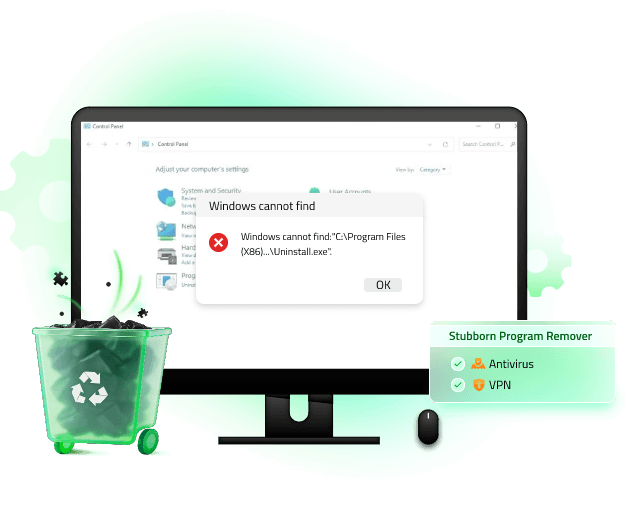
Can’t uninstall it? Not even in Control Panel?

A broken uninstaller, missing Control Panel entry, or leftover registry files can stop programs from uninstalling normally.

Force Uninstall for 4,000+ Stubborn Apps

Locates stubborn apps and identifies their leftover files, folders, and hidden registry entries.

Creates a system restore point to ensure safe removal.

Then forcefully removes the app and wipes all traces from your PC.

Force Uninstall - $16.77 $59.93
Devices covered:
  • 1 PC

  • 3 PCs

  • 5 PCs

feature_pic01

Wipe Out Every App Trace After Uninstall

feature_pic02
fea_files
fea_clean
Uninstalled apps still take up space and slow my PC!

Old files, leftover folders, and hidden registry entries can clutter your system, waste storage, and even cause software conflicts.

Deep Leftover Cleanup

Auto clean: Automatically removes leftover files, folders, and registry traces.

Hidden leftovers: Detects leftover files and registry entries missed by standard uninstallers.

Record system changes: Captures all installation changes for complete removal on uninstall.

Auto Clean - $16.77 $59.93
Devices covered:
  • 1 PC

  • 3 PCs

  • 5 PCs

Clear Out Unused Apps and Bloatware with Ease

Which programs can I safely uninstall?

Over time, unused apps, bundled software, and bloatware pile up on your PC. They waste storage, run in the background, and gradually slow down your system.

Smart App Cleanup

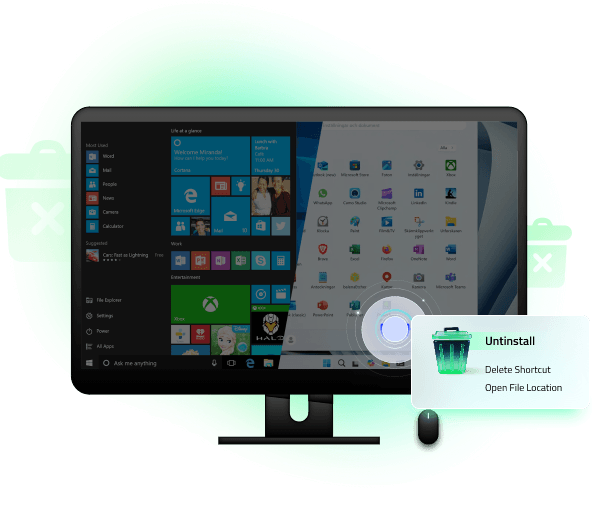
Batch uninstall: Removes multiple apps at once to save time and effort.

Pre-installed apps: Uninstalls unwanted pre-installed Windows apps quickly and completely.

Hunter mode: Drags the targeting icon onto any app window to uninstall or manage it, even if you can’t locate it in Windows.

Remove Now - $16.77 $59.93
Devices covered:
  • 1 PC

  • 3 PCs

  • 5 PCs

feature_pic03
fea_scan
fea_app

Say Goodbye to Ads and Redirects with Unique Extension Detection

feature_pic04
fea_ad
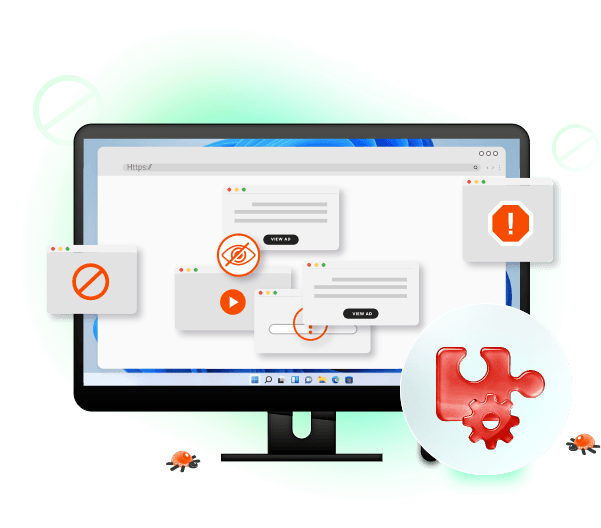
Browser showing ads and search keeps redirecting.

Malicious or unwanted extensions can install silently, change your browser settings, inject ads, and even track your browsing activity.

Stop Ads. Restore Browser.

Distinguishes trusted, ad-injecting, and malicious plugins at a glance.

Checks what other users say before managing an extension.

Easily uninstalls or manages extensions to quickly restore normal browsing.

Detect Now - $16.77 $59.93
Devices covered:
  • 1 PC

  • 3 PCs

  • 5 PCs

Why Choose IObit Uninstaller?

Make your PC clean again by uninstalling like it never happened.

  • Decades of experience in cleaning and uninstalling programs

  • Millions of users worldwide rely on us every day

  • Trusted in 200+ countries for safe and complete program removal

  • Remove 4,000+ hard-to-uninstall programs with ease

  • Smart automatic scanning for leftover files and registry entries

  • 60-day money-back guarantee, try with confidence risk-free

center_bg_iu

Trusted and Awarded Worldwide

  • pc_logo
  • primary_logo
  • major_geeks_logo
  • pcworld_logo
  • chip_logo
  • softpedia_logo
  • updatestar_logo

Hear It from Real Users

"I've never used this kind of program before And I had to reset my computer all the time. Sometimes I changed computer parts. I was spending a lot of money on my computer, and it was all unnecessary. This program saved my money. Before using this program, my computer was very slow. I couldn't do anything. But my computer is very clean now. Thanks to this program, my computer got very Fast. I saved everything through this program. Thank you so much IOBit I love you."

Ali Tekin

"IObit uninstaller has come a long way, I have used it for a long time, I love it, it is very thorough, now it is even getting better. Very pleased with it, would not be without it. If you do not use it you might wish to try it, it is 100% better today than it was a year ago. It cleans up all the extra registry junk and does it very well."

Ivan White

"IObit's Uninstaller works extremely well, scrubbing the leftovers out of my system. It works fast and safely with no extra fuss to get everything so its simple to use. I originally got it because it also can uninstall browser extensions and other difficult programs. It has never failed me. Also, I love that it makes a system restore points on the fly for emergencies."

James Gresley

"It’s been a week since I used IObit Uninstaller and I never found any issues with it in uninstalling a program. It even finds plugins in my browsers that I didn’t even know existed. The uninstallation speed is pretty fast and it even has an installation point if ever you have second thoughts on uninstalling a program. The clean-up of the residual files is very good; it doesn’t leave any useless data left on the uninstalled software. It is really packed with a lot of features. Overall, my computer’s performance improved thanks to this. It is very convenient and easily manageable; I even recommended this to my friends."

John Glenn Perong

"This easy-to-use and informative uninstall tool cleans configures, and optimizes your PC. Users can download it virtually in a blink of an eye. This uninstall tool can be categorized as the best uninstaller and allows users to do uninstallation in bulk. It will offer users to do a "Powerful Scan" to go deeper and find leftovers. The performance alone makes this little uninstall tool worth keeping."

MakeUseOf

See the Difference Between Free and PRO

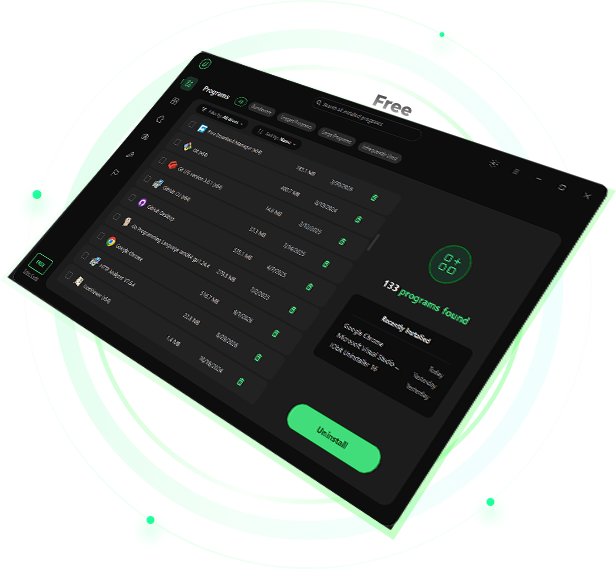
Free
  • Batch uninstall

  • Windows app removal

  • Drag & drop app to uninstall

  • Auto leftover cleanup

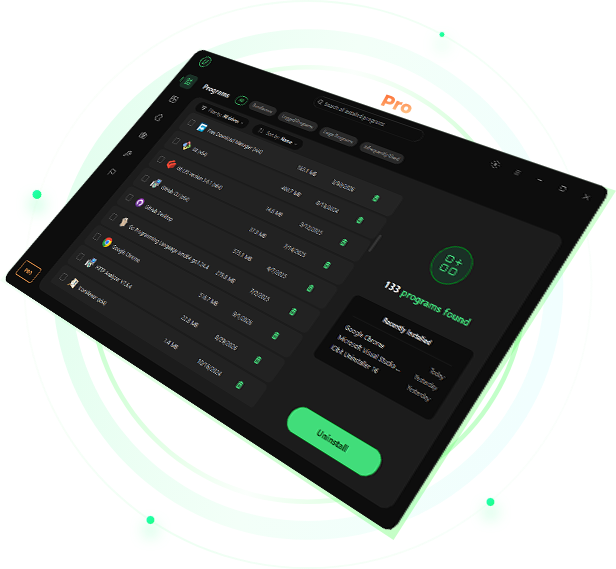
PRO
  • Batch uninstall

  • Windows app removal

  • Drag & drop app to uninstall

  • Auto leftover cleanup

  • Forced Uninstall for 4,000+ stubborn apps

  • Deep scanning for hidden leftovers

  • Uninstall unwanted bundled programs effortlessly

  • Fix incomplete uninstalls and clean hidden programs

  • Remove malicious browsers extensions

  • Real-time monitoring of system changes

  • 1‑Click to update outdated software

  • Premium technical support

free_pic
pro_pic
privacy_pic
real_pic
Enable Pro - $16.77 $59.93
Devices covered:
  • 1 PC

  • 3 PCs

  • 5 PCs

IObit uses cookies to improve content and ensure you get the best experience on our website.
Continue to browse our website agreeing to our privacy policy.

I Accept