- Support Center
- Multiple Languages
- Language
- Help Us Translate
Expert in
PC Health Solution

All-in-one PC health solution: clean, optimize and secure

Comprehensive PC cleaning, optimization and protection

Keep drivers always up-to-date

More stable performance with less system crashes

Protect millions of computers against malware

Top computer security with full-round protection

Protect against viruses & boost PC performance
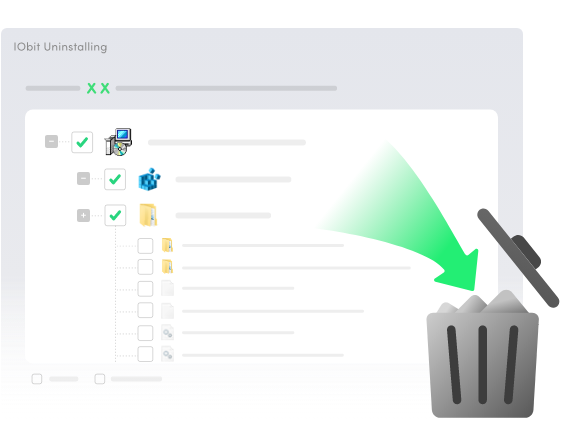
IObit Uninstaller completely removes unwanted software from Windows, Microsoft Store and third-party sources on PC. Microsoft Edge, OneDrive, Copilot, and other bloatware can also be removed now. It accurately detects and deletes various types of stubborn programs, bundleware, and hidden items. All associated leftovers, including temporary files, registry entries, executables, and configurations, will be cleared thoroughly. With the powerful uninstaller for Windows, it’s easy to keep your system clean, secure, and running at peak performance.
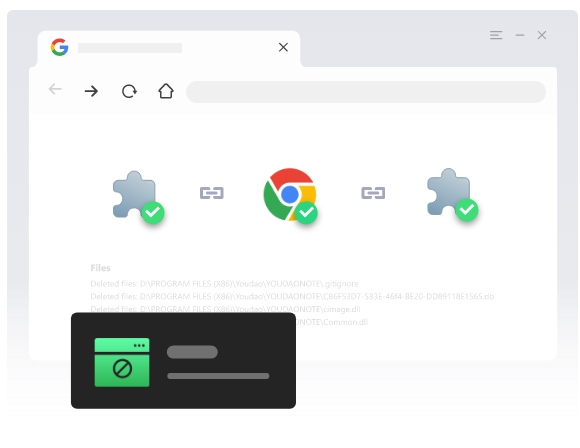
IObit Uninstaller Free 16 also works as a powerful browser extension manager and uninstaller for Windows users. With a massive database behind it, IObit identifies extensions across Chrome. Firefox, Edge, and Internet Explorer, and allow you to manage them in one place. You can see whether your installed plug-ins are trusted and uninstall any of them readily. To strengthen your safety and privacy in the digital space, the uninstaller for PC also supports blocking spam notifications and pop-ups.

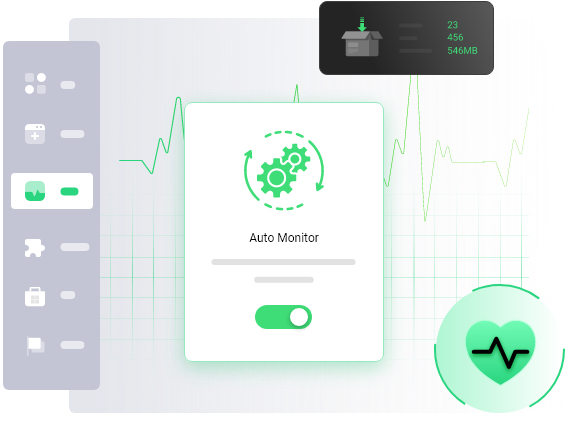
Use IObit Uninstaller Software Free to safeguard your PC system during every installation. It enables you to track all changes made to your system by an installer, with the detailed logs provided. You can drag a setup file into the uninstaller free to check out the modifications or start an advanced automatic mirroring throughout the PC. If you find any change appears unnecessary or inappropriate, IObit gives an easy uninstallation option for the associated program.
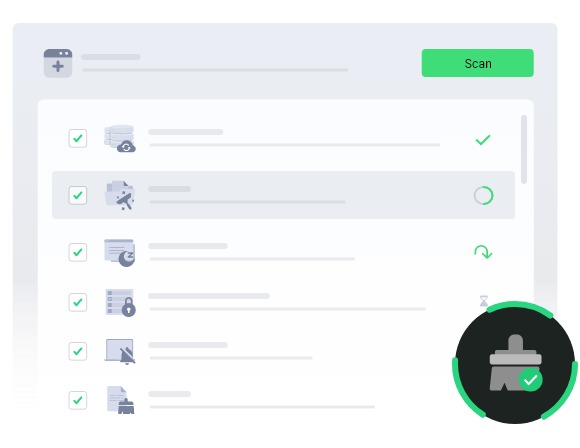
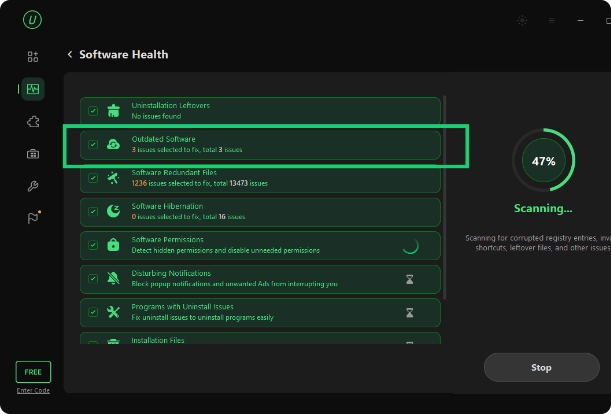
IObit Uninstaller serves as a one-stop solution or Software Health management. By only 1-click scanning, it can find out outdated software, uninstallation leftovers, redundant files, hibernated software, unauthorized permissions, intrusive notifications, and other issues affecting the system health. No matter how many software health problems there are, the Fix All feature will help repair them at a time for a cleaner, smoother, and faster Windows PC.
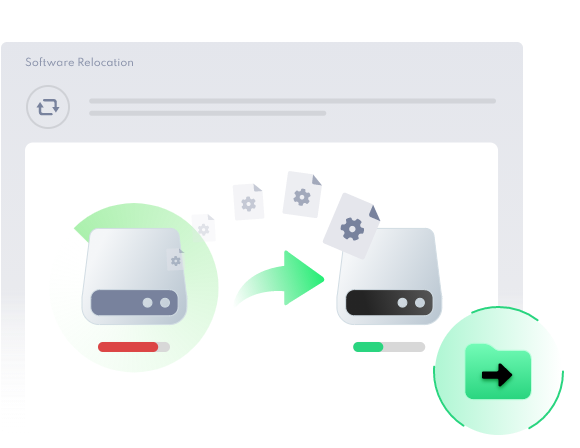
Software Relocation of IObit Uninstaller scans your drives, especially the C drive, to find installed programs and related large files. It allows you to safely move them to another drive with more free space. This frees up disk space and keeps your computer running smoothly without breaking your installed software.
As one of the best uninstallers for PC, IObit Uninstaller easily removes unwanted programs, plug-ins, and Windows apps for a cleaner and safer system.
And now it gets even better with all the new updates below.

Scan your drives to find installed programs and related large files, and let you safely move them to another drive with more free space.

Strip away pre-installed apps, system features, and extra tools that standard Windows settings can't easily remove.

Uninstall 4000+ stubborn & malicious software like MPC-HC, IntelliJ IDEA, Rockstar Games that refuse to be found and removed before.

Shred and permanently remove unwanted files from the PC beyond recovery. The sensitive files cannot be modified or read.

Manage all software permissions and more uninstallation leftovers and malicious plugins will be removed.

Recording more installation process like Added Service, Scheduled Plan and DDL File.
Why is IObit Uninstaller Free the next-level choice for Windows users?
Easily identify and remove hidden, hard-to-delete, and unused programs and extensions for a truly clean system.
Feel exclusive IObit features - Drag its icon to clear any program via the Easy Uninstall mode and track installs on your PC via Auto Mirror.
Freely control the scan scope, tailor install notifications, and select and batch-remove chosen programs after quick setup.
Well-structured UI for easy access, smooth navigation, and efficient actions on the uninstall tool.

Are you encountering errors like "An error occurred while trying to uninstall" or "Cannot delete file" when removing programs on Windows? Does a deleted app keep reappearing? IObit Uninstaller Free effortlessly removes stubborn software without a hitch, helping you stay free from risky programs with ease.

The uninstaller for Windows scans and displays all installed programs in one place, allowing you to select unwanted apps and remove them all at once with a single click. No more dealing with endless "Are you sure?" pop-ups for software installation. Get the IObit Uninstaller download to handle multiple programs at once.

Tired of constant spam notifications and intrusive pop-ups? Worried that malicious toolbars or plug-ins might track or steal your browsing data? IObit Uninstaller Free offers comprehensive protection. Use it to detect risky extensions and block annoying notifications, all under your full control.

Have you ever uninstalled a program and felt concerned that something was left behind? IObit Uninstaller Free is the perfect solution for a thorough scan. Whether from past or recent uninstallations, it accurately detects and removes deep-seated files without a miss.

Uninstalling software is an effective way to free up disk space on Windows, and IObit Free Uninstaller makes it even easier. Use it to remove inessential or large programs and see an instant increase in available space.

Keep your system lightweight and well-organized without redundancy with the PC uninstaller. Ensure no clutter, duplicate data, or leftover traces that could slow down your system performance remain.
Launch IObit Uninstaller 16 Free and find the program you want to uninstall. Use the Search feature to locate it quickly. To remove multiple programs, select them all.
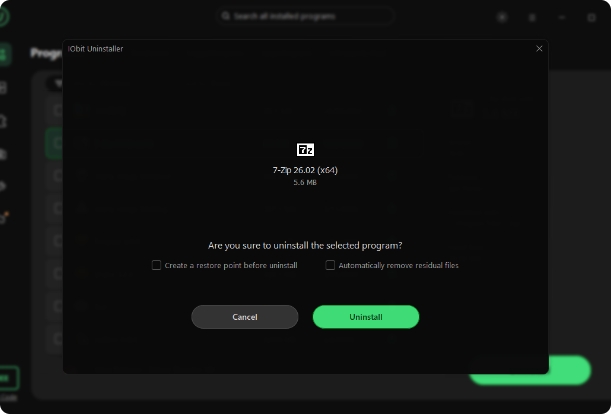
Click the Uninstall button in the upper-right corner. In the pop-up window, choose whether to create a restore point and automatically remove residual files. Then click Uninstall again to complete the process.
Let the uninstaller take care of your PC software as part of your daily routine. Go to Software Health to scan for issues and fix them easily. Enable Auto Monitor or use manual monitoring to track all changes related to installations.
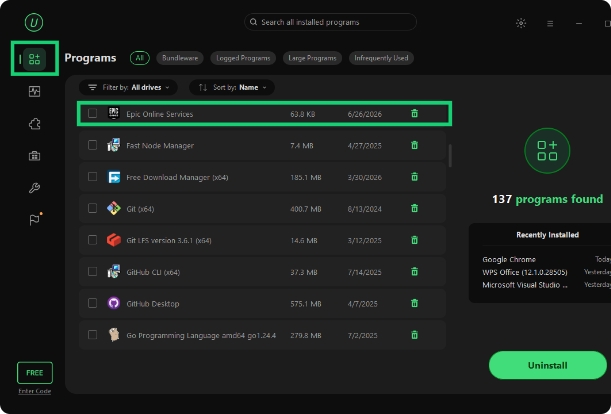
IObit Uninstaller Free effortlessly removes any program and all related files from your Windows PC.

Powerfully remove beyond 4,0000 hard-to-uninstall software without a hurdle.

Display all extensions and toolbars installed in your browsers with detailed information, helping you decide whether to keep or remove them.

Detect all bundled apps within your desired program and remove unfavorable components without affecting the main software.

Scan and uninstall 39+ pre-installed apps as well as those downloaded from the Microsoft Store.

Eliminate software you rarely use or no longer need.

Clear leftover files from past and recent uninstallations. Remove all traces via a simple action.

Free software monitor and uninstaller for Windows that manages programs and extensions well.
Turn software removal into a breeze.
V 16.0.0 | 32.7 MB
