

- Support Center
- Multiple Languages
- Language
- Help Us Translate
Expert in
PC Health Solution

All-in-one PC health solution: clean, optimize and secure

Comprehensive PC cleaning, optimization and protection

Keep drivers always up-to-date

More stable performance with less system crashes

Protect millions of computers against malware

Top computer security with full-round protection

Protect against viruses & boost PC performance
20.0.1 | 58.3 MB
Supports Win11/Win10/Win8/Win7/Vista/XP

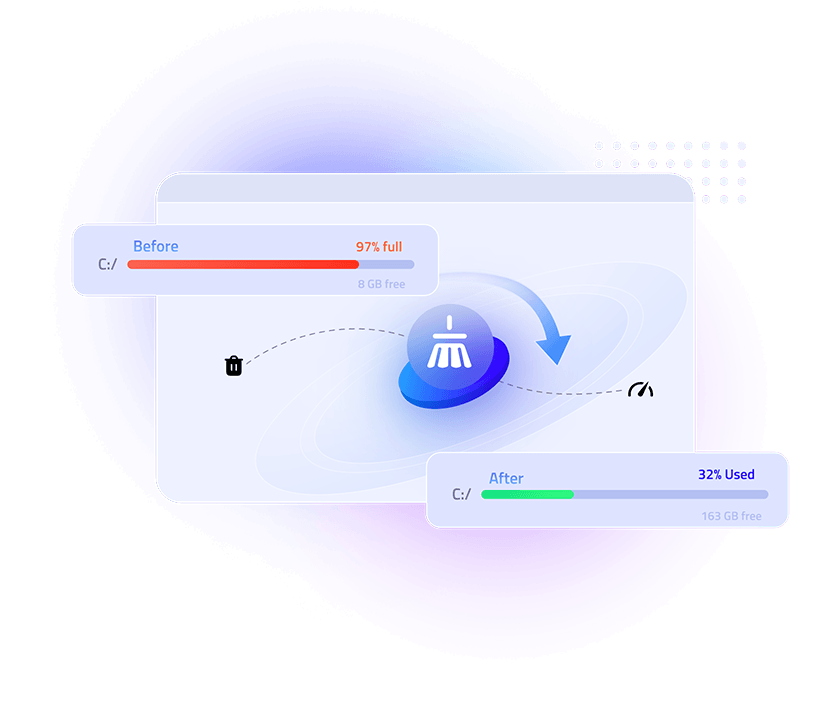
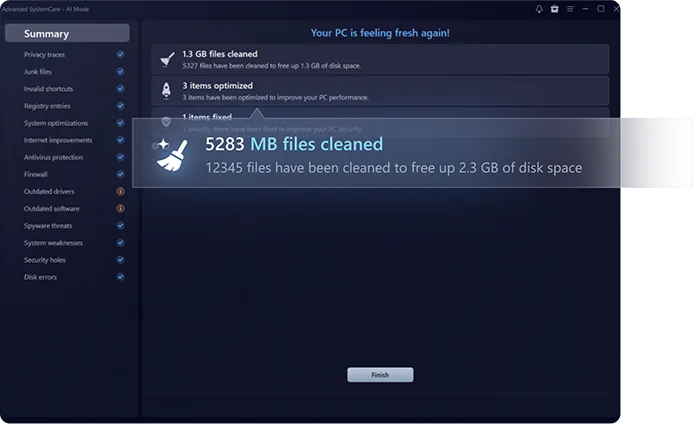
Advanced SystemCare’s new feature, Custom Clean, quickly identifies and removes duplicate and large files from your C drive. All sorts of junk, logs, caches, and leftover files from your apps and browsers, even deep within the Windows 11 will also be removed to reclaim valuable disk space effortlessly. Just one click a day keeps your computer always running like new.

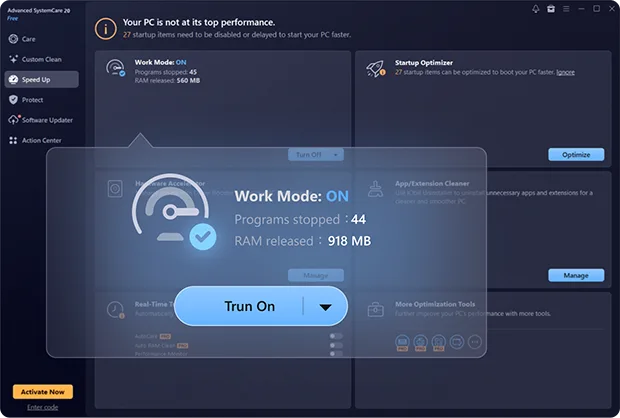
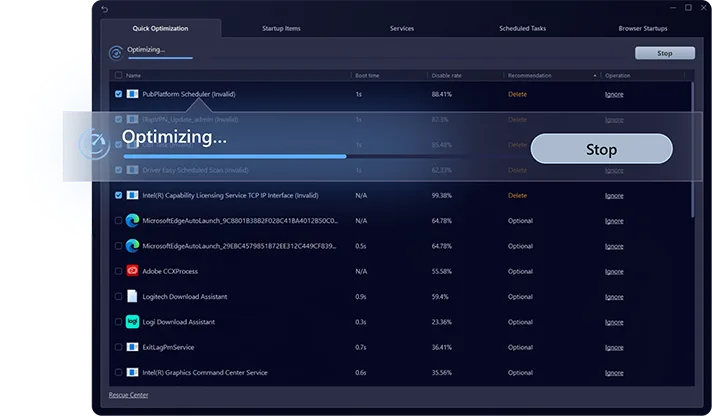
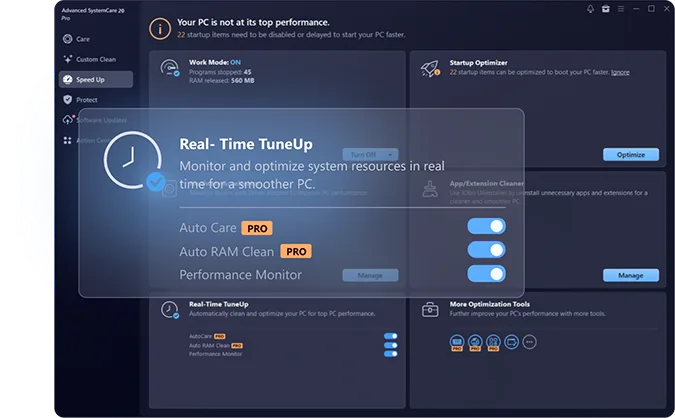
"Why does my PC start up so slowly?" It's likely due to too many startup programs, background apps hogging memory, and a fragmented hard drive—problems you might not even know about before. Our PC optimizer can easily fix these issues in one go with over 30 troubleshooters, delivering a real speed boost."Why is my word document lagging" Turning on Turbo Boost to Work Mode can temporarily shut down unnecessary services and background applications to release RAM and dedicate more system resources to specific tasks. Speed up and boost your productivity, we mean it. What's slowing down your PC?

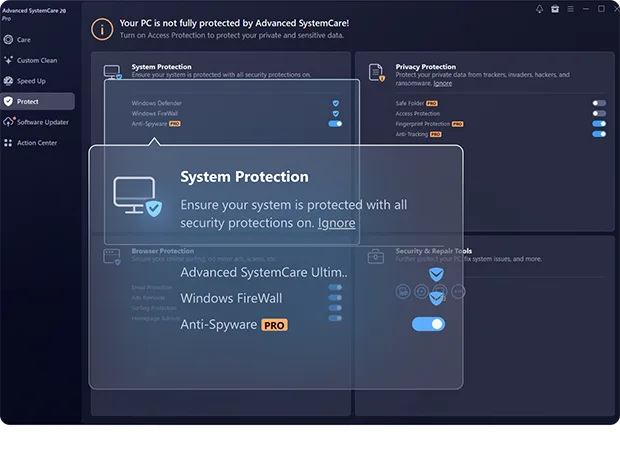
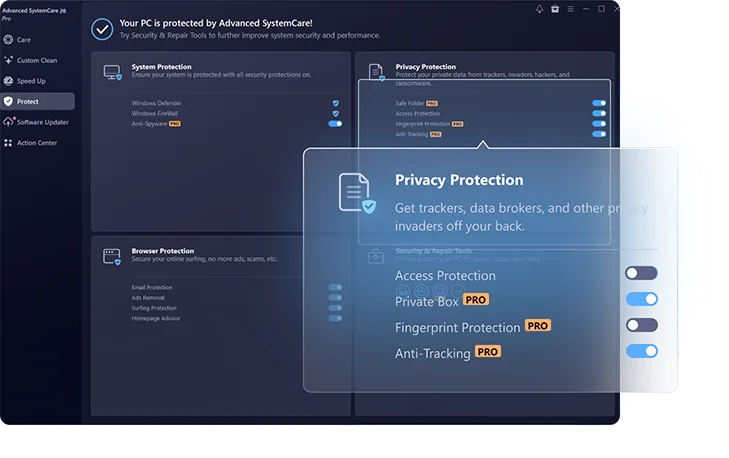
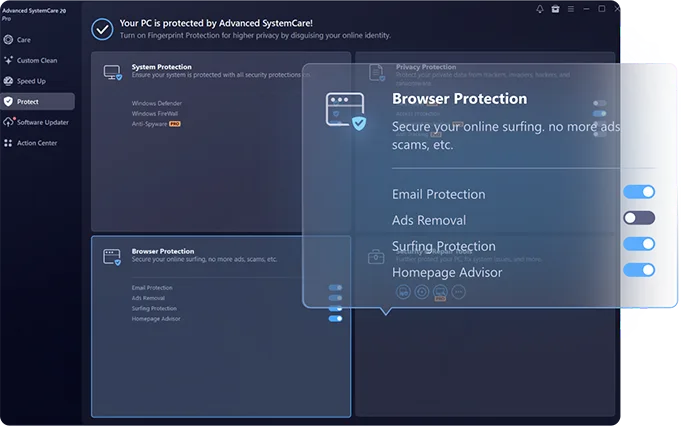
“Why does my password keep getting compromised?” No more worries. Protecting your privacy is the top priority. Advanced SystemCare minimizes risks by clearing your online traces (including saved passwords), disguising your digital fingerprints across 200+ programs and browsers, patching Windows security holes, updating your software to the latest version, and blocking suspicious access to your sensitive data.
Why is it important to keep personal information private online?
Check some exciting new changes like custom C drive clean, next-gen scan engine, new network and disk temperature monitoring, etc., brought by the Advanced SystemCare 20.

Quickly identifies duplicate and large files to reclaim valuable disk space effortlessly

Supports multi-module sync scanning, significantly reducing overall scan time

Tracks real-time upload/download speeds to instantly pinpoint bandwidth-heavy background tasks
Displays live temperature insights to prevent overheating, protecting your disk health
This all-in-one PC optimizer and PC cleaner for Windows always provides the right solutions to fix what’s
slowing down your PC. Now take a look at these powerful features.
 Clean
Clean
 Boost
Boost
 Protect
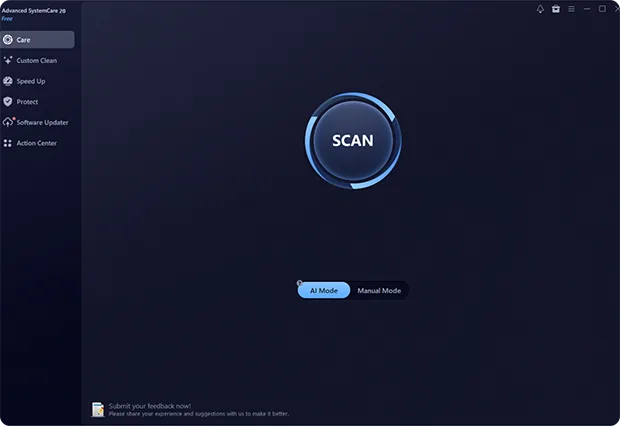
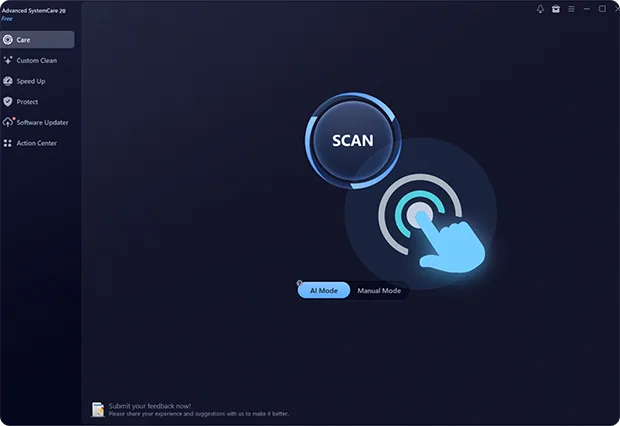
Check the detailed guide on how to make your PC cleaner, faster, and safer with IObit Advanced SystemCare 20 Free.
 Disk Space Issues
Disk Space
Disk Space Issues
Disk Space
 Performance Issues
Performance
Performance Issues
Performance
 Privacy and Security Concerns
Privacy
Privacy and Security Concerns
Privacy
 System Maintenance and Convenience
Maintenance
System Maintenance and Convenience
Maintenance
Check out the numbers that exceeded expectations in our internal tests. See Advanced SystemCare easily optimize a
sluggish, one-month-uncleaned laptop for peak performance.
 HP Notebook 15(2015)
 Lenovo ThinkPad E14 Gen 2(2021)
* The results from our lab are indicative only. Your results may vary from different situation.
Let’s see what everyone’s talking about our Windows cleaner!





Let’s see what everyone’s talking about our Windows cleaner!
"Advanced SystemCare has a simple design that's good for making your computer work better. It's easy for everyone, and while some special features need the paid version, the free one is still helpful. The program's impact might be different for everyone, but it's useful for both everyday and work situations."
Cnet Feb 5, 2024
"Your software has improved greatly through the years. Disk Scan repairs without rebooting, atleast for minor errors. Speed UP Turbo Boost has greatly improved boot-up, all programs and browsers too. Fact is, everything works well with little cpu or disk usage. Your Driver Booster is a real time saver with no problems. I've been using your Uninstaller for years because it deletes thoroughly. Your Defrager is excellent. My machine runs like a fine tuned clock with the assistance of your programs."
Hal Barry Koren Nov 28, 2021
"The features in Advanced System Care are awesome and the overall appearance is clean, fresh, and modern. I have used other all-in-one system maintenance programs, but none have been as effective as ASC 15. The program is easy to use and very intuitive. The included tools are truly all-inclusive and after running the program my computer is more responsive. The program reduces and eliminates the use of non-essential resources which allow your computer to run cooler and more efficiently. This product is amazing and the best in class. If you care about your laptop or pc, use Advanced System 15!"
Anthony Baker Dec 21, 2021
"I have been using ASC for as long as I can remember - over 5 years now I think, and it is just the thing I need to keep my PC shipshape and up and running as good as new, every time that I need my system to work better and faster. The Advanced System Care just keeps getting better and better with each passing version - a truly dependable and much needed software for any computer. I am now looking forward to your further software upgrades. Thanks again!"
Savio Da Rocha Lobo Jun 12, 2020
"Upon installing, I noticed Advanced System Care breathed new life into my PC! Instantly I noticed an amazing difference. The startup time was faster, the general issues which were causing a laggy and slow performance were gone! I was so impressed I decided to download your other products. Thank you so much for such an amazing program. It is the best and I will be recommending it every chance I get!!"
Stephen H. Littleton Mar 7, 2023










 Cleaner
 Faster
 Safer
Safer