- Support Center
- Multiple Languages
- Language
- Help Us Translate
Expert in
PC Health Solution

All-in-one PC health solution: clean, optimize and secure

Comprehensive PC cleaning, optimization and protection

Keep drivers always up-to-date

More stable performance with less system crashes

Protect millions of computers against malware

Top computer security with full-round protection

Protect against viruses & boost PC performance
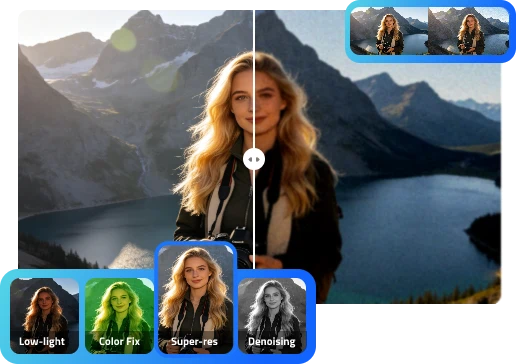
Upscale image quality with IObit AI Photo Enhancer. Easily reduce noise, sharpen details, boost resolution, etc. in minutes. No signup, 100% free.
 Enhancing...
This may take a few minutes.
Enhancing...
This may take a few minutes.
 Zoom in
 Download
 Add photo






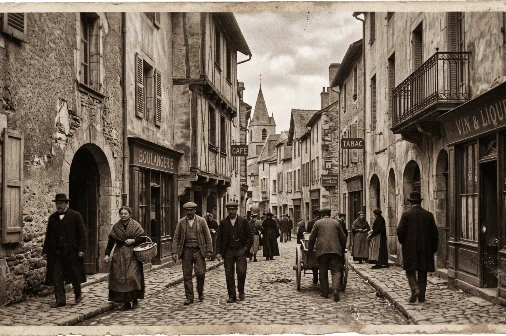
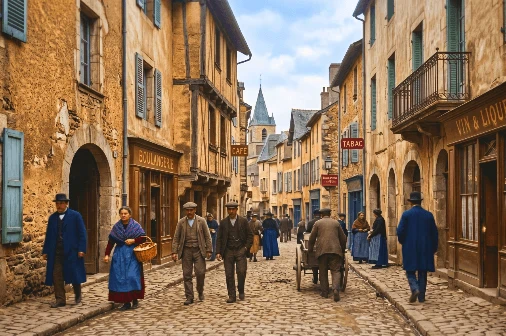





Enhance photos online for free with IObit AI Photo Enhancer. Get fast, natural, beginner-friendly results without complex editing or downloads.
IObit AI Photo Enhancer automatically analyzes image problems such as blur, low resolution, noise, weak contrast, and missing details. Instead of asking you to adjust multiple settings manually, the AI improves your photo intelligently and delivers a clearer result with one simple action.


You can use this AI photo enhancer free online to enhance image quality directly from your browser. It is designed for quick access, so users can upload an image, enhance it, and preview the result without starting a complicated editing project.
A clean final image matters. IObit AI Photo Enhancer lets users download enhanced photos without distracting watermarks, making the result ready for social media, work presentations, product listings, portfolios, or personal use.
Some editing tools make images look too sharp or artificial. IObit AI Photo Enhancer focuses on natural HD enhancement by improving clarity, texture, color, and resolution while keeping the photo realistic. It is useful for users who want an AI image enhancer 4K style upgrade without an over-edited look.
You do not need Photoshop skills, design experience, or manual retouching knowledge. This AI image enhancer tool is designed for beginners, creators, sellers, and everyday users who want better photos without learning complex software.
Use IObit AI Photo Enhancer across phones, tablets, laptops, and desktop computers. It gives users a flexible way to enhance photos on different devices, whether for personal pictures, product images, social media content, or work visuals.
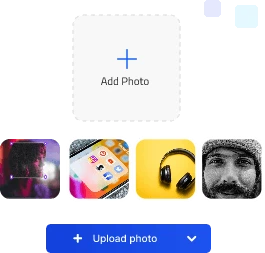
Choose the photo you want to enhance and upload it to the online AI photo enhancer tool. You can start with portraits, product photos, old pictures, social media images, screenshots, or low-resolution images that need better clarity.
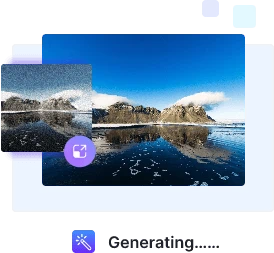
Once uploaded, the AI analyzes your image and improves photo quality automatically. This AI image enhancer tool can sharpen details, improve resolution, reduce noise, balance colors, and make the picture look cleaner without manual adjustments.
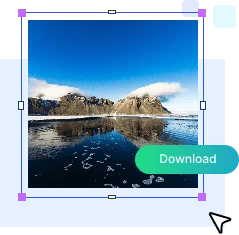
After the enhancement is complete, preview the improved result and download your clearer photo. The final image can be used for posting, printing, selling, presenting, designing, or saving as a higher-quality version.
Enhance image quality faster with IObit AI Image Enhancer, a simple free online alternative to time-consuming traditional editing.
Enhance image quality faster with IObit AI Image Enhancer, a simple free online alternative to time-consuming traditional editing.


Use IObit AI Photo Enhancer online to improve photos for work, creativity, personal memories, and fast no-sign-up image enhancement.


Photographers can use IObit AI Photo Enhancer to quickly improve preview images, restore details, and enhance photo clarity before sharing drafts with clients. It helps speed up the early review process without replacing full professional editing.
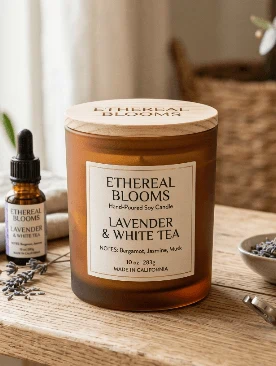
Clear product photos help build buyer trust. Online sellers can use this AI image enhancer to sharpen product details, improve textures, boost visual quality, and make listing images look more professional for e-commerce stores, marketplaces, ads, and catalogs.


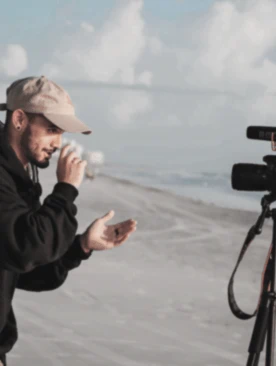

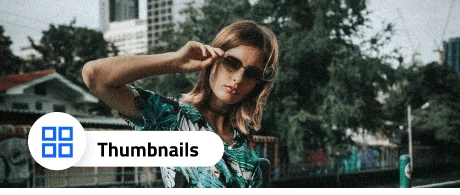
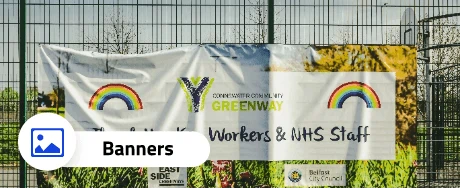
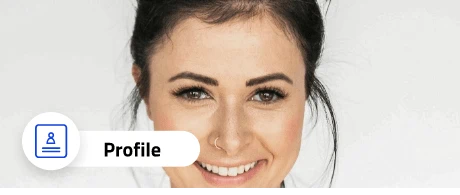
Content creators need visuals that catch attention quickly. IObit AI Photo Enhancer helps improve thumbnails, social posts, banners, profile photos, and promotional images, making content look clearer and more engaging before it goes live.


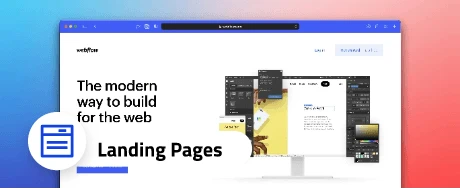
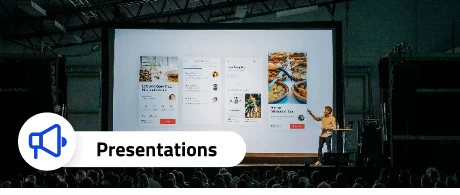
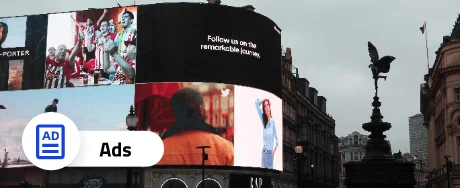
Designers and marketers often work with images from different sources and quality levels. This AI image enhancer software helps upgrade visuals for websites, landing pages, campaigns, presentations, ads, and branded materials without slowing down the workflow.



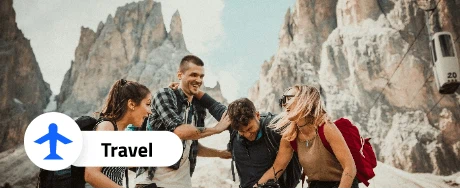
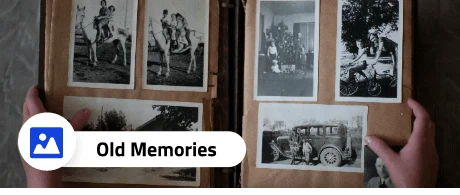
Everyday users can enhance family photos, travel pictures, old memories, selfies, screenshots, and saved images. If a photo feels blurry, dull, small, or pixelated, this AI photo enhancer free online tool helps create a clearer version worth keeping and sharing.


Photographers can use IObit AI Photo Enhancer to quickly improve preview images, restore details, and enhance photo clarity before sharing drafts with clients. It helps speed up the early review process without replacing full professional editing.
Clear product photos help build buyer trust. Online sellers can use this AI image enhancer to sharpen product details, improve textures, boost visual quality, and make listing images look more professional for e-commerce stores, marketplaces, ads, and catalogs.
Content creators need visuals that catch attention quickly. IObit AI Photo Enhancer helps improve thumbnails, social posts, banners, profile photos, and promotional images, making content look clearer and more engaging before it goes live.
Designers and marketers often work with images from different sources and quality levels. This AI image enhancer software helps upgrade visuals for websites, landing pages, campaigns, presentations, ads, and branded materials without slowing down the workflow.
Everyday users can enhance family photos, travel pictures, old memories, selfies, screenshots, and saved images. If a photo feels blurry, dull, small, or pixelated, this AI photo enhancer free online tool helps create a clearer version worth keeping and sharing.
What is an AI photo enhancer?
An AI photo enhancer is an online tool that uses artificial intelligence to improve image quality automatically. It can help sharpen blurry photos, increase resolution, reduce noise, enhance colors, and make pictures look clearer without manual editing.
Is IObit AI Photo Enhancer free?
Yes, IObit AI Photo Enhancer can be used as an AI photo enhancer free online tool. It is designed to help users enhance image quality quickly without a complicated editing workflow.
What image formats does AI Photo Enhancer support?
It can support common image formats such as JPG, JPEG, PNG, and WebP, depending on the final product settings.
Is this AI photo enhancer free no sign up?
You can start enhancing photos online quickly. Some advanced features may require account access depending on the final product plan.
Will AI Photo Enhancer change the original photo?
No. The original image stays unchanged. The tool creates an enhanced version that you can preview and download separately.
Can it enhance images to 4K?
IObit AI Photo Enhancer can help improve resolution and produce clearer HD results. If your product supports 4K output, you can position it as an AI image enhancer 4K tool for higher-resolution image enhancement.

Real Moments, Better Photos
A Must-Have for Product Photos
"As an online store owner, I need product images that look clear and trustworthy. IObit AI Photo Enhancer helps me sharpen product details and make listing photos look more professional without hiring a photographer every time. It saves both time and budget."
Sophia Chen
E-commerce Entrepreneur
Perfect for Social Media Images
"I manage several social media accounts, and low-quality photos can really hurt engagement. This AI photo enhancer makes my images clearer and more polished in minutes. It is especially helpful for profile pictures, post images, and campaign visuals."
Alex Carter
Social Media Manager
Great for Restoring Old Photos
"I used IObit AI Photo Enhancer on a few old family photos, and the results were surprisingly natural. The colors looked fresher, and the faces became clearer. I only wish there were more manual options for fine-tuning the final look."
Dr. Rachel Simmons
Family History Researcher
A Time-Saver for Designers
"As a designer, I often receive images from clients that are too small, blurry, or compressed. IObit AI Photo Enhancer helps me improve image quality quickly before using them in drafts, presentations, or marketing layouts. It makes my workflow much smoother."
Mark Evans
Graphic Designer
Useful for Content Creators
"I create thumbnails and blog visuals every week, and not every image source is high quality. This AI image enhancer helps me upscale and clean up photos fast. The results are good, though I would love to see more creative enhancement styles in the future."
Linda Harrison
Content Creator
Excellent for Photography Previews
"I use IObit AI Photo Enhancer to quickly improve photo previews before sending selections to clients. It helps sharpen details and make images look cleaner without spending too much time on early edits. Highly recommended for photographers who want faster review workflows."
David Thompson
Portrait Photographer
A Must-Have for Product Photos
"As an online store owner, I need product images that look clear and trustworthy. IObit AI Photo Enhancer helps me sharpen product details and make listing photos look more professional without hiring a photographer every time. It saves both time and budget."
Sophia Chen
E-commerce Entrepreneur
Perfect for Social Media Images
"I manage several social media accounts, and low-quality photos can really hurt engagement. This AI photo enhancer makes my images clearer and more polished in minutes. It is especially helpful for profile pictures, post images, and campaign visuals."
Alex Carter
Social Media Manager
Great for Restoring Old Photos
"I used IObit AI Photo Enhancer on a few old family photos, and the results were surprisingly natural. The colors looked fresher, and the faces became clearer. I only wish there were more manual options for fine-tuning the final look."
Dr. Rachel Simmons
Family History Researcher
A Time-Saver for Designers
"As a designer, I often receive images from clients that are too small, blurry, or compressed. IObit AI Photo Enhancer helps me improve image quality quickly before using them in drafts, presentations, or marketing layouts. It makes my workflow much smoother."
Mark Evans
Graphic Designer
Useful for Content Creators
"I create thumbnails and blog visuals every week, and not every image source is high quality. This AI image enhancer helps me upscale and clean up photos fast. The results are good, though I would love to see more creative enhancement styles in the future."
Linda Harrison
Content Creator
Excellent for Photography Previews
"I use IObit AI Photo Enhancer to quickly improve photo previews before sending selections to clients. It helps sharpen details and make images look cleaner without spending too much time on early edits. Highly recommended for photographers who want faster review workflows."
David Thompson
Portrait Photographer