

- Support Center
- Multiple Languages
- Language
- Help Us Translate
Expert in
PC Health Solution

All-in-one PC health solution: clean, optimize and secure

Comprehensive PC cleaning, optimization and protection

Keep drivers always up-to-date

More stable performance with less system crashes

Protect millions of computers against malware

Top computer security with full-round protection

Protect against viruses & boost PC performance
Run the online PC stress test to validate your CPU, GPU, RAM under load. Check your PC's speed, stability and performance instantly. Free & safe.
Your System Configuration
Auto-detect Hardware
CPU
GPU
RAM
Storage Type
Resolution
Primary Use
About This Tool
This PC stress test tool pushes your CPU, GPU, RAM, and other hardware components to 100% capacity, helping estimate real-world performance for gaming, productivity, and content creation.
Detects bottlenecks
Performance scoring
Gaming FPS estimate
Upgrade suggestion
How It Works ?
1. Select or auto-detect your system configurations.
2. Our algorithm analyzes CPU, GPU, RAM and more.
3. Get detailed performance results and recommendations.
A PC stress test online, the browser-based tool, is commonly used to evaluate your computer’s hardware performance under a heavy load. It delivers a quick result, letting you check whether your system is competent for handling certain tasks, like gaming, video editing, etc.

Estimate your processor’s performance when it is running at almost 100% capacity. Test how efficient your CPU executes intensive tasks.

Verify the stability of your graphic card under a sustained workload. Run the stress test if you require peak GPU performance for demanding applications.

Make sure that your memory remains stable while repeatedly reading and writing data. Identify RAM limits that may affect system performance.
IObit PC Stress Test provides a deep insight into your PC’s performance. Quickly identify hardware bottlenecks online.
Stress test all major components, CPU, GPU, RAM and storage. Calculate performance scores and detect bottlenecks for specific cases. No need to stress test CPU or GPU respectively. You can run a full-system PC stress test at one stop.
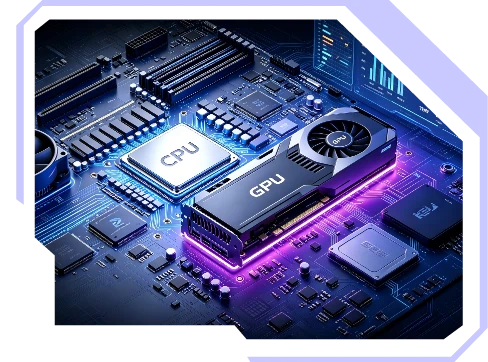
Our PC stress test leverages an advanced algorithm to validate hardware performance and generate highly accurate stress test results based on PC workloads for different tasks. Check the results and find out whether your system has a significant bottleneck.
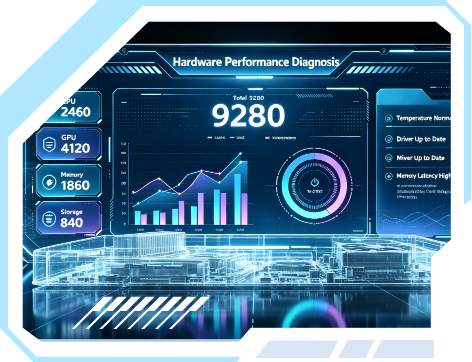
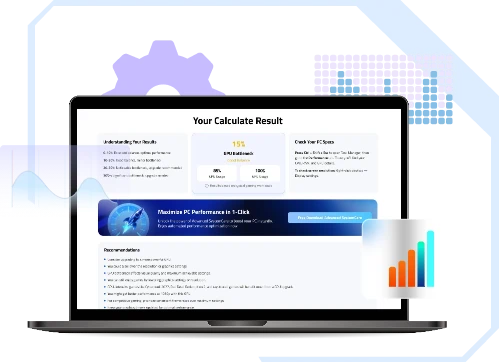
Get the comprehensive performance report tailored for you, from system metrics to bottlenecks, from resolution impact to FPS estimate for gaming. Understand the current status of your PC and perform an optimization following the recommendations if needed.
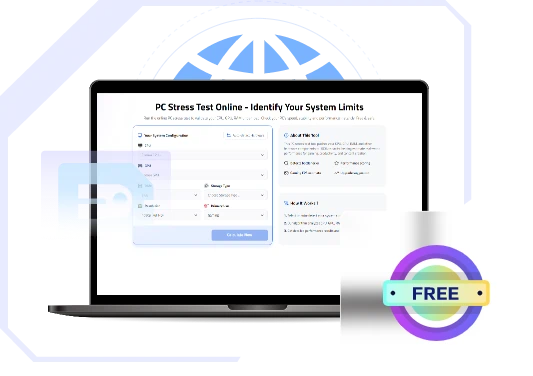
Directly stress test PC in your browsers (Chrome, Edge, Firefox), no downloads. Also, our PC press tester is completely free to use. You can receive detailed performance analysis at no cost.
Unlock System Limits Instantly
Have detected a bottleneck after stress testing your PC? Use Advanced SystemCare to fix bottlenecks and boost performance in a single click, no hardware upgrade, no skills required.
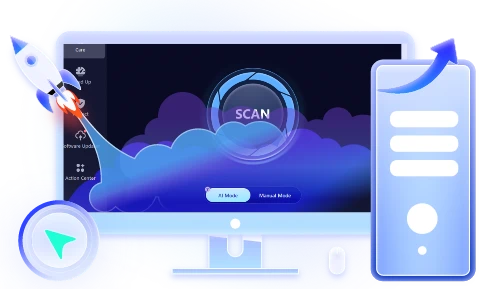
Our PC stress test is designed for anyone who wants to unlock the full potential of components.
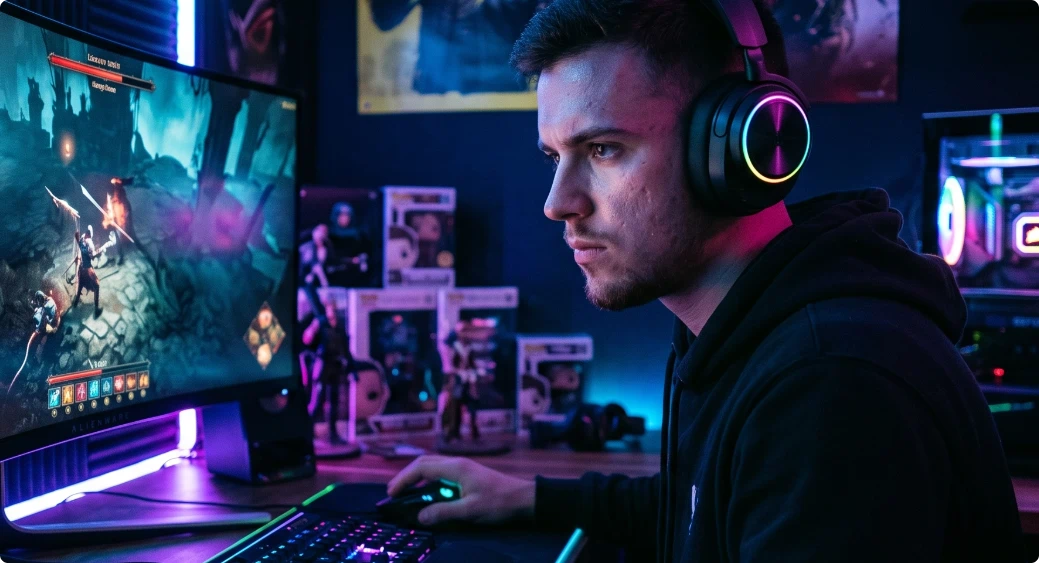
Modern games often demand high performance, pushing CPU and GPU to their limits for hours. A PC press test reveals hardware limitations that cause stutters and FPS drops. Ensure that your computer setup maintains reliability for smooth gameplay.
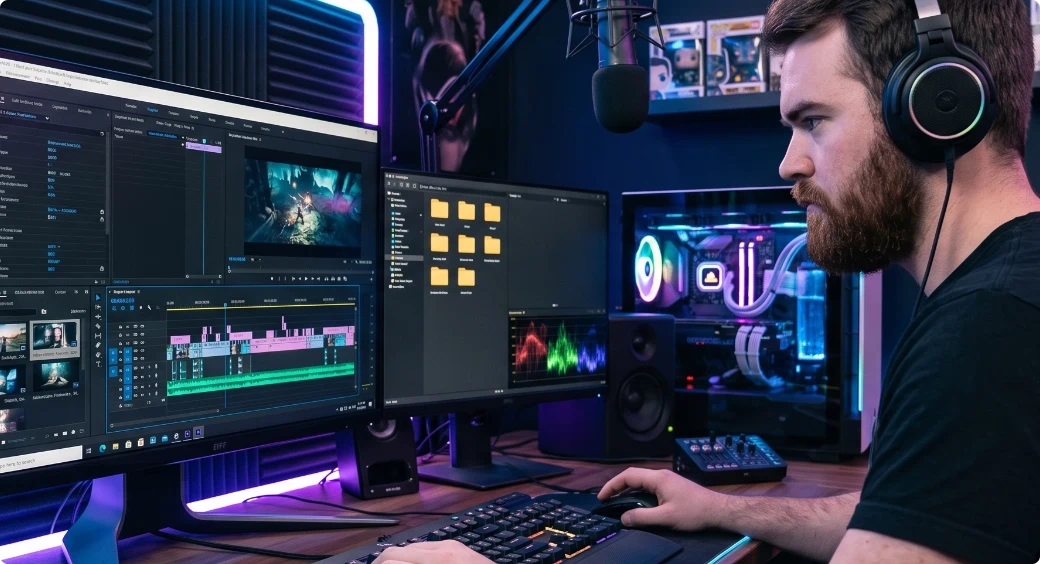
Content creation tasks - such as video editing, live streaming, photo post-production - places continuous multi-component loads. Stress test your PC to confirm your workstation can complete hours-long rendering and streaming without crashes.
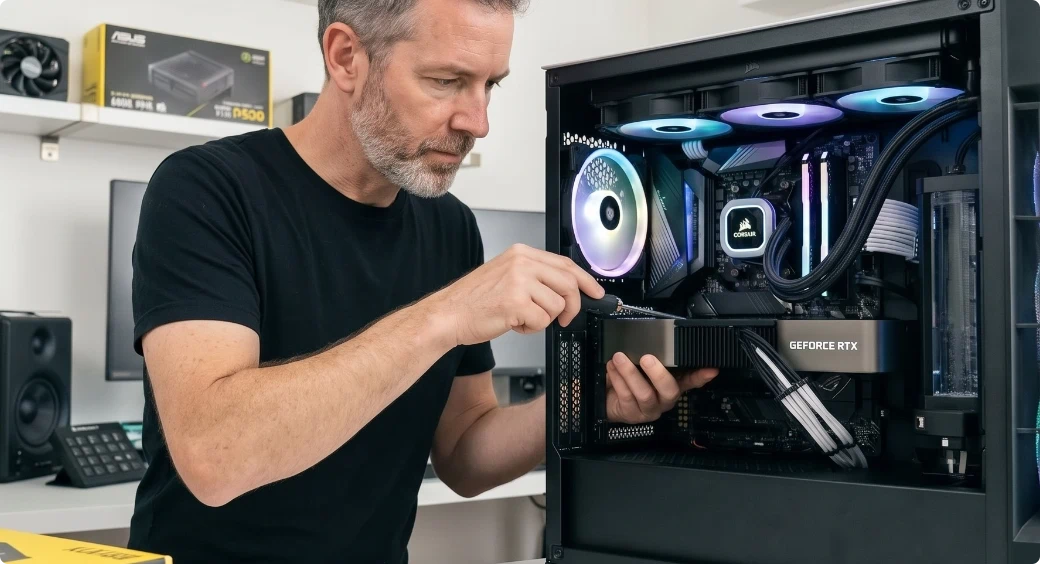
A PC stress test acts as an important step for PC builders to confirm the new assembled system runs well even under maximum loads. It uncovers unstable parts early and prevents unexpected failures down the line.
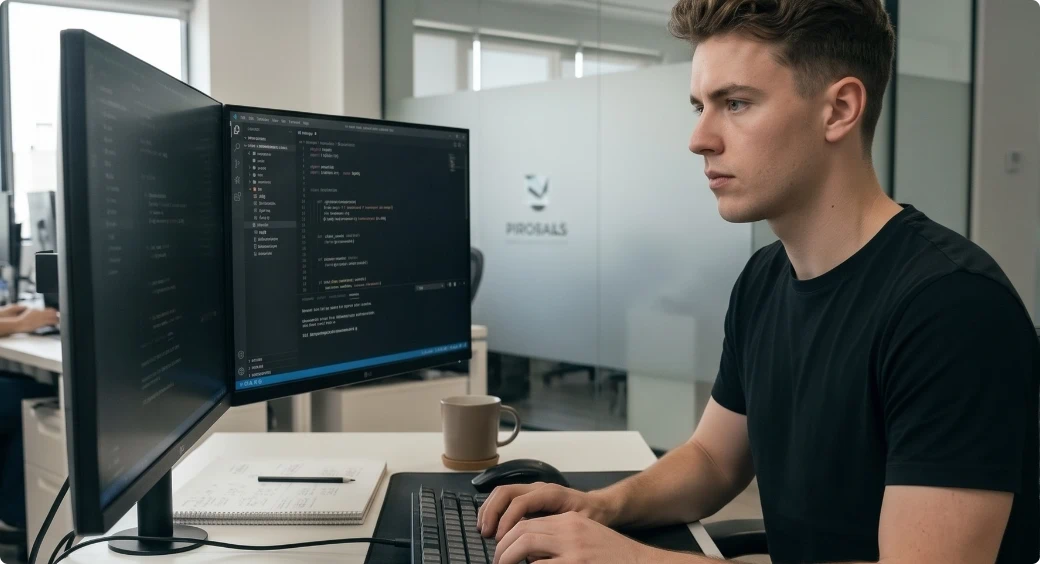
Individuals can find hidden defects through a PC stress test, ensuring their systems work safely and consistently, while IT departments incorporate stress tests into the risk-management processes to maintain the reliability of large-scale PC and server environments.

Whether you need to verify if a new PC/laptop was assembled properly or make a simple PC health check, a quick PC stress test pinpoints the limited parts and avoids glitches during web browsing, video playback or other daily tasks.
Stress test PC online with high efficiency or perform a technical system diagnosis? Make sure what you want.
Run a PC stress test to check system bottlenecks and troubleshoot them.

Overconsumption occurs when massive processes run in the background. Closing unnecessary background apps frees up hardware resources, making your active task run faster and smoother.

Too many enabled startup apps often lead to slow PC boot time. Prevent redundant programs from automatically launching when Windows starts, that can fix sudden slowdown and improve system responsiveness.

When a drive, especially C: drive, is nearly full, the system lacks enough space to process temporary files and maintain routine operations. Remove junk files, unused data and applications to keep your storage organized and let the system work normally.

Proper graphic settings balance visual quality and system performance. Lowering resource-heavy features can reduce GPU workload when you play games or run intensive applications.

Outdated drives may result in hardware issues, PC lags and security risks. Update drivers and ensure that your PC runs more reliably with newer hardware.

When existing components can’t adapt to modern software requirements any more, a hardware upgrade can provide a noticeable performance boost.
Advanced SystemCare automates the workflow to manage & cleanup your system. Implement optimization tasks at the touch of a button.

Yes, an online PC stress test is generally safe when you use a reputable website. IObit PC stress test is a totally clean and reliable online tool that enables you to run a stress test and check hardware bottlenecks instantly.
Stress test your PC whenever you need to verify the system performance. Here are some common situations:
After you Build or buy a new PC
After you upgrade hardware
If you have CPU/GPU/RAM overclocked
When random PC crashes happen
Take a routine maintenance
Normally no. IObit offers a quick PC stress test that never damages healthy hardware and affects the current condition of your PC.
Of course yes. Run our press test in your browser, select or auto-detect your hardware and then the tool will deliver a detailed performance report for you.
Both a PC stress test and benchmark tell how well your hardware performs but they have different purposes. Generally, PC stress test is about stability and used for PC building and troubleshooting, while benchmark specially compares components and helps evaluate upgrades.