

- Support Center
- Multiple Languages
- Language
- Help Us Translate
Expert in
PC Health Solution

All-in-one PC health solution: clean, optimize and secure
Comprehensive PC cleaning, optimization and protection

Keep drivers always up-to-date

More stable performance with less system crashes

Protect millions of computers against malware
Top computer security with full-round protection

Protect against viruses & boost PC performance
Quick and deep system scanning throughout PC system.
Smart defense against all malicious infestations.
High-level security and privacy protection in real time.
Leading anti-malware and anti-virus engines.

Searching for the best Windows Defender alternative free? Compare 5 top antivirus picks, see where Defender falls short, and learn how to switch safely.



Windows Defender Is Reliable but Lacks Advanced Security Features
The Best Windows Defender Alternative Free Options Add Web, Ransomware, and Privacy Protection
Remove Old Security Software Completely Before You Switch
What are the best Windows Defender alternatives? IObit Malware Fighter, Bitdefender Antivirus Free, Avast Free Antivirus, Avira Free Security, and Malwarebytes Free are leading free options. Windows Defender protects most PCs well, but false alerts, heavy scans, and missing extras push many users to look elsewhere. This guide explains what to choose and how to switch safely.
Windows Defender, now called Microsoft Defender Antivirus, is the free security engine built into Windows 10 and 11. It runs inside the Windows Security app, scans files in real time, and updates through Windows Update. It is a solid baseline to prevent a virus on your computer, but many users look for a Windows Defender alternative because of:
False positives that delete game mods, scripts, or development files
High CPU usage during full scans
Limited web protection outside Microsoft Edge
Missing extras such as anti-tracking, banking protection, and webcam protection
IObit Malware Fighter Free is a lightweight anti-malware tool built to detect and remove viruses, spyware, Trojans, and other threats. It runs in the background with basic real-time protection, so it suits everyday users who want an extra layer of defense without paying for a full security suite. The latest version also adds AI Script Guard, which blocks malicious scripts before they run.
Pros
Basic real-time protection at no cost, with quick, full, and custom scans
Browser protection against phishing sites, tracking cookies, and homepage hijacks
Simple interface with one-click threat removal
Cons
Free version offers only basic real-time and privacy protection
Larger malware database and premium real-time protection require Pro

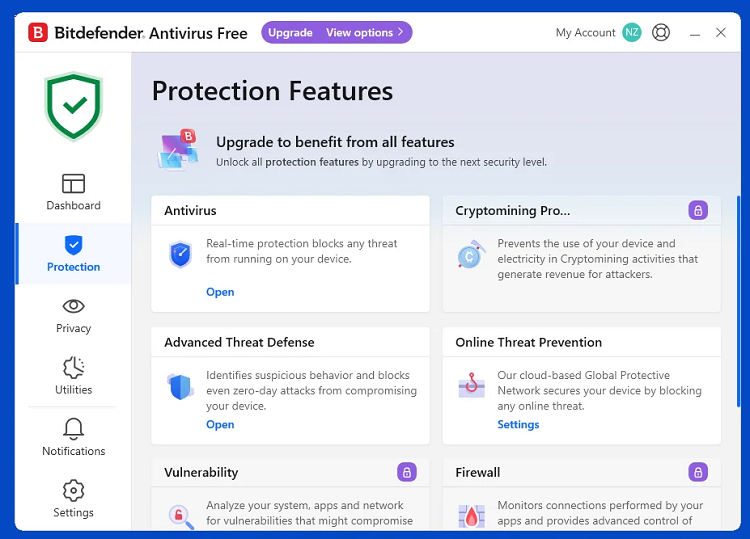
A quiet, set-and-forget scanner built on Bitdefender's well-known detection technology.
Pros
Strong malware detection
Very light on system resources
Cons
Few settings to customize
Limited extras and occasional upgrade prompts
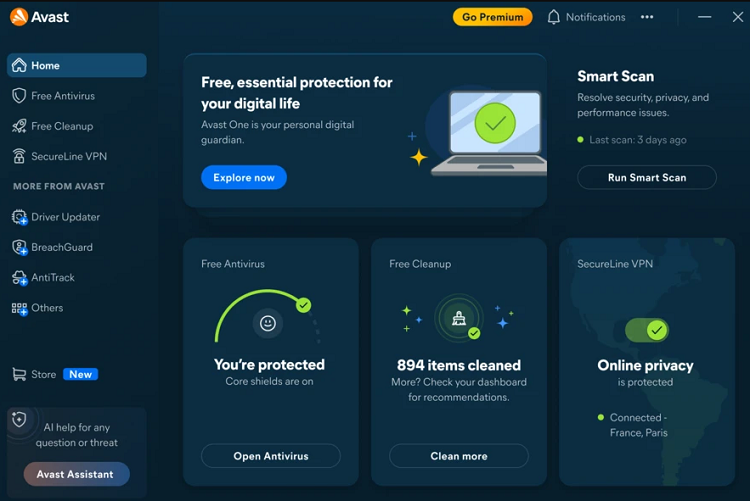
A feature-rich free antivirus with a web shield and extra security tools.
Pros
Web protection and extra tools beyond basic scanning
Beginner-friendly interface
Cons
Frequent upgrade prompts
More features can mean more clutter
A light antivirus bundled with extra privacy and cleanup tools.
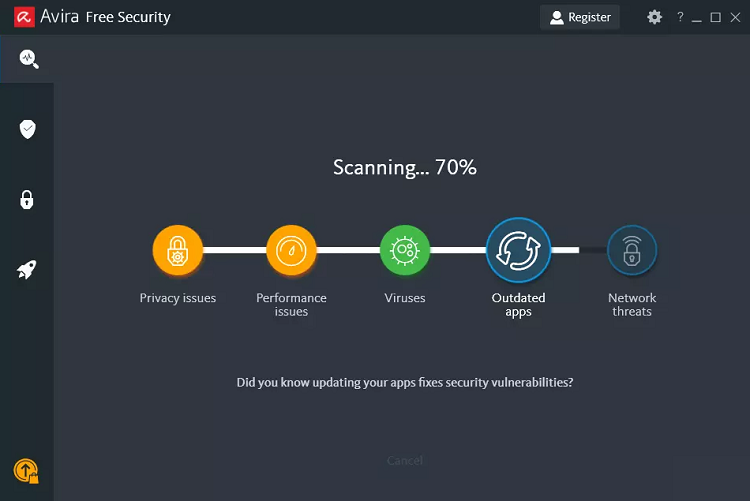
Pros
Low system impact
Bundled extras such as a limited VPN and password manager
Cons
Some extras are capped until you upgrade
Upgrade prompts for premium features
A well-known on-demand scanner that excels at cleaning up existing infections.
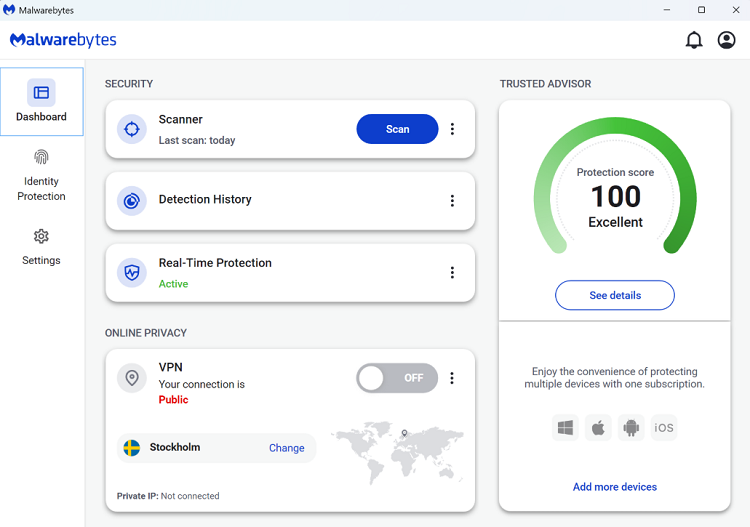
Pros
Strong at finding and removing malware already on your PC
Works well as a second opinion next to Defender
Cons
Real-time protection requires a paid plan after the trial
Not a full antivirus replacement on its own
When choosing the best Windows Defender alternative for your PC, prioritize real-time protection, low system impact, ransomware defense, and clear whitelist controls.
Most third-party antivirus programs make Windows Defender turn off its own real-time protection automatically, so you rarely need to remove it. Your old antivirus is different. Leftover drivers, files, and registry entries can cause conflicts and slow your PC. IObit Uninstaller removes the old program together with its residual files, so the new one starts clean.
Step 1. Note your license details and back up important files.
Step 2. Uninstall the old antivirus with IObit Uninstaller and delete the residual files it finds.
Step 3. Restart your PC.
Step 4. Install your new antivirus and run a full scan.
Step 5. Open Windows Security to confirm the new program is active.
If a threat slips through during the switch, follow this guide to virus removal. Switching antivirus does not affect BitLocker encryption, but if you lose your recovery key and get locked out of your own drive, learn how to bypass BitLocker.
Conclusion
Windows Defender is a capable free baseline, yet it is not your only choice. The best Windows Defender alternative depends on whether you want quiet protection, extra privacy tools, or a second-opinion scanner. For lightweight, free real-time protection, try IObit Malware Fighter Free, and keep your PC clean with IObit Uninstaller whenever you change security software.
 People Also Ask
Learn how to turn off Virus Protection on Windows 10. Follow step-by-step instructions, its core features, and free alternative for more protection.
Want to scan your PC for viruses online? Learn how online virus scanners work, their limitations, and how to protect your PC with IObit Malware Fighter.
Is Windows Defender good enough to keep your PC safe? Explore its real-world protection, key features, pros and cons, and see whether you need additional antivirus software for complete security